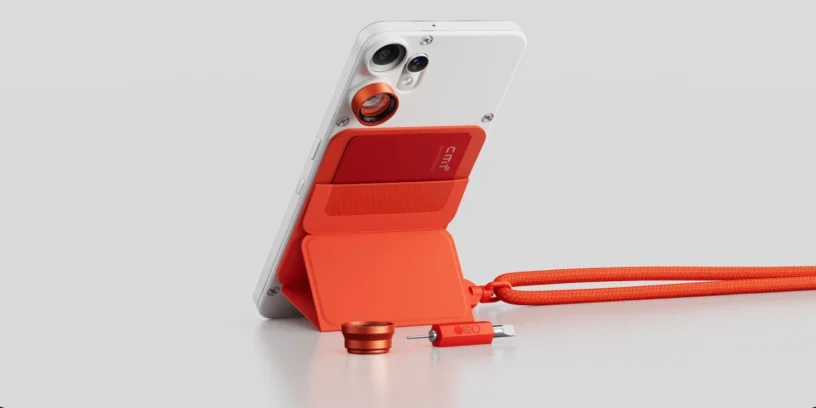



Nothing releases a new version of its operating system for the CMF Phone 2 Pro, thus achieving the update Nothing OS B4.1-260415-1710. This release introduces real-time tracking features and new entertainment elements that aim to enrich the experience with the device.
The brand maintains the Android 16 base and optimizes daily interaction, although the inclusion of a new pre-installed gaming platform could be interpreted as a subtle way of adding bloatware in its entry-level range, moving slightly away from that absolute lightness that so characterizes its products.

Most notable new features of version
This update highlights the arrival of the Live Updates, which allow you to check the progress of compatible apps directly from the always-on display or status bar. In addition, the app for Games, This space integrates various quick mini-games for moments of relaxation, although its presence adds an extra layer of software to the device. The brand also incorporates the clock design from the Community Edition and resolves technical compatibility issues with charging in vehicles, ensuring that the CMF Phone 2 Pro is a much more reliable and versatile companion.
ADVERTISING
New features
- ⏲️ Incorporates the clock design for the lock screen of the Phone (3a) Community Edition, co-created with Jad Zock, featuring a unique font style and a unique power-up effect.
- 📡 Live Updates now work across multiple scenes, including the Always On Display (AOD), notification panel, and status bar, tracking real-time progress of apps like Google Maps.
- 🎮 The Games app is now available and includes several quick mini-games. You can find it in the app drawer or on the home screen.
General improvements and bug fixes
- 📷 Improves overall camera stability.
- 🚗 Improves cable charging compatibility with certain vehicle models.
- 📱 Fixes some display errors in the notification panel and Quick Settings.
- ⚙️ Optimizes overall system stability and performance.
- 🛡️ Update your system with the April 2026 security patch.
ADVERTISING
System stability and performance
Remember that the device may consume more energy and increase its temperature This may occur during the installation process. This is normal due to internal optimization tasks the system performs after the update. Performance and temperature management will return to normal once the cycle is complete.

Leave a Reply