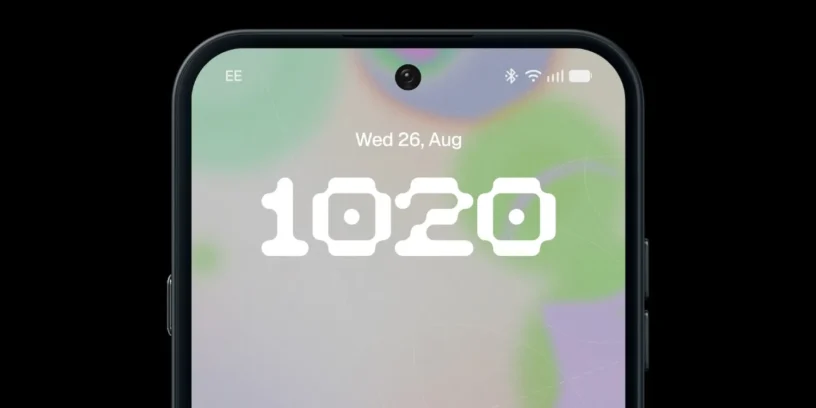

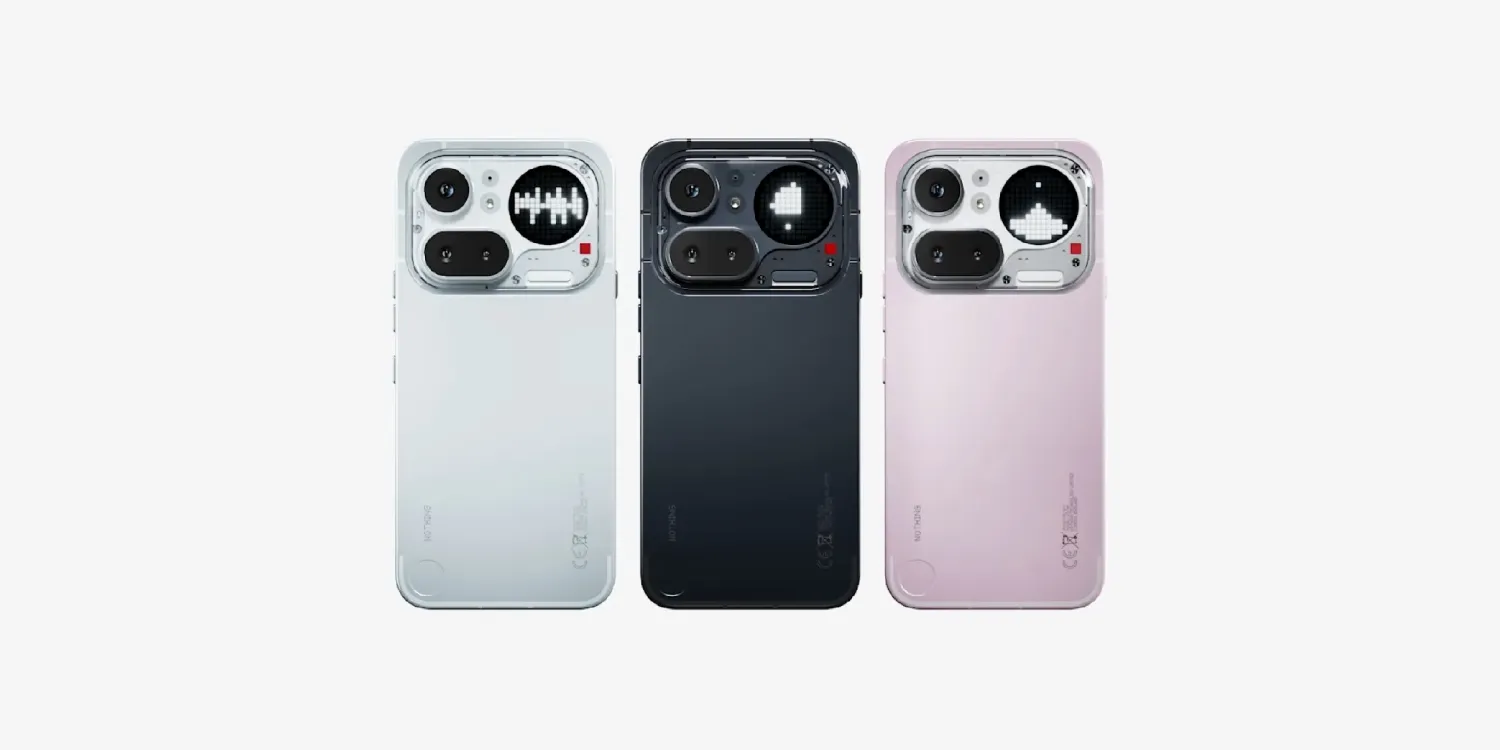
Following the planned schedule after the software's debut on the Phone (3) and in the Phone (4a) Pro, Nothing has just taken the next step in its roadmap. The Nothing OS 5.0 open beta can now be officially tested on the Phone (4a), Phone (3a) and Phone (3a) Pro.
This update represents a major leap for the ecosystem, introducing key new features in customization, new widgets, and the evolution of its artificial intelligence tools within Essential Space. If you don't want to wait for the stable release, the update process is quite simple.
Step-by-step instructions for installing the beta
To access the testing phase, you don't need to resort to complex formatting methods. Nothing uses its own direct installer:
- Download the installer: You need to download the Nothing Beta Hub app v.2.0 (APK) from the official Nothing support portal.
- Access the menu: Once the app is installed, go to Settings > System > Nothing Beta Hub.
- Request the update: Click on "Check version" and select the "Join Beta" option. The OTA update notification will appear in a few minutes.
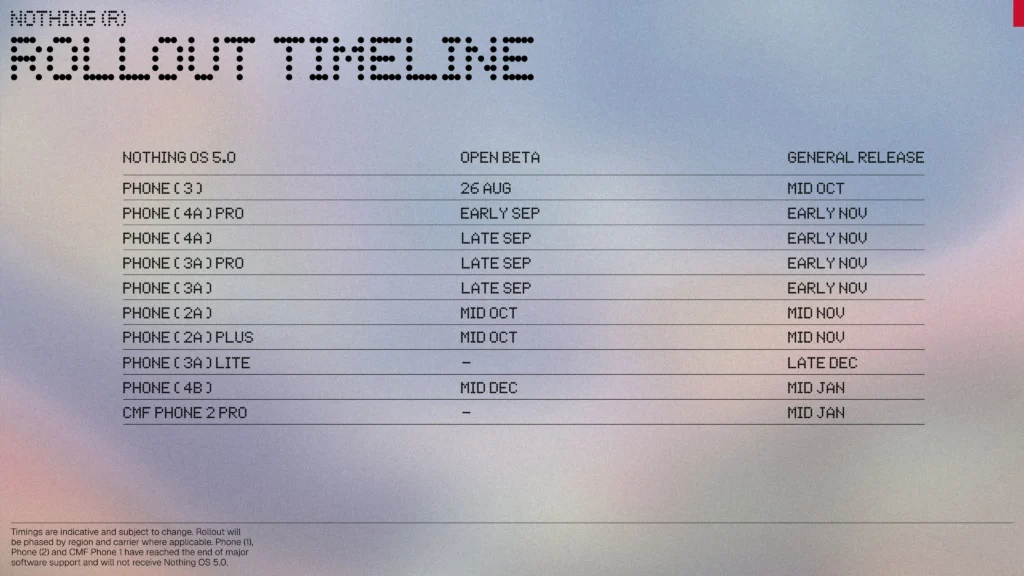
A relevant detail is that the registration window will be available for a limited period of 7 days. Furthermore, since this is software under development, I always recommend making a backup of all your important files beforehand in case any problems arise during the process.
ADVERTISING
When will the final stable version arrive?
If you prefer not to risk it with beta versions, the wait won't be too long either. After this open phase, Nothing plans to roll out the roll out the final, stable version in early November.

If you want to stay informed about the latest news and updates on Nothing and CMF products, you can follow me on X (@ruudhesp), Instagram (@ruudhesp) and TikTok (@nothingtec).


Leave a Reply