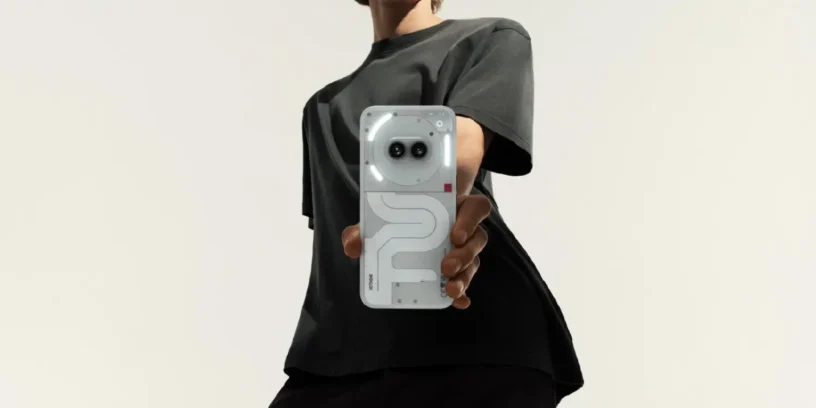

The family Nothing It continues to receive affection from the brand, and this time it's the turn of the Nothing Phone (2a), which is starting to receive the long-awaited update Nothing OS V3.0-250429-1922. This version comes with new features, improvements in overall performance, and, as usual, a phased rollout, so it may still take a few hours or days to appear for you.
💡 What's new in this update?
🔐 Privacy SpaceA new secure zone that you access by swiping right in the app drawer. A quick and discreet way to keep your most sensitive apps or files away from prying eyes.
🔑 You can also configure a standalone privacy password This applies to both the App Locker and this new space, reinforcing security and better personalizing access to each area.
📶 With Hotspot Manager, Now it's easier to control which devices are connected to your personal Wi-Fi hotspot. If you often share your connection, this will be great for keeping everything under control.
🖼️ It officially premieres (it has been available for download for some time now) Nothing Gallery, A dedicated gallery app with a minimalist and elegant design, perfectly in line with the brand's aesthetic. An official and simple alternative if you don't want to rely on external apps.
📳 And if you thought facial unlocking was a bit "noisy", now you can turn off vibration which accompanies that gesture from the system settings. A small detail, but a welcome one.
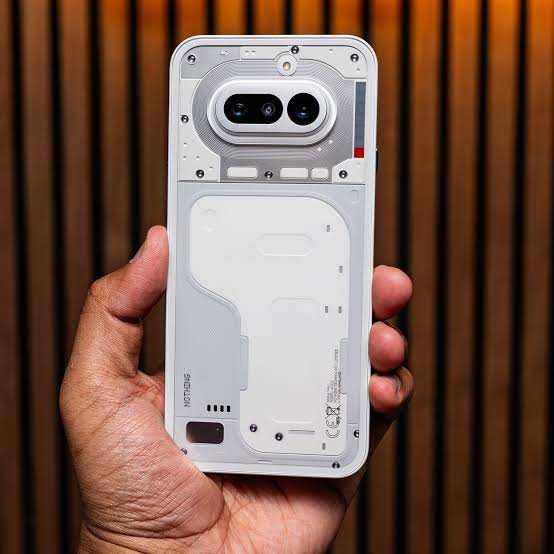
Among the general improvements, there has been Optimized accessibility in the status bar and notification center, there have been mobile connections stabilized and also the Wi-Fi connectivity and the system in general, This helps improve fluidity and the daily experience. Additionally, the Android security patch has been updated to version [version number missing in original text]. May, which is always important to keep your device protected.
📌 As an additional note, the mobile phone may become unresponsive during installation. gets hotter than normal or temporarily uses more battery power, But this is common and things return to normal shortly afterwards.
If you want to send your feedback on the update, you can do so directly from your mobile device: Settings → System → Feedback.

Abraham Hernández Guzmán
First of all, I hope the entire Nothing team is doing well. I'm more than happy with the Nothing team, but there's something I dislike, and that's the camera. The overexposure is really annoying and jarring. I hope you fix this camera problem and release an update to significantly improve it, showing that you're still listening to the community. We Nothing users are eagerly awaiting a change to the camera and a fix for this issue.
Thank you for your attention, thank you very much.
ruudhesp
Hi Abraham!
Thanks for your message! This is a fan site, not the official Nothing website. 🙂
It's true that Nothing's weakest point is probably its camera post-processing. Here are a few tricks I use.
– Adjust the light capture yourself before taking the photo. Tap to focus, then you can raise or lower the exposure by sliding it to the right of the box that appears.
– Try disabling HDR in certain situations; sometimes the result is better without HDR.
You can also send your suggestion/complaint to Nothing. Go to your mobile device and navigate to: SETTINGS / TIPS & FEEDBACK / FEEDBACK (At the very bottom) / Feedback (Again, at the very bottom right, in a button).
Greetings!