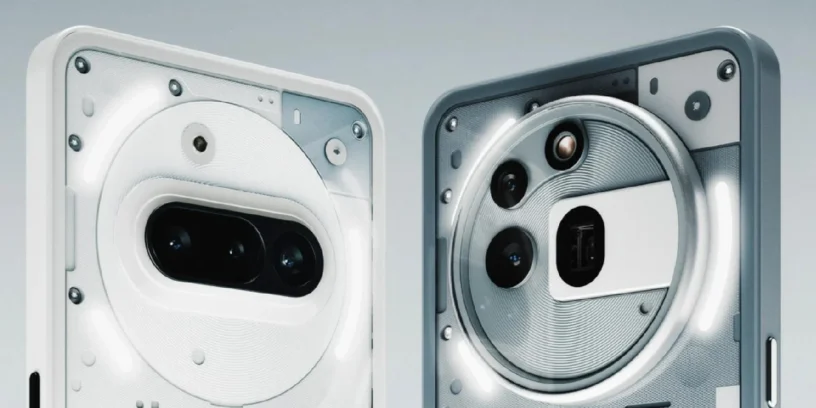


The series Nothing Phone (3a) has begun receiving a new software update under the name Nothing OS V3.1-250610-1841. Although firmware releases are usually done in stages, some users have already started receiving this new package on their devices. Nothing Phone (3a) and Nothing Phone (3a) Pro.
This version aims to improve overall performance and fix some minor bugs reported in previous versions. It doesn't introduce any new features, but it does refine the user experience, something many users appreciate, especially on mid-range devices like the Phone (3a).
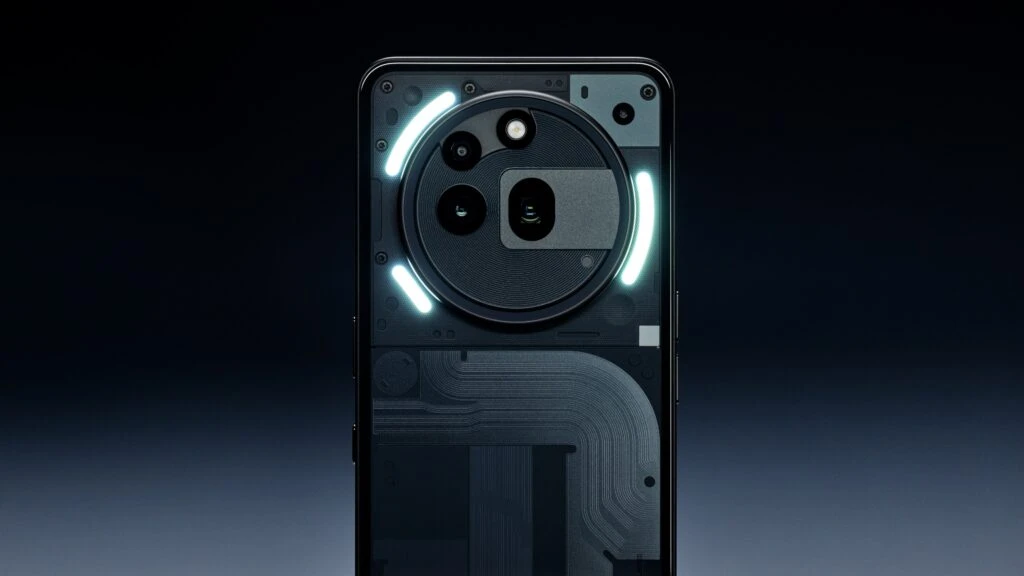
Changes included in this version
He official changelog It highlights three main points:
- 📶 Improved Wi-Fi connection stability. This can mean fewer dropouts, a smoother connection, and a more robust wireless networking experience.
- 📡 Stabilizing mobile connections. This is important if you often have problems with the signal or sudden changes between 4G and 5G.
- ⚙️ Improved system stability. Although this is a general statement, it usually implies that minor errors or small flaws that affected the user experience have been fixed.
In summary, it is a Minor but necessary update, focused on to strengthen the reliability of the system and in improving the daily lives of those who use the device intensively.

Important notes about the installation
Nothing has made it clear that, after installing this update, the device may exhibit a temporary increase in temperature and energy consumption, This is completely normal and will stabilize a few minutes after the process is complete. In other words, there's nothing to worry about if your phone gets a little warm right after updating.
Additionally, if you encounter any issues or unusual behavior after installation, you can submit your Feedback directly from your device in Settings -> System -> Feedback.


Leave a Reply