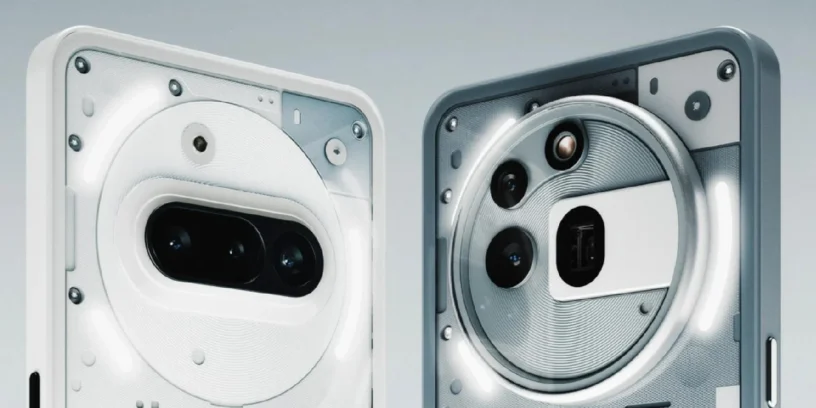


Nothing has begun rolling out a new software update targeting devices from the Nothing Phone Series (3a), including both the base model, the Phone (3a), like the Phone (3a) Pro. This version, identified by the number Nothing OS V3.2-250924-1736, It focuses primarily on system optimization, fixing specific bugs, and implementing the latest security patch.
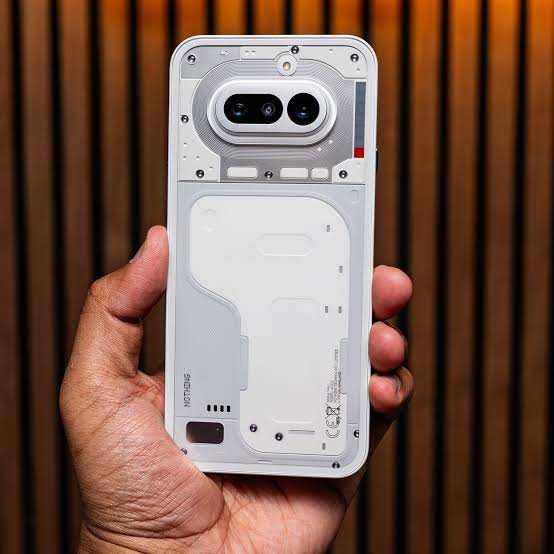
The update aims to improve the overall user experience through adjustments to the user interface (UI) and system stability. The changes detailed in the changelog are listed below.
General improvements and bug fixes
Version V3.2-250924-1736 incorporates a series of adjustments and corrections, classified as functional improvements and bug fixes:
- Support for sharing in activity widgets 🚶♀️
- The functionality to share information has been added to the widgets of Pedometer and of Screen Time.
- Optimizing the Photos widget 🖼️
- He widget Photos now adjusts its display to completely fill the available space when resized to 4x2 format.
- Multimedia error correction 💿
- A bug that was causing display errors has been fixed. album cover and song information in the Media Player and its widget.
- PDF file compatibility in cloned applications 🗂️
- The problem that prevented files from opening has been resolved. PDF within the applications that have been cloned (Cloned apps).
- Increased system stability 🔧
- Improvements were implemented for increase the overall stability of the system, seeking to reduce errors and optimize performance.
- Security update 🛡️
- The operating system has been updated with the September security patch.
Implementation notes and update process
Nothing has announced that the implementation of this version of firmware It is carried out in stages. It is important to keep the following considerations in mind during the installation process:
- Temporary performance: The device may experience a temporary increase in temperature and energy consumption While the update is installing and the system is optimizing, "Nothing" indicates that performance will return to normal shortly after the process is complete.
To submit feedback on this version, users should go to Settings -> System -> Comments on your device.



Leave a Reply