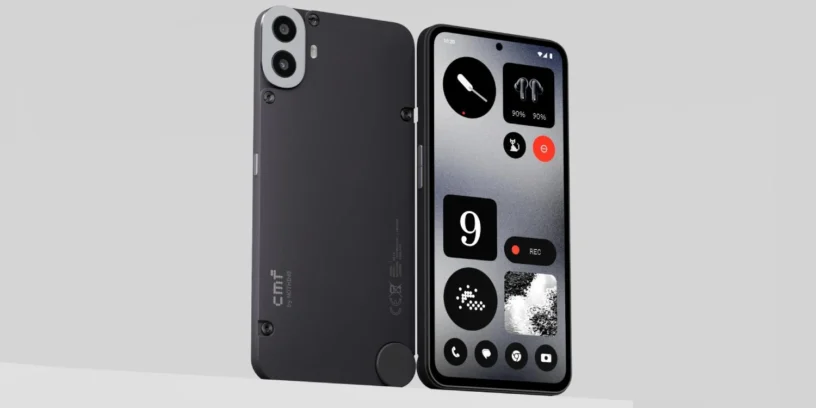
Nothing has begun rolling out a new software update for the CMF Phone 1, which officially receives the version Nothing OS B4.0-251216-1717. This update represents the stable transition to Nothing OS 4.0, based on Android 16, It's already rolling out gradually to compatible devices. As usual, the rollout is being done in phases, so it may take a few days to appear on all devices.
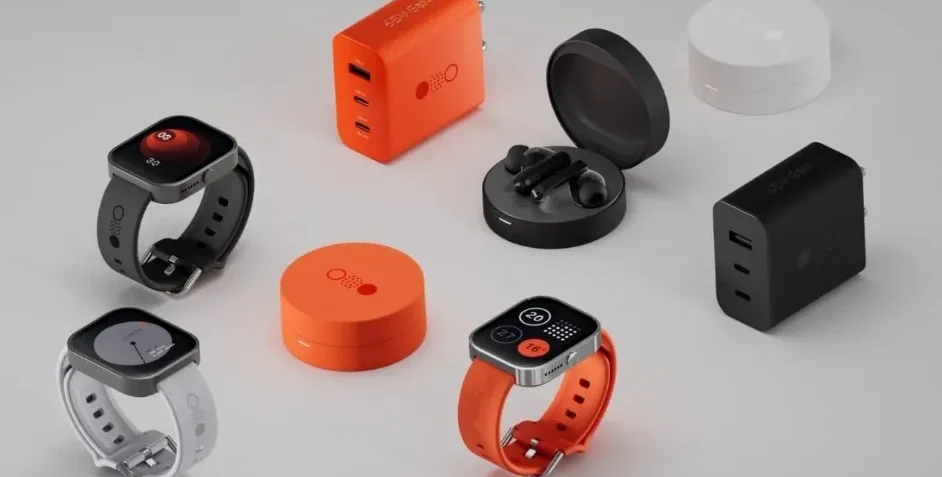
This is a significant update, both because of the system version change and the number of functional and visual improvements it includes. Nothing continues to refine its interface with new features focused on everyday use, improving customization, system fluidity, and adding functions that bring real value to the overall experience. Overall, it's a fairly comprehensive version that enhances the CMF Phone 1 experience.
New features
🕶️ You can now hide apps directly from your home screen and app drawer. Hidden apps can be found at: Home screen > App drawer > Hidden icons.
🔍 The ability to manage the search scope in the application drawer has been added, allowing results to be displayed within a specific area.
📏 More size options are being added for the Weather, Pedometer, and Screen Time widgets.
↔️ The 2×2 size is now supported by most Quick Settings shortcuts.
ADVERTISING
🟢 The pop-up view now supports two floating icons, making it easier to quickly switch between apps.
⚡ The system update includes app optimization to improve startup speed. Path: Settings > Apps > App optimization.
🔔 It is now possible to configure different ringtones for each SIM on Dual SIM devices.
Essential Innovations
🛝 Introducing Playground (Alpha), a space to discover unique creations from the community, including Essential apps, camera presets, and equalization profiles.
🪀 Essential (Alpha) apps are now available for download, offering AI-powered, community-created apps that combine creativity and efficiency.
Visual improvements
🌠 Nothing's app icons have been redesigned with a completely new look.
📶 The status bar icons have been updated to be clearer and more intuitive.
⏱️ Two new clock faces have been added to the lock screen within the Personalization section.
🌑 An extra dark mode has been added, offering a deeper and more immersive dark style. Path: Settings > Display > Dark theme > Extra dark mode.
ADVERTISING
Camera improvements
🎛️ Presets: Updated default list with new popular styles.
🎨 Filters: Added intensity adjustment and new exclusive "Stretch" styles.
🖼️ Watermarks: New Nothing watermarks and artistic frames.
Details to keep in mind
During the update process, The device may temporarily heat up and increase energy consumption, This is completely normal and will be corrected once the installation is complete. The firmware rollout may be staggered, so not all users will receive it at the same time. To send feedback from your device: Settings > System > Feedback.


Leave a Reply