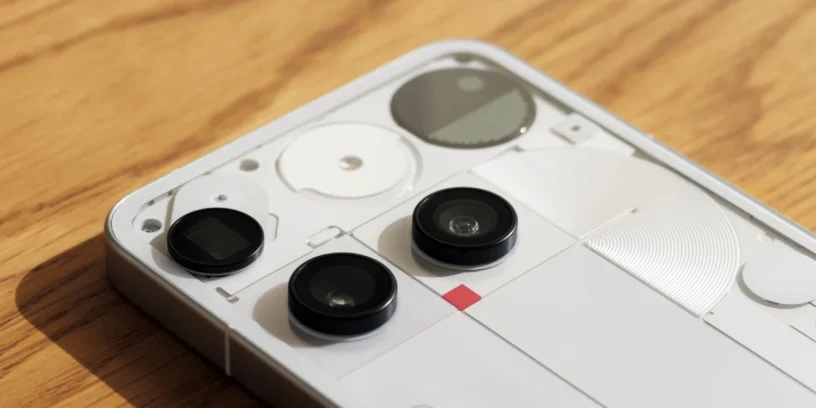

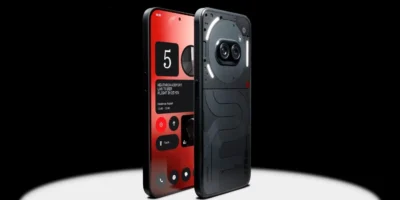

Nothing has released a new software update for the Nothing Phone (3), This latest version focuses on expanding the capabilities of its distinctive hardware and correcting bugs reported in the previous release. This build not only brings stability patches but also introduces new ways to interact with the rear interface, aiming to make the use of the Glyph Matrix be more intuitive and functional in everyday life.

Among the most notable new features is a new gesture interaction for checking charging status or incoming calls by moving the device. The integration of the Essential Apps and specific bugs that affected the multimedia experience have been fixed, especially when switching between audio devices and during game playback.
New features
- 💡 Charging progress and caller ID can now be displayed in the Glyph Matrix when you shake your phone. This can be enabled in Settings > Glyph Interface > Flip to Glyph.
- 📰 Added an Essential Notifications shortcut in Settings for easier access.
- 🪀 Essential Apps now includes a recommendations section in the widget library for quick access to Nothing Playground and to discover community creations.
ADVERTISING
General improvements and bug fixes
- 😎 Apps in the private space can now be updated via the Google Play Store.
- ⛅ Optimized the Weather widget's location permission notification to reduce interruptions.
- 🔔 Optimized ringtone performance for improved stability and compatibility with third-party apps.
- 📳 Optimized vibration stability and haptic response in specific scenarios.
- 🦻 Optimized sound volume during calls with Oticon Zircon 2 miniRITE T hearing aids.
- 📷 Improved overall camera stability.
- 🧊 Fixed an issue where the camera preview would freeze in Portrait mode when switching from Photo mode.
- 📱 Fixed a bug where dual SIM ringtones could get mixed up.
- 🔉 Fixed a bug where the speaker volume was very low when switching from a Bluetooth call in certain apps.
- 🎮 Fixed an occasional issue where game audio would not resume after returning from the recent apps view.
- 📶 Fixed an error where the mobile network icon incorrectly indicated "no internet" in some cases.
- 🌐 Improved overall network stability.
- ⚙️ Improved overall system stability.
ADVERTISING
During installation, the terminal may increase its temperature and consume more battery than usual, something that normalizes after completing the process. In my personal experience, although I appreciate the new shortcut in the settings, I must say that Essential notifications keep failing me When using multiple filtering rules, it appears that the system still needs some work to be fully reliable in this area.

Leave a Reply