After two weeks using the Nothing Phone (4a) As my personal device (using it to chat, call, edit photos and videos, get directions with Android Auto, or endlessly scroll through social media), I have a confession: I've left my Phone (3) in the drawer and I'm in no hurry to get it back.
This phone comes with a very tempting price for everything it includes: from 349€ for the 8+128GB version up to 429€ in its 12+256GB configuration. The device that Nothing provided me for testing and review is the 12+256GB version. As always on this blog, this review is based on real-world, everyday usage impressions, with its strengths and weaknesses, Let's move beyond the cold, hard specifications. Let's get down to business!
Construction and design: an almost perfect construction
The first thing that surprised me when I took it out of the box wasn't just its appearance, but its lightness. Going from the Phone (3) to the Phone (4a), I've realized I'd never paid much attention to weight until now; those 204.5 grams, And its improved distribution makes it much more comfortable to hold. During long sessions, fatigue simply disappears.
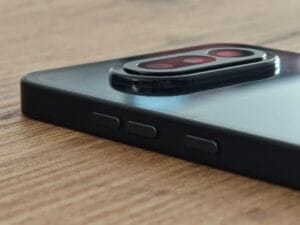
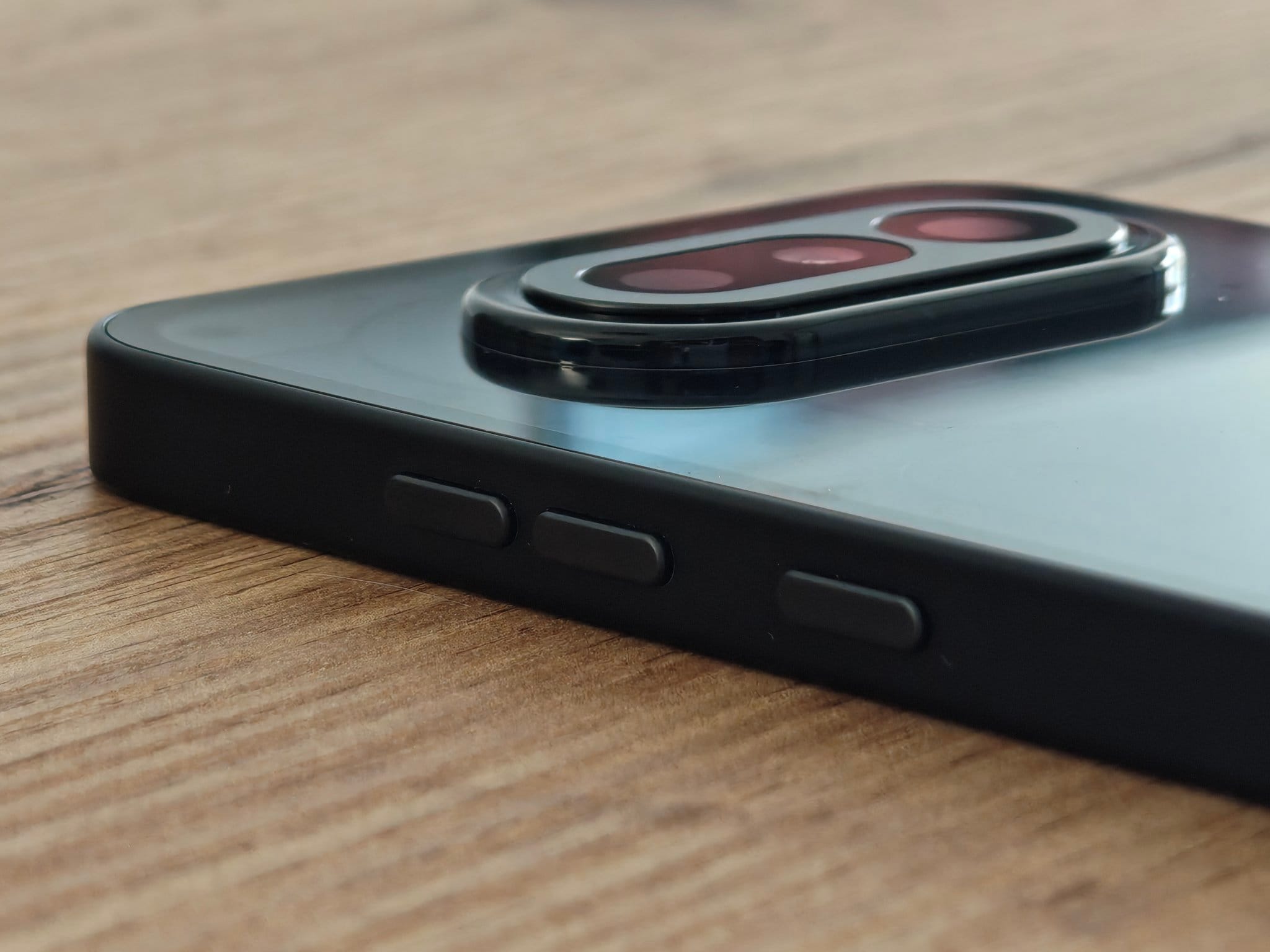
However, the design has its drawbacks. The sides are made of plastic and, although the body feels solid, the buttons left me with a somewhat cheap impression; «"they dance"» They feel a little firm when you put your finger on them and have a less firm feel than I would like.
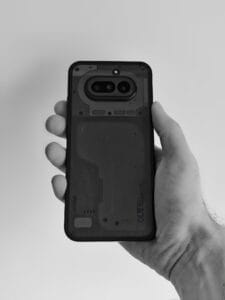
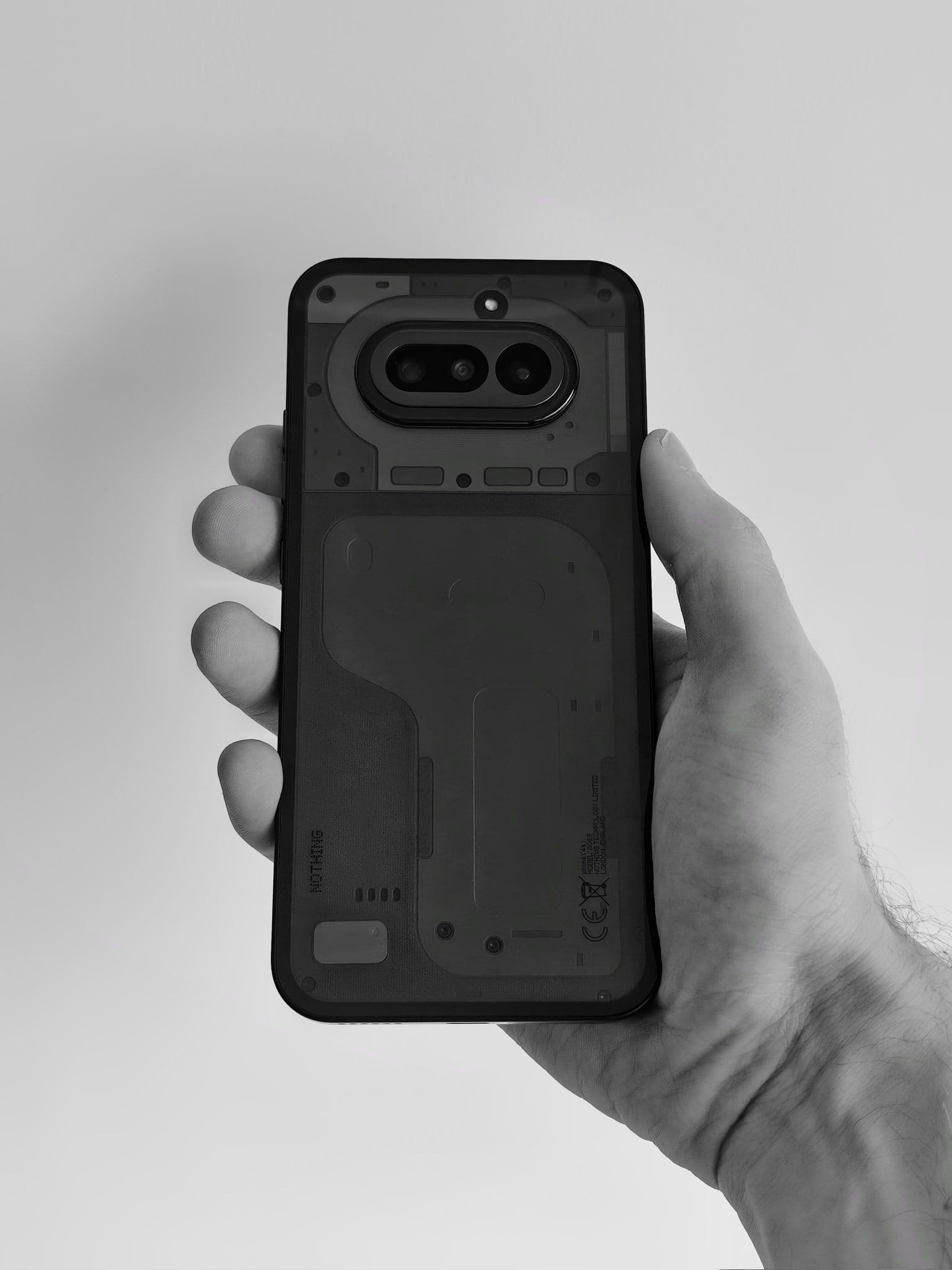
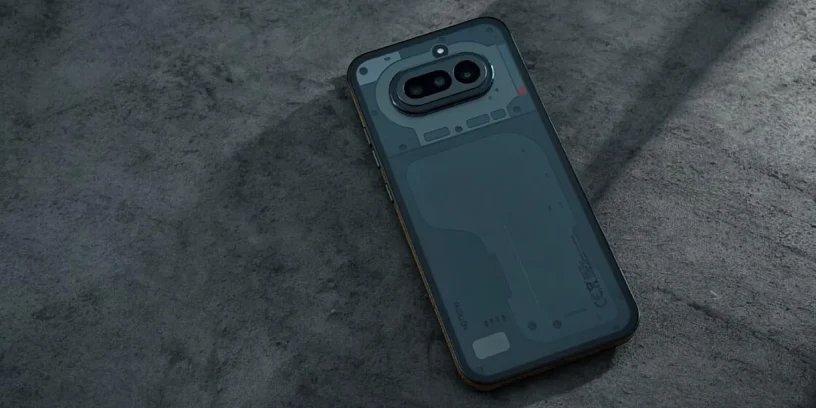
What fascinates me most about its back is not just the transparency, but the depth of its layers. You can see different types of materials and textures layered on top of each other, which shine in all their glory when a direct light hits them. I think that It is one of his most mature designs and well done, quite close to the high-end range.
Regarding the button layout, the decision to leave the Essential Key The fact that it's only on the left to avoid accidental presses is undeniable. However, be prepared for some adjustment: the buttons are quite high up. Even I, with my large hands, have to readjust my position to reach the volume control or the main button.
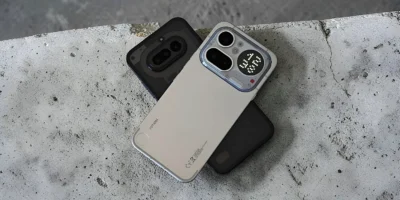
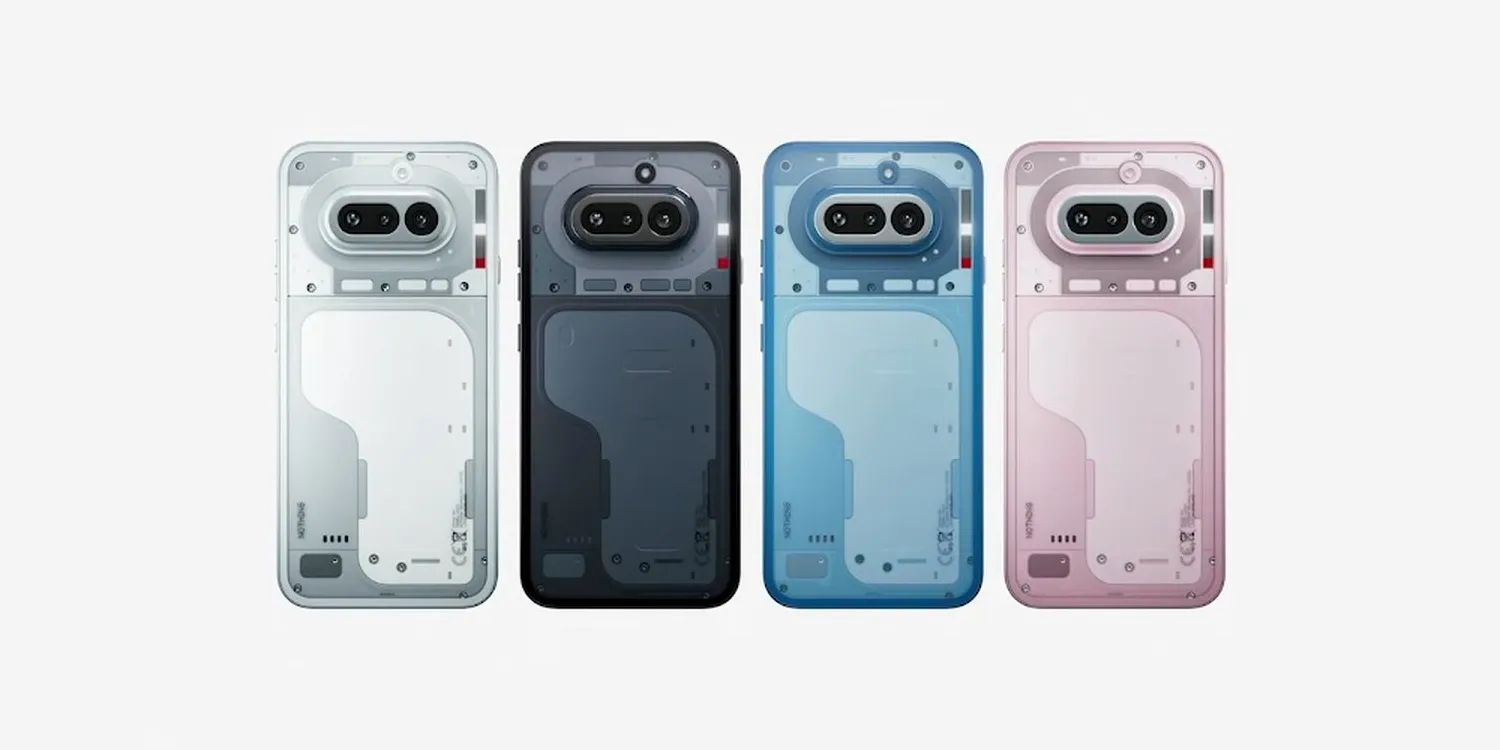
Finally, a personal tip: avoid the black model. It's a fingerprint and dust magnet, and the details are barely visible unless it's in direct sunlight. In my opinion, the white, blue, or pink versions are infinitely more beautiful; I hope Nothing brings back that grayish black from the... Phone (2) in the future.
A symmetrical and fluid screen
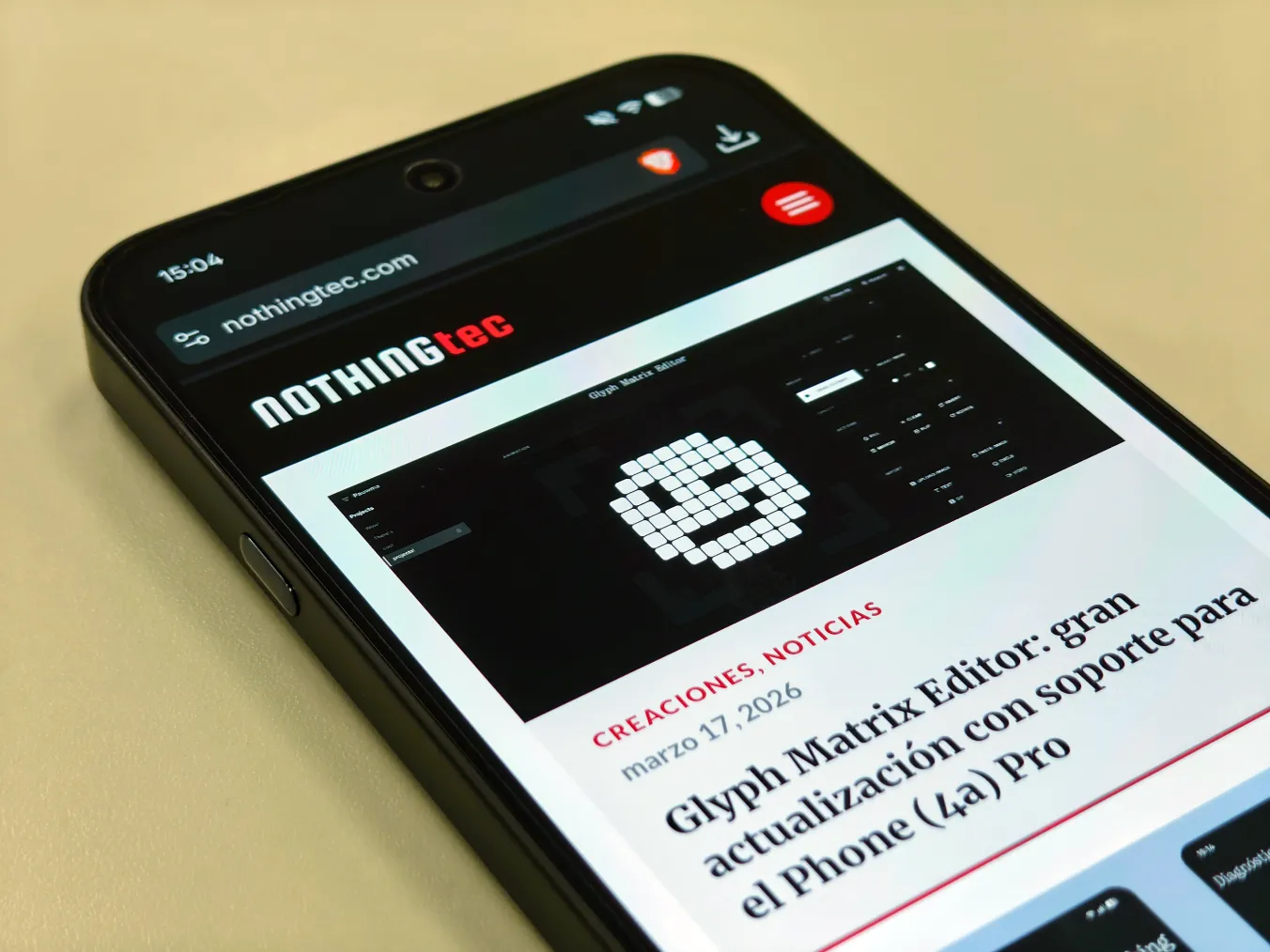
The 6.78-inch screen with Gorilla Glass 7i It performs perfectly. I love that the edges are symmetrical; although they're thicker than on the iPhone 3, that symmetry gives it a premium look. The brightness sensor is quite fast and accurate in adapting to changes in light, and I've barely had to adjust it manually. I always use the extra dark mode. Nothing OS And while I would ask for a touch more punch in direct sunlight (despite its peak brightness of 4,500 nits in HDR), it's perfectly functional. The in-display fingerprint reader and facial recognition are lightning fast; everything runs smoothly.
Performance and autonomy
Under the hood we have the Snapdragon 7s Gen 4. In my daily use, I haven't noticed any lack of power, and I'm not exactly a casual user. I'm quite demanding when multitasking, and the Phone (3a) has kept up with me without any problems. To be honest, I have noticed occasional minor stutters when constantly switching between several resource-intensive apps while they were running in the background. Nothing serious, but they're there. What is impeccable, however, is the heat management; it doesn't even flinch under moderate but constant use. Regarding the battery... 5,080 mAh, To give you a real idea of my experience:
- One day of use, watching quite a few videos with the Brave browser, having a small meeting via Google Meet, X, Instagram, and music in the background, gave me 8:17h of screen time I was left with a 23% when I went to sleep.
- Another day, really pushing the camera, an hour of wireless Android Auto with Waze and calls, I ended up with a 40% battery after 4 hours of screen time.
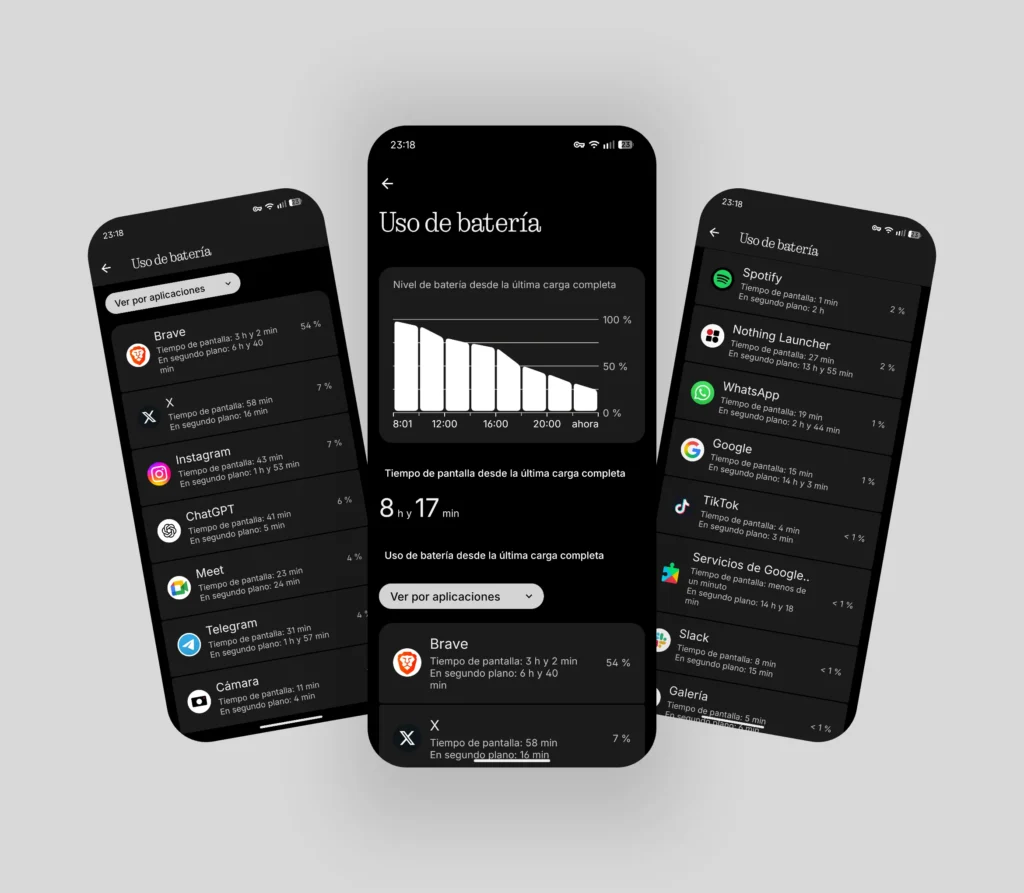
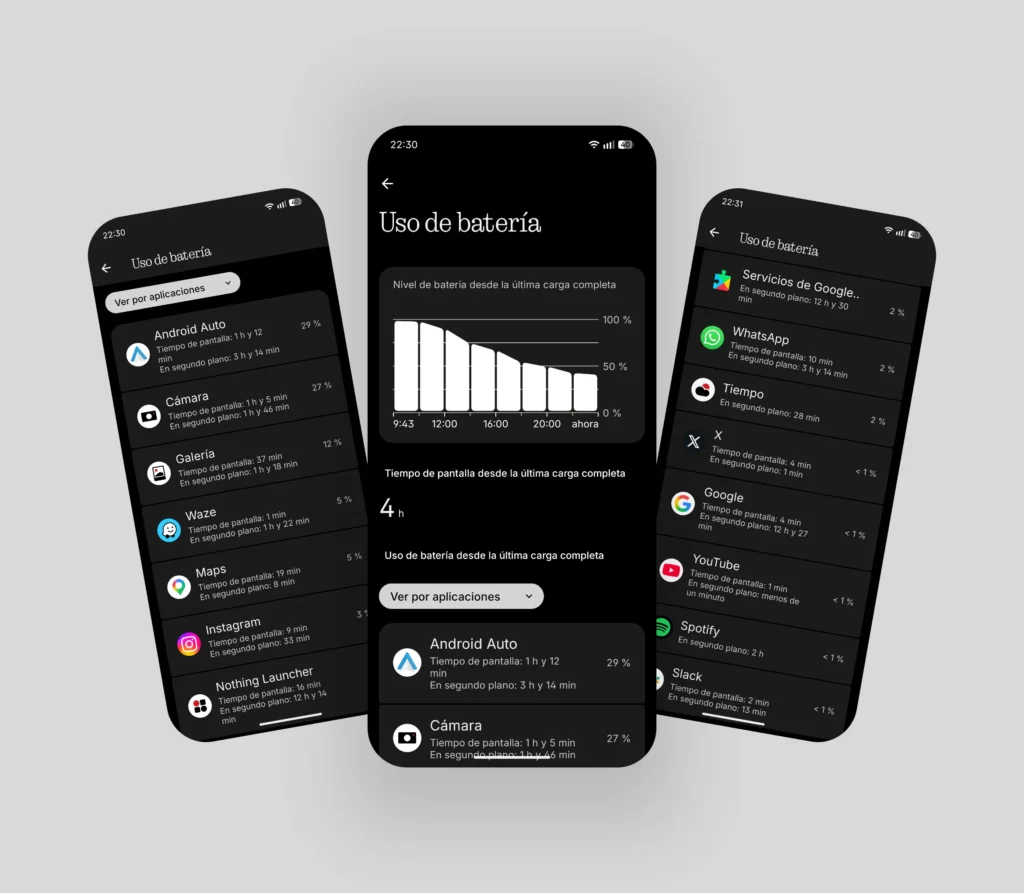
These are solid data that demonstrate that, however you use your mobile phone, You reach the end of the day without worries. It's important to note that a huge battery isn't necessary if the operating system is efficient, and this is one of Nothing's strengths.
Nothing OS 4.1 and the brand new Glyph Bar
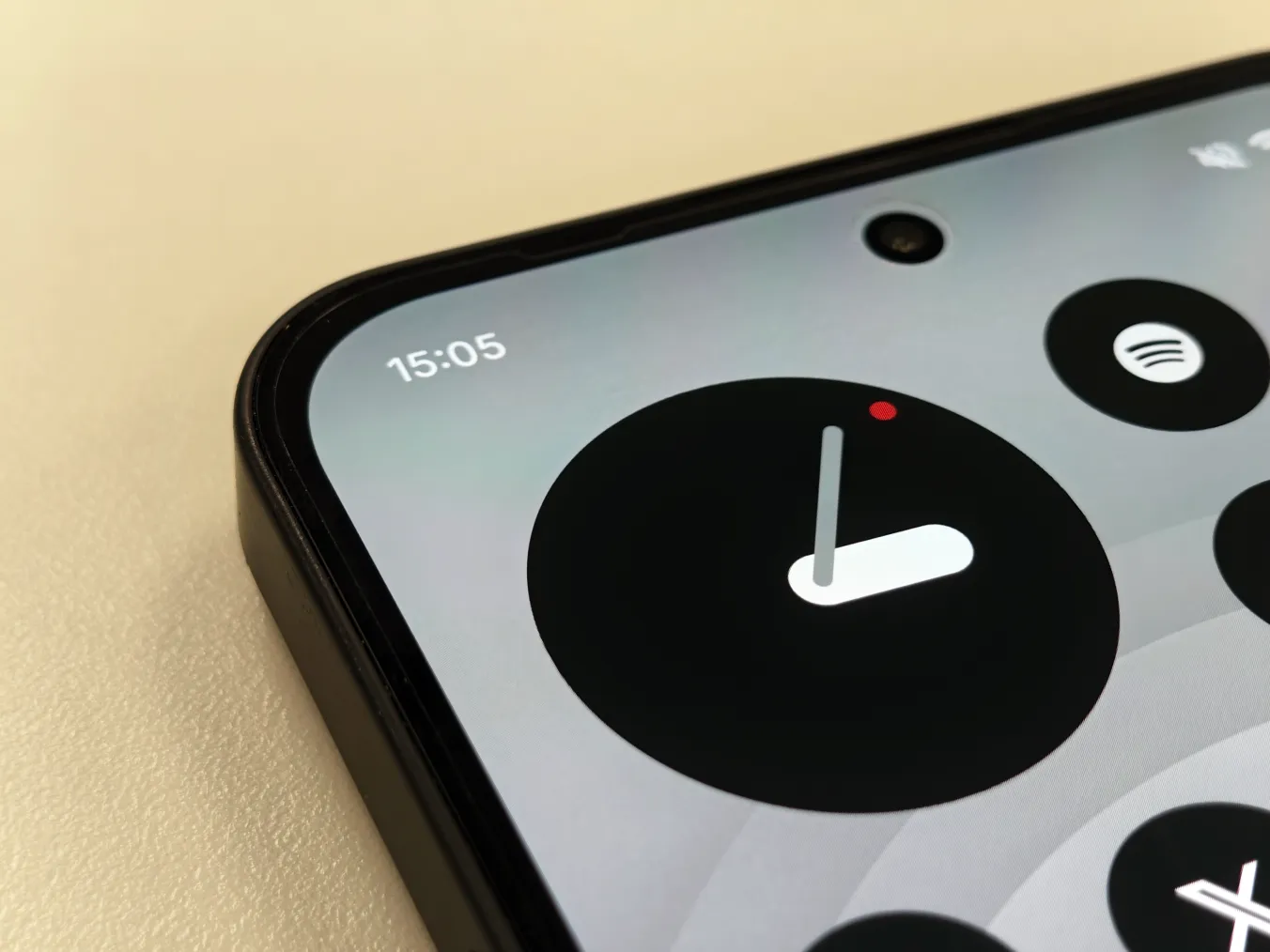
Nothing OS Version 4.1 brings visual improvements that I love: some new animations that add extra fluidity when opening and closing apps, which the more discerning eye will appreciate. A new clock with a depth effect and widgets like Breathing Break, which uses haptic patterns to help you relax
Essential Space It continues to improve at an amazing rate, with a memory search engine and a "For You" screen that organizes your upcoming events. If you want to know more about the Latest improvements to Essential Space, click here.
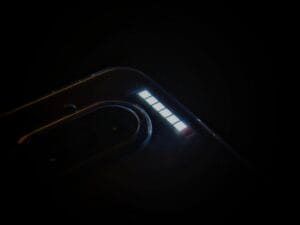
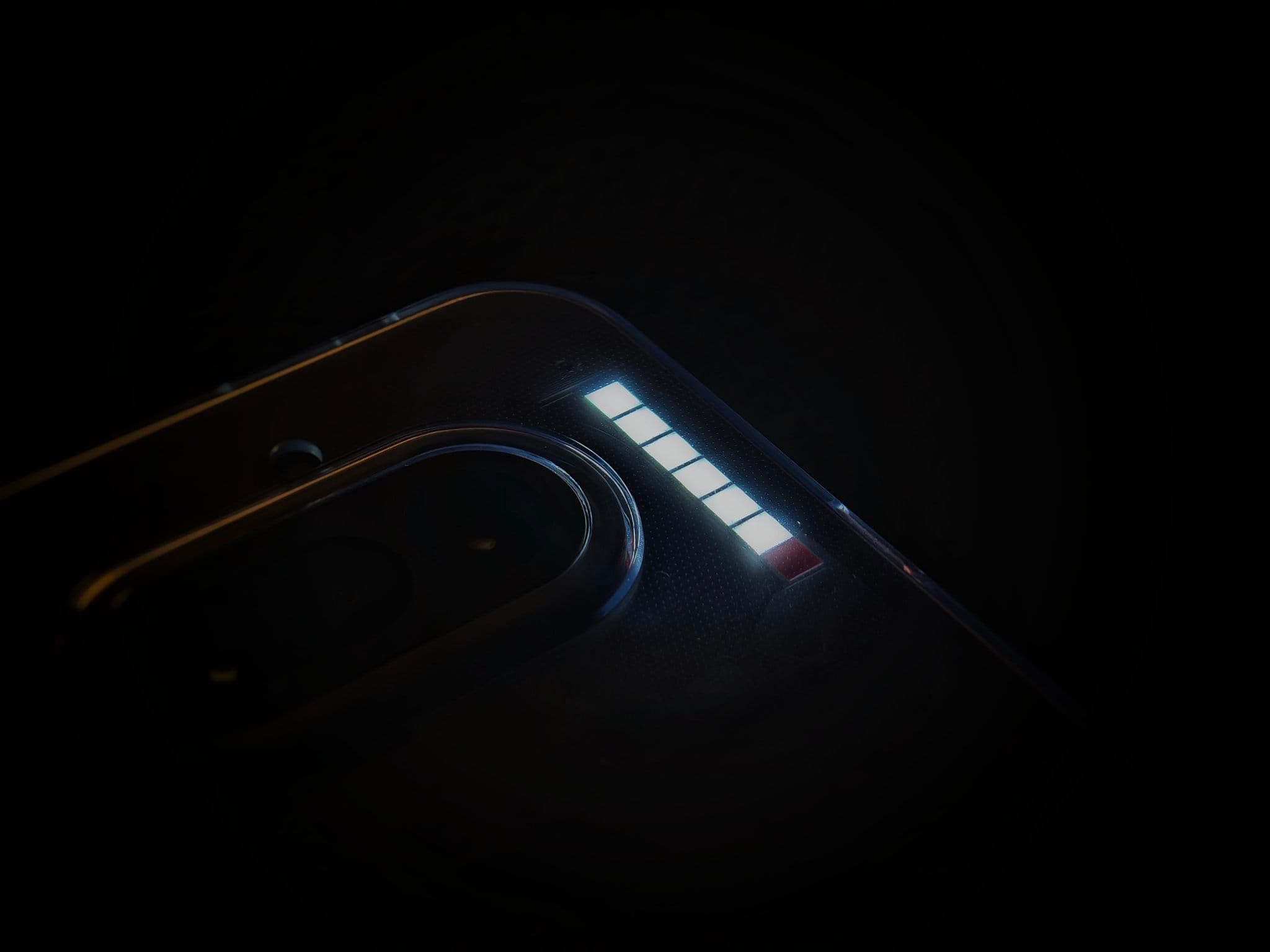
The Glyph Bar It's spectacular on a physical level: 63 mini-LEDs that shine 40% brighter than in the Phone (3a) Pro. I love how I can still notice essential notifications or calls out of the corner of my eye, thanks to its powerful brightness, even when my phone is far from my direct line of sight. The animation deserves special mention. Flip to Glyph, It's a visual delight.
But I have to give Nothing a piece of my mind: how is it possible that with 6 lights we can't choose different patterns? If my partner calls me or I receive a work email, all 6 lights come on the same way. There's no pattern customization for the Essential Notifications, I want to believe we'll see it arrive in the near future, as it doesn't make sense to let this customization option slip away. It's a missed opportunity to give us more useful information without us having to look at the screen.
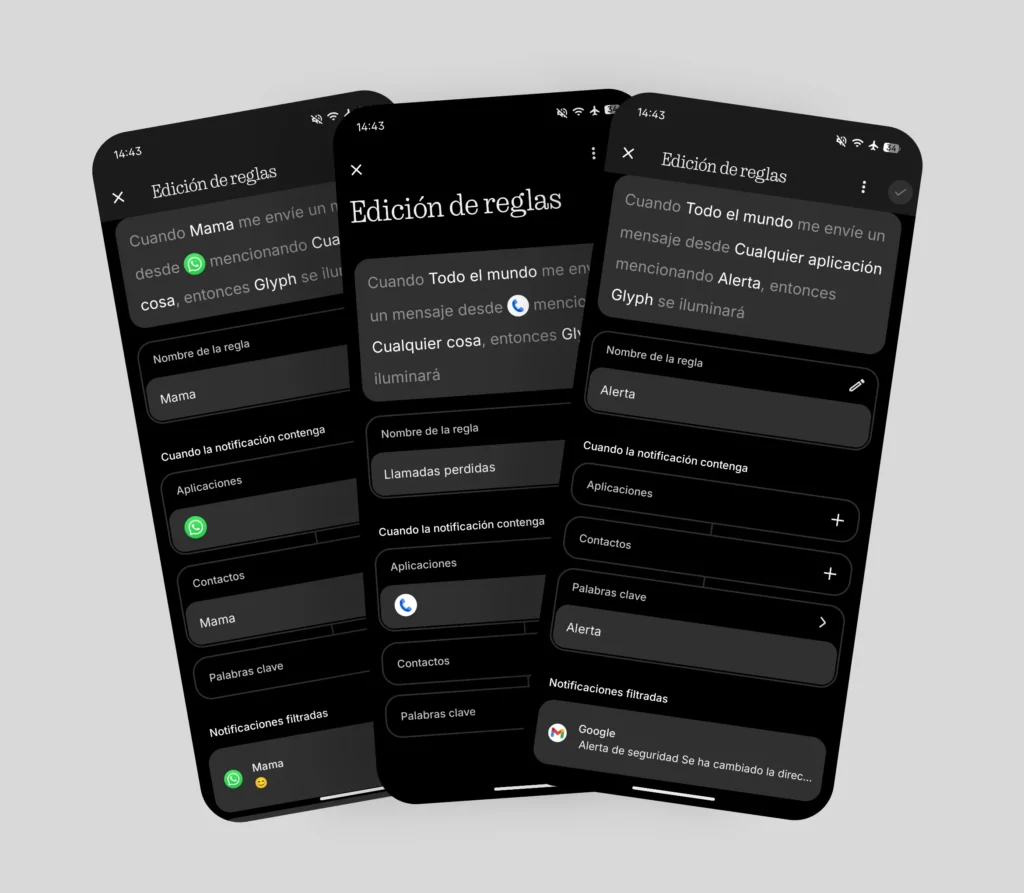
What they have improved (and significantly) is the Essential Notifications menu. It's now much clearer and explains the established rules with phrases like: «When Mother send me a message from WhatsApp mentioning anything, so Glyph will light«.
Audio and vibration
The speakers sound very similar to the Phone (3). They're clear in the highs, but more subdued in the bass. Even so, they're more than adequate for playing music for my daughter on speakerphone or listening to Telegram audio messages. However, for higher fidelity, I usually use headphones. If you're interested, You can read the analysis of the Headphone (a) Click here.
Regarding the vibration, the feedback is good, although the motor is "noisier" and feels less premium than in higher-end models. Even so, it's nuanced and controlled. It fulfills its function of providing feedback while typing, but without that extreme refinement.
A very versatile camera module
The horizontal rear design is a complete success: the phone is stable and doesn't wobble when placed on a table. The main camera of 50 MP The color accuracy is very consistent, although sometimes I wish it didn't wash out so much detail. I'm very happy with the capture button's response time; it feels snappy and fast. That said, it's important to stay still if the lighting isn't ideal to get great results. Also, if the subject moves (like my daughter, who never stops moving), the final photo might appear a moment later than you expected.
The telephoto lens of 3.5x It's my favorite for the city, being usable up to... 20x. From there, we enter purely testimonial territory; the quality plummets and the noise blurs the image so much that the photo is no longer usable by my standards.
Portrait mode achieves a really well-resolved and realistic bokeh effect. The only downside is the post-processing's tendency to over-brighten and "eliminate" shadows when shooting in low light in this mode. Luckily, I can quickly correct this with the app's built-in editor. Nothing Gallery. The 8MP wide-angle lens fares the worst: useful in bright light, but terrible as soon as the sun goes down. But... who regularly uses a wide-angle lens in 2026? Not me, so I'm not too worried about the quality of this sensor.
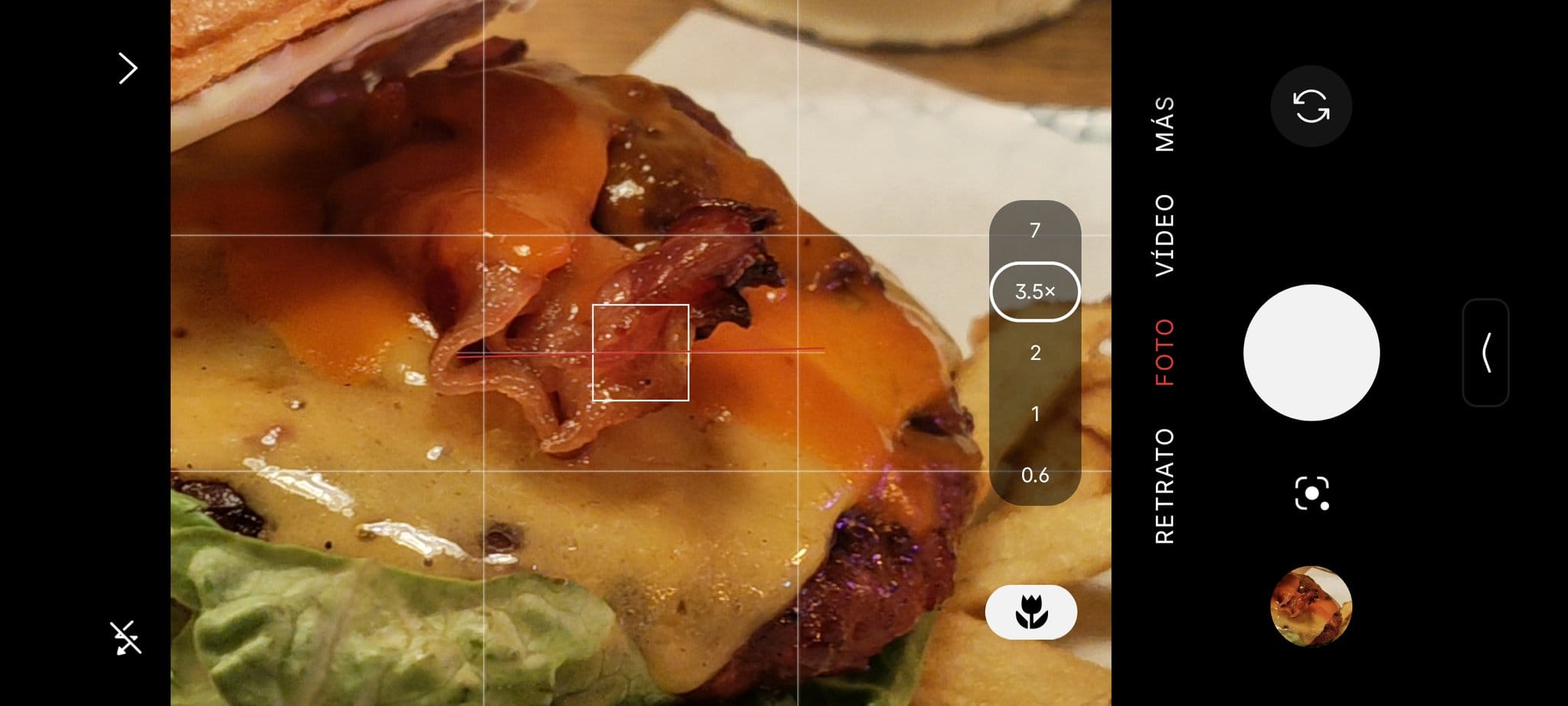
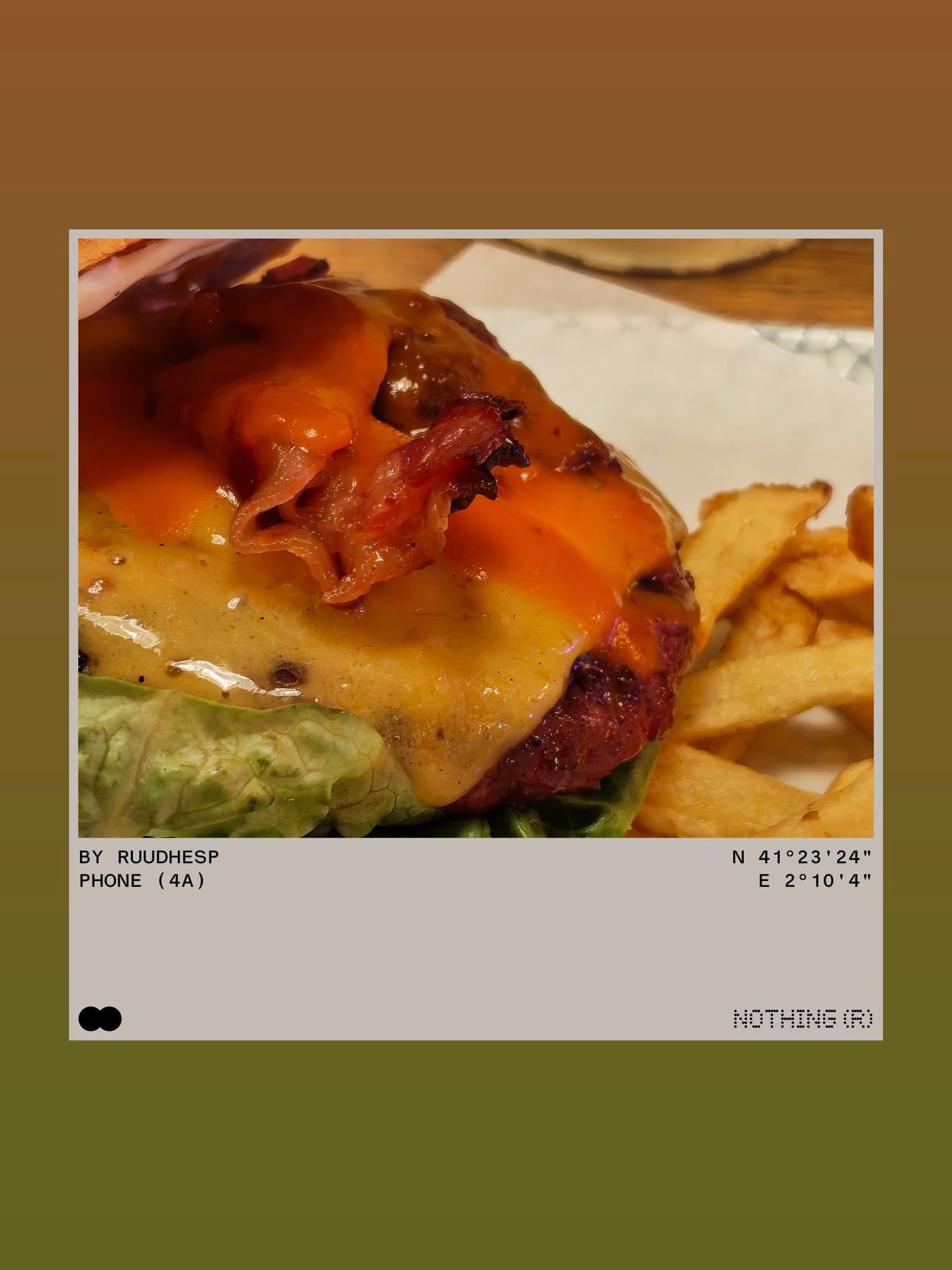
For example: photos taken at 0.6x, 1x, 3.5x, and 7x.








One important detail: there's no dedicated Macro mode as we're used to, but it's still there. It activates automatically when using the main lens, and after zooming in, you'll see a [unclear - possibly "a" or "a"] appear. flower icon on screen. It's not as spectacular as the macro of the Phone (3) telephoto lens and has less depth since it uses the main camera instead of the telephoto lens, but it does the job well if you move a little further away from the object to be photographed.


The new balance of Nothing
The Nothing Phone (4a) is a round device. When I go back to my iPhone (3), I'm going to miss its lightness and how comfortable it is to use and handle. I think the highest compliment I can give it is what I've indicated in the title., I haven't missed the Phone (3), I think that says it all.
It's a mid-range phone with a high-end feel, offering a well-rounded experience at a very competitive price. If you're looking for design, versatile cameras, and a stable, distinctive operating system, it's hard to find anything better in this price range.
Nothing Phone Analysis (4a)
- Design and construction
- Screen
- Sound
- Performance and OS
- Battery
- Glyph Matrix
- Cameras

Leave a Reply