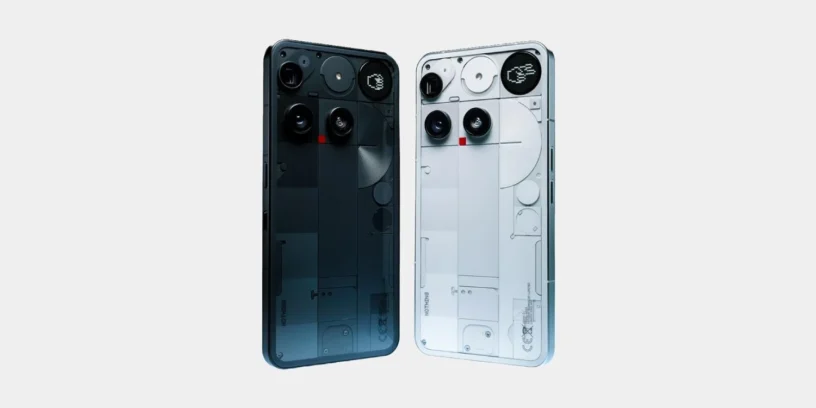
Nothing begins the rollout of a new version of its operating system for the Nothing Phone (3), reaching the update Nothing OS B4.1-260603-1221. This release focuses on expanding aesthetic customization options and refining various aspects of system behavior that directly impact daily use. Nothing aims to offer a more polished interface and address minor performance issues, maintaining the pace of optimizations across its catalog.
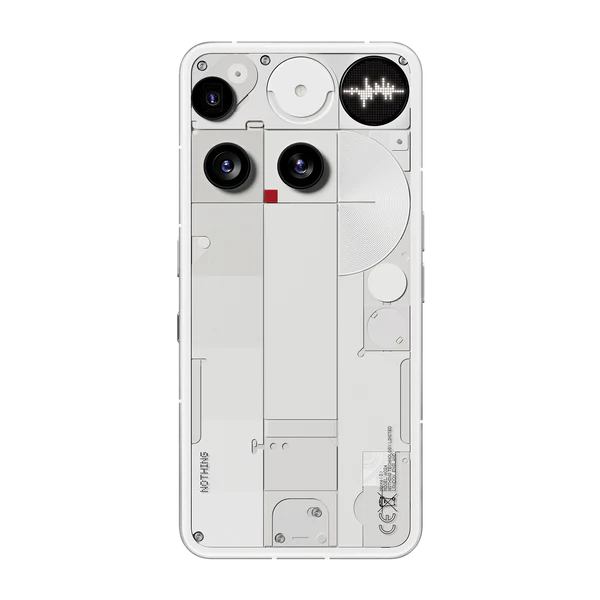
Most notable new features of version
This update highlights the arrival of depth effect (in Beta phase) For the lock screen, a feature now supports both Atmosphere series wallpapers and different clock sizes and alignments. Additionally, the status bar adds a touch of identity by displaying the dedicated Nothing headphone icon when connected. The development team also improved the smoothness of the launcher animations and the volume slider control, resulting in a much more natural interaction.
ADVERTISING
New features
- 🪄 Lock screen customization now supports depth effect (Beta), as well as adjustable sizes and alignments for the clock.
- 🎴 The depth effect (Beta) now works with Atmosphere wallpapers.
- 🎧 The status bar displays the specific Nothing headphone icon when connected.
General improvements and bug fixes
- 🎚️ Refine the volume slider to allow for continuous and much more precise adjustment by dragging it.
- 🌌 Improves Launcher animations to deliver a smoother, more fluid experience.
- 🔉 Optimizes audio playback to avoid unexpected volume fluctuations in specific situations.
- 📷 Enhances the overall stability of the camera application.
- 🔗 Improves Bluetooth connection stability.
- ⚙️ Optimizes the overall stability of the entire system.
- 🛡️ Update your device with the June 2026 security patch.
ADVERTISING
System stability and performance
From my point of view, the inclusion of the depth effect and the subtle tweaks to the animations bring a breath of fresh air to the interface. However, it still Some improvements are needed more powerful camera applications, as well as the latest tools deleted by AI in the Gallery app. We expect the manufacturer to include these new features in future system or app updates, allowing users to enjoy the same benefits they already experience in models like the Phone (4a) Pro.
Remember that, during the installation process, the phone may consume more energy and increase its temperature. This behavior is normal due to internal optimization tasks that the software performs in the background. Performance and thermal management will return to their usual values once the cycle is fully completed.


Anil g
naic