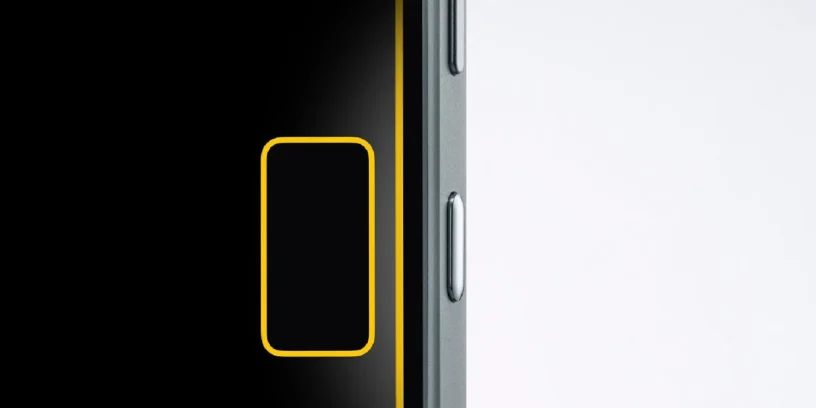



The latest system update introduces minor changes in appearance, but very relevant changes in daily use. Essential Key gain new configuration options and Essential Space It adds a much-anticipated feature: the cropping free from captures. Two improvements designed to reduce friction and give the user more control.

More control over the Essential Key
One of the most criticized aspects since the launch of the Essential Key was accidental presses. Nothing seems to have taken note and now allows configure its behavior from System Settings → Intelligence Toolkit → Essential Key Settings.
The first option allows disable the Essential Key when the screen is off or locked. It's a direct solution to those accidental touches when you take your phone out of your pocket or handle it without looking. If you activate it, the key simply won't do anything until the device is unlocked.
ADVERTISING
The second option introduces a system of activation with a single touch. To enable it, you must first press the key once to "arm" it, and for the next two seconds, it can be used normally. After that time, the system automatically resets. In practice, this adds a layer of security without making the experience too slow.
It is important to note that None of these options affect the normal operation of Flip to Record, Therefore, the key functions remain intact. However, for now, Nothing remains closed to the possibility of disabling the use of that button or adding an option to remap it.
Cropping comes to Essential Space
The other big news is in Essential Space, which finally incorporates a basic but much-needed function: the Free screenshot cropping.
From now on, when you take a screenshot, you can crop the image directly to keep only the part you're interested in. The system offers two methods: circle the content you want to keep with your finger or adjust the framing by dragging the corners. It's fast, intuitive, and eliminates the need for external apps.
In day-to-day practice, this translates into cleaner captures, less editing time, and a workflow much more consistent with the idea of Essential Space as a place to store only what is relevant.
ADVERTISING
An update focused on experience
We are not dealing with revolutionary functions, but we are dealing with very well-focused improvements. They reduce errors, save time, and make the system better suited to the user's actual usage. Personally, these kinds of changes are the most appreciated in the medium term because they improve the experience without requiring major changes or heavy updates.




Leave a Reply