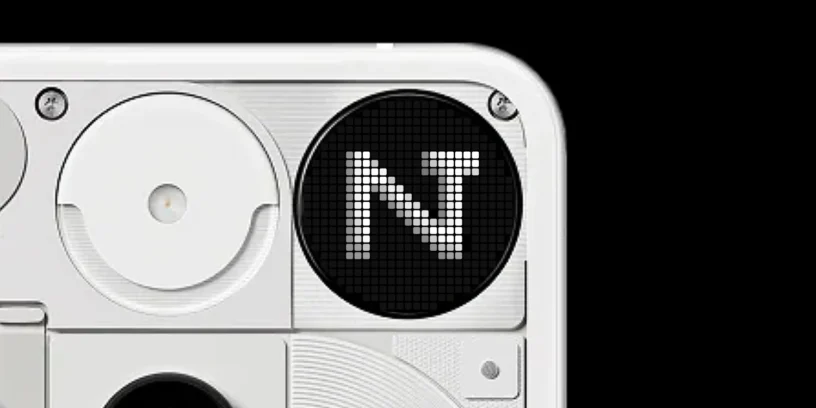



Since the launch of Nothing Phone (3), I've devoured dozens of YouTube reviews and read hundreds of forum threads. There's a recurring pattern: criticism of the Glyph Matrix as a toy, a gimmick, or something purely aesthetic. It frustrates me to see how technology experts overlook the real purpose of this hardware, treating it as if it were a simple souped-up notification light.

Even Nothing, as a brand, sometimes fails to communicate the "why." They focus on the spectacular nature of the LEDs, but the real value It does not reside in the flashes, but in the silence that these allow. At first, I also made the mistake of setting up rules for everything. The result was a phone that wouldn't stop blinking, becoming a source of visual anxiety instead of a utility tool.
The ultimate care filter
The Glyph Matrix It's not an Always-On display. (AOD) and shouldn't be used as such. While an AOD invites you to look at the panel and eventually unlock it to "check out a second" of Instagram, Nothing's LED matrix is designed to be a attention filter.
ADVERTISING
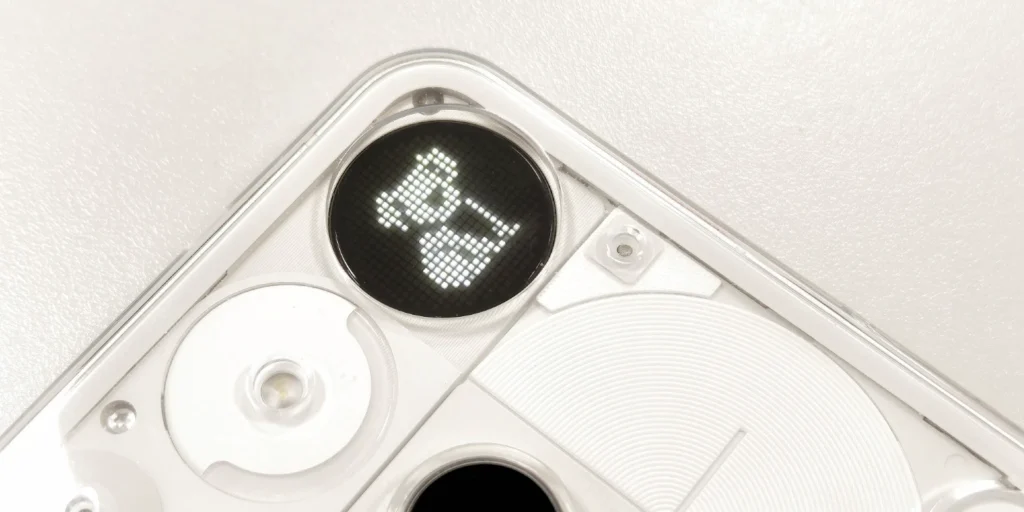
I've gone from saturating the interface to reducing it to lowest exponent. Now, my iPhone (3) only comes alive with critical signals thanks to the proper use of "Essential Notifications." If my wife texts me, I see a koala in the matrix. If the word "Nothing" is mentioned directly in certain apps, my blog's logo appears. Or finally, if my front door opens or the doorbell rings, the Glyph Matrix immediately notifies me with a house or bell icon. The rest (muted WhatsApp groups or social media notifications) simply They don't exist in my sight.
This is the point that analysts fail to mention: the value of the Glyph Matrix comes from the reduction, not from maximization. By placing the phone face down (Flip to Glyph), I am activating a mode of conscious deceleration. I know I'm still reachable for what really matters without being absorbed by the screen.
A design philosophy versus pure hardware
We live in an era where smartphone announcements are based on nanometers and teraflops. Nothing proposes something different: a philosophy of care. The Glyph Matrix is an intentional tool; it is visual rather than auditory communication, and it is calm instead of addiction.
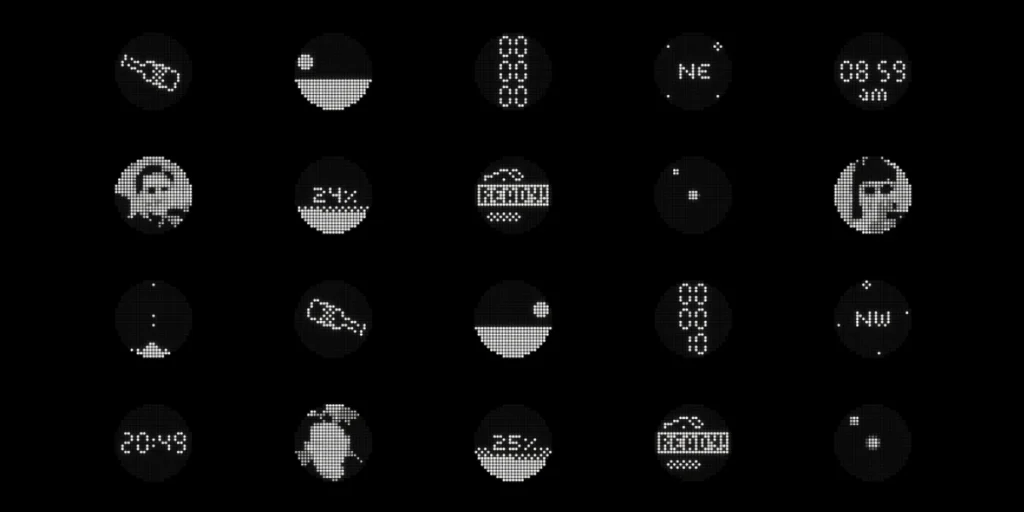
It's curious that the only recent piece of hardware that actually tries to be called a "toy" is being called a "toy". Use your mobile phone less. For the experience to make sense, it's important to understand that fewer rules mean... stronger signals. If everything is shiny, nothing is important. If only what is essential shines, you regain control over your time.
Hopefully Nothing will be more direct in explaining this concept of «"less is more"» in their upcoming campaigns. Meanwhile, it's up to us to see the back of our phone not as a panel of lights, but as a guardian of our concentration.



Diego
Hello good!
I found your blog and Telegram channel after getting my Nothing Phone 3. I'd been following the company for a while, reading, watching, and thinking about what it offered. When they released this phone, I knew it was the right time. We're still getting to know each other, but after reading your article, the Flip to Glyph option caught my attention. I'm not usually a big screen user, but the notification rules for important things seem like a brilliant idea to forget about the screen. Thanks to this, my battery life definitely goes much longer. Now, I have a question that I'm not sure if you can answer. When I activate "flip to glyph," the phone only notifies me of essential notifications, but why does it still make a sound for other notifications? For example, I have a rule so that I only receive certain notifications in the WhatsApp Glyph, and it notifies me of those without sound and with the image in the Matrix, but why does it make a sound for other people who aren't on any rules? And another question: shouldn't everything be silent except for essential notifications? That button is there in the settings, but I don't think I'm interpreting it correctly.
Greetings and great work!
ruudhesp
Hi Diego! Sorry, your comment ended up in SPAM, I just saw it now 🙁
There is an option in the settings to ONLY notify you about Essentials:
Flip to Glyph / Essential notifications only (Turn this on)
That way, you'll only receive those notifications when your phone is turned around.