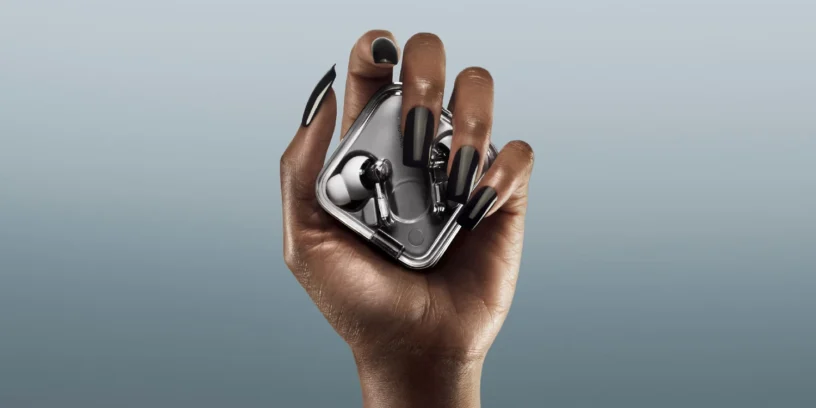



In the world of technology, convenience sometimes comes at a price. What makes our devices "magical" and connect instantly is often the same thing that can open an unwanted door. A vulnerability called WhisperPair which affects the Google Fast Pair protocol, and Nothing has had to move quickly to protect its users.

What exactly happened to our headphones?
The technical issue is essentially a validation flaw. The Fast Pair protocol allows a message to appear on your Android device when you open the Nothing Ear case, enabling a one-tap connection. The detected error allowed a nearby attacker to trick the earbuds into pairing with their device, even if you were already using them and without requiring any physical confirmation.
This brings to the forefront the eternal debate between convenience and security. We want everything to be invisible and automatic, but that automation is what allowed someone a few meters away to potentially listen through the microphones or even track the device's location.
ADVERTISING
Updated models and firmware versions
Nothing has confirmed that the fix is now available for most of its 2025 catalog. It's vital that you check your app. Nothing X and verify that your devices are at least on the following versions:
- Nothing Ear (3): v1.0.1.67
- Nothing Headphone (1): v1.0.1.80
- Nothing Ear (open): v1.0.1.28
- CMF Buds Pro 2: v1.0.1.72
- CMF Buds 2: v1.0.1.50
- CMF Buds 2 Plus: v1.0.1.52
- CMF Headphone Pro: v1.0.1.44
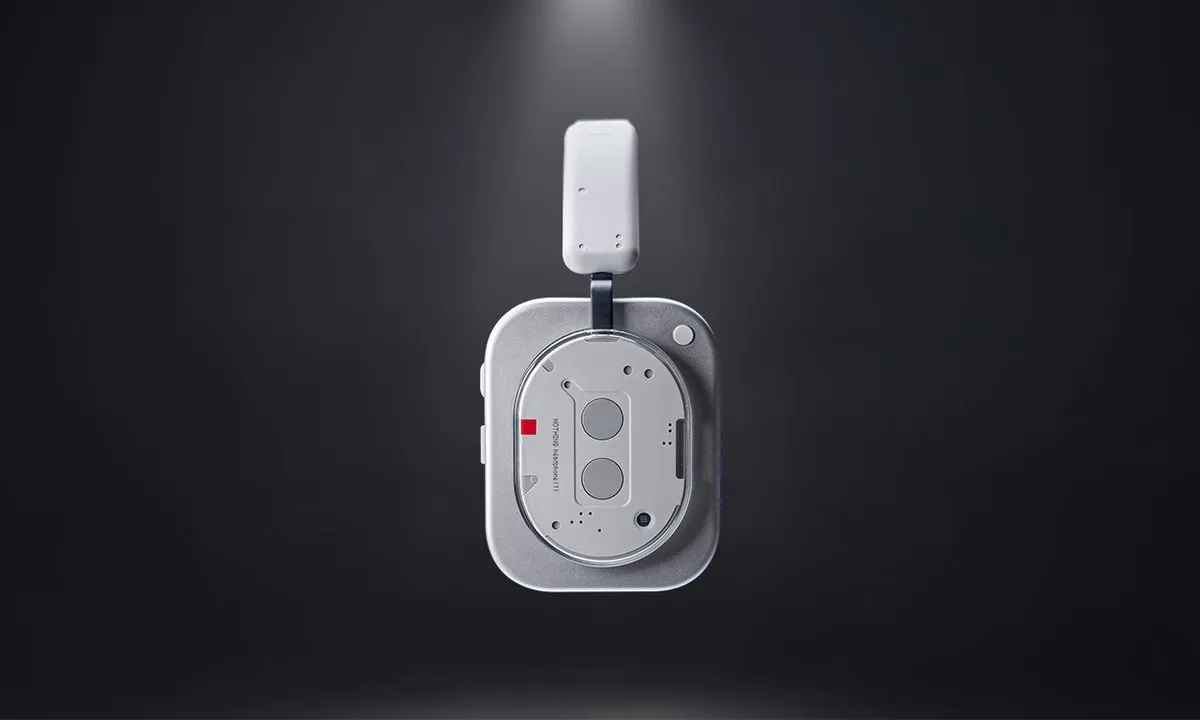
For users of the Nothing Ear (a), The update will arrive in early February, while the rest of the compatible products will receive the patch before the end of the month. In the case of the Ear (1) It is more delicate; being the older hardware, it requires a longer verification period to ensure that the patch does not affect performance.
ADVERTISING
Update as soon as possible
To update, just go to the app Nothing X, select your device, enter About (About) and click on Firmware Update. It's a process that takes just a couple of minutes and ensures that your headphones remain exclusively yours.



Leave a Reply