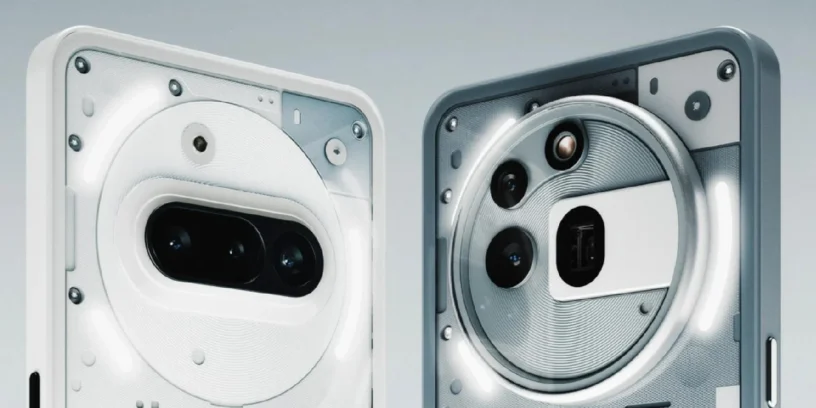
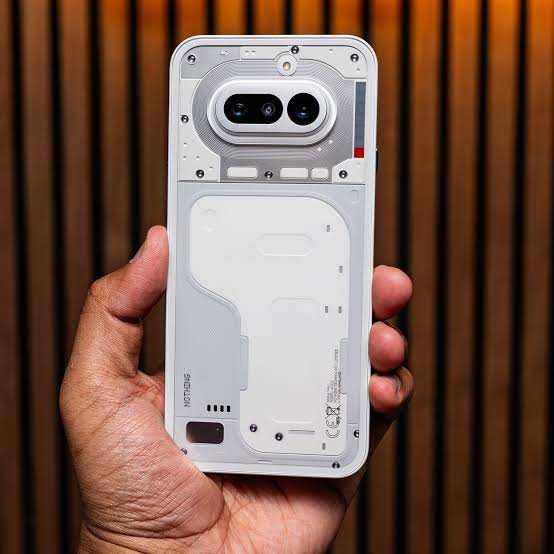
Nothing begins the rollout of a new version of its operating system for the range Nothing Phone (3a) Series, reaching the update Nothing OS B4.1-260618-1048 for the Nothing Phone (3a) and Phone (3a) Pro. This update focuses on expanding the visual customization options for the interface and fixing minor graphical glitches to ensure more consistent daily performance. The brand maintains its support schedule for these devices, striving to keep the aesthetic experience aligned with the standards of its most recent releases.
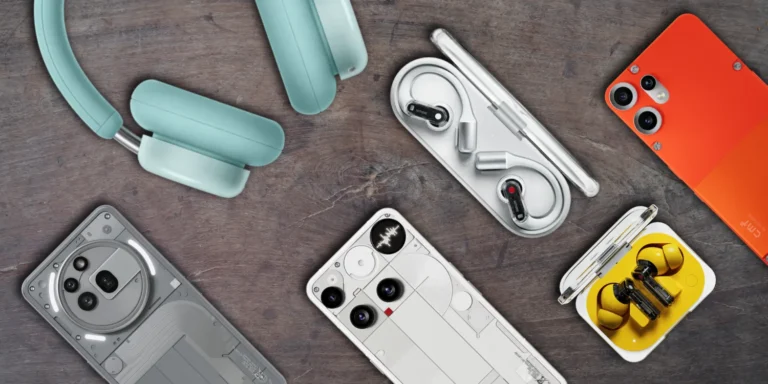
Most notable new features of version
This update features the addition of depth effect (in Beta phase) For the lock screen, a feature now works with Atmosphere series wallpapers and allows you to adjust the clock's size and alignment. Additionally, the status bar adds a distinctive touch by displaying the Nothing headphone icon when the user connects them. On the visual and performance front, the development team has refined the launcher animations and fixed minor display bugs in the interface.
ADVERTISING
New features
- 🪄 Lock screen customization now supports depth effect (Beta), along with adjustable sizes and alignments for the clock
- 🎴 The depth effect (Beta) now shows compatibility with Atmosphere wallpapers
- 🎧 The status bar adds a dedicated Nothing headphone icon when a connection is established
General improvements and bug fixes
- 🌌 Improves Launcher animations for a smoother and more fluid user experience
- 🔐 Add a specific security reminder for the facial unlock method
- 📱 Corrects some minor display errors in various sections to achieve greater visual consistency
- 📷 Enhances the overall stability of the camera application
- ⚙️ Reinforces the overall stability of the entire system
- 🛡️ Update your device with the June 2026 security patch
ADVERTISING
System stability and performance
Remember that the phone may consume more battery and get warm is completely normal during the installation process due to file optimization tasks that the operating system performs in the background. Once the cycle is complete, the temperature and power consumption will return to normal levels.

Jose Manuel
If you ever find out how to restore the community clock to its original size, please let us know, because with this update it looks smaller and loses some of its charm.
all the best!
ruudhesp
Sorry, but I'm not sure what you mean by "community clock." Could you please send a screenshot? 🙂