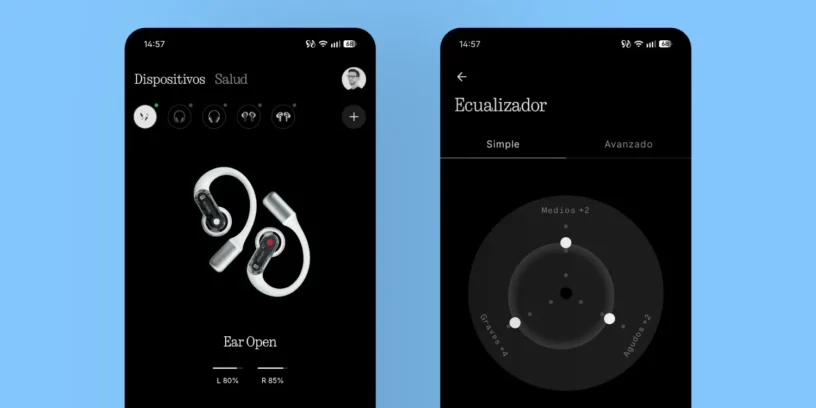



I've been using them daily for a year and a half. Nothing Ear (open) And, after trying different settings, I've found what I consider the definitive configuration for getting the most out of them. Since they're open-back headphones, the biggest challenge is achieving a sound that doesn't sound too airy, harsh, or lacking in body. The key, in my experience, lies in enhance the bass to compensate for that natural opening and balance the rest of the frequencies.
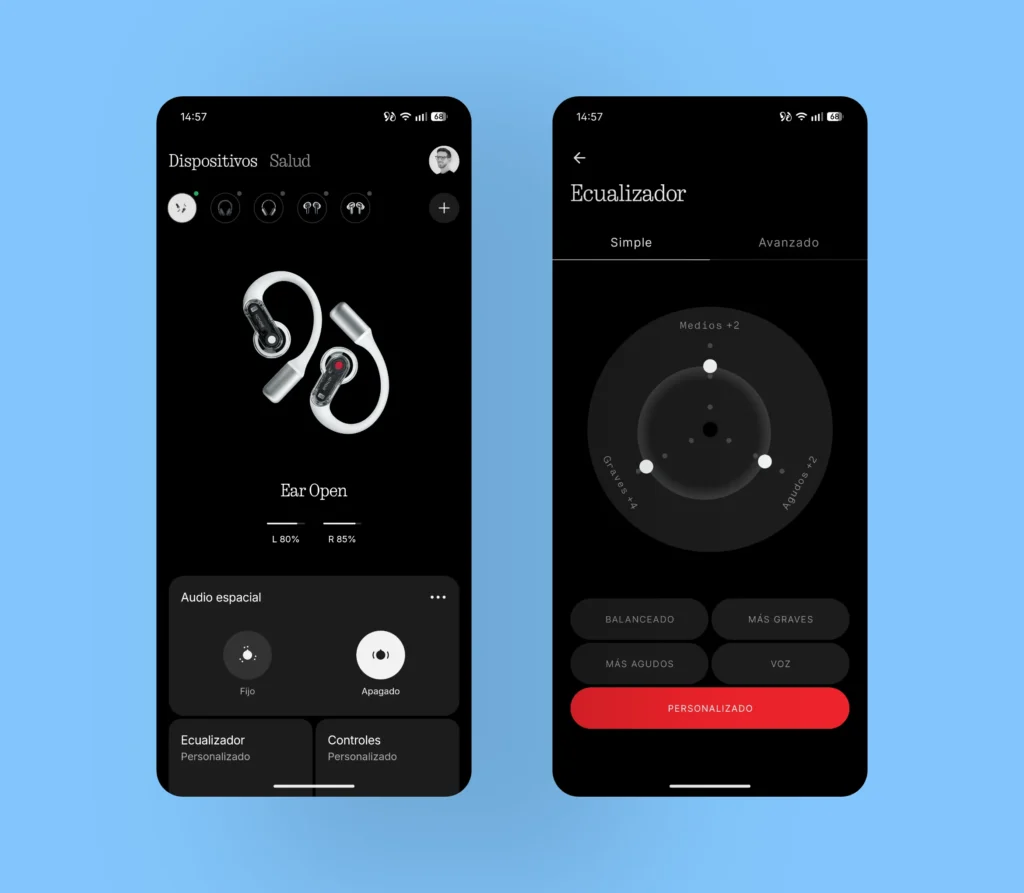
To modify the headphone equalization, you will need to download and access the app Nothing X. As you can see in the attached image, my custom configuration consists of raise the bass to +4, while the I adjust the mids and treble to +2. This combination offers a much more robust and enjoyable sound, both for managing phone calls and consuming multimedia content, whether it's series, videos, or music. It's a setting that has given me excellent results in various everyday use scenarios.
ADVERTISING
Do not activate spatial audio
One key point I want to highlight is spatial audio. My strong recommendation is keep it off. I've noticed that when it's activated, the audio loses sharpness and clarity, causing the different layers of the music to blend together and losing nuances that I appreciate when it's deactivated. I wouldn't recommend leaving it on if you're looking for the best possible sound quality.
Recommended touch controls
In closing, I think the default touch controls are very well configured and don't need any changes. Maintain the pinch on the right earpiece It's the perfect gesture to increase the volume, while the left side is used to lower it.
🦻 Nothing Ear (open) Review – Read here



Leave a Reply