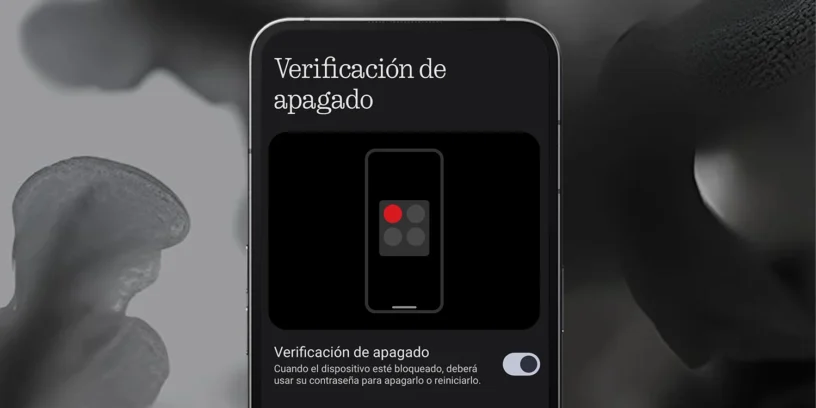



Nothing has launched a new update for your devices, which includes a key feature for user security: Power-off verification. With this option enabled, it prevents third parties from turning off your Nothing Phone without first entering the unlock PIN, increasing the chances of recovering the device in case of theft or loss.
How to enable power-off verification on your Nothing Phone?
To enable this feature on your device, simply follow these steps:
- Open Settings
- Go to Security and privacy
- Select More security and privacy
- Activate the Power Off Verification option
With this setting active, any attempt to turn off your phone without the PIN will not be successful.
An extra layer of security to protect your phone
If your phone is stolen, one of the first things thieves usually do is turn it off to prevent it from being located. Power-off verification, This strategy becomes more complicated, since your device will remain on and you can track it using apps like Google Find My Device.
Furthermore, if someone attempts to force a shutdown, the system will prevent it unless the correct PIN is entered. This provides valuable time to take action and recover the phone. However, even with this new security feature, a device could still be forced to restart by simultaneously pressing and holding the power button and the volume up button.

Other improvements in the latest Nothing OS update
The update that introduces the Power-off verification It also includes:
- "Circle to Search" function«, for performing quick on-screen searches.
- New exclusive wallpapers.
- Improvements in Wi-Fi and Bluetooth connectivity.
- System performance optimization and application of the Android security patch.
If you have a Nothing Phone, We recommend that you update the system as soon as possible to enjoy these new features and improve the security of your device.



Leave a Reply