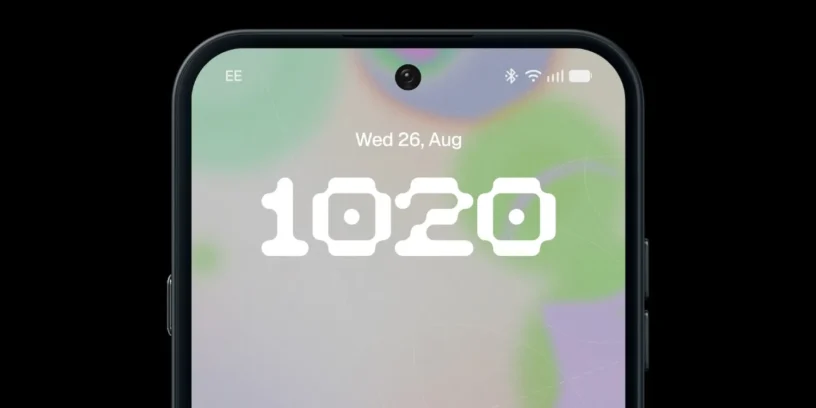
Nothing continues to expand the availability of Nothing OS 5.0 and has just added two new devices to its testing program. The open beta can now be installed on the Nothing Phone (2a) and the Phone (2a) Plus, which are added to the models that already had access to this new version of the operating system.
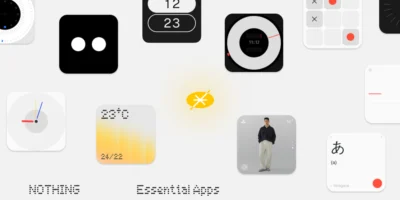
This way, the list of compatible devices continues to grow, allowing more users to try out the new features of Nothing OS 5.0 before its stable release. Among its main improvements are customization options, new widgets, and enhancements to the AI tools integrated into Essential Space. If you own one of these two phones and don't want to wait for the final version, installing the beta is quite simple.
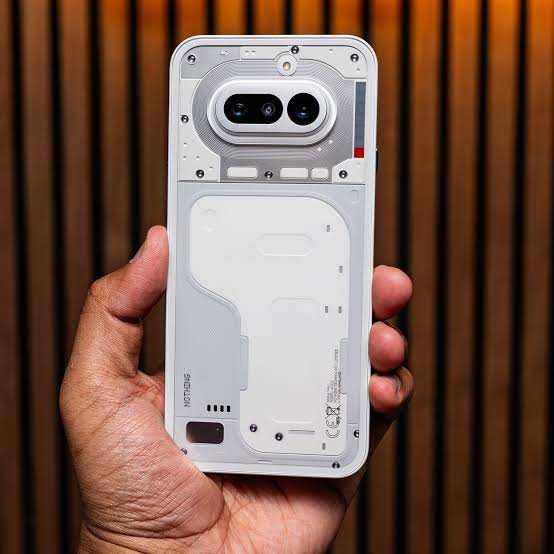
How to install the Nothing OS 5.0 beta
To access this version, you don't need to use complex procedures or unlock your device. Nothing offers an official tool to sign up for the beta program and receive the update directly on your phone.
- Download Nothing Beta Hub: Visit the Nothing OS 5.0 official page and download the latest version of Nothing Beta Hub v2.0 in APK format. On the same page, you’ll find information about compatible devices, required versions, the installation process, and instructions on how to roll back to a previous version.
- Install the application: Once you have downloaded the file, install Nothing Beta Hub on your Nothing Phone (2a) or Phone (2a) Plus.
- Join the program: Go to Settings > System > Nothing Beta Hub and tap "Check version". Then, select the option to join the open beta.
- Check for the update: A notification prompting you to download Nothing OS 5.0 should appear within a few minutes. Nothing warns that it may take up to five minutes to arrive. If a stable update appears first, install it and check again to see if the beta is now available.
It is important to bear in mind that the registration period is limited: the access window will remain open for 7 days, after which the opportunity to join this testing phase will close.
ADVERTISING
What you should consider before updating
As with any beta version, Nothing OS 5.0 may still contain bugs and not offer the same stability as a final release. Nothing itself warns that installation could affect data stored on the device and even require a factory reset.
That’s why my recommendation is clear: make a full backup before installing the update. This will help you avoid losing photos, documents, and other important files if anything goes wrong during the testing process.
It's also worth noting that some features announced for Nothing OS 5.0 are not yet available in this beta. These include the redesigned home screen and the Micrographics clock design, which are planned for the general release. Essential Space updates are distributed separately through Google Play, while other features, such as real-time translation in Essential Voice, will arrive later.

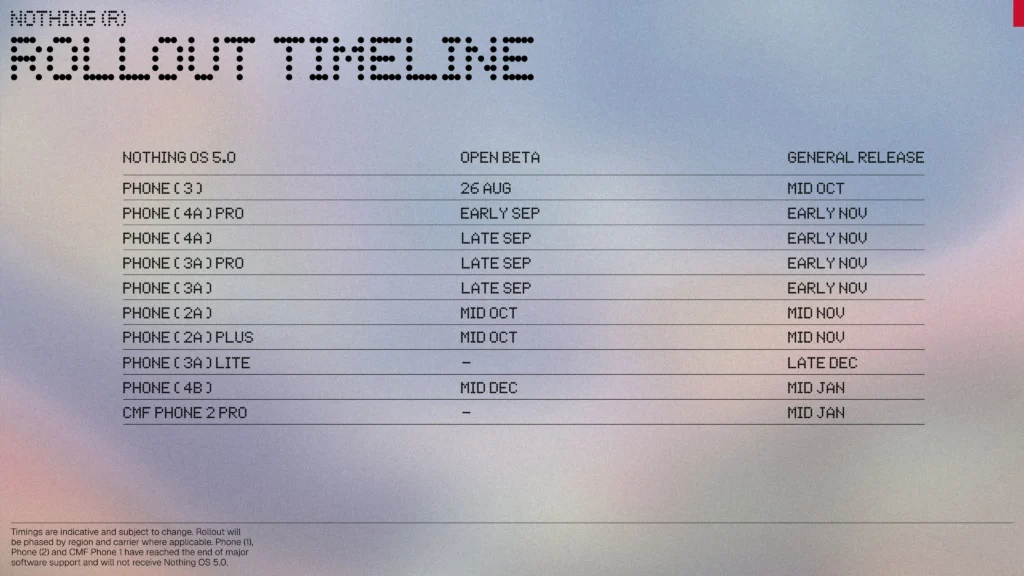
All mobile phones compatible with Nothing OS 5.0 Open Beta
With the addition of the Phone (2a) and Phone (2a) Plus, the Nothing OS 5.0 open beta is now available for the following devices:
- Nothing Phone (3)
- Nothing Phone (4a) Pro
- Nothing Phone (4a)
- Nothing Phone (3a) Pro
- Nothing Phone (3a)
- Nothing Phone (2a)
- Nothing Phone (2a) Plus
ADVERTISING
Once the beta is installed, you can also send your feedback directly to Nothing from Settings > System > Feedback, a way to help identify bugs and improve the software before its final release.
If you want to stay informed about the latest news and updates on Nothing and CMF products, you can follow me on X (@ruudhesp), Instagram (@ruudhesp) and TikTok (@nothingtec).



Leave a Reply