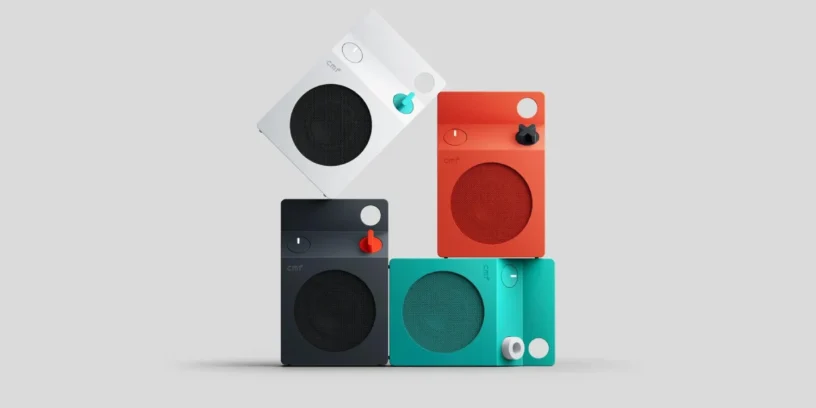
The CMF Speaker S and M are starting to receive a new firmware update, version 1.0.1.55. This release brings improvements to the speakers' connectivity and playback features, with some particularly interesting changes for those using multiple devices within the Nothing and CMF ecosystem.
New features include enhanced options for managing devices paired via Dual Connection, improved compatibility with Party Mode (Auracast), and enhancements to the stereo experience. While this update doesn't completely transform the speaker's functionality, it does add useful tools to better utilize its capabilities.
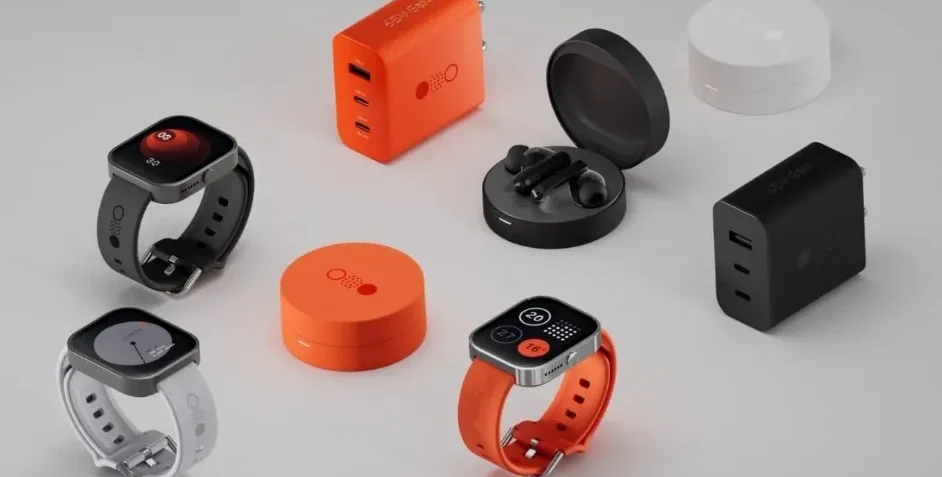
Most notable new features of version
One of the most significant changes affects Dual Connection, which now allows you to disconnect, reconnect, and remove paired devices individually. The speaker can store up to eight phones, simplifying connection management when using multiple devices.
Party Mode compatibility via Auracast is also expanded, now working with the Nothing Headphone (1) Pro and other Nothing and CMF devices compatible with this technology. Finally, Nothing has improved the stereo mode experience to provide a more satisfying user experience when using this feature.
ADVERTISING
Improved connectivity and playback
- 🔗 Enhanced Dual Connection: Adds options to disconnect, reconnect, and remove paired devices. Allows you to store up to eight phones and delete pairing records individually.
- 🎉 Party Mode (Auracast): Compatible with Nothing Headphone (1) Pro and other Nothing and CMF devices that support Auracast.
- 🔊 Enhanced Stereo Mode: Refined Stereo Mode user experience.
How to update the CMF Speaker S and M
Firmware update 1.0.1.55 is being rolled out gradually, so it may take some time to appear on all speakers. Nothing performs these phased rollouts to monitor for potential issues and ensure a stable installation.
To check if an update is available or to provide feedback on the firmware, you can access the Nothing X app and go to Settings > Support, select the product and tap on "Send feedback".
If you want to stay informed about the latest news and updates on Nothing and CMF products, you can follow me on X (@ruudhesp), Instagram (@ruudhesp) and TikTok (@nothingtec).



Leave a Reply