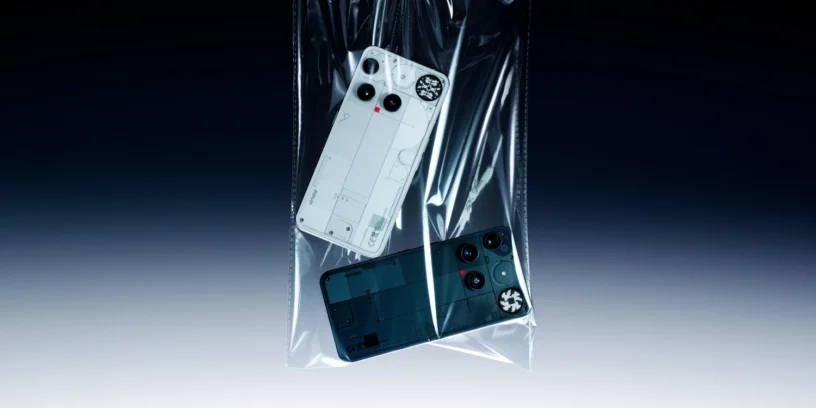
Nothing has begun rolling out the stable version of Nothing OS 5.0 for the Nothing Phone (3), a major update identified by version C5.0-260924-2115. Based on Android 17, this new release introduces interface changes, new customisation tools, brand-new widgets, and improvements to the camera app, while also optimising various aspects of the operating system.
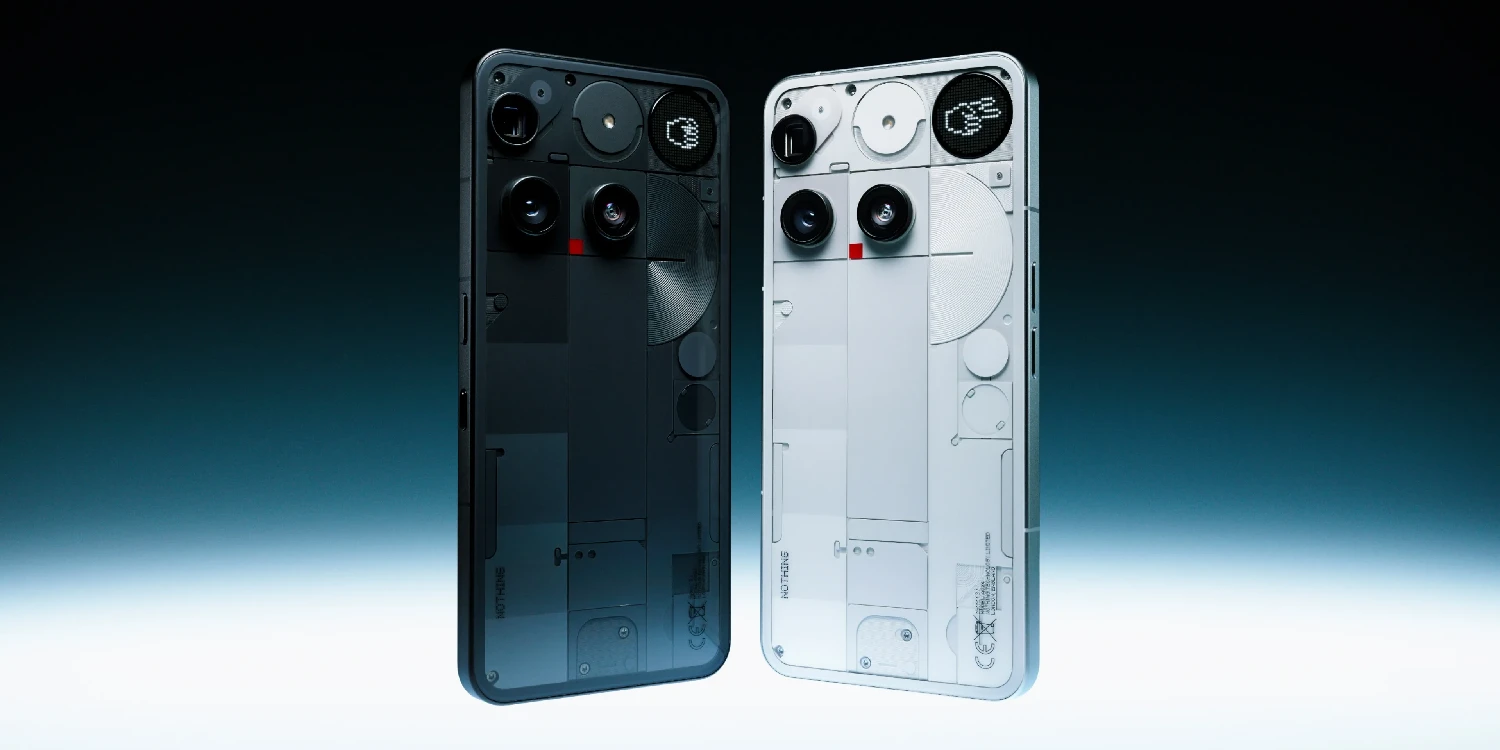
Among the most notable new features are the new Glyph app, a translucent theme for the home screen, more options for customizing the lock screen, and new photography tools. Improvements have also been made to Dark Mode, HDR brightness, animations, and Bluetooth integration in Quick Settings. Before installing, Nothing recommends backing up your data, including photos, call logs, and contacts.
ADVERTISING
Most notable new features of version
Nothing OS 5.0 represents a significant overhaul of the Phone's user experience (3). The update expands customization options, incorporates new features related to widgets and the camera, and introduces a more refined interface. All of this comes with changes to Android 17 and improvements designed to make interactions with the device smoother.
New features
- 🔮 New Glyph app: Designed specifically for the Glyph Interface, it provides faster access to its features and offers a revamped interactive experience. It's available from the app drawer.
- 🗄️ Separate Notification Panel and Quick Settings: These can now be displayed separately for a cleaner interface and easier access to each section. To enable this, go to Settings > Notifications > General > Notifications and Quick Settings.
- ✅ Bulk icon organization: Allows you to organize multiple home screen icons at once. To use it, press and hold on the home screen and select "Organize".
- 🚥 New activity indicator in the status bar: incorporates three colors to identify activities related to accessing sensitive information, location, and AI processing.
Visual improvements and customization
- 🫧 New Translucent theme: Introduces a frosted glass style to the Launcher, with subtle accent colors inspired by the wallpaper. It can be found in Personalization > Theme & Style > Translucent.
- 🎨 More options for the lock screen clock: it is now possible to customize the color of the clock face.
- 🕰️ Two new clock designs for the lock screen.
- 🎴 New wallpaper option in the gallery, with a refreshed style.
- 🛜 Refined status bar icons, with a clearer and more consistent design, accompanied by subtle animations.
- 🖋️ New Geist typeface and adjustments to the Settings interface, to improve readability and offer a more uniform design.
- 🌌 Improved animations and transitions in different situations for a smoother experience.
New widgets
- 🪆 Widgets Collector: allow you to transform your photos into decorative elements of different styles for the home screen.
- ⏱️ Away Time Widgets: These track the time you spend away from your screen to help you better understand your daily habits.
- ⏳ Glyph Timer in the widget drawer: You can now access the Glyph Timer directly from this section and use it more conveniently on your home screen.
Camera improvements
- 🎛️ New Tuning section: incorporates seven adjustable effects and an option to reset values.
- 🎞️ Improved Presets: now offering easier editing, more complete cards, Playground integration, and a new 2x2 widget.
- 🎥 More video recording tools: added support for filters and tuning, dual-view video recording, and H.265 encoding.
- ✨ Improvements to various photo functions: recording, zoom, close-up photos, QR code scanning, Google Lens, and Motion Photos playback have all been optimized.
- 📷 Refreshed camera interface, with changes to the design, controls, prompts, and animations.
General improvements and bug fixes
- 🌑 Extended Dark Mode: This feature automatically applies a dark theme to most apps that don't natively support it. You can configure it in Settings > Display > Dark theme > Use extended dark theme.
- 🔆 Enhanced HDR Brightness: This feature adds an option to adjust the intensity of HDR content for more comfortable viewing. It's available in Settings > Display > Enhanced HDR Brightness.
- 👆 Depth Wallpapers (Beta): now allow you to pinch the screen to reduce its size and offer greater flexibility when customizing them.
- 💊 Improved Live Updates: Features a revamped status bar experience to show ongoing activities.
- 👻 New Noto 3D emojis in Gboard, with a more expressive and eye-catching appearance.
- 🎙️ Faster Essential Voice transcriptions, with reduced latency.
- 🏠 Improved lock screen shortcuts for a more natural interaction.
- 🎧 Bluetooth integrated into Quick Settings: now you can connect or disconnect a device with a single tap on its icon.
ADVERTISING
System installation and performance
Before upgrading to Nothing OS 5.0, it is recommended to back up your photos, contacts, call logs, and other important information, as Nothing advises for this upgrade to Android 17.
During installation, the Nothing Phone (3) may become warm and consume more battery than usual. Nothing notes that this behavior is temporary and that the device should return to normal operation once the process is complete.
The rollout of version C5.0-260924-2115 is being done in stages, so it may take some time to appear on all phones. To check if you can install it yet, go to Settings > System > System update.
If you want to stay informed about the latest news and updates on Nothing and CMF products, you can follow me on X (@ruudhesp), Instagram (@ruudhesp) and TikTok (@nothingtec).

Leave a Reply