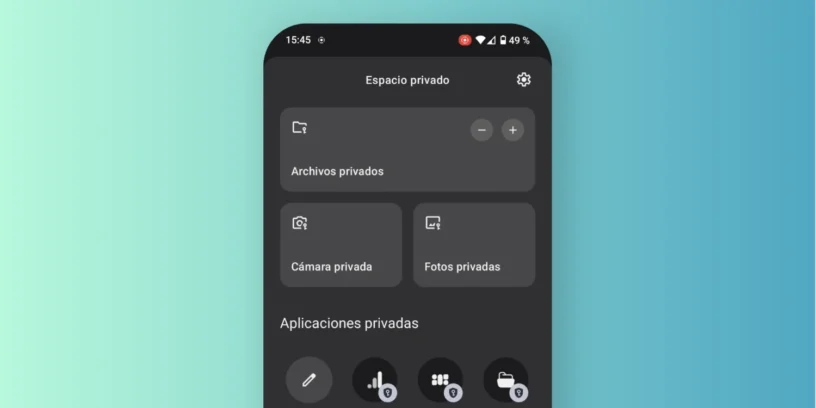

With the arrival of the latest updates of Nothing OS, Nothing Phone devices are incorporating one of the most interesting features of Android 15: Private Space. This feature, developed by Google and adapted by Nothing, allows you to have a separate and protected environment within your mobile phone to store sensitive files, photos, and apps.
In my case, after Install the latest update of the system in the Nothing Phone (2), The feature is now available and accessing it is quite simple. You just have to go to the app drawer and swipe from left to right. This will automatically open the Private Space, without needing to go through complicated settings or menus.
From this secure environment you can hide applications, documents, photos or even take a photo directly from the Private Space, so that it's saved there without appearing in the main gallery. It's a very practical way to protect content you don't want visible in the usual mobile environment.
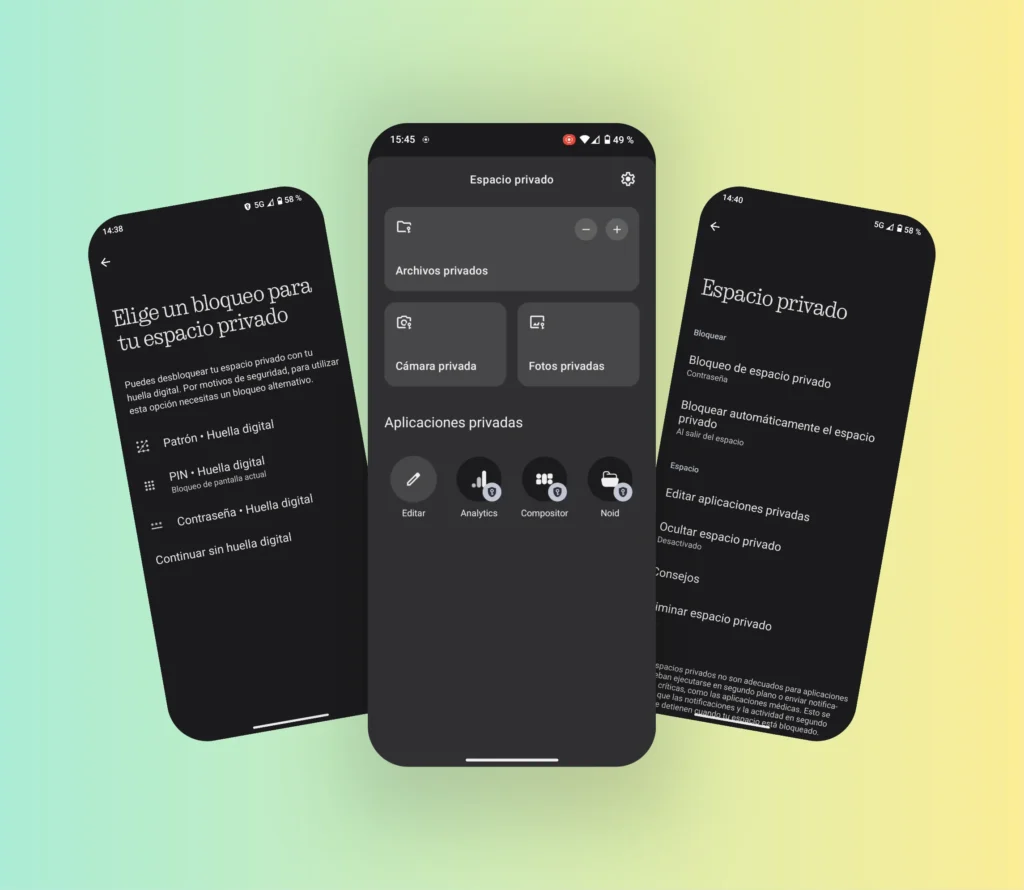
Additionally, you can protect this space with a password different from the unlock PIN, and you can also use the fingerprint for greater convenience. Another positive point is that it can be configured Automatic locking of Private Space according to three options: upon leaving the space, after a few minutes of inactivity, or directly when the phone is locked.
This functionality makes the Nothing Phone an even more complete option for those seeking privacy without the hassle of third-party apps. Access is straightforward, the experience is seamless, and everything is well integrated into Nothing's minimalist aesthetic.
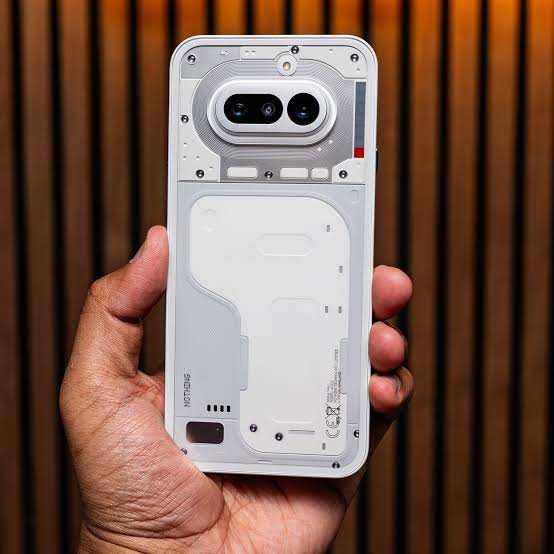
If you already have your Nothing Phone updated, I encourage you to try it. And if you're thinking of getting one, these kinds of details make all the difference.



Leave a Reply