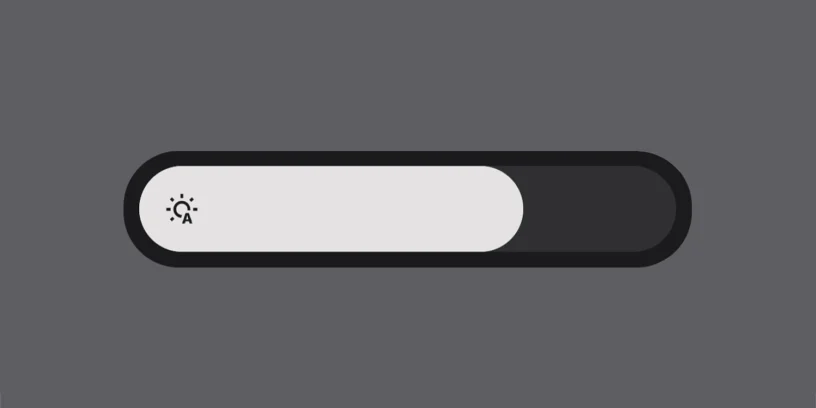

We've already shown you other little tricks of Nothing OS like how to quickly access the private space o How to remove app names from the home screen. Today we bring you one of those gestures that, although very simple, It will save you time every day.How to directly access the screen brightness bar with a simple swipe on your Nothing Phone.
What usually happens when you lower the top bar?
In Nothing OS, as in many Android skins, when you swipe down from the top of the screen, you access the quick access bar. This includes icons such as Wi-Fi, Bluetooth, flashlight, etc. However, The brightness control doesn't appear on that first swipe..
To display the brightness adjustment, you need to slide down again a second time, which can be somewhat inconvenient if you just want to adjust the brightness quickly.
The trick: swipe with two fingers
What many people don't know is that there are a very simple way to directly access all settings, including brightness, without needing to perform two consecutive actions. You just have to:
- Swipe down from the top of the screen using two fingers instead of one.
With this gesture, The quick access bar will fully expand It immediately displays the brightness control as well. This allows you to adjust it in a single step, quickly and without interruption.
Do I need to activate it in settings?
This trick It works on any screen. (unless it's locked or you're using a full-screen app) and You don't need to activate anything beforehand.. It comes pre-installed on Nothing OS, on any Nothing phone, from the Nothing Phone (1) until the future Nothing Phone (3).
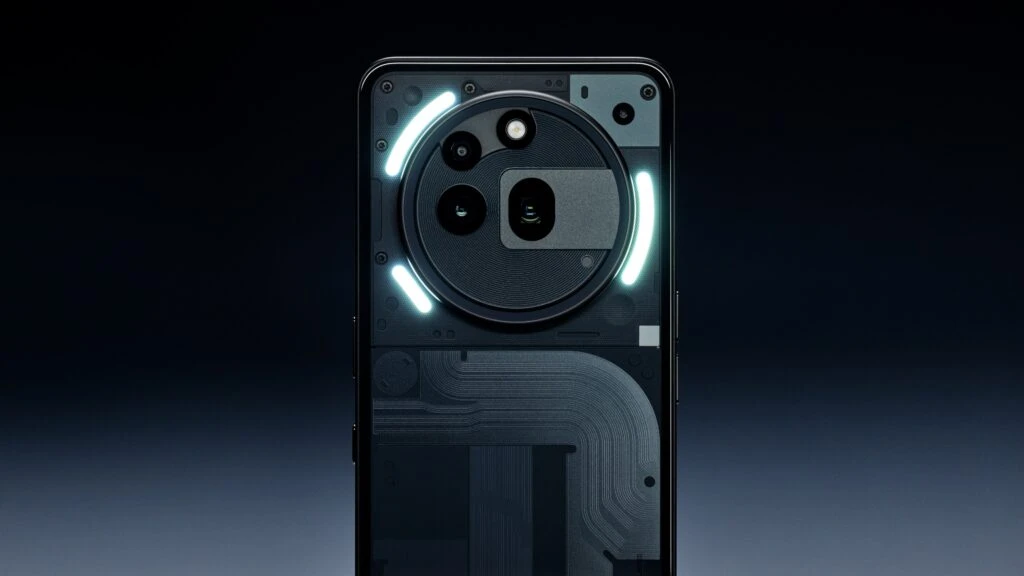
Nothing OS It stands out for its attention to detail and for offering a smooth, minimalist experience. These shortcuts, though simple, demonstrate that the system is designed for everyday use. If you adjust the brightness frequently, You will find this gesture especially useful.



Leave a Reply