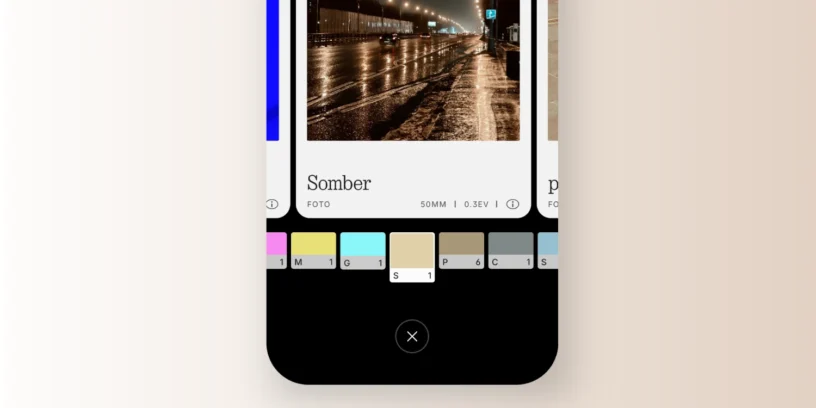



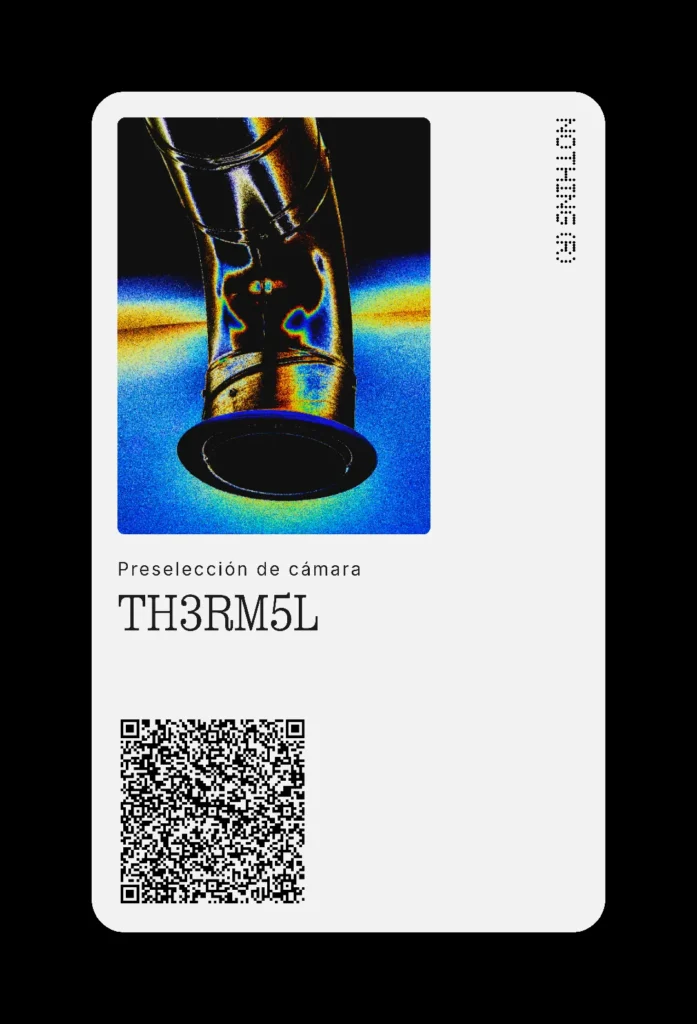
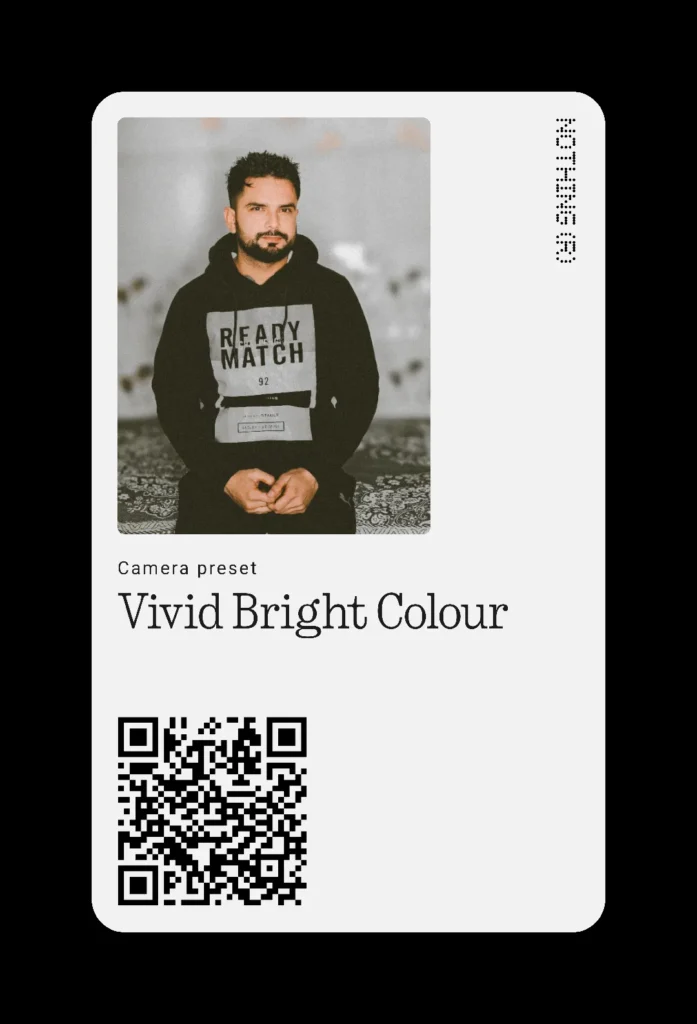
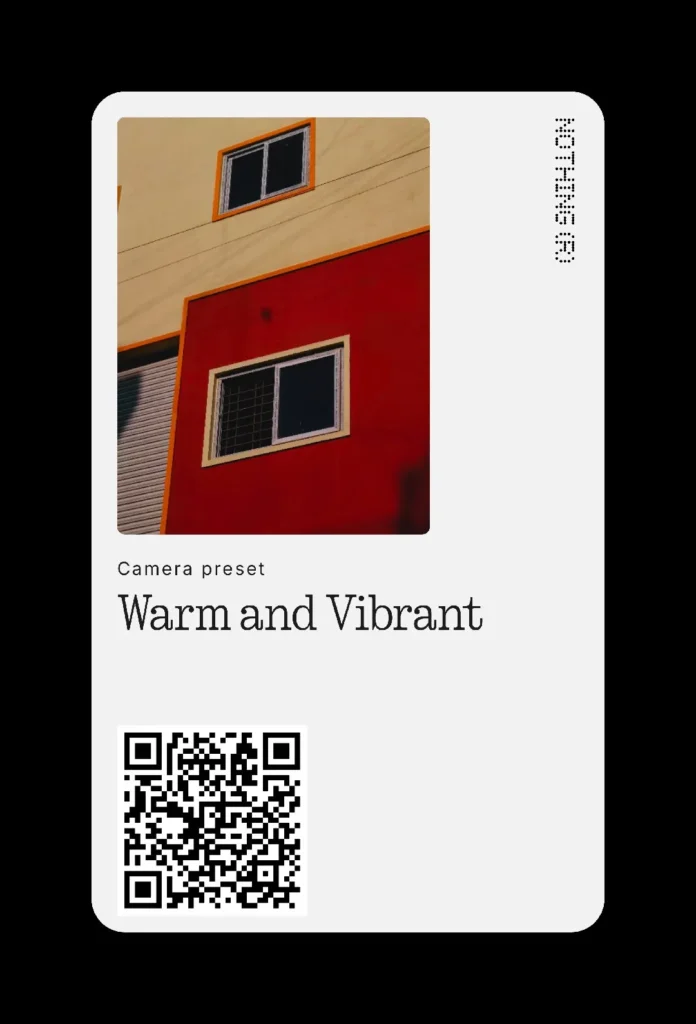
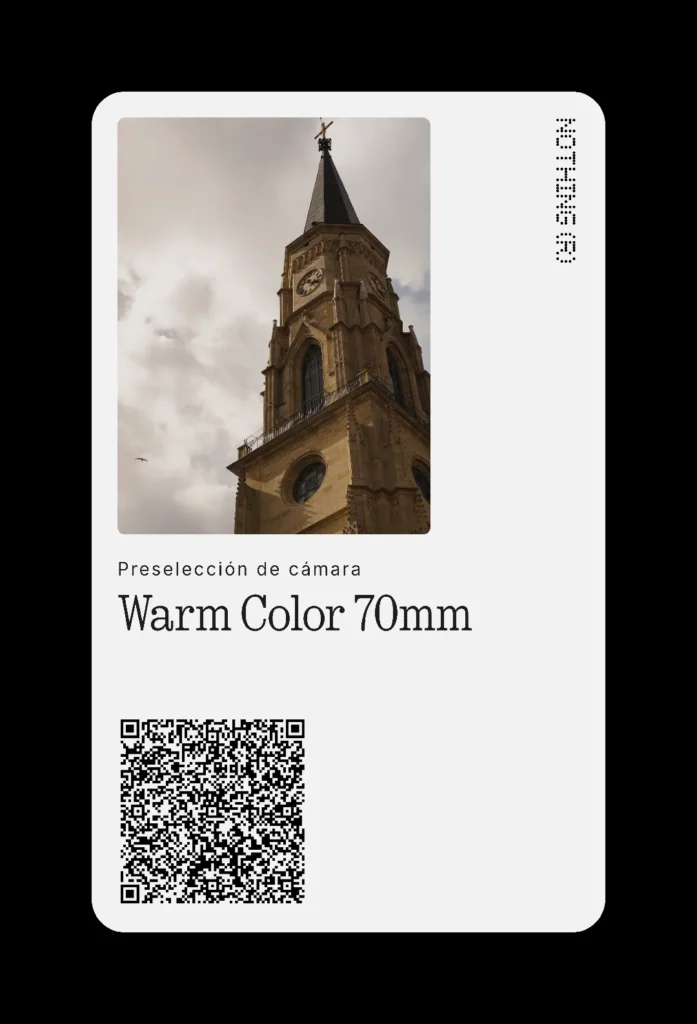
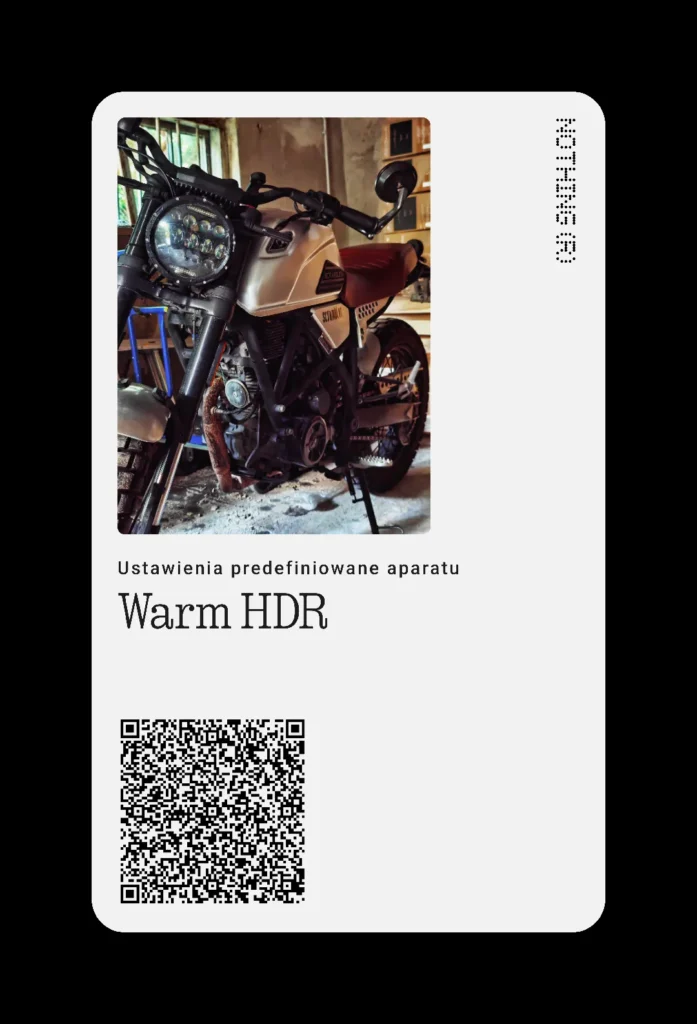
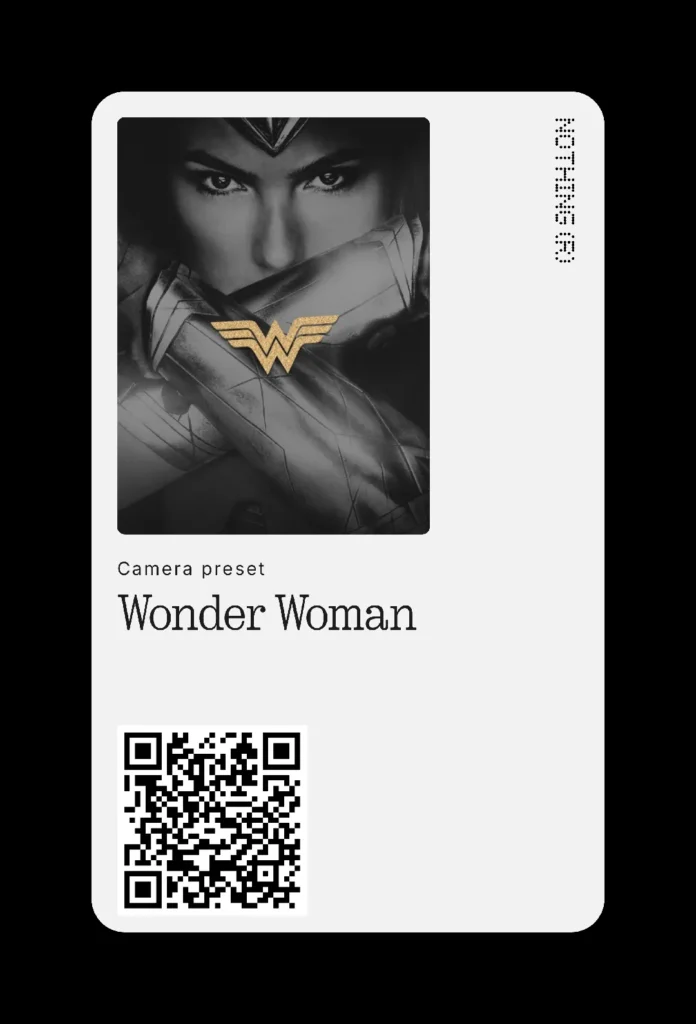
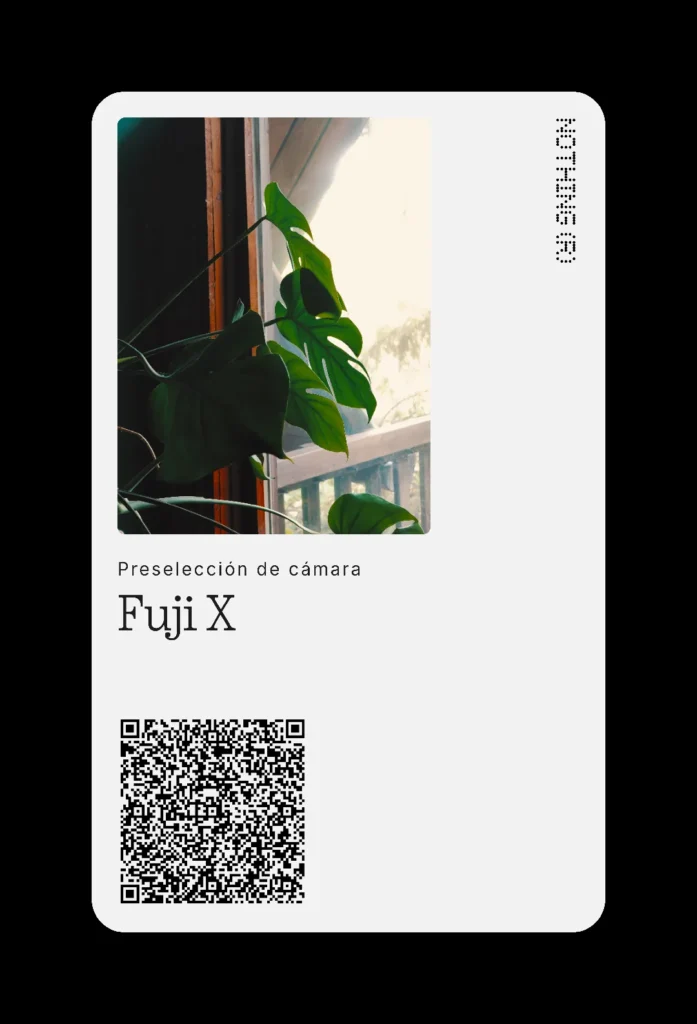
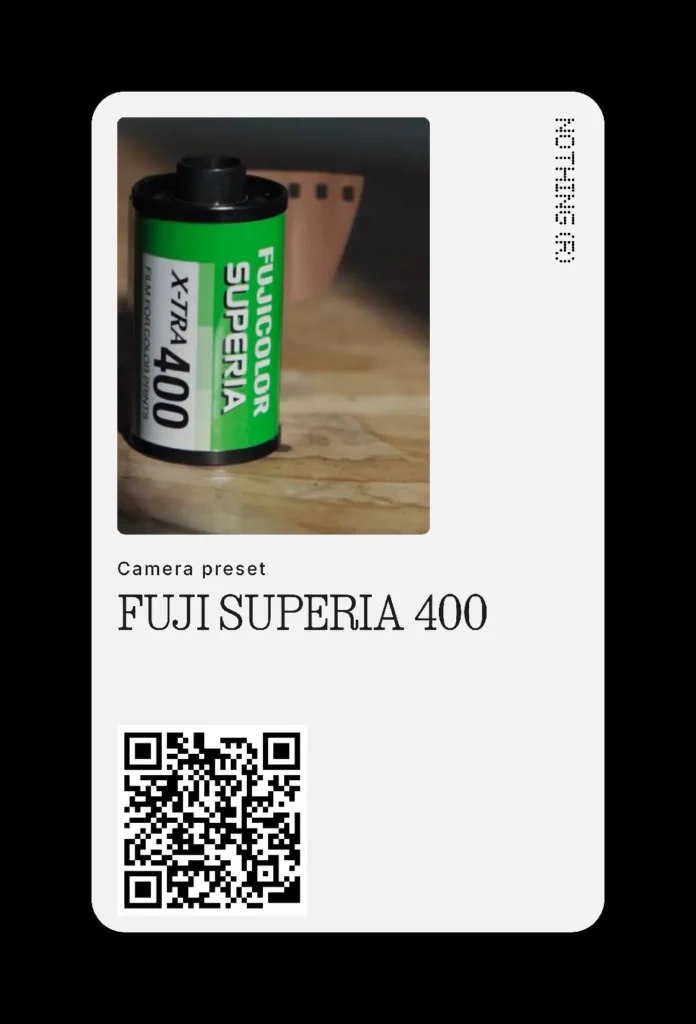
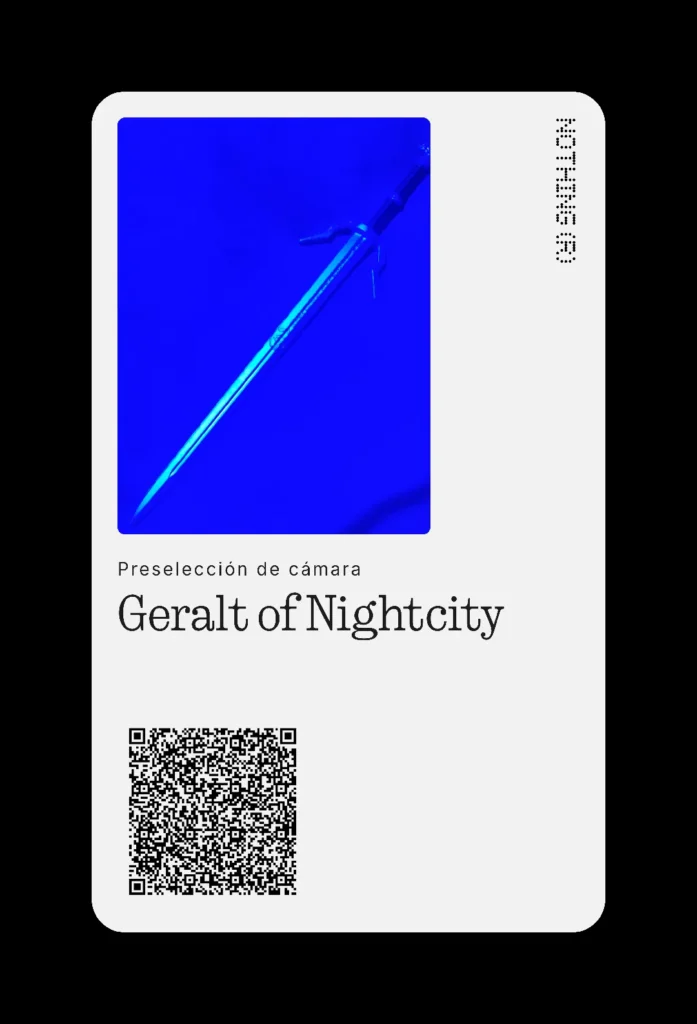
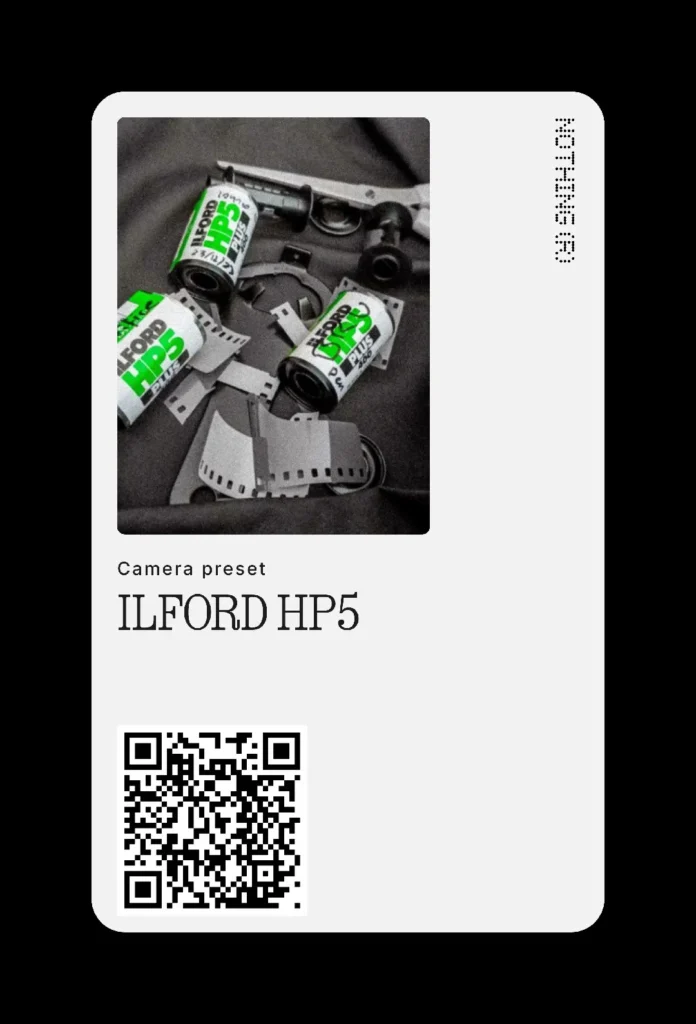
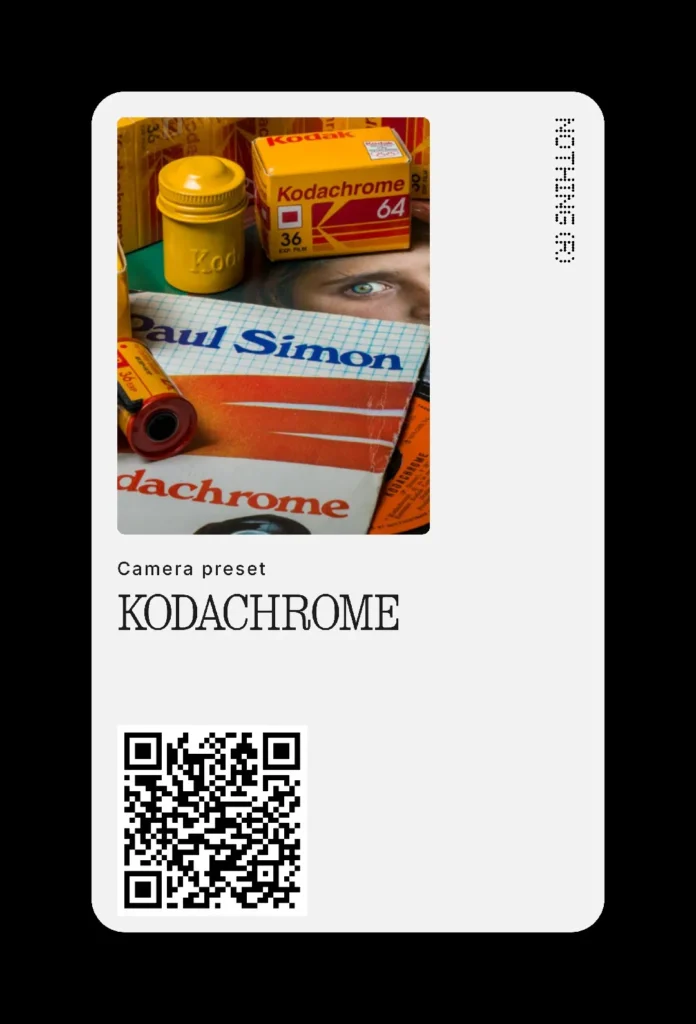
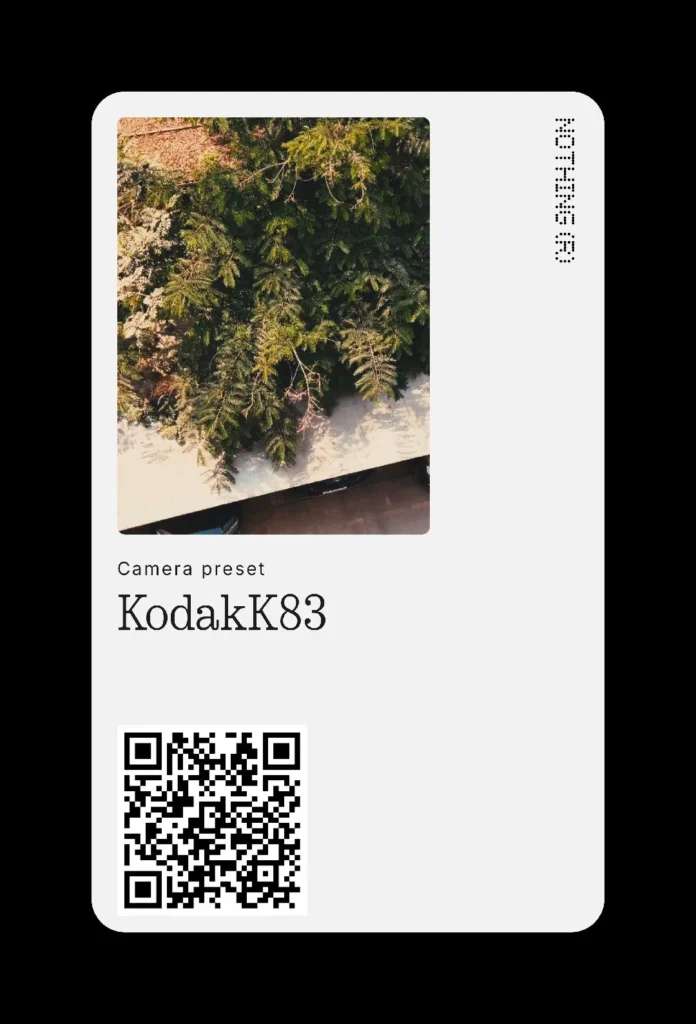
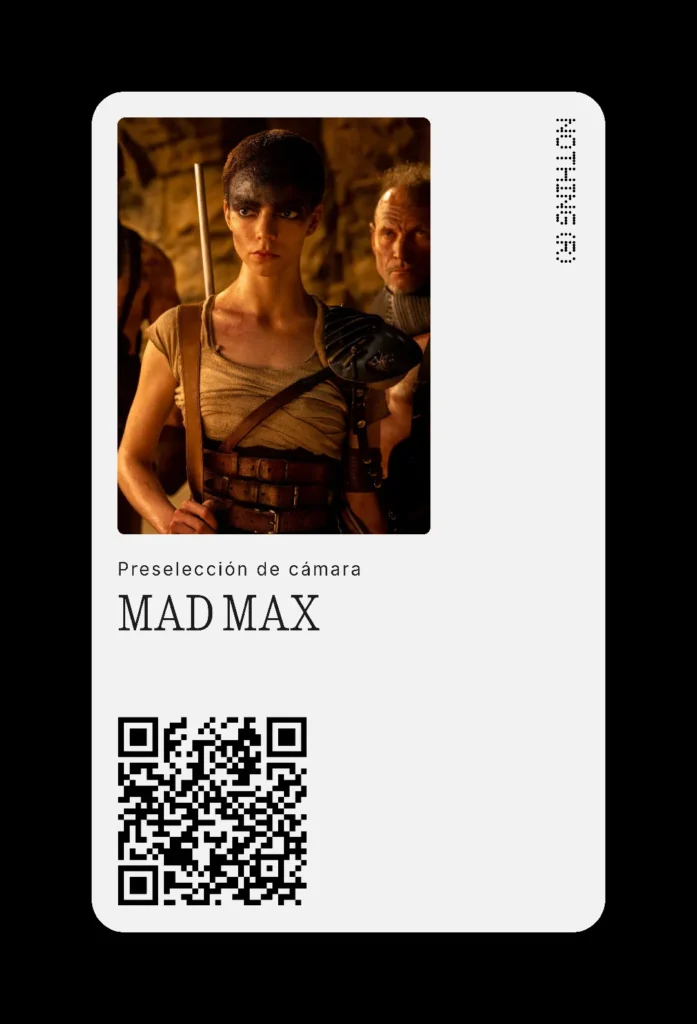
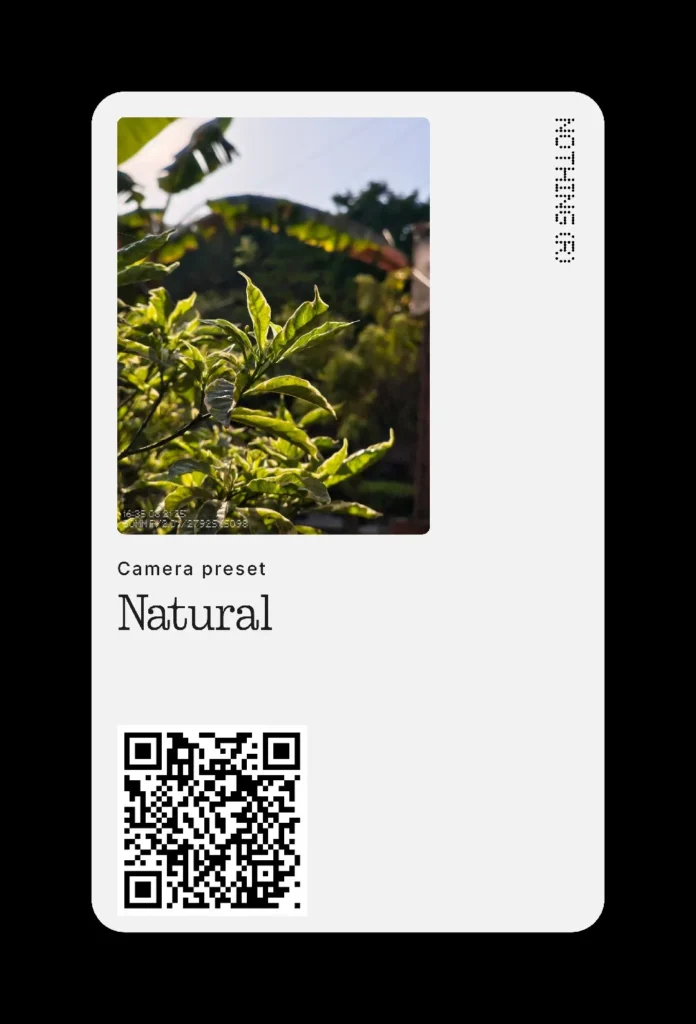
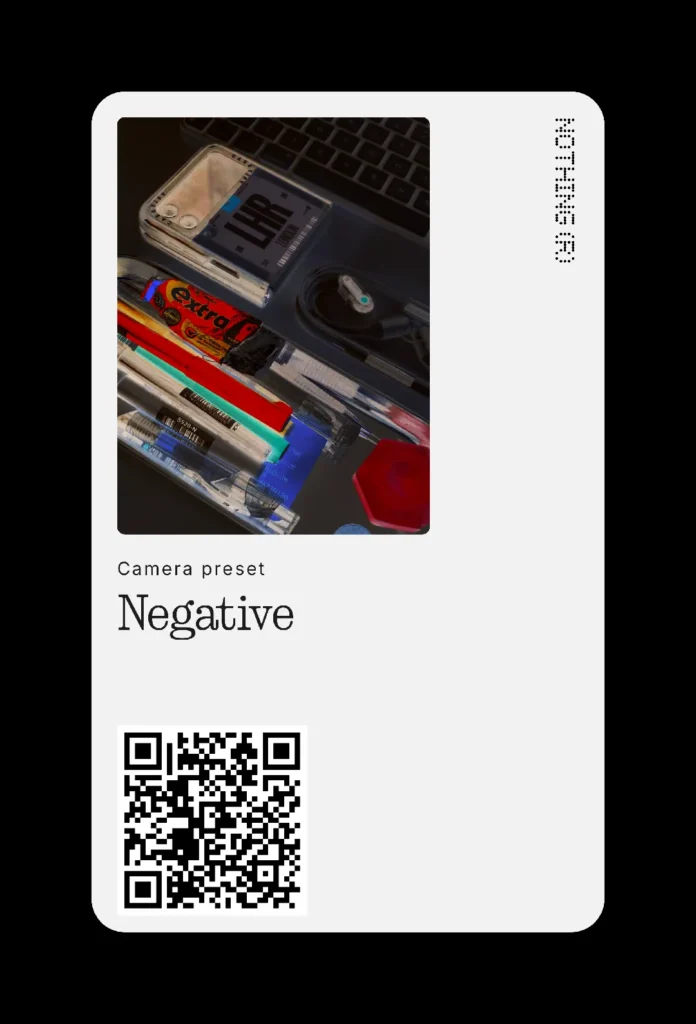
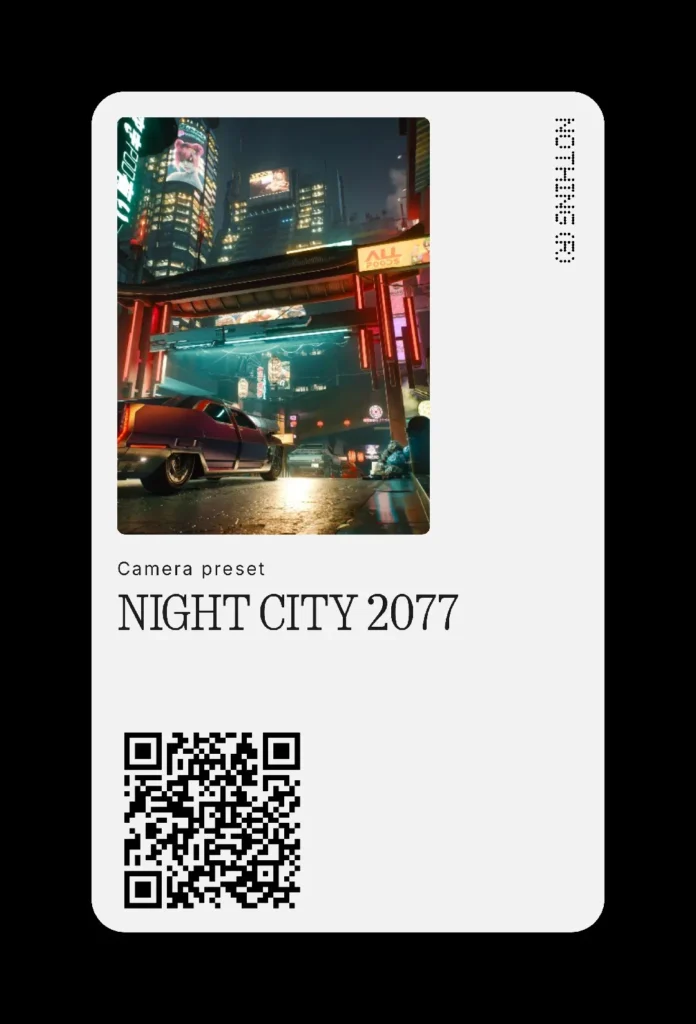
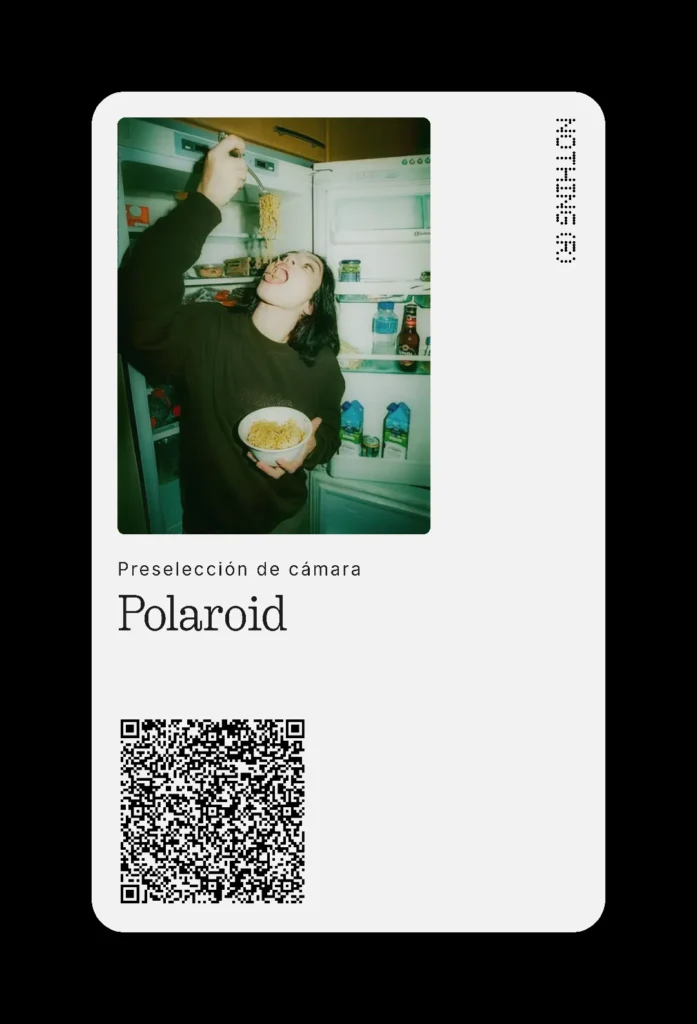
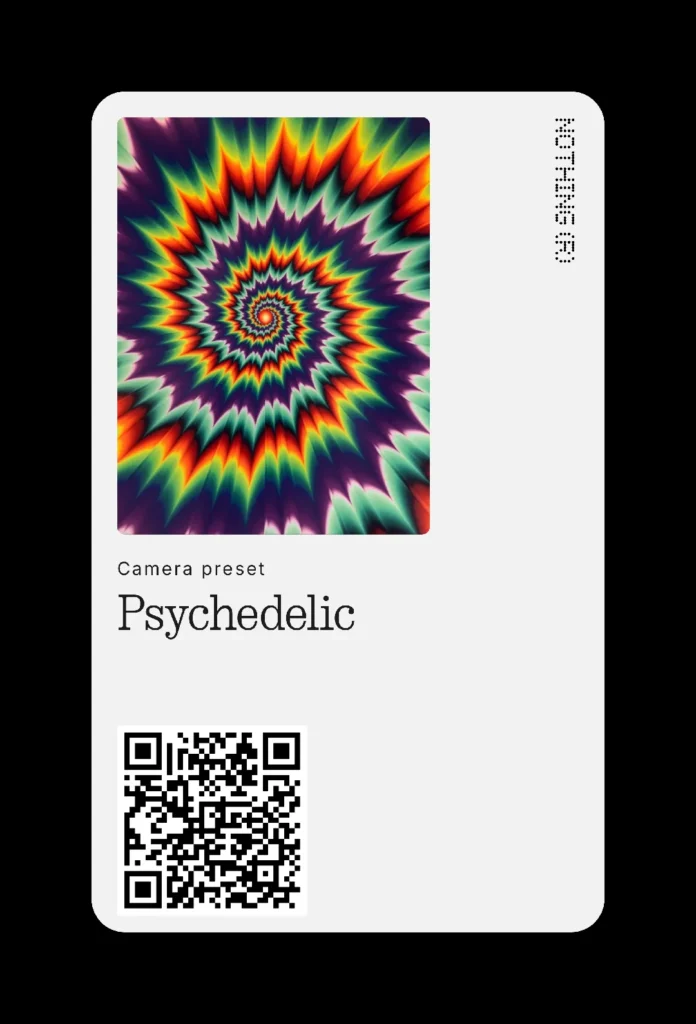
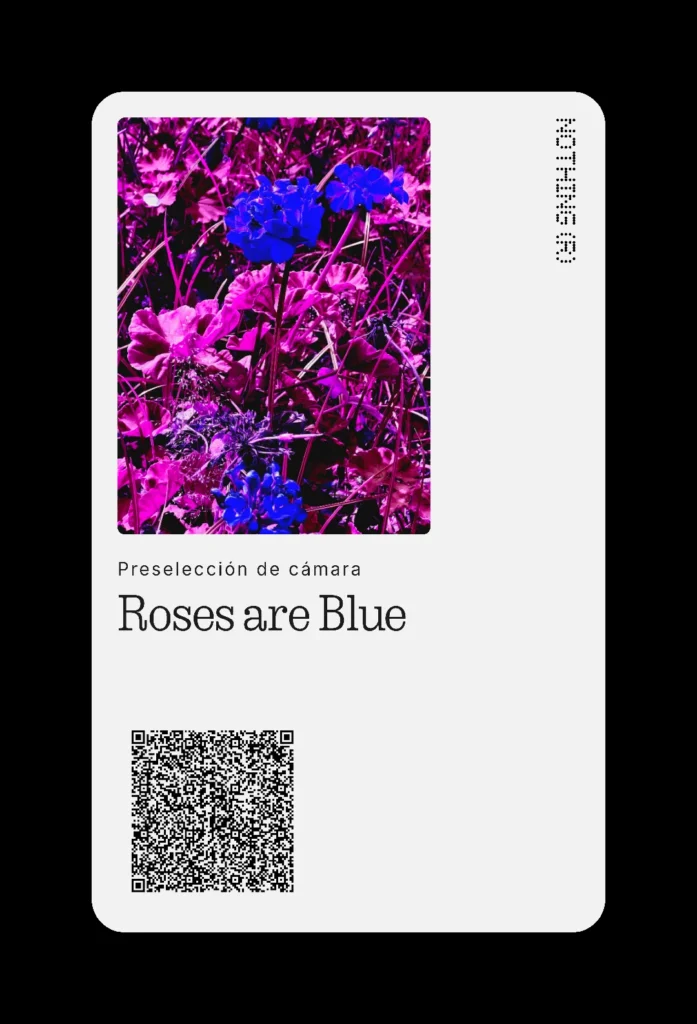
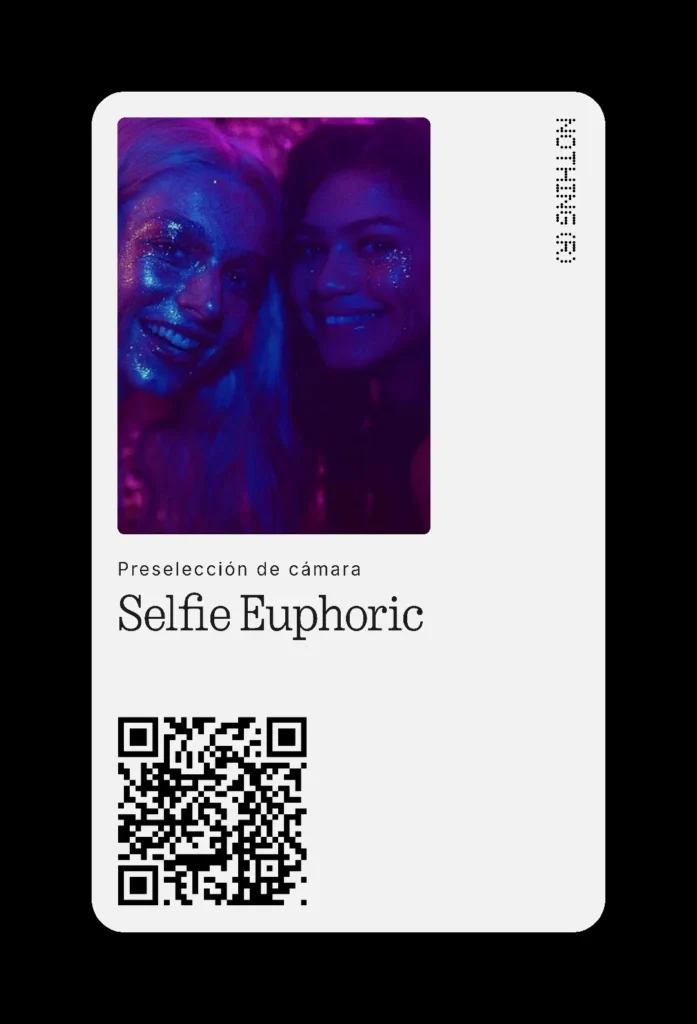
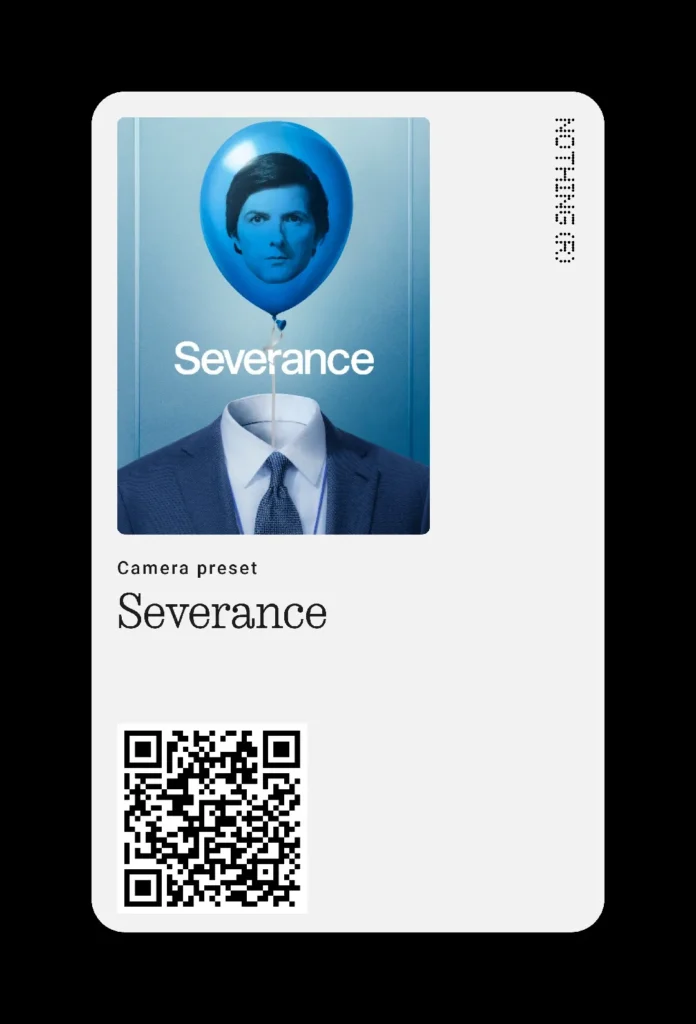
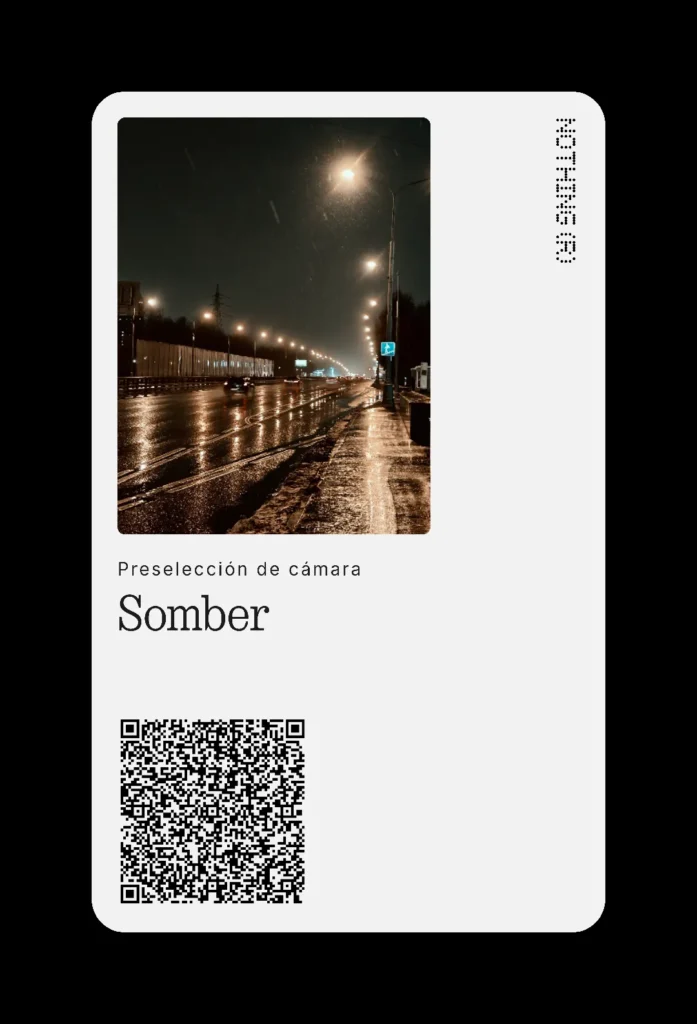
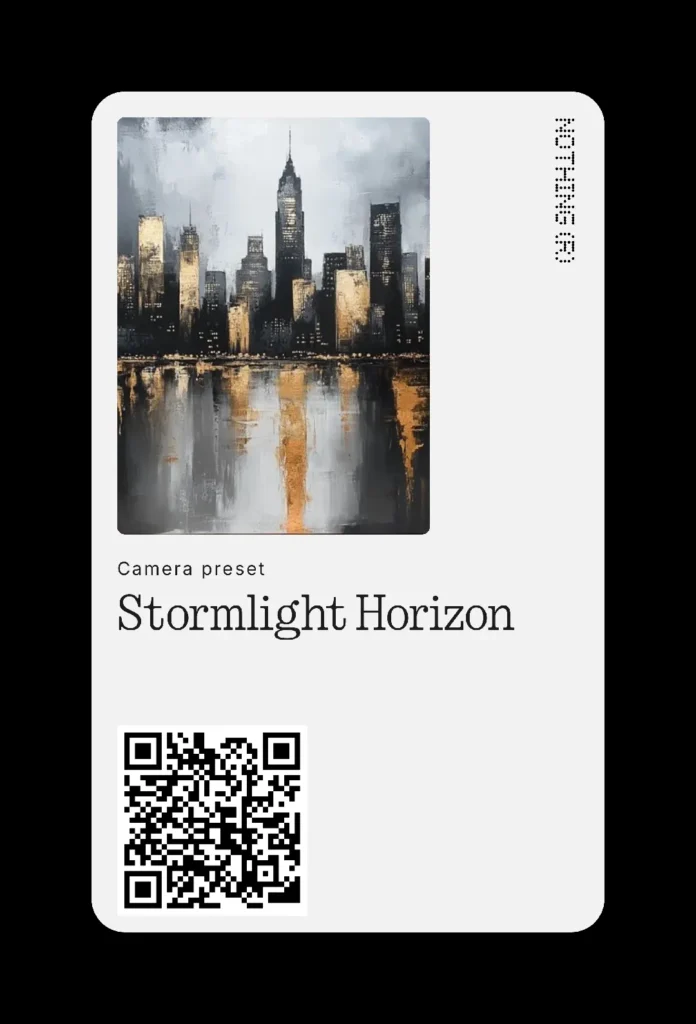
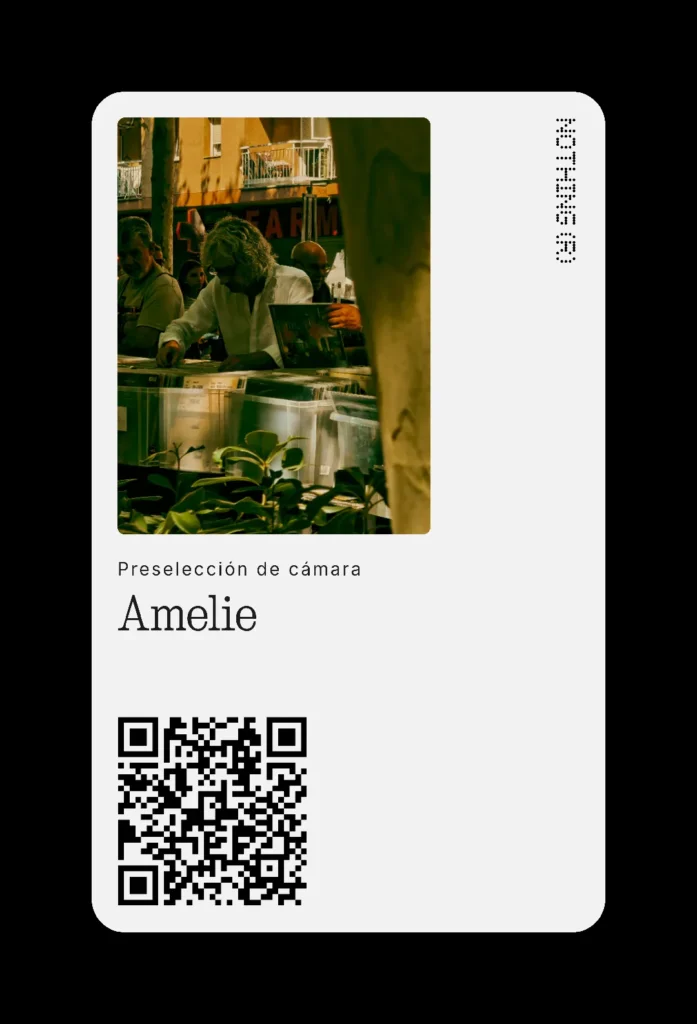
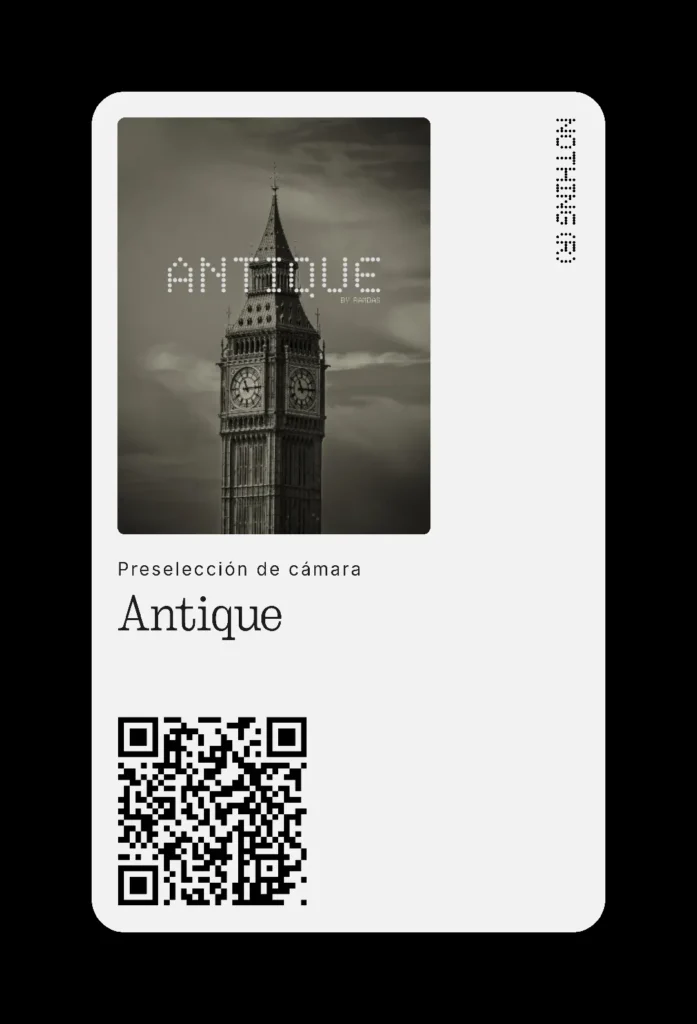
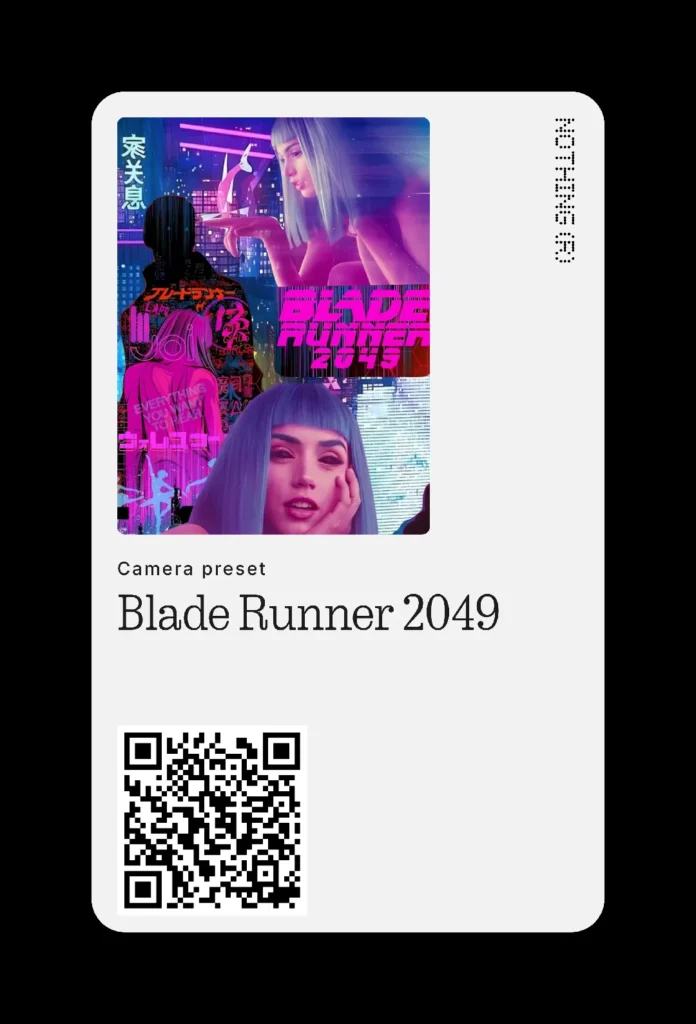
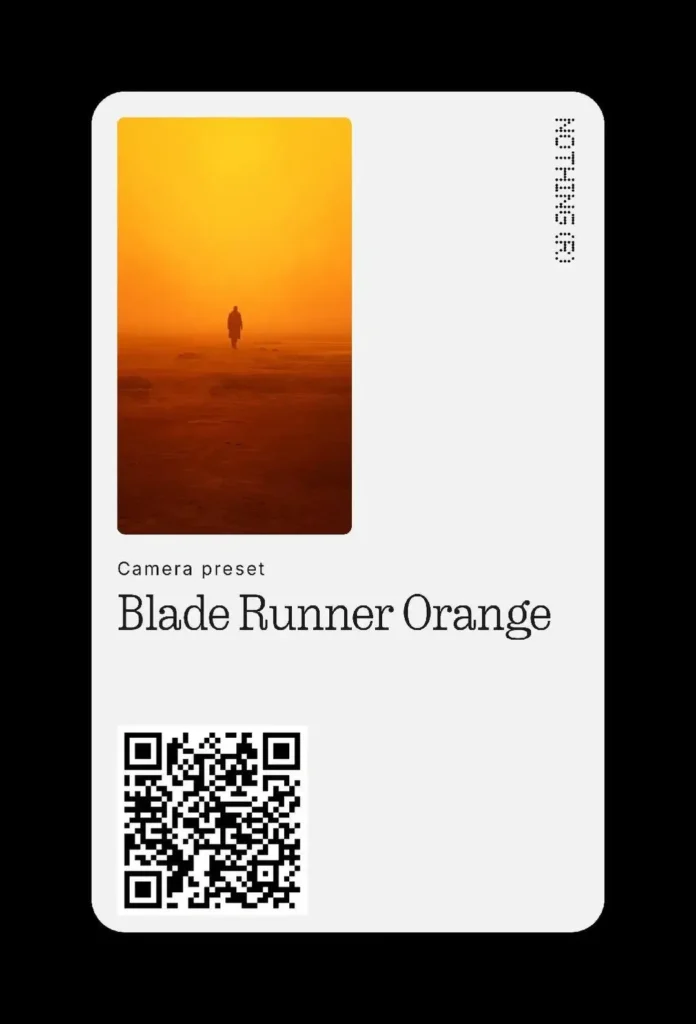
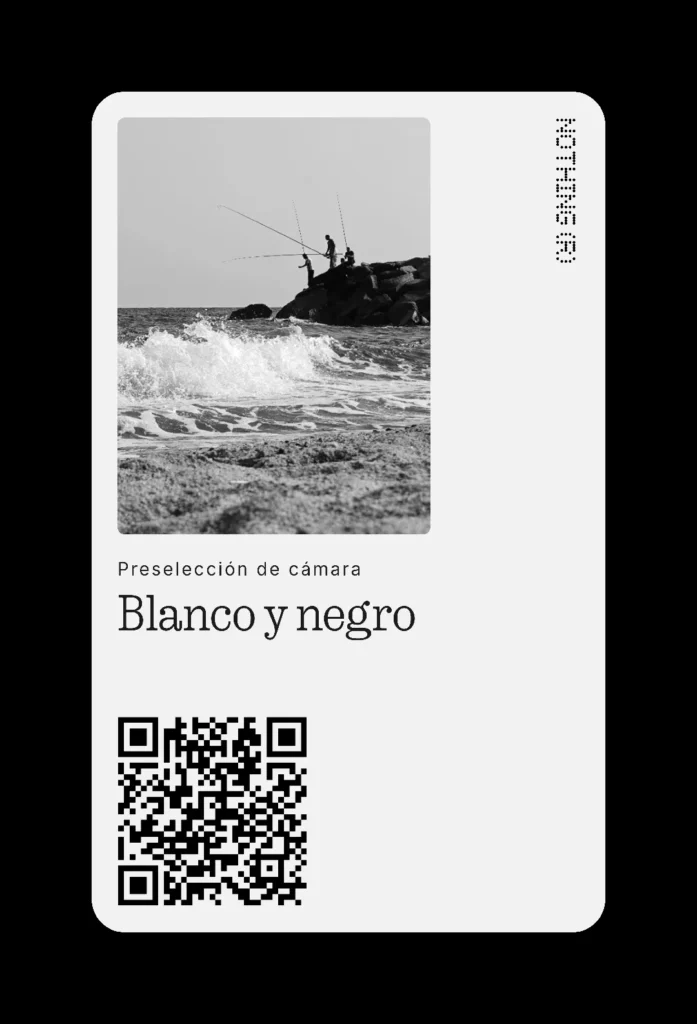
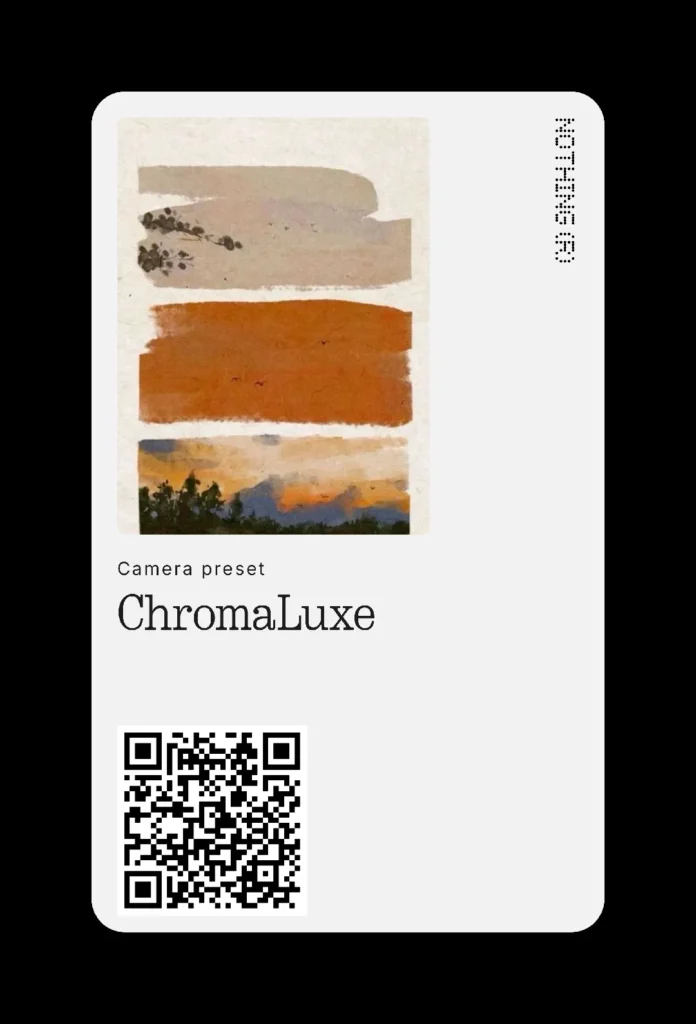
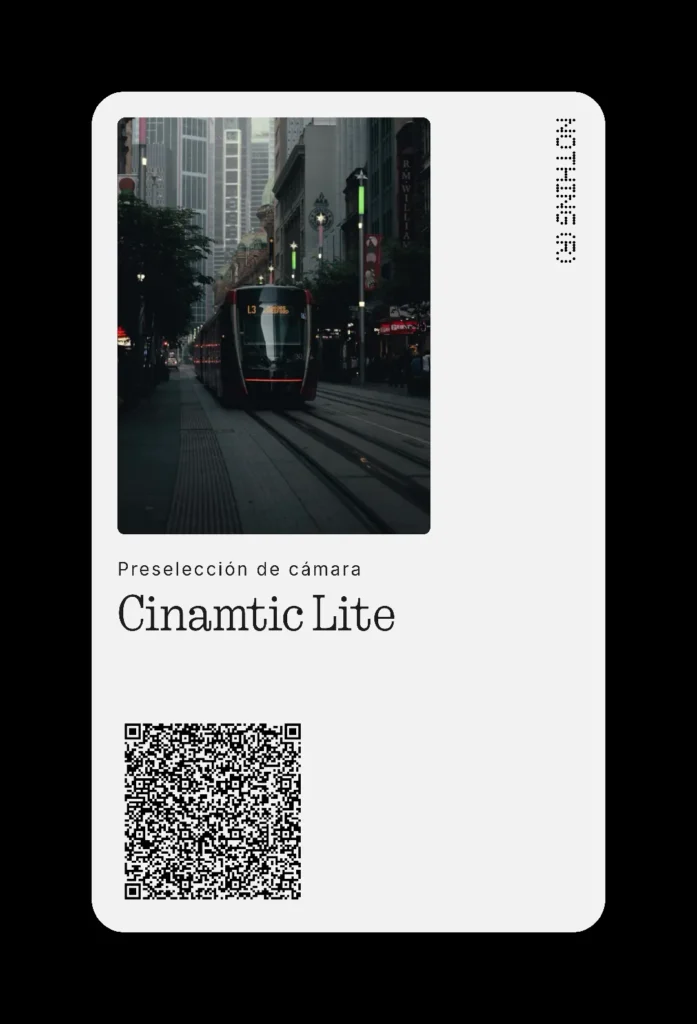
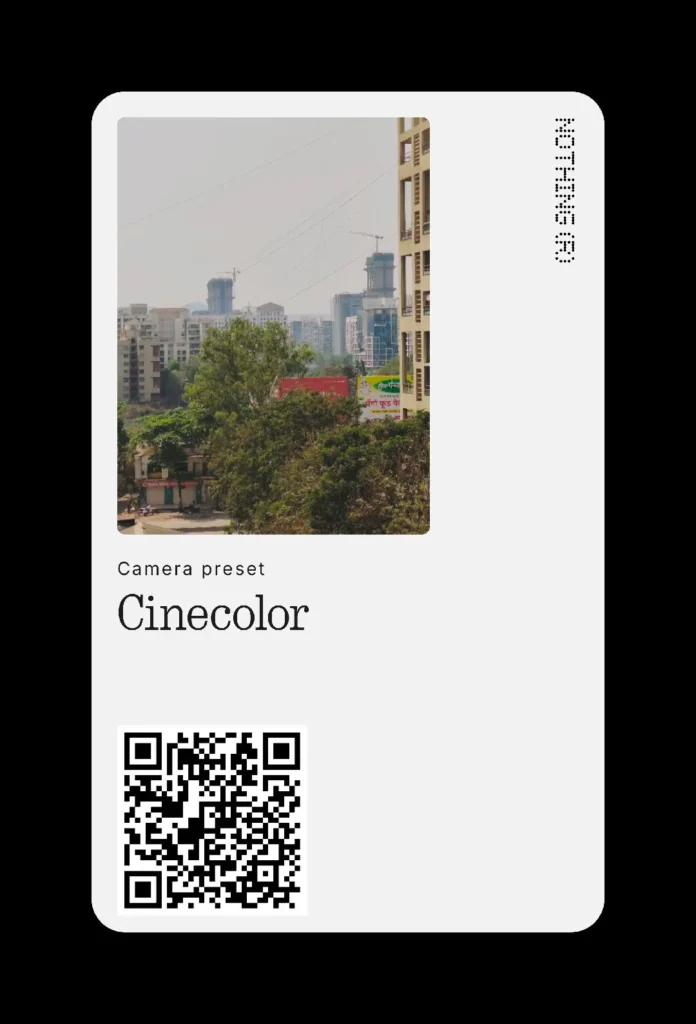
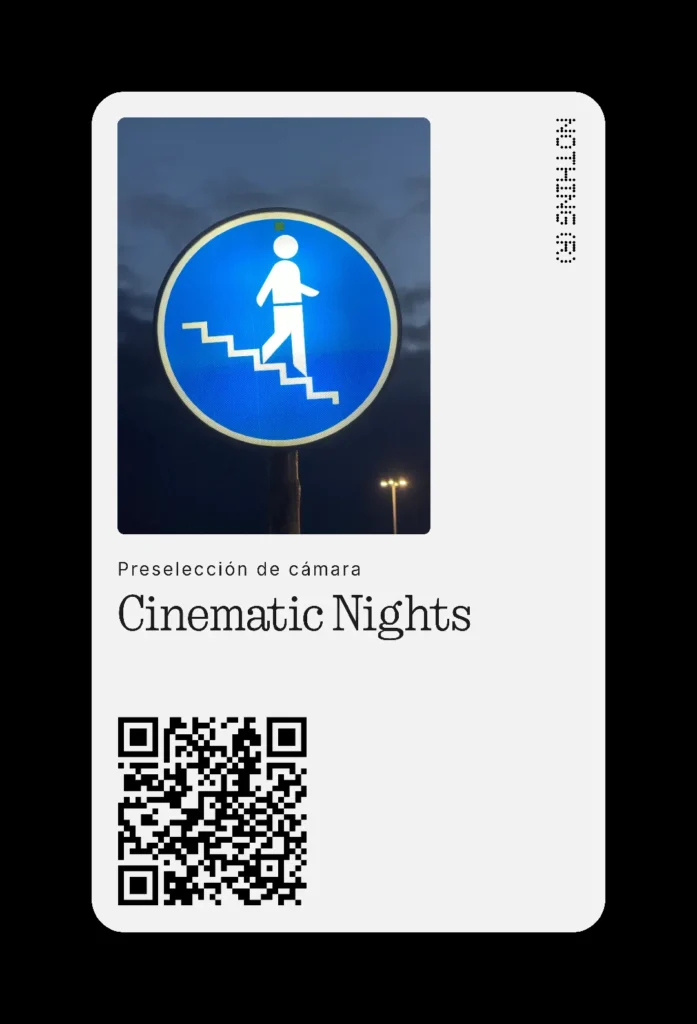
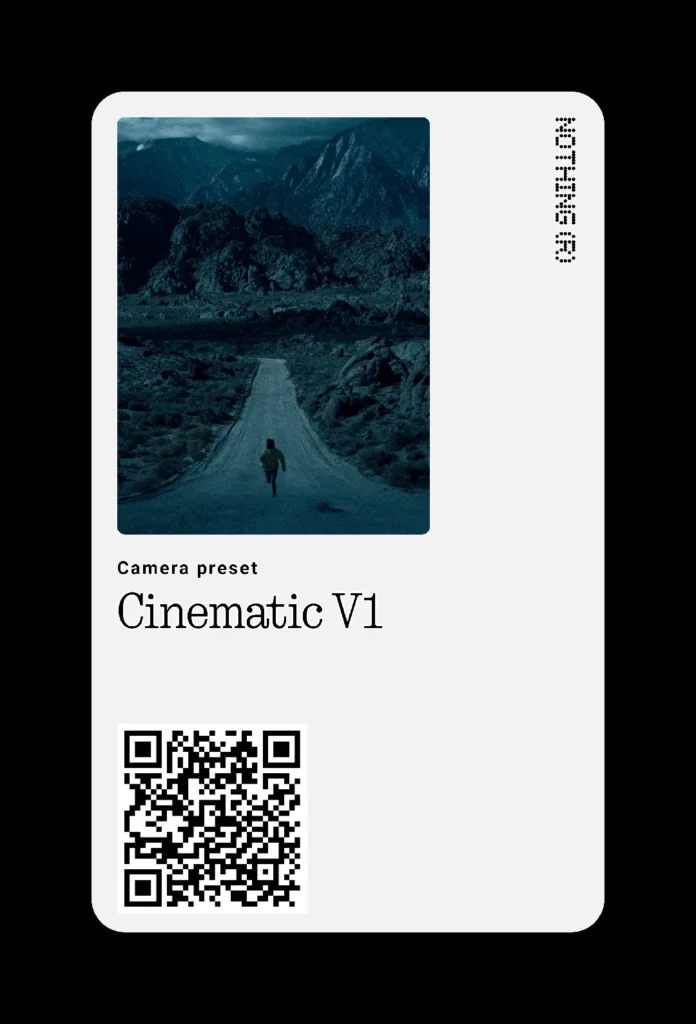
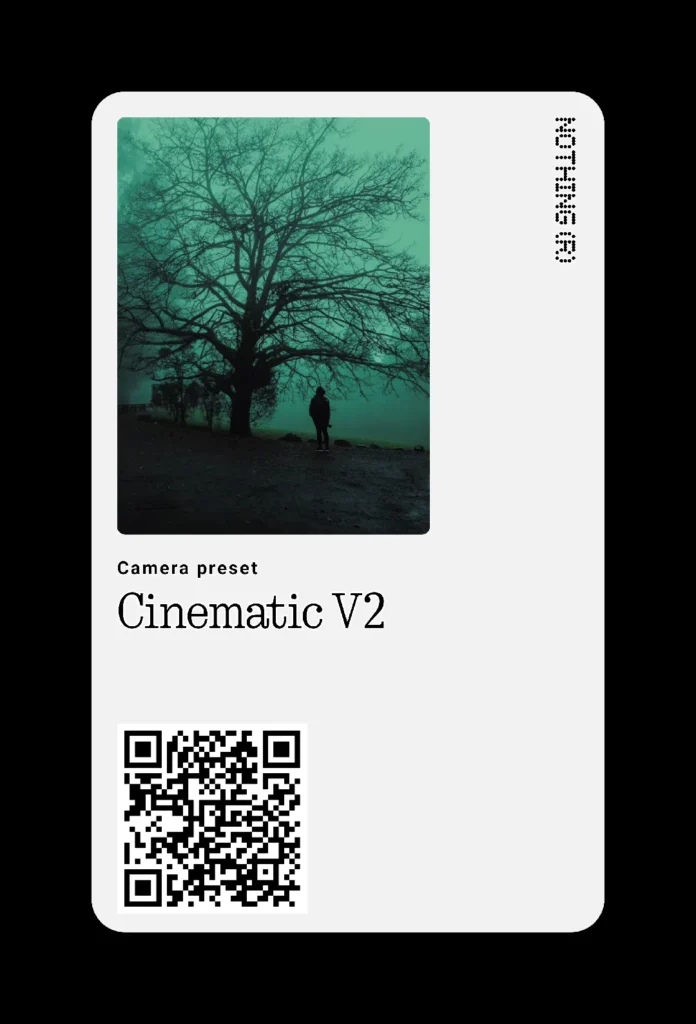
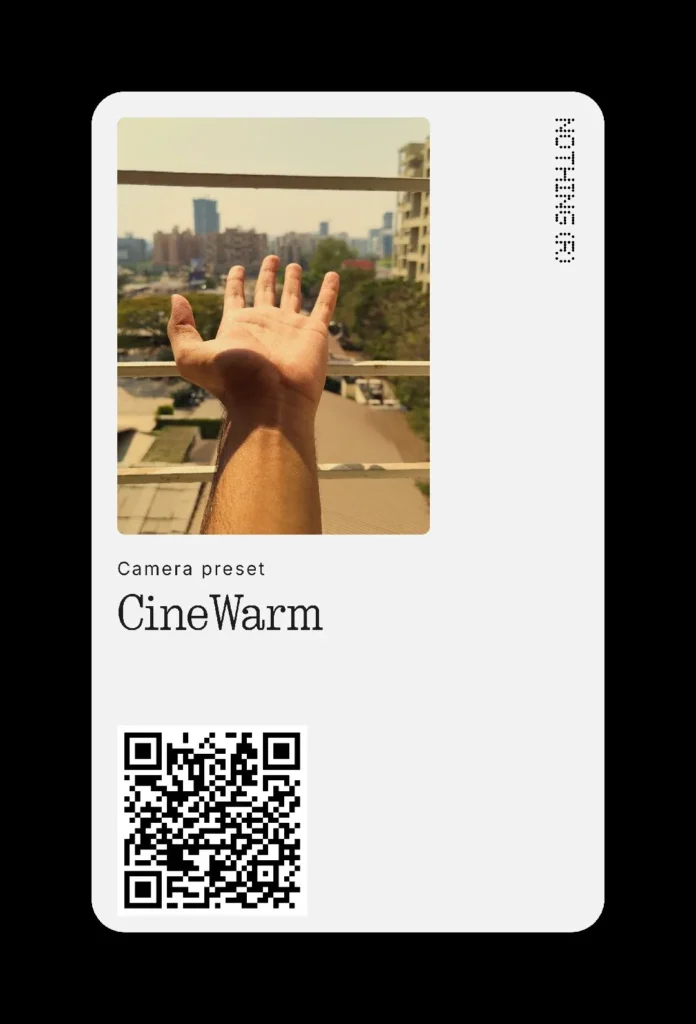
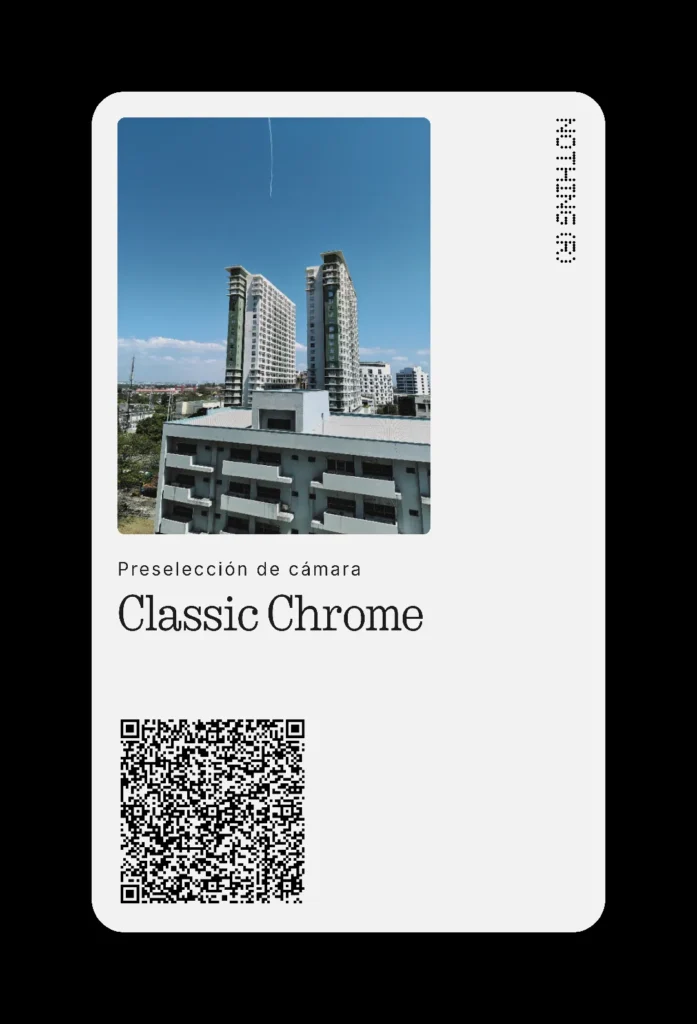
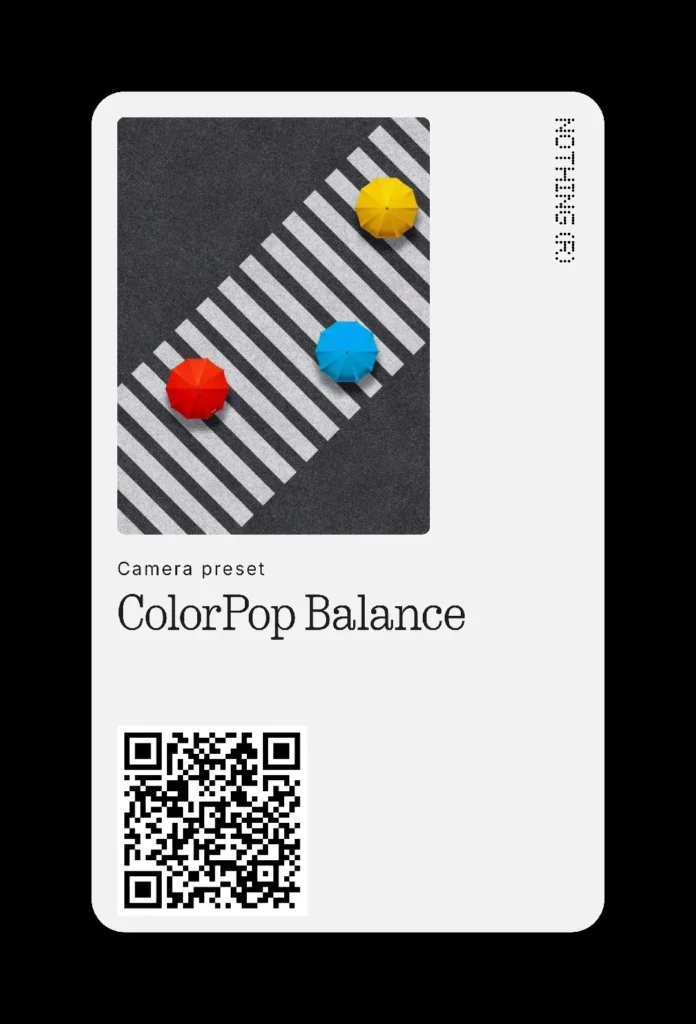
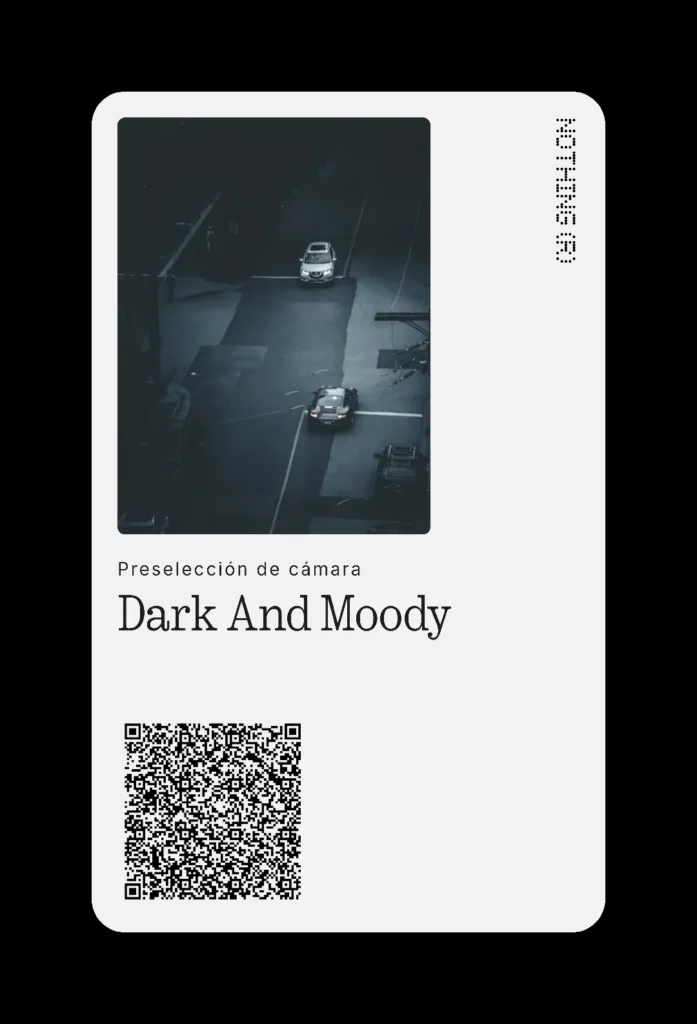
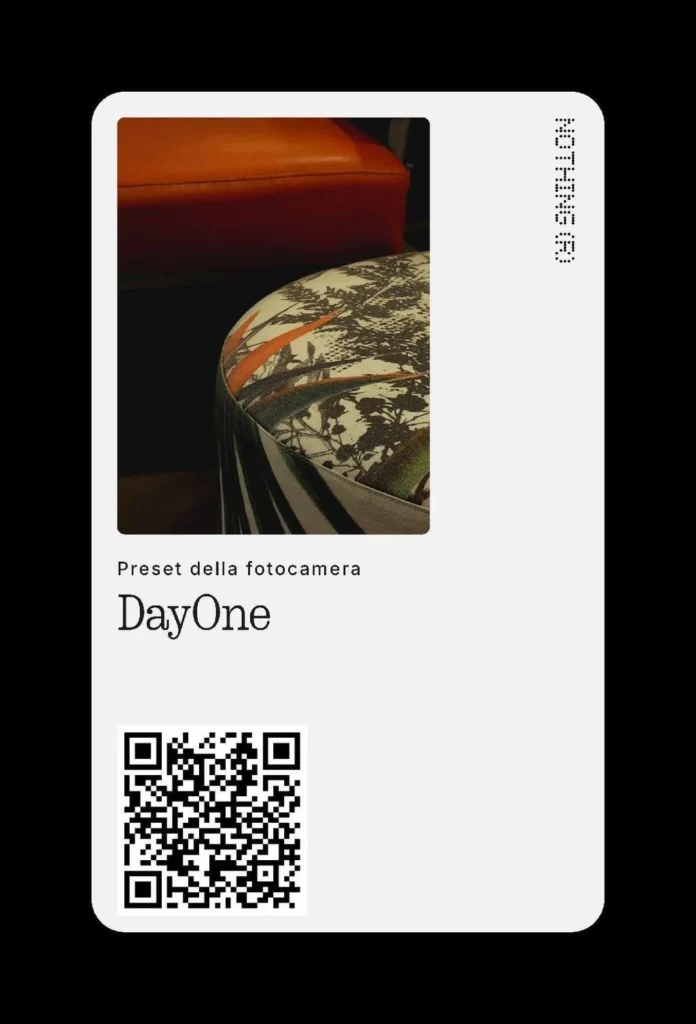
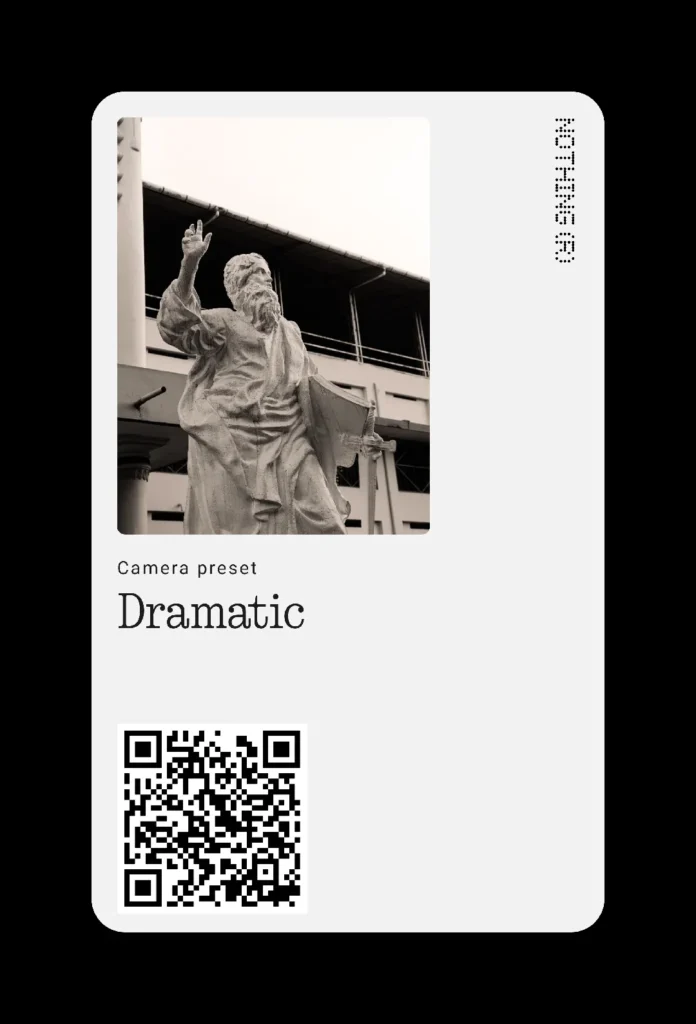
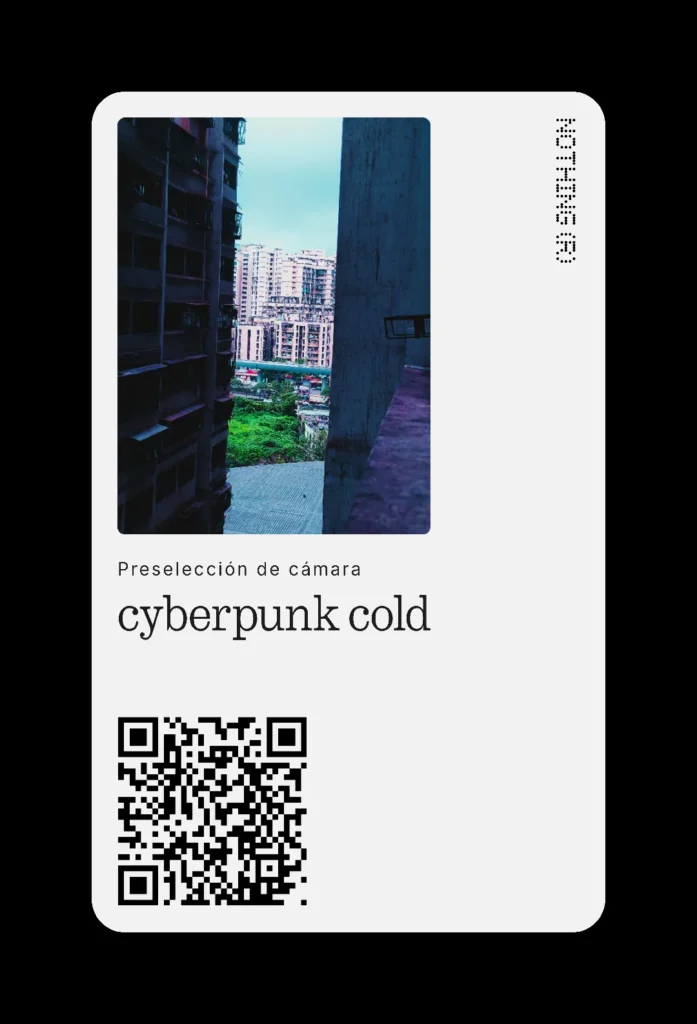
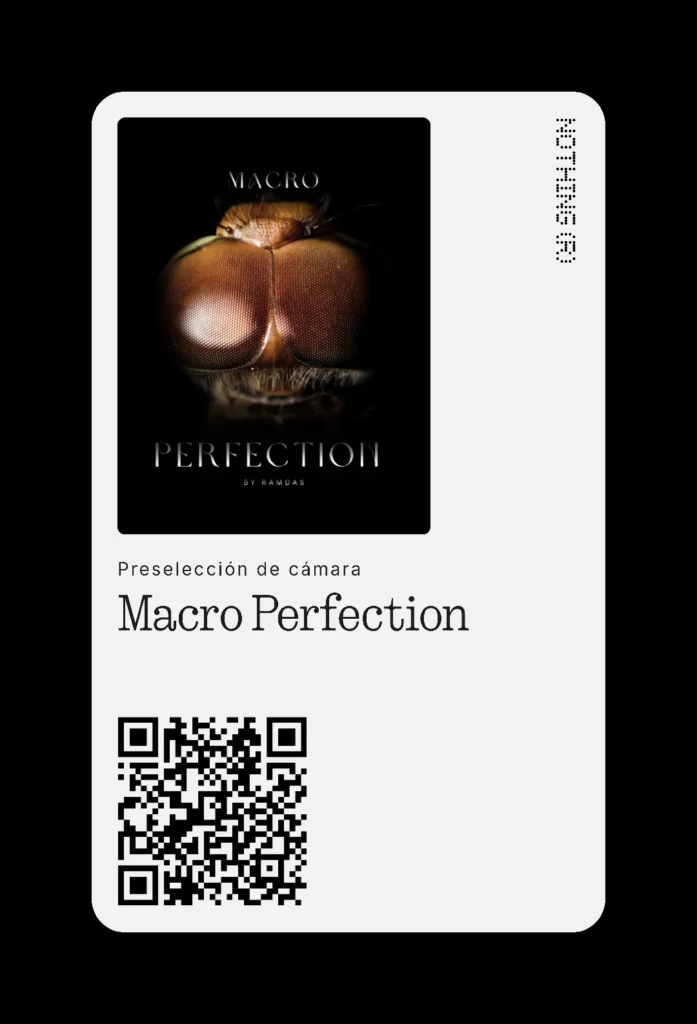
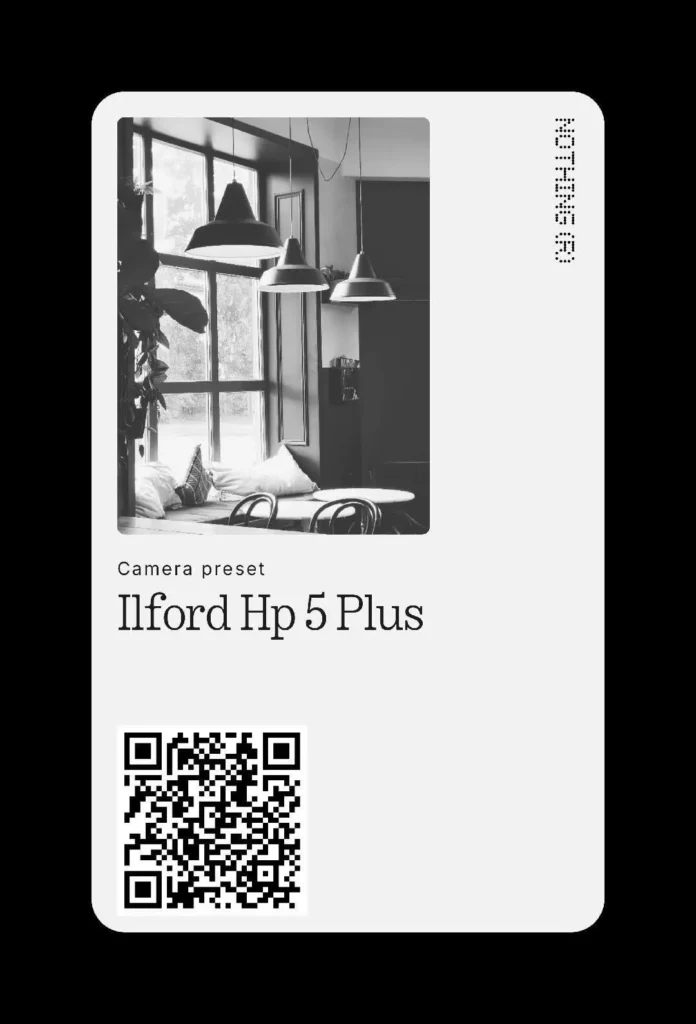
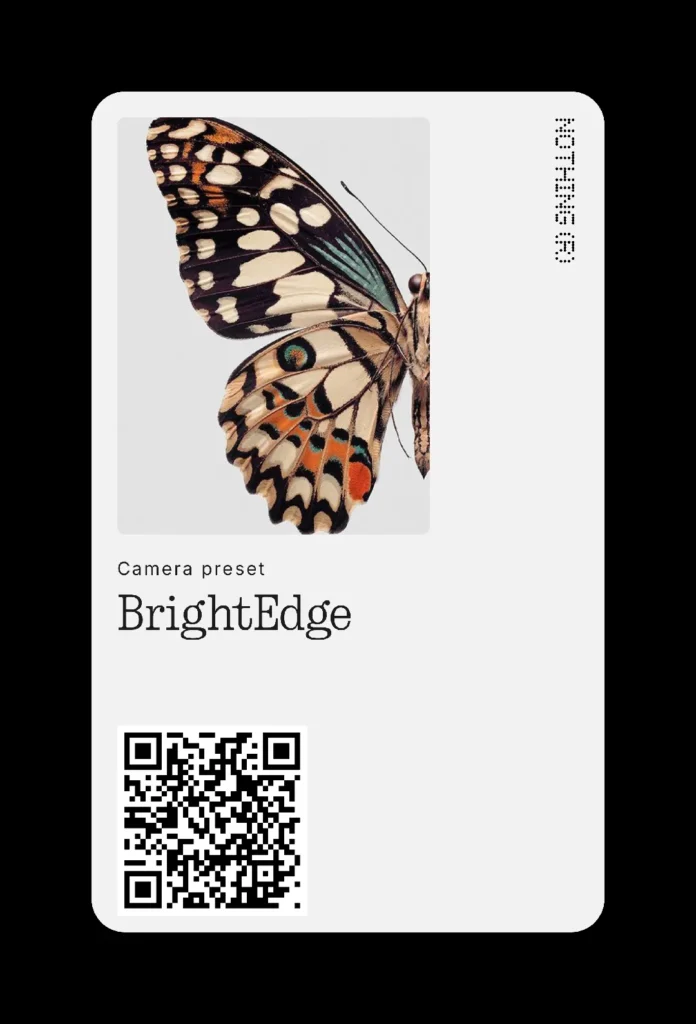
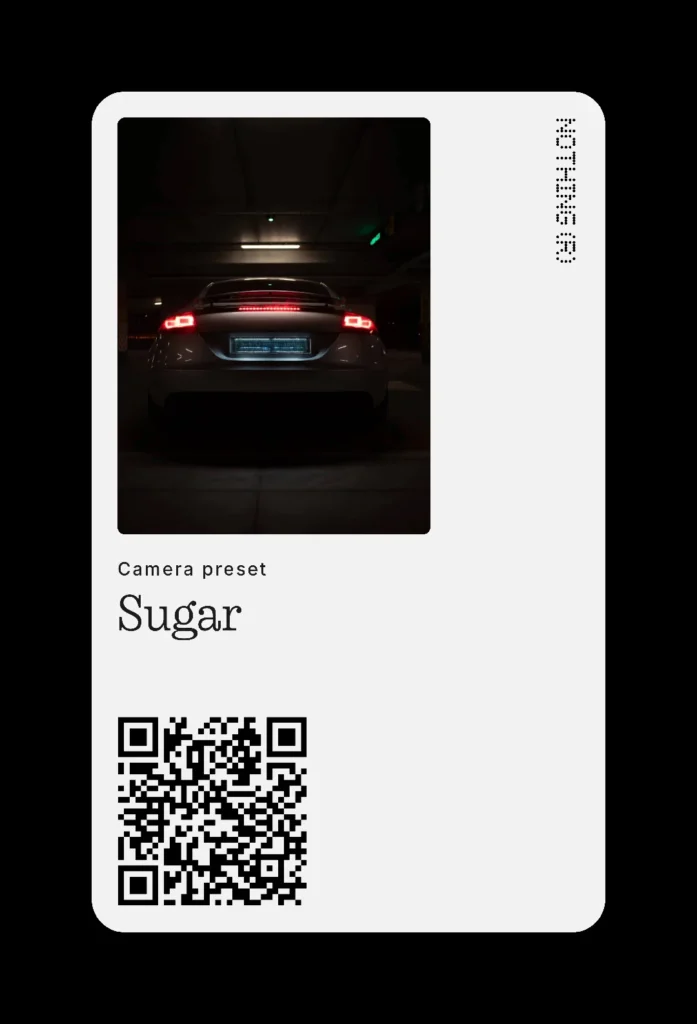
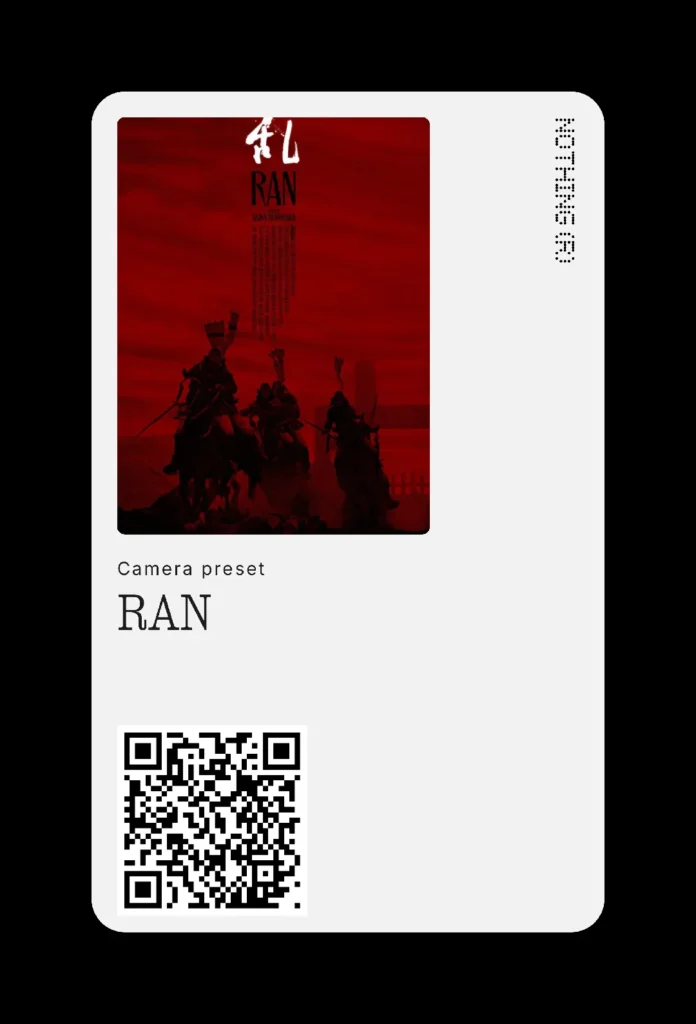
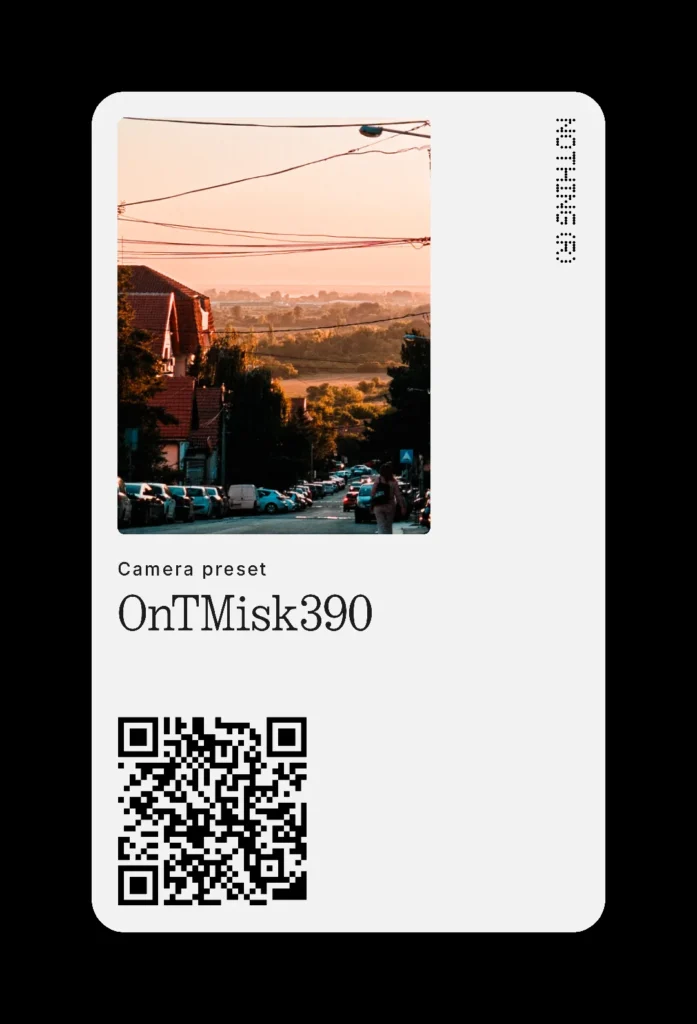
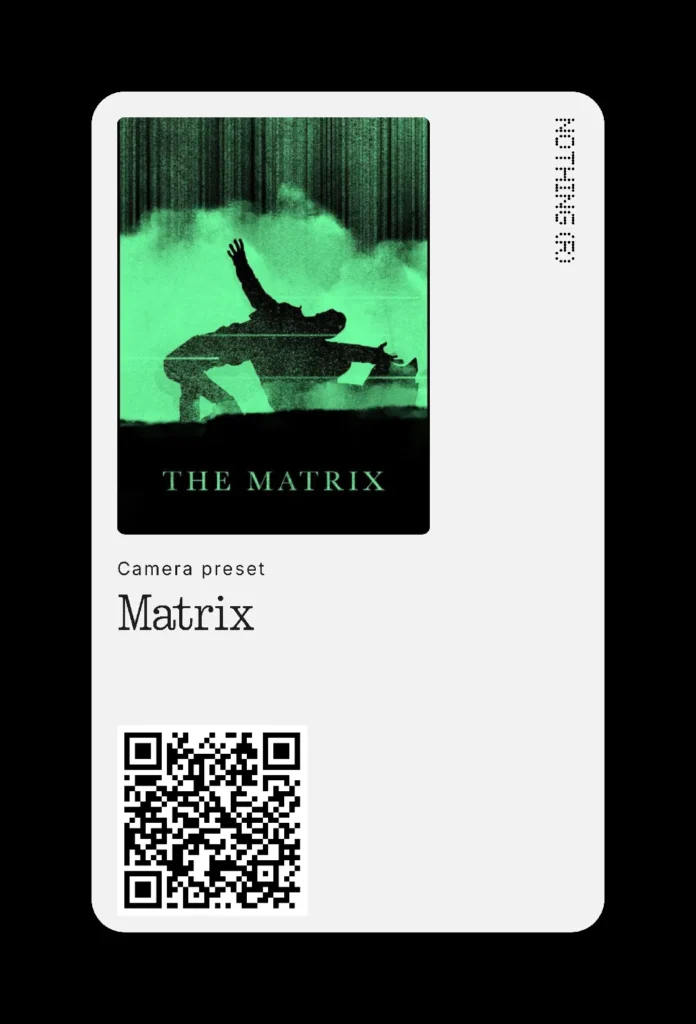
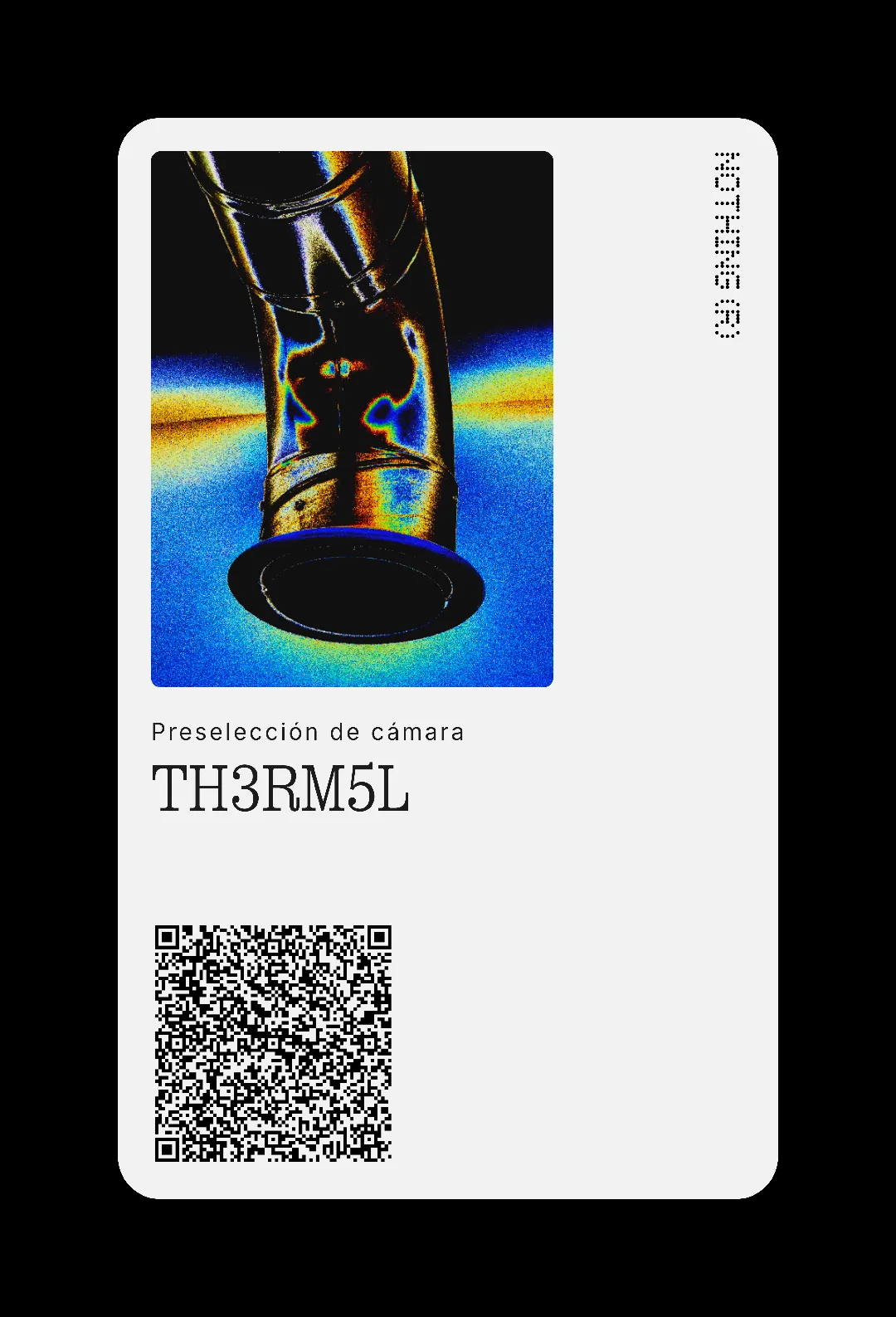
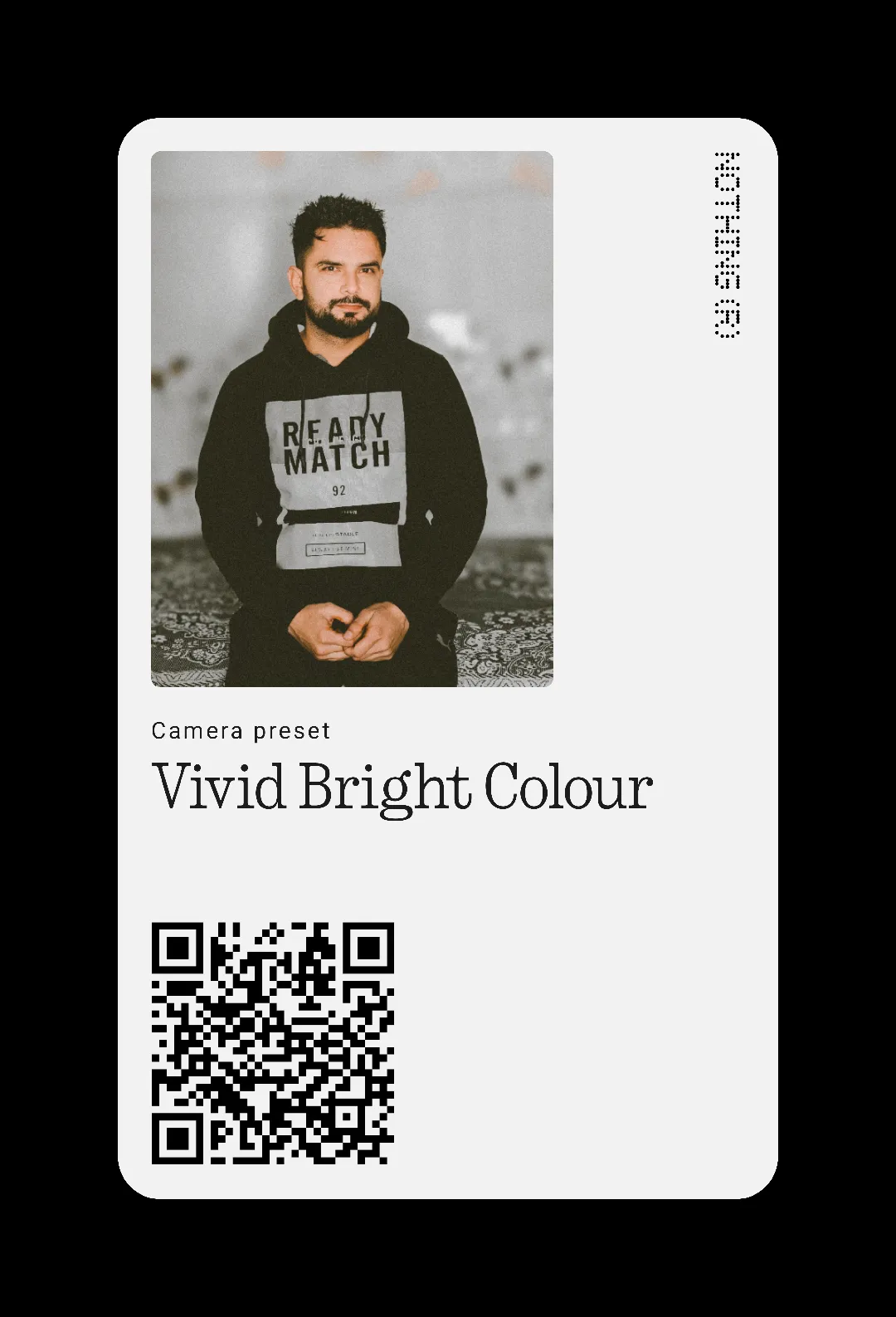
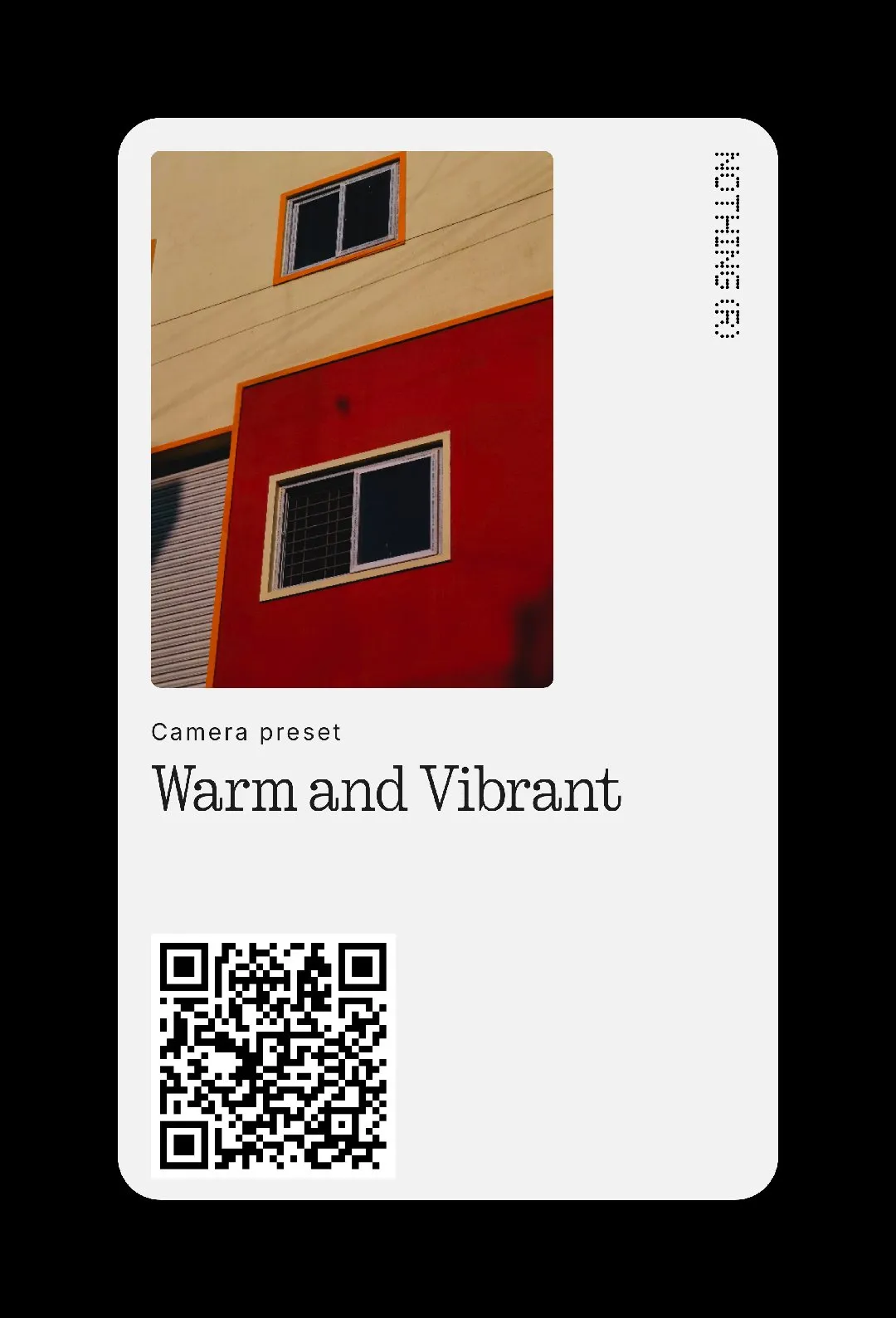
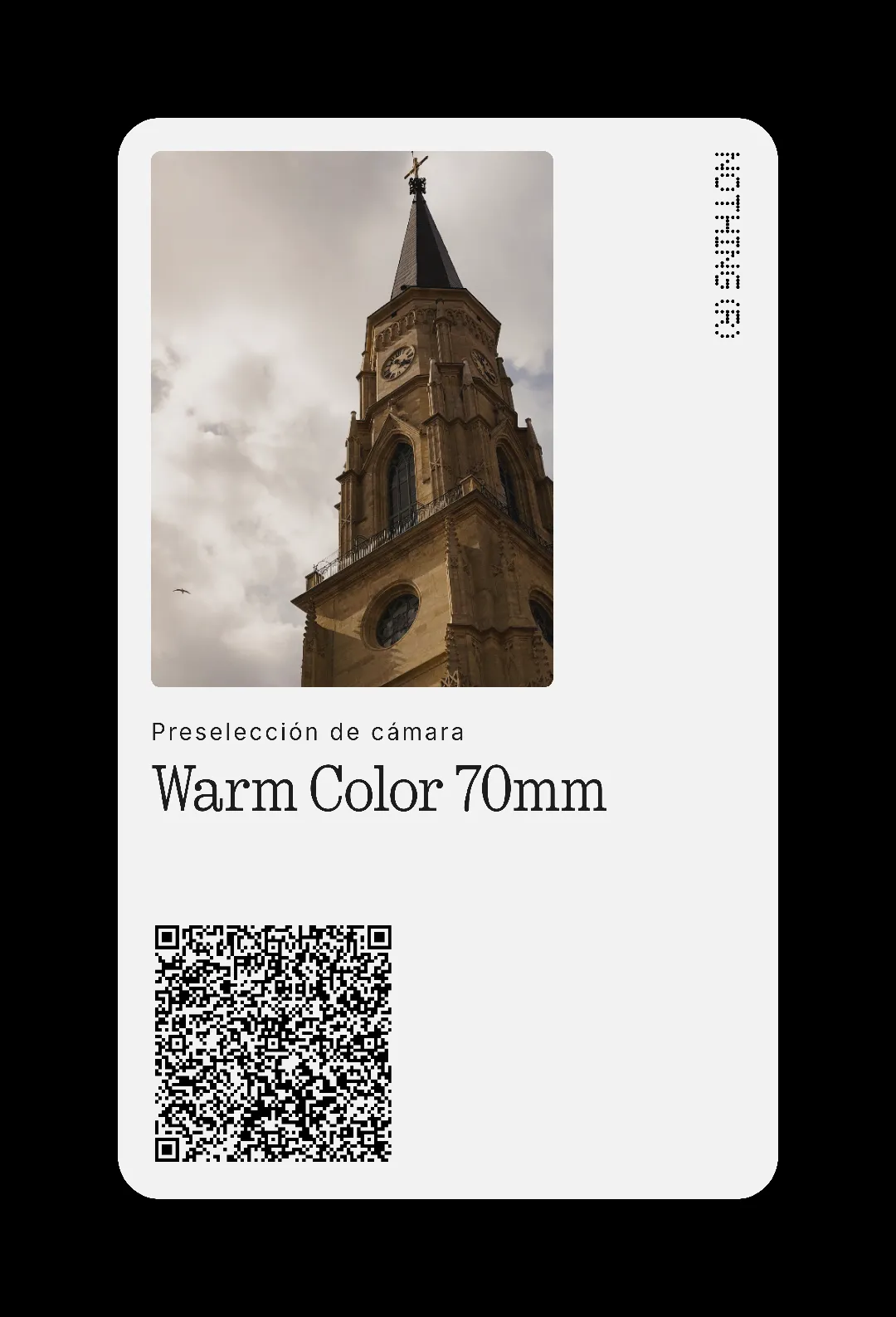
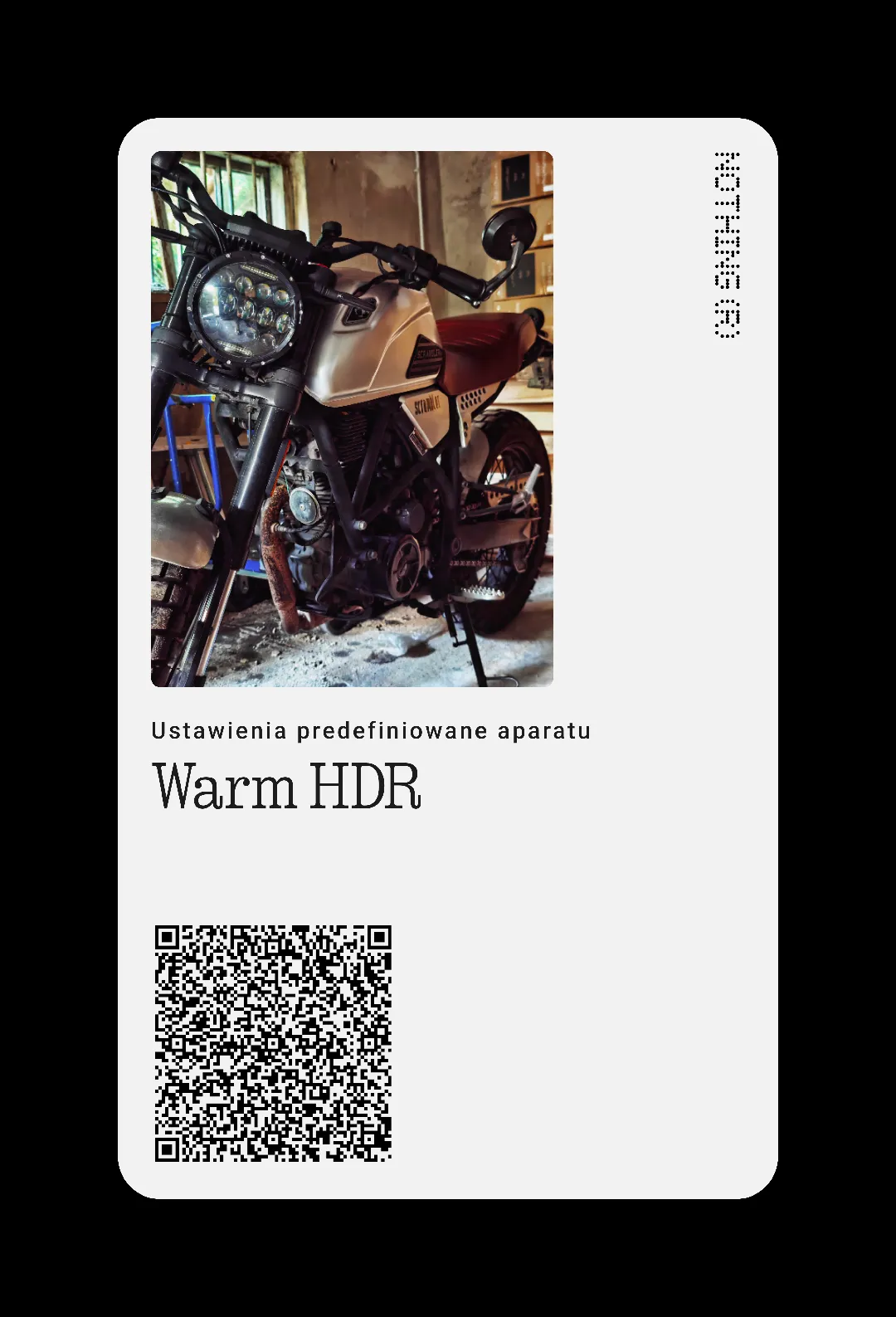
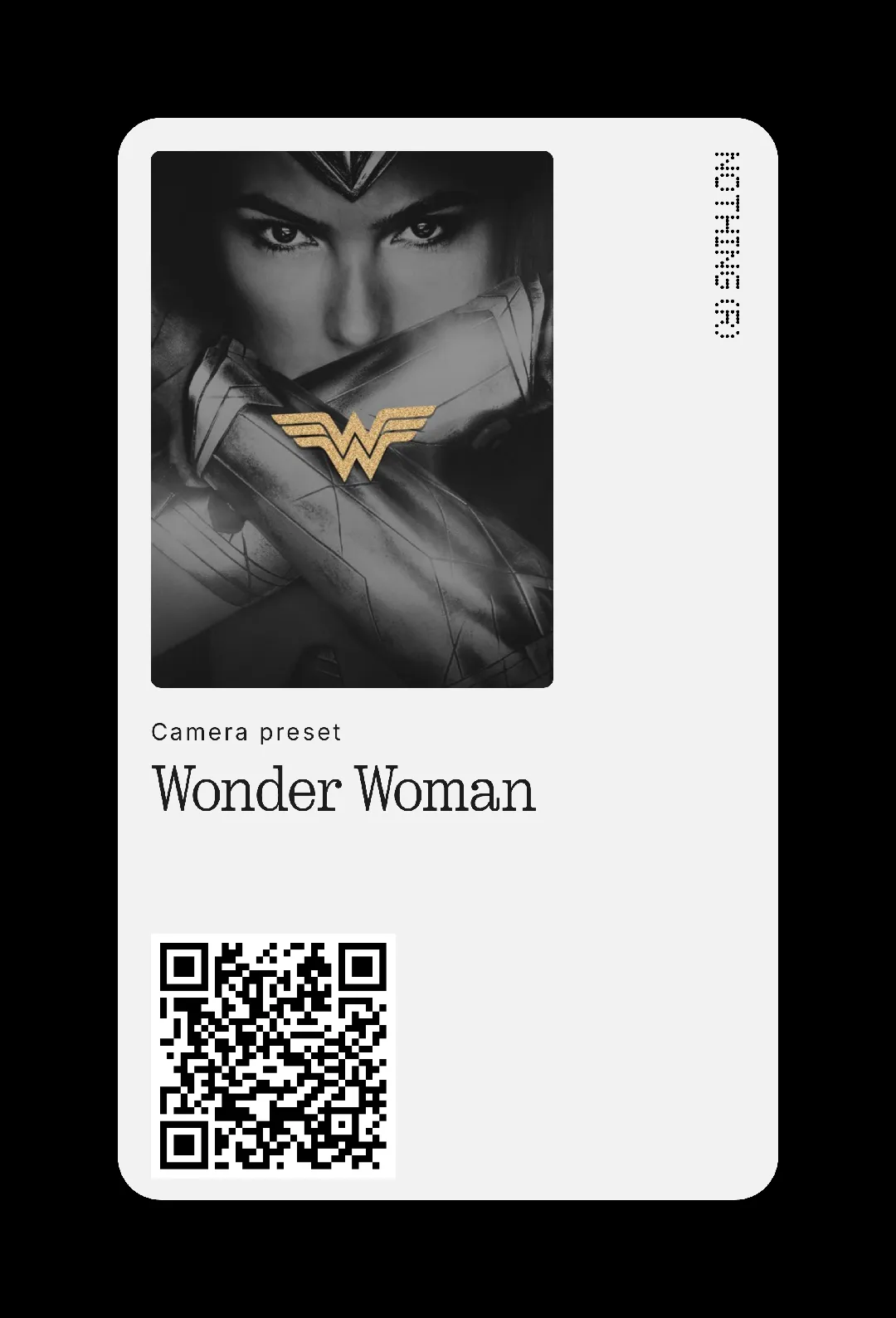
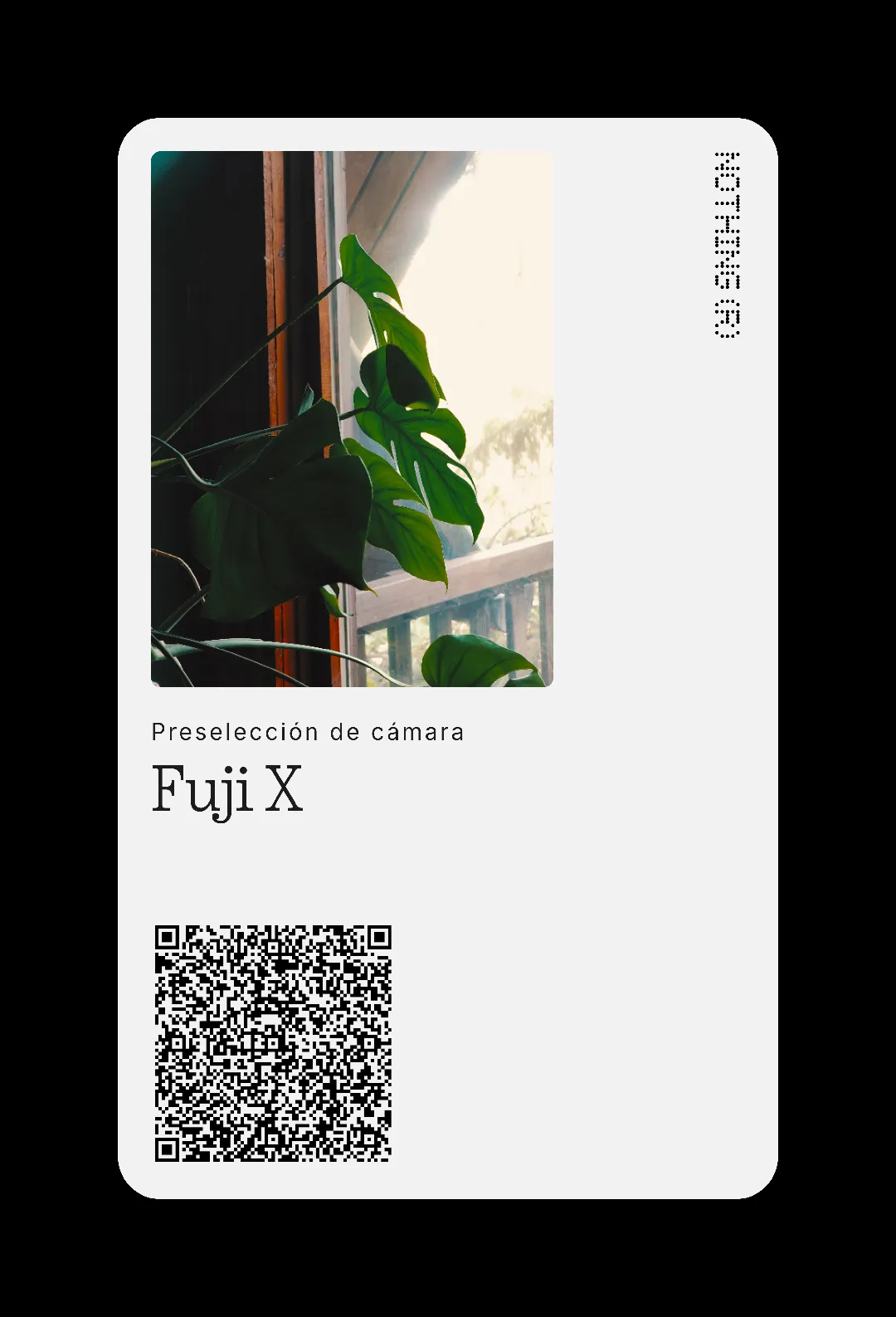
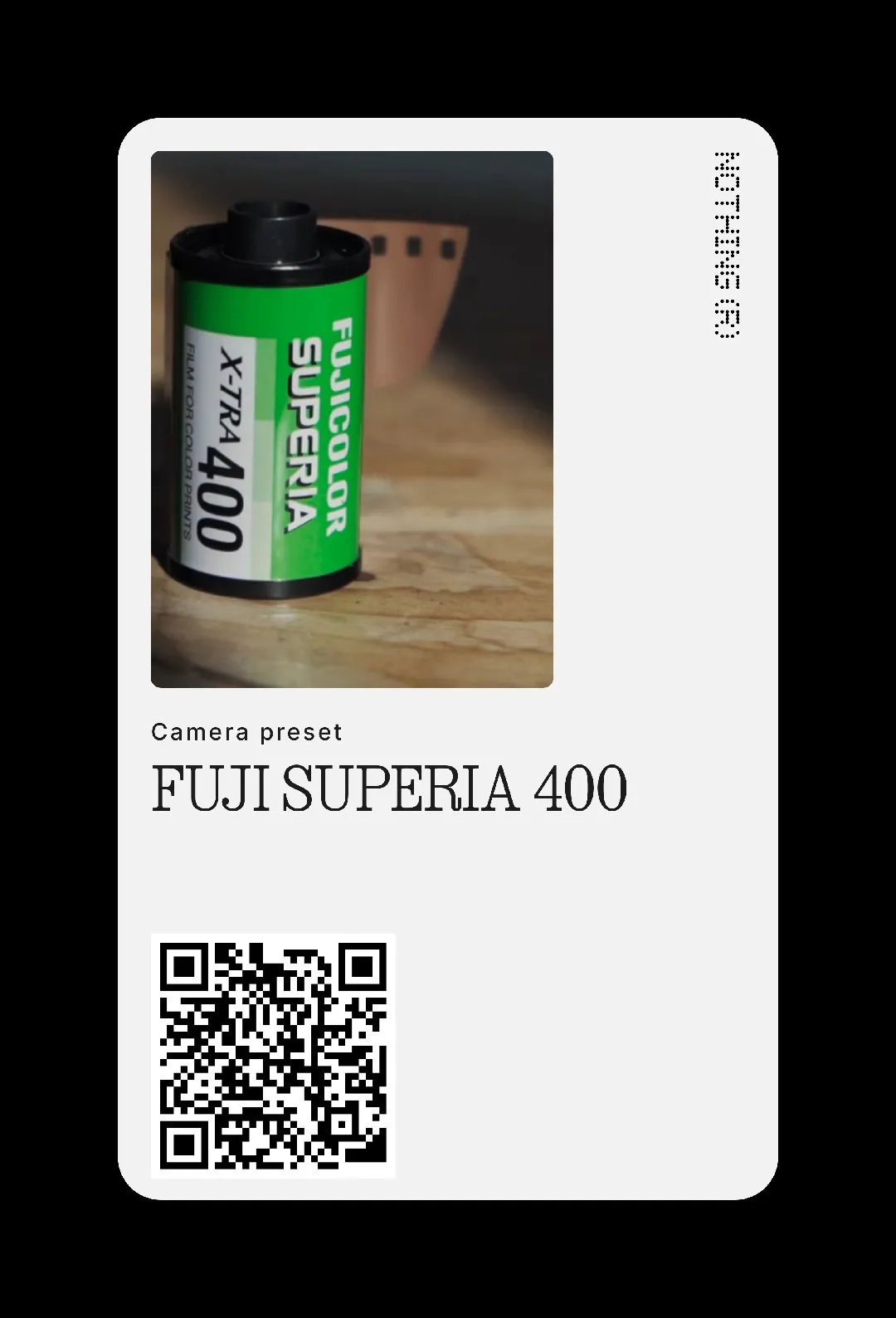
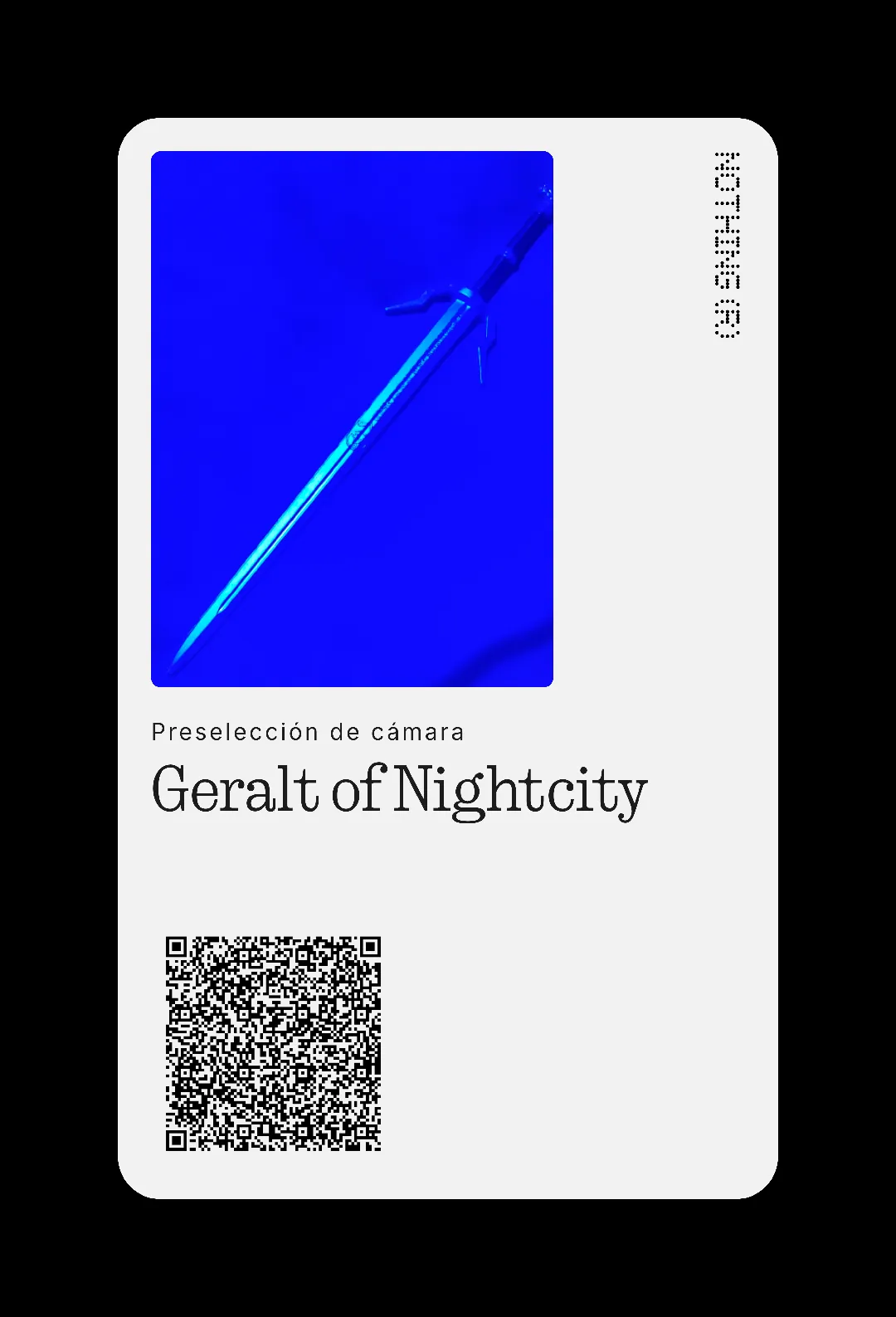
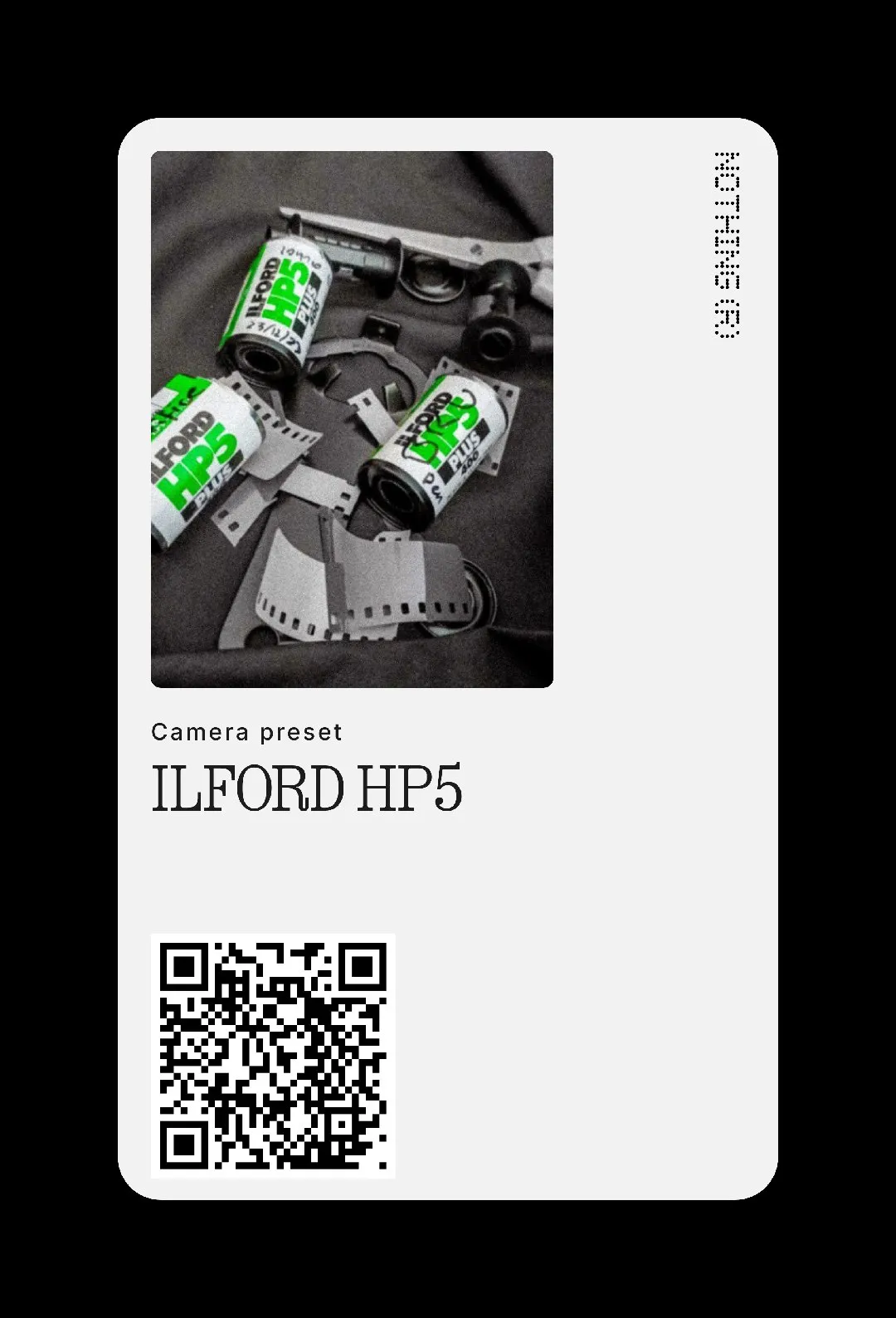
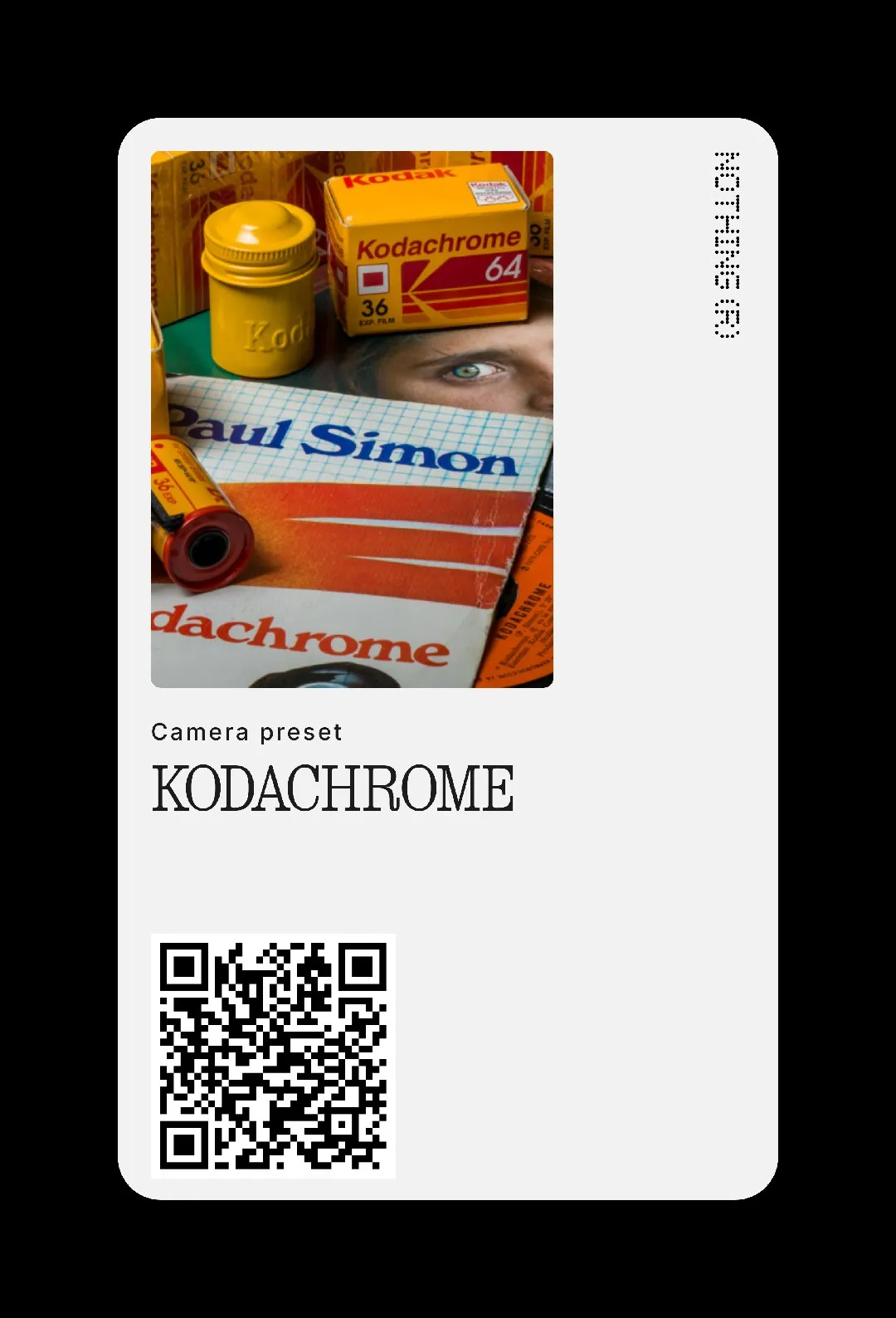
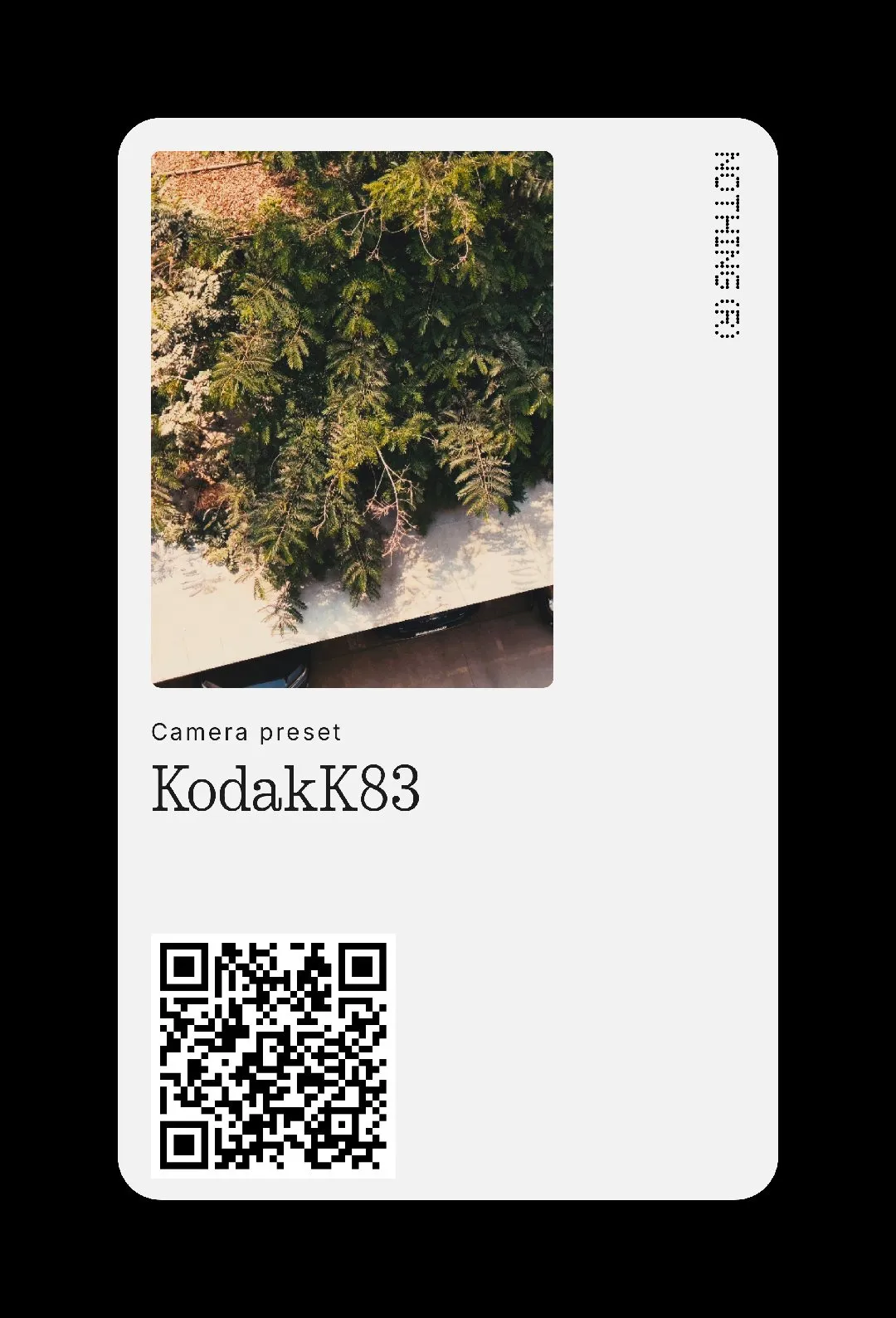
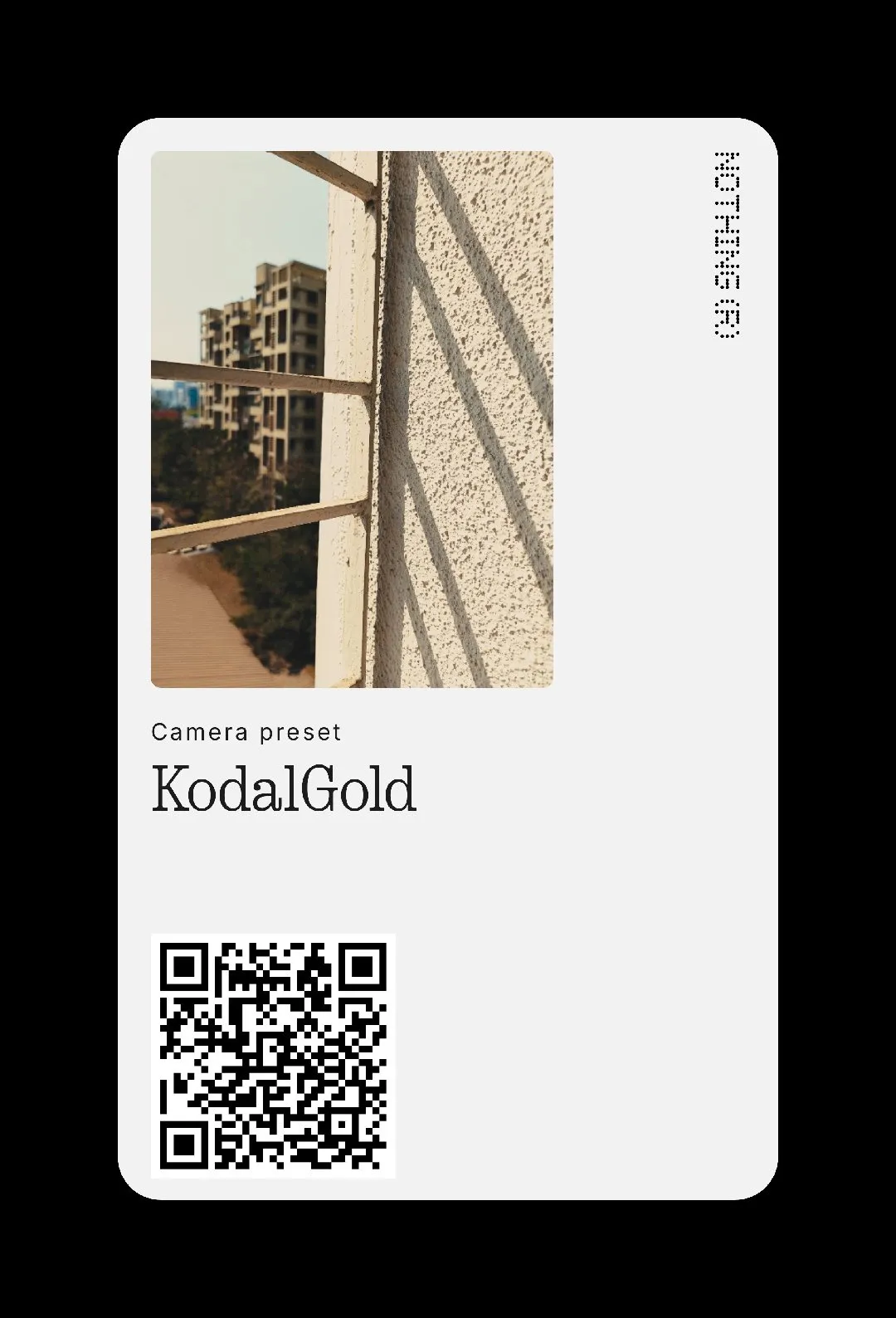
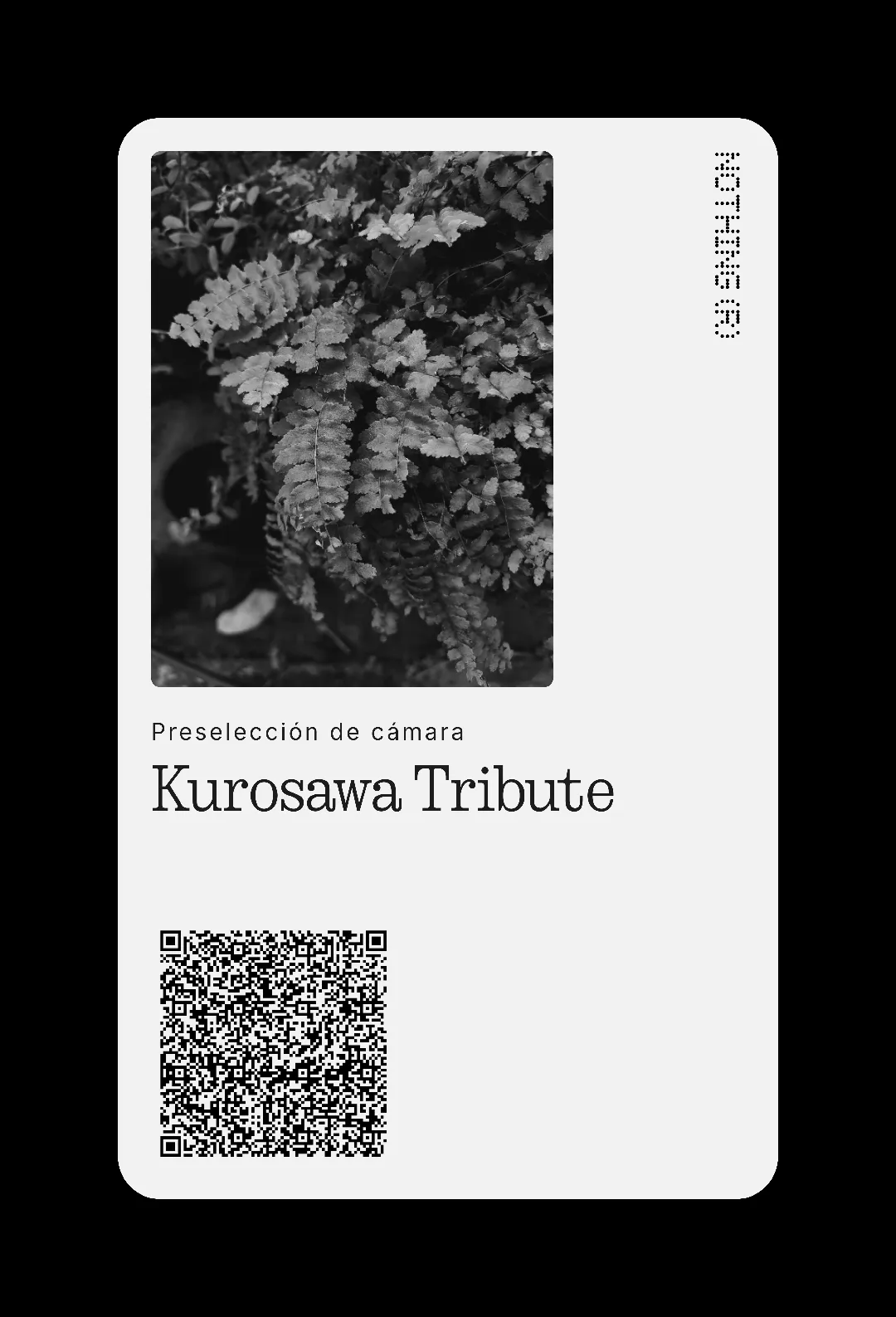
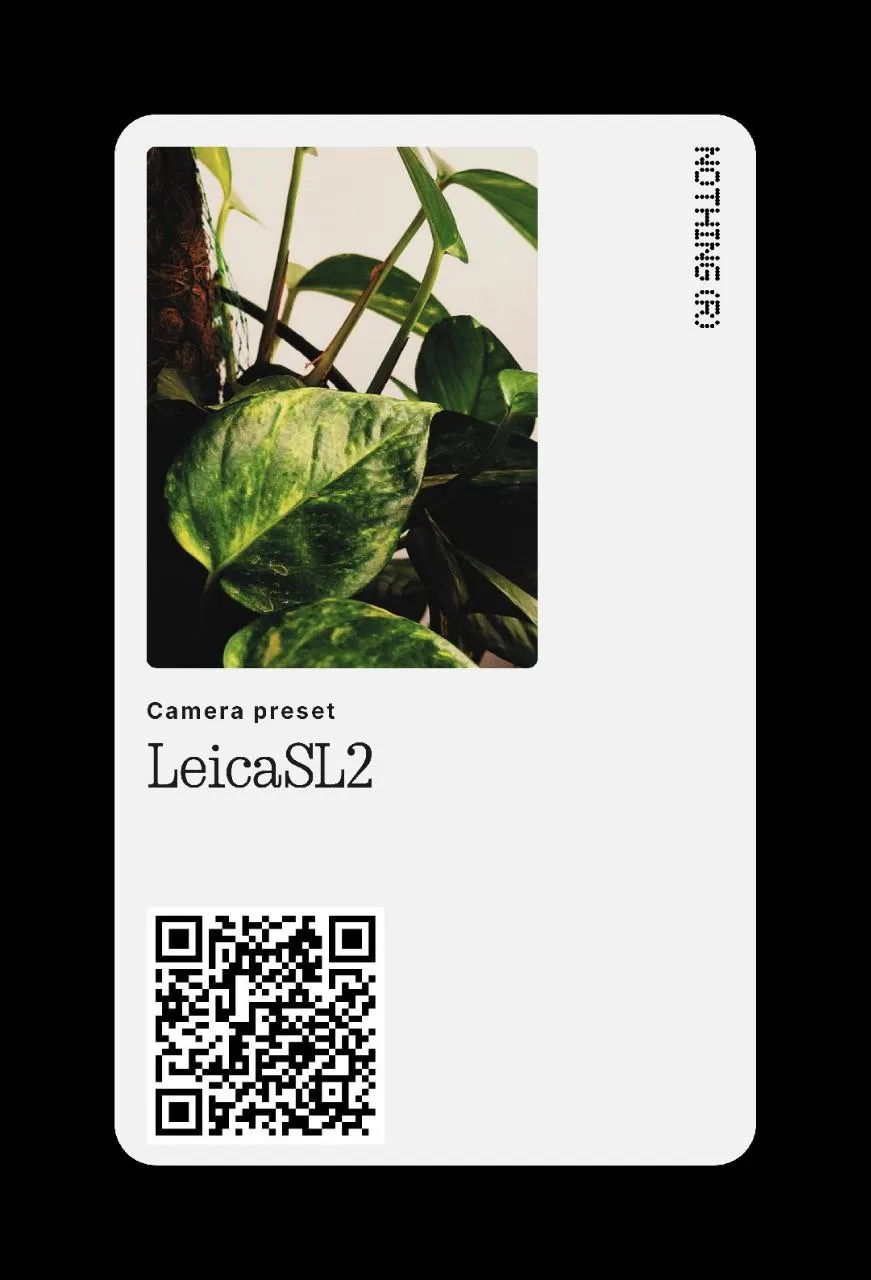
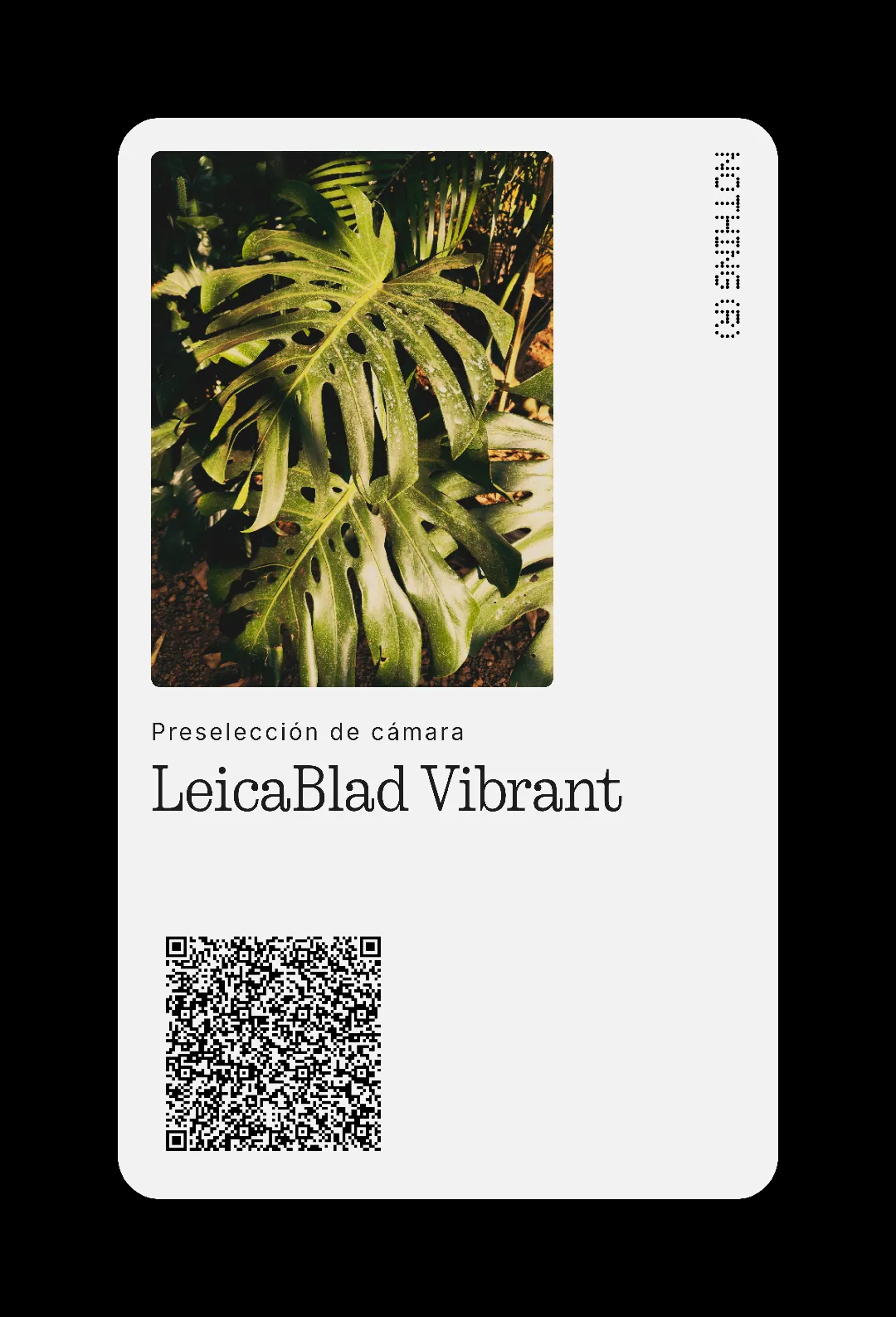
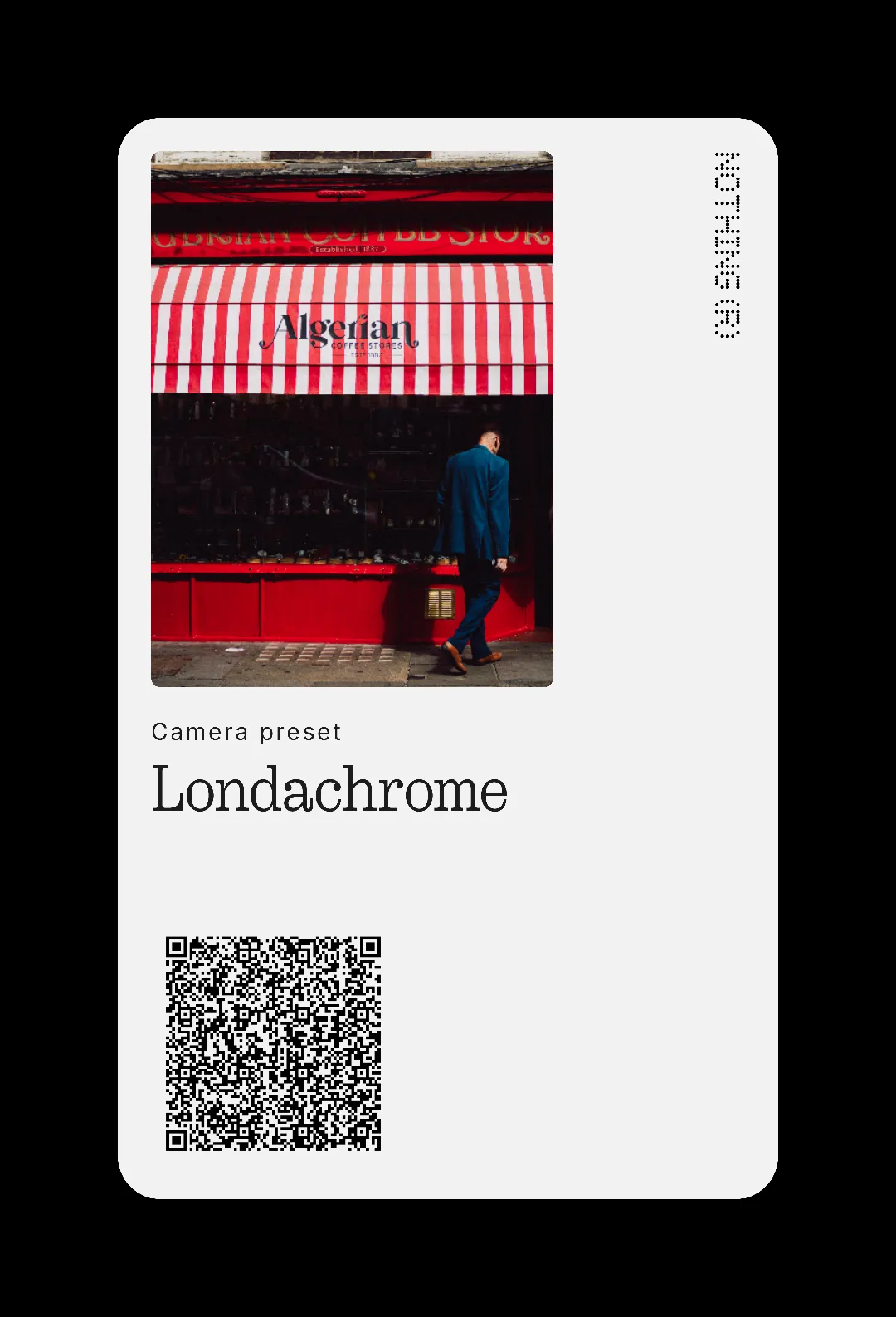
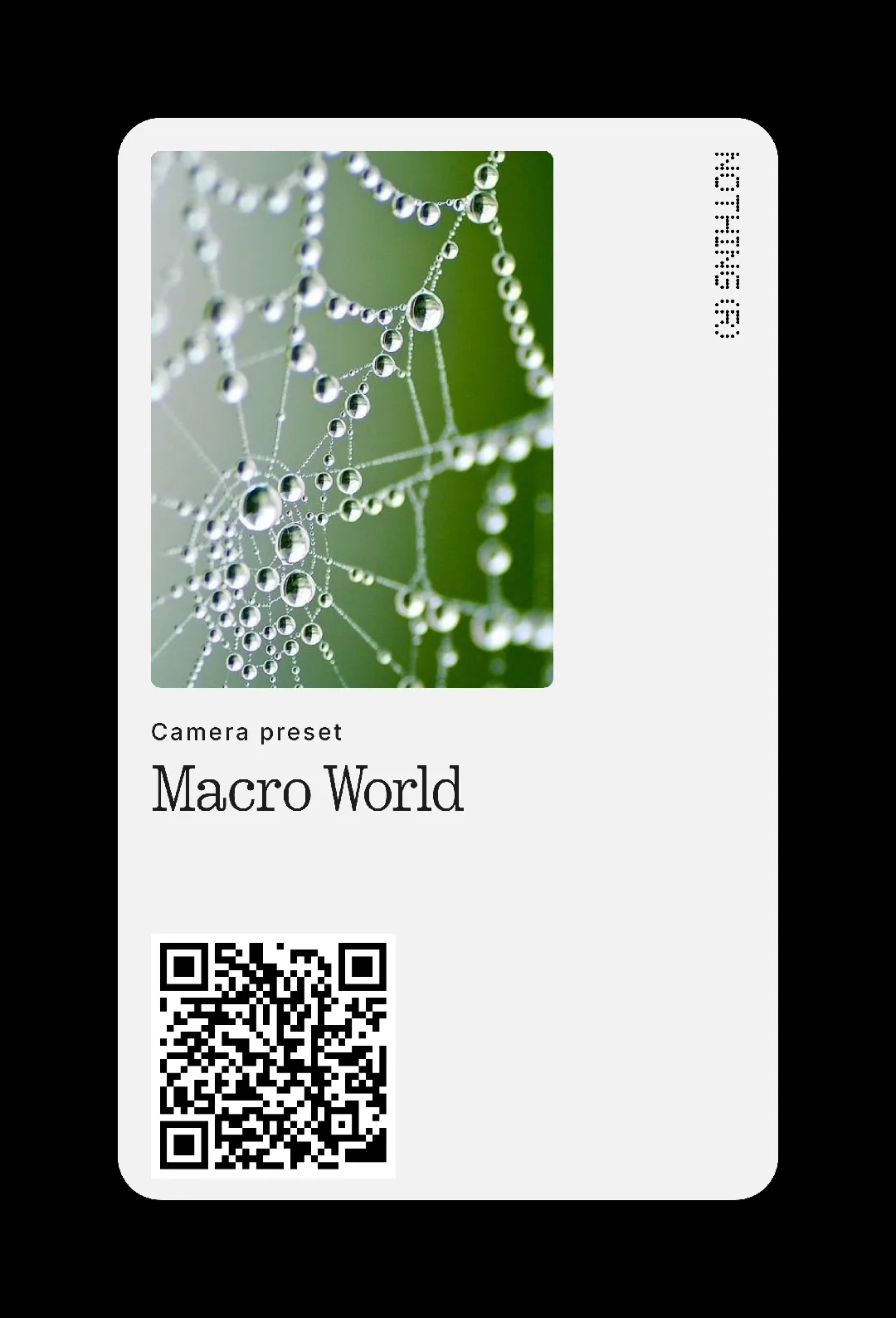
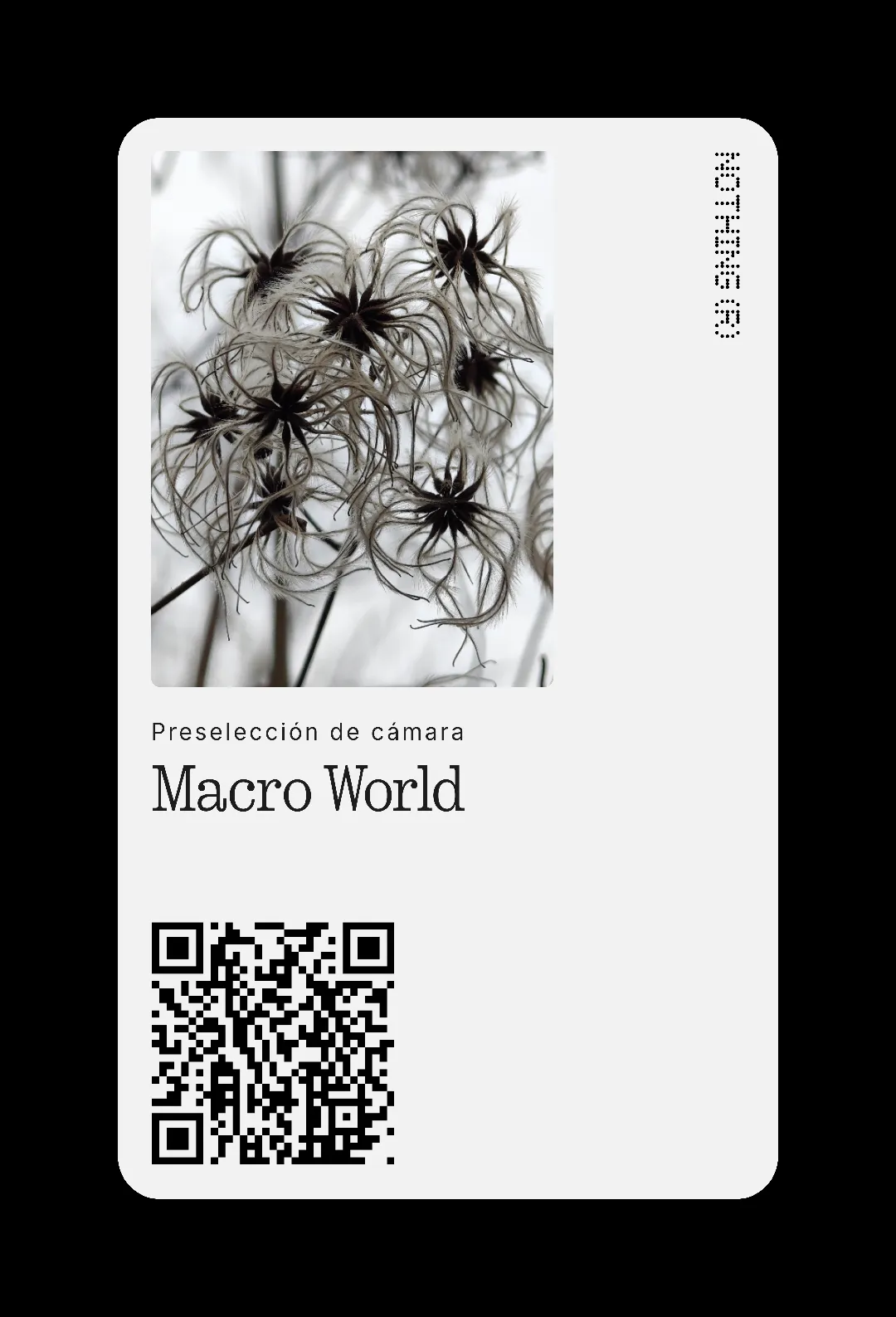
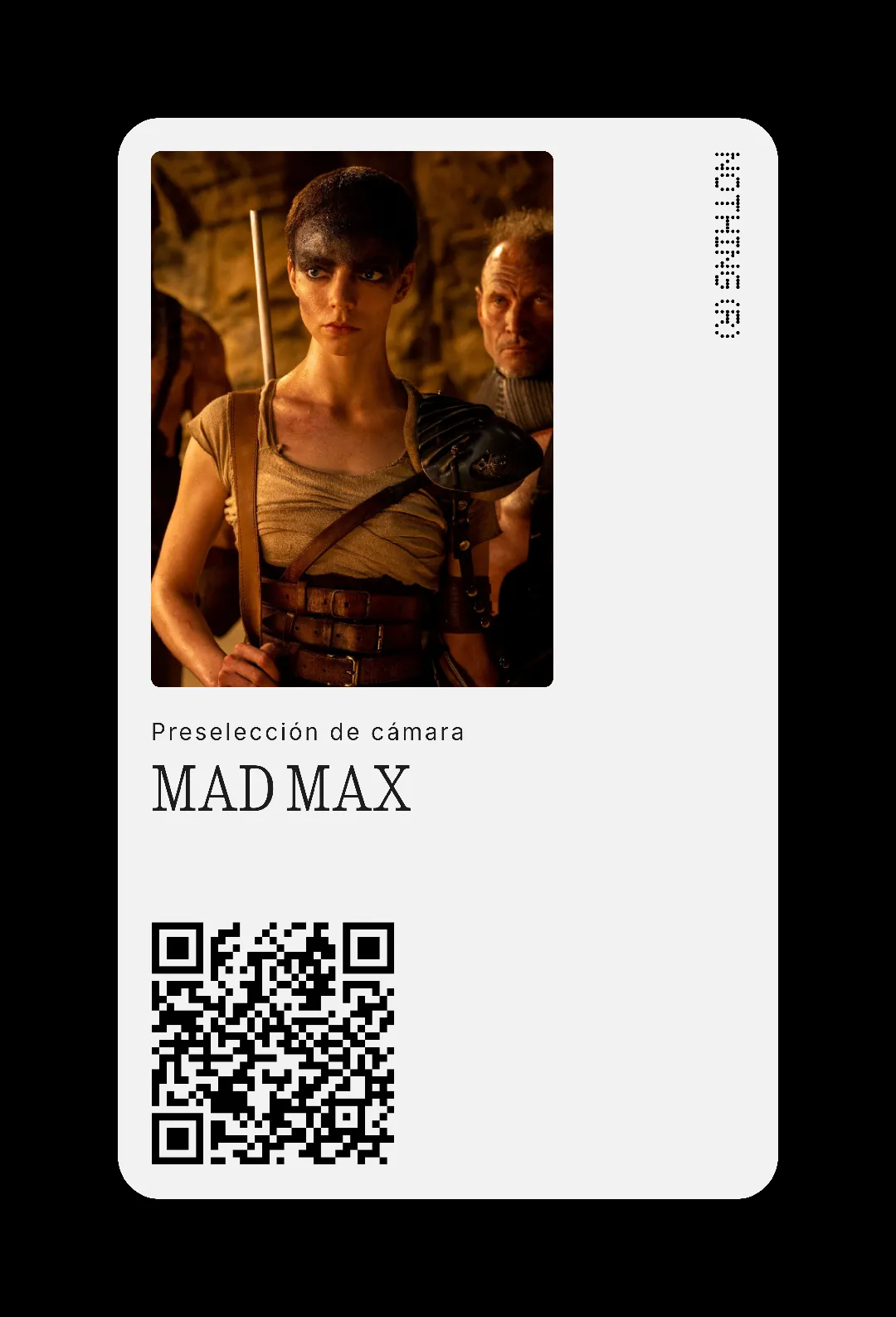
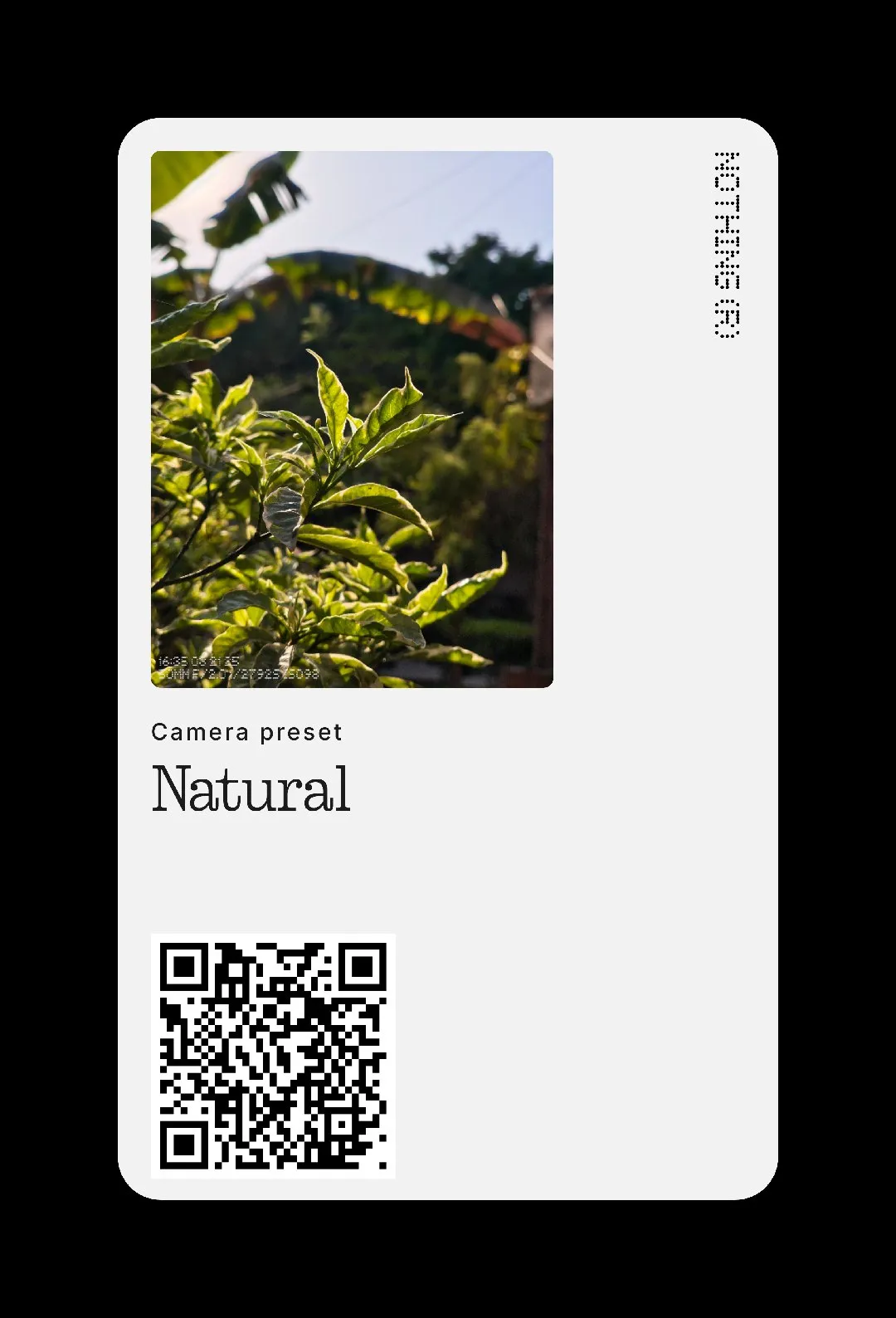
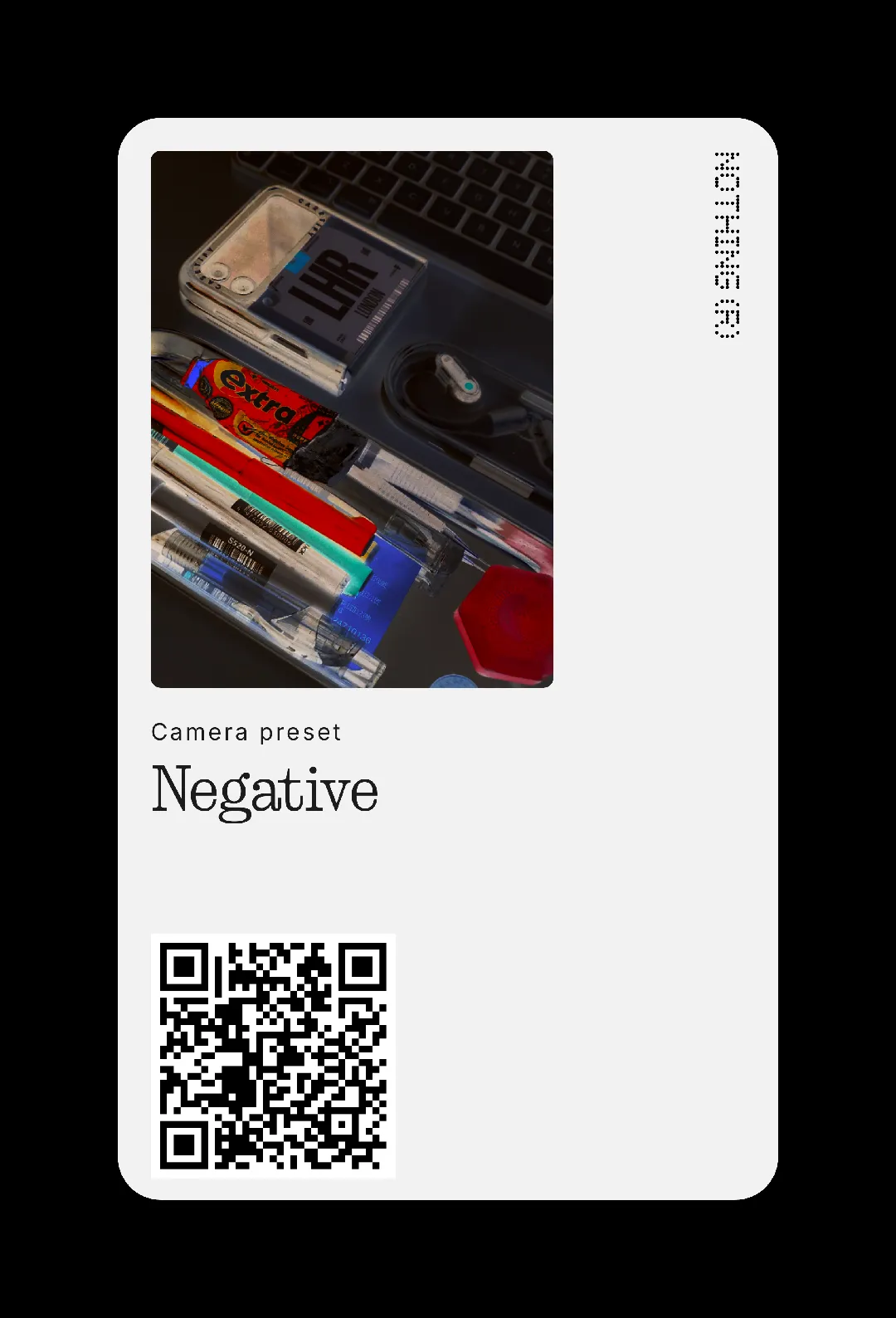
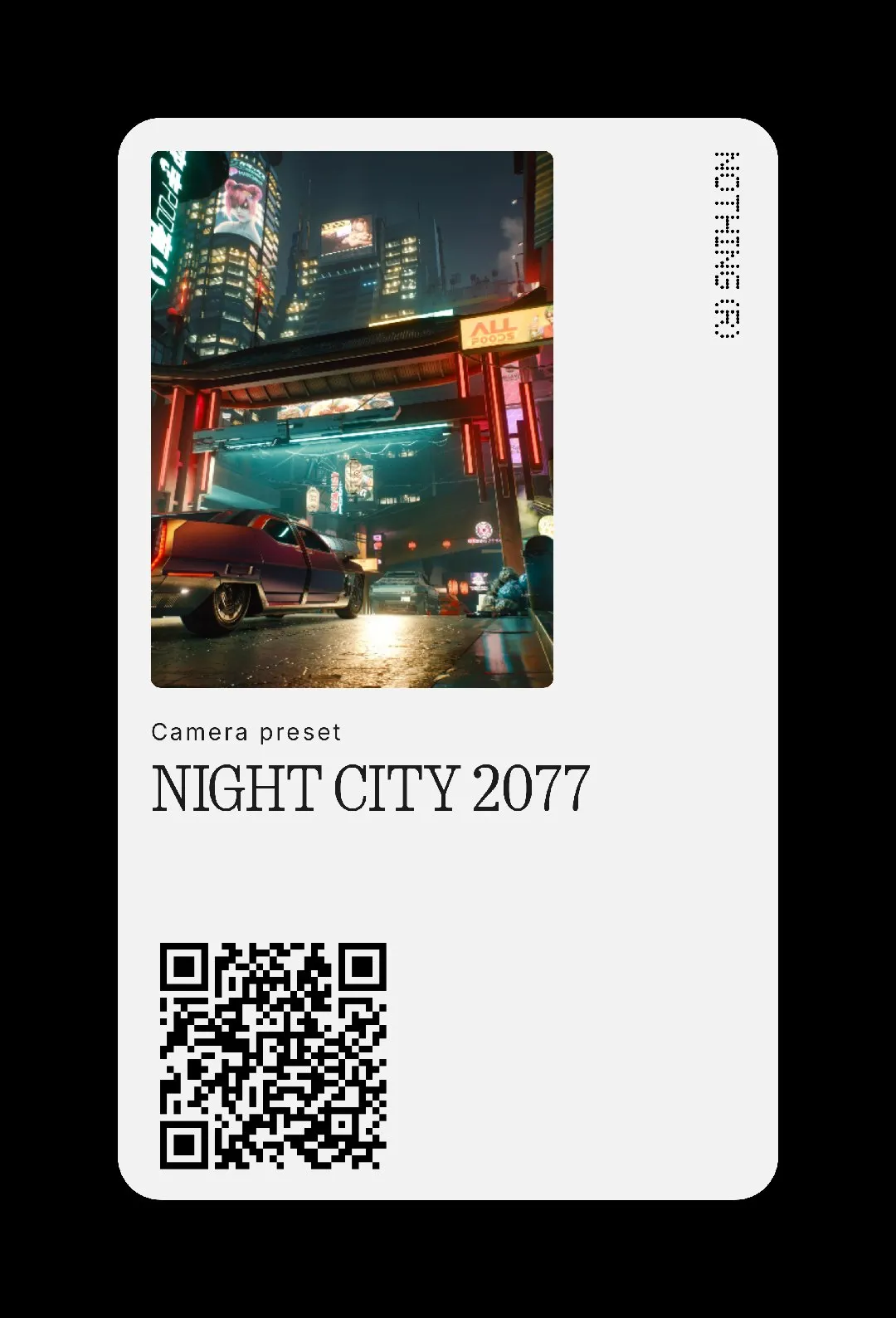
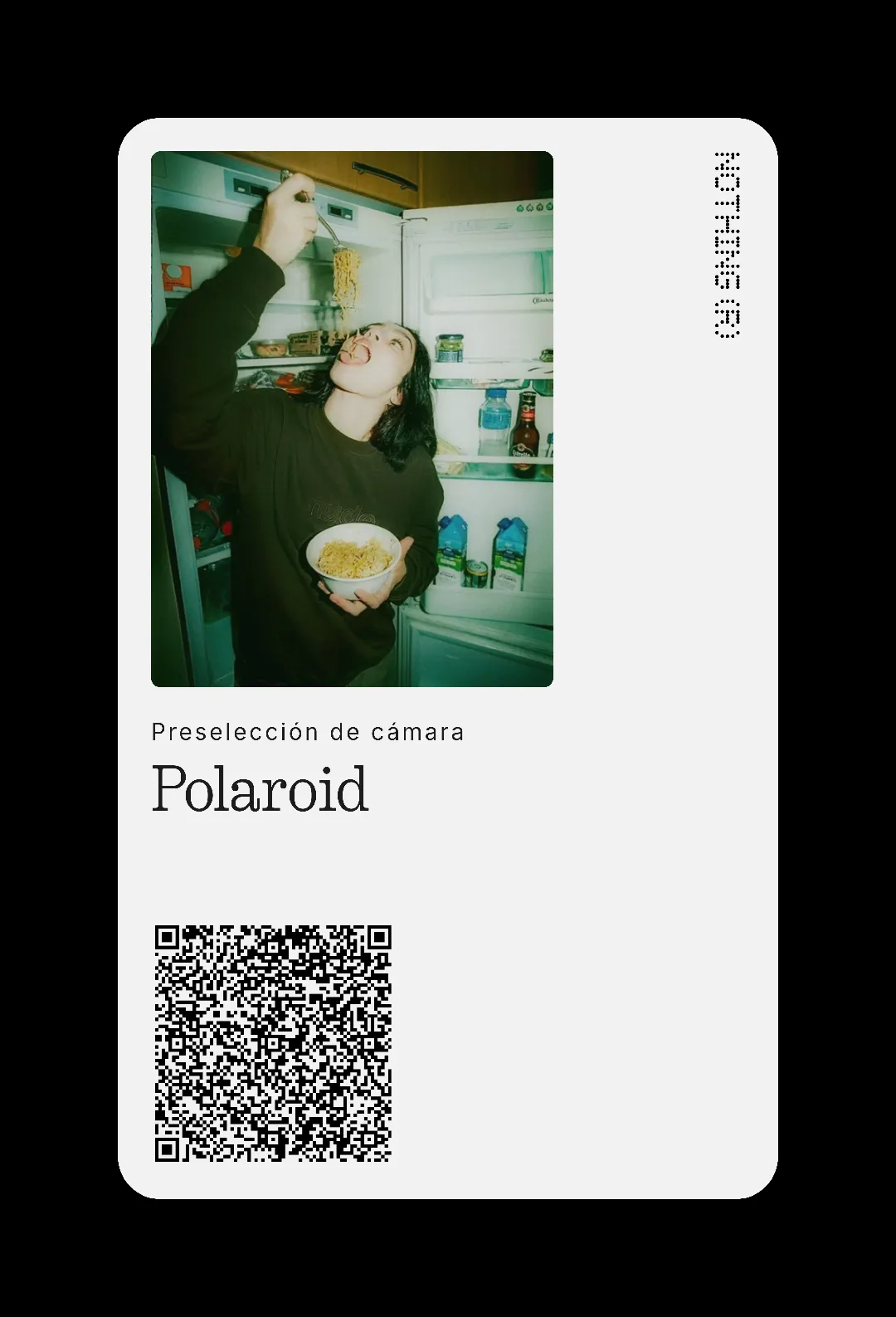
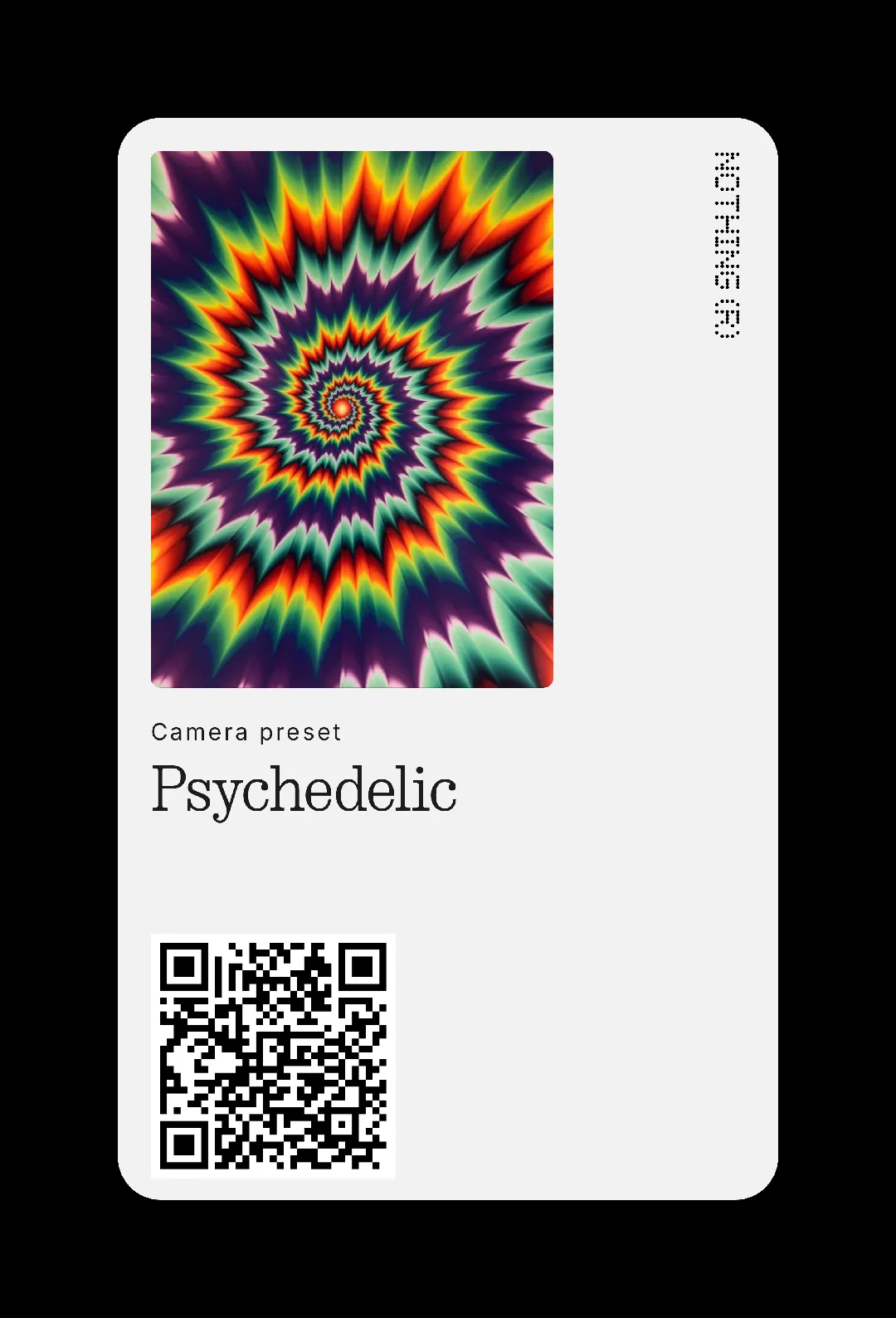
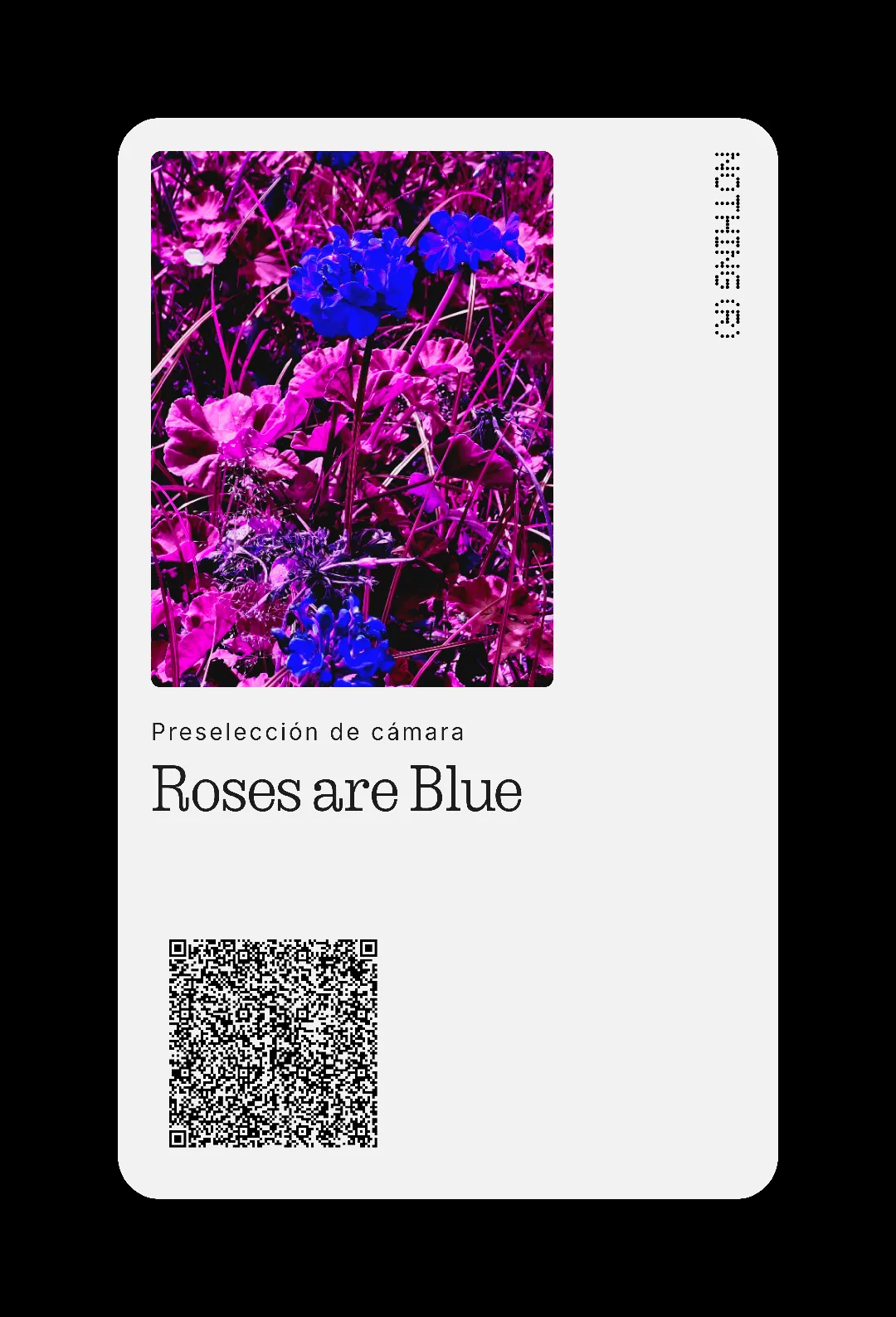
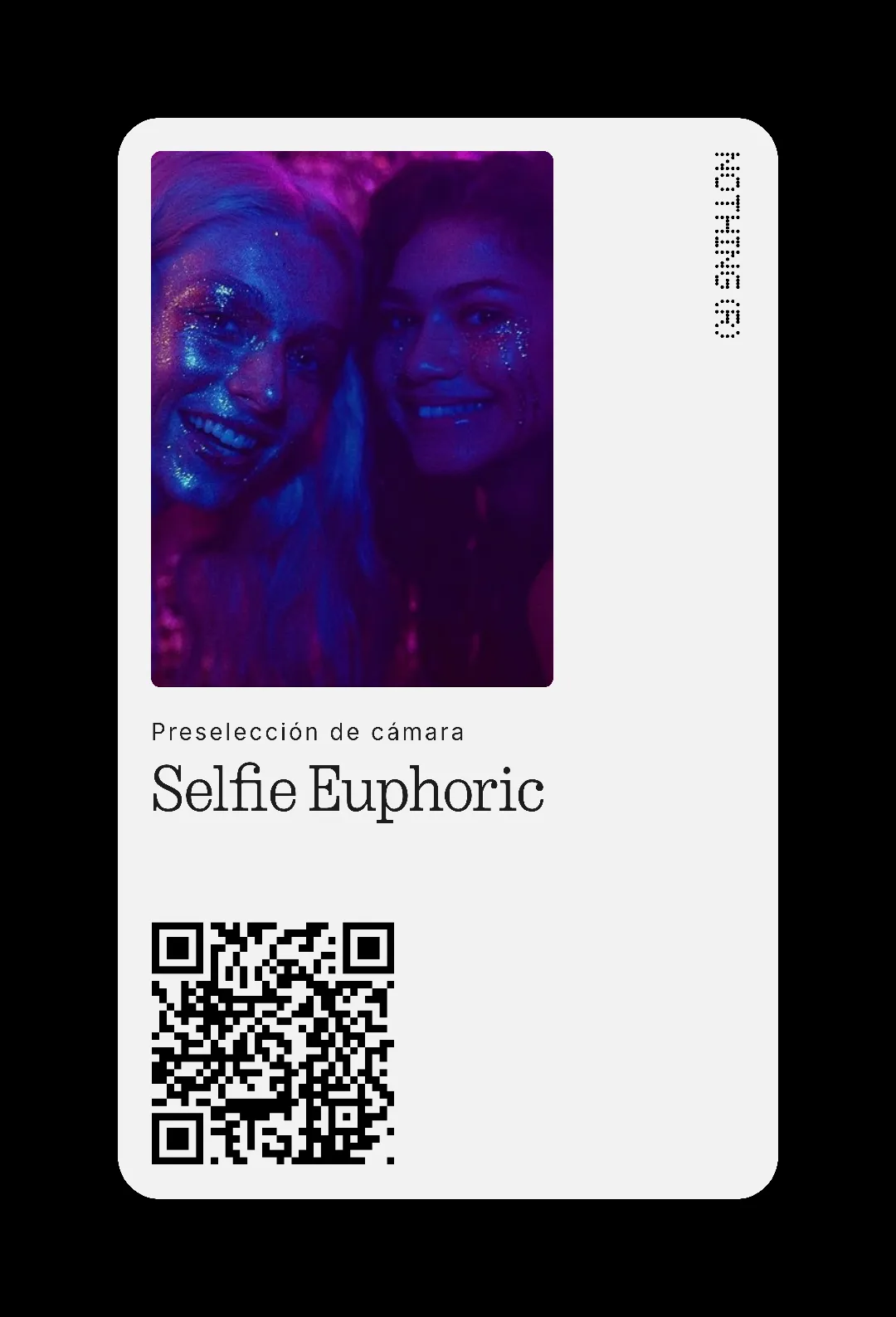
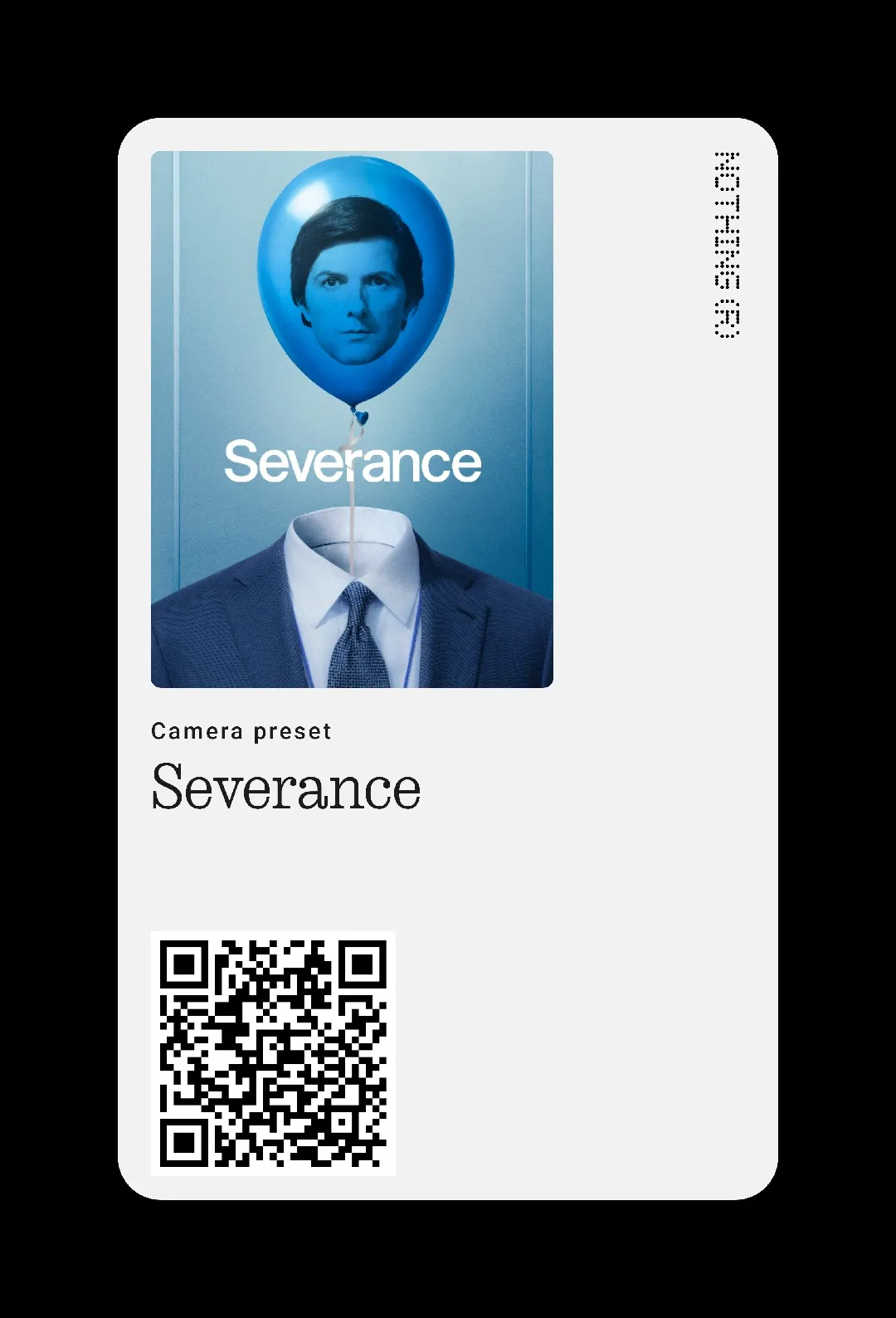
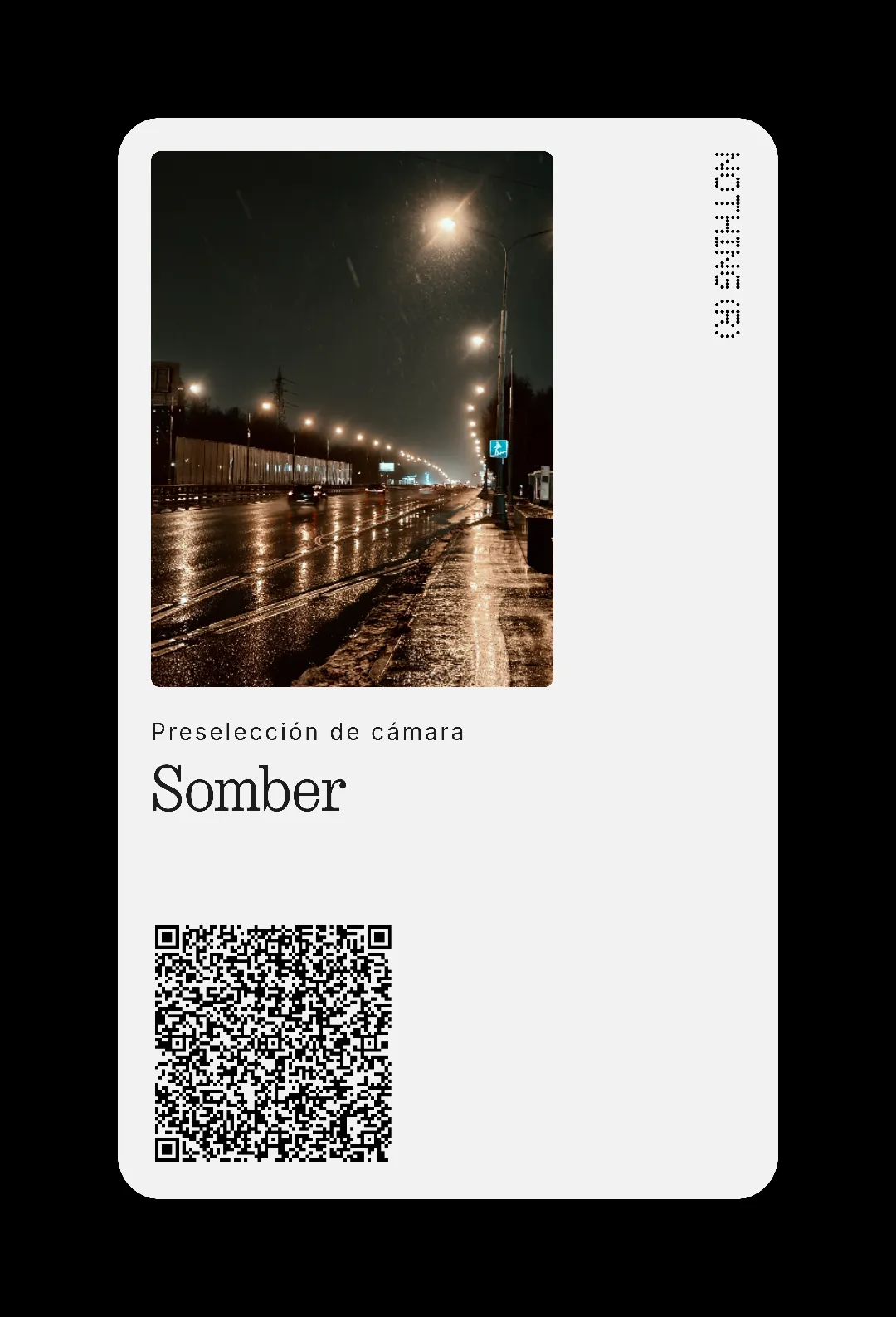
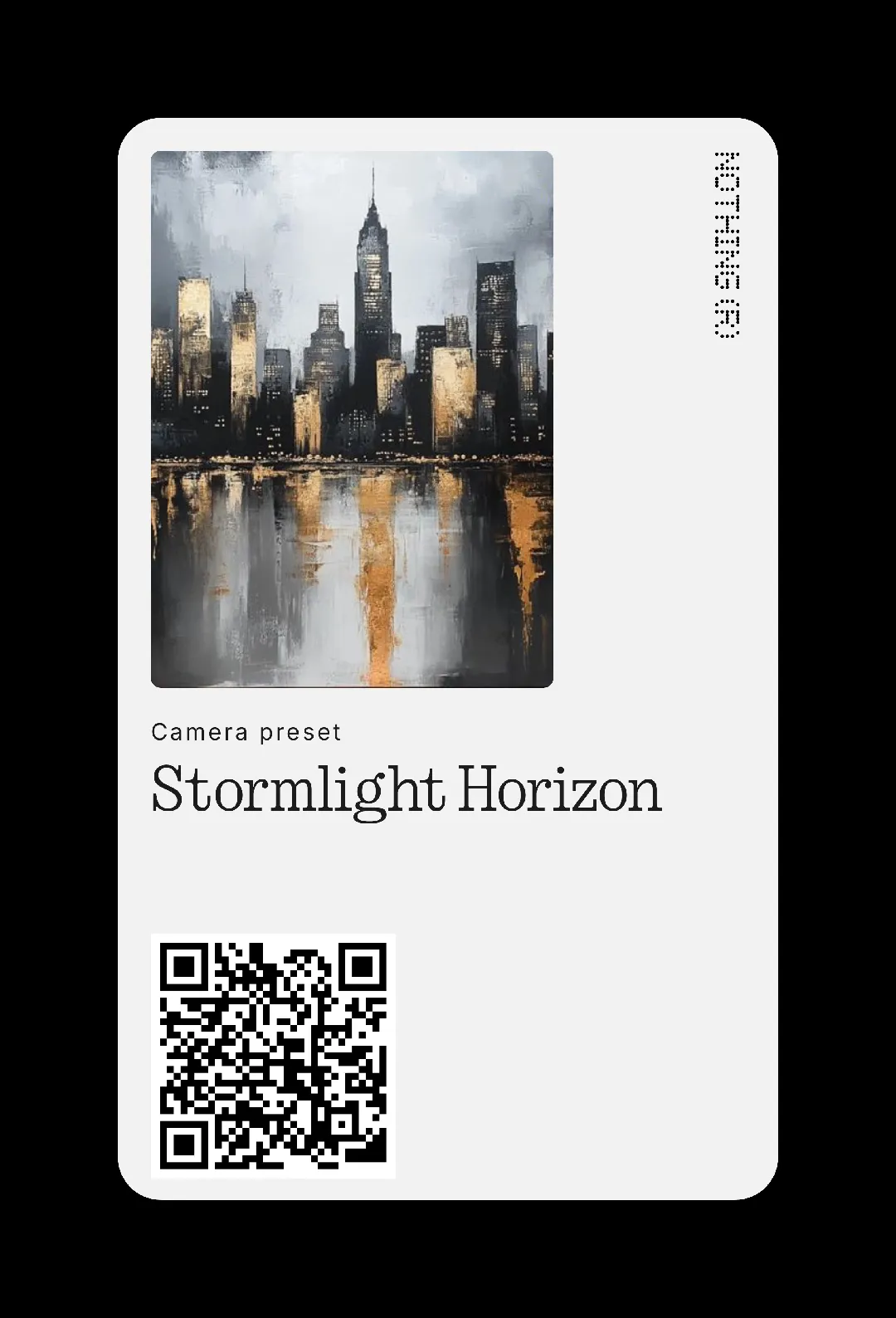
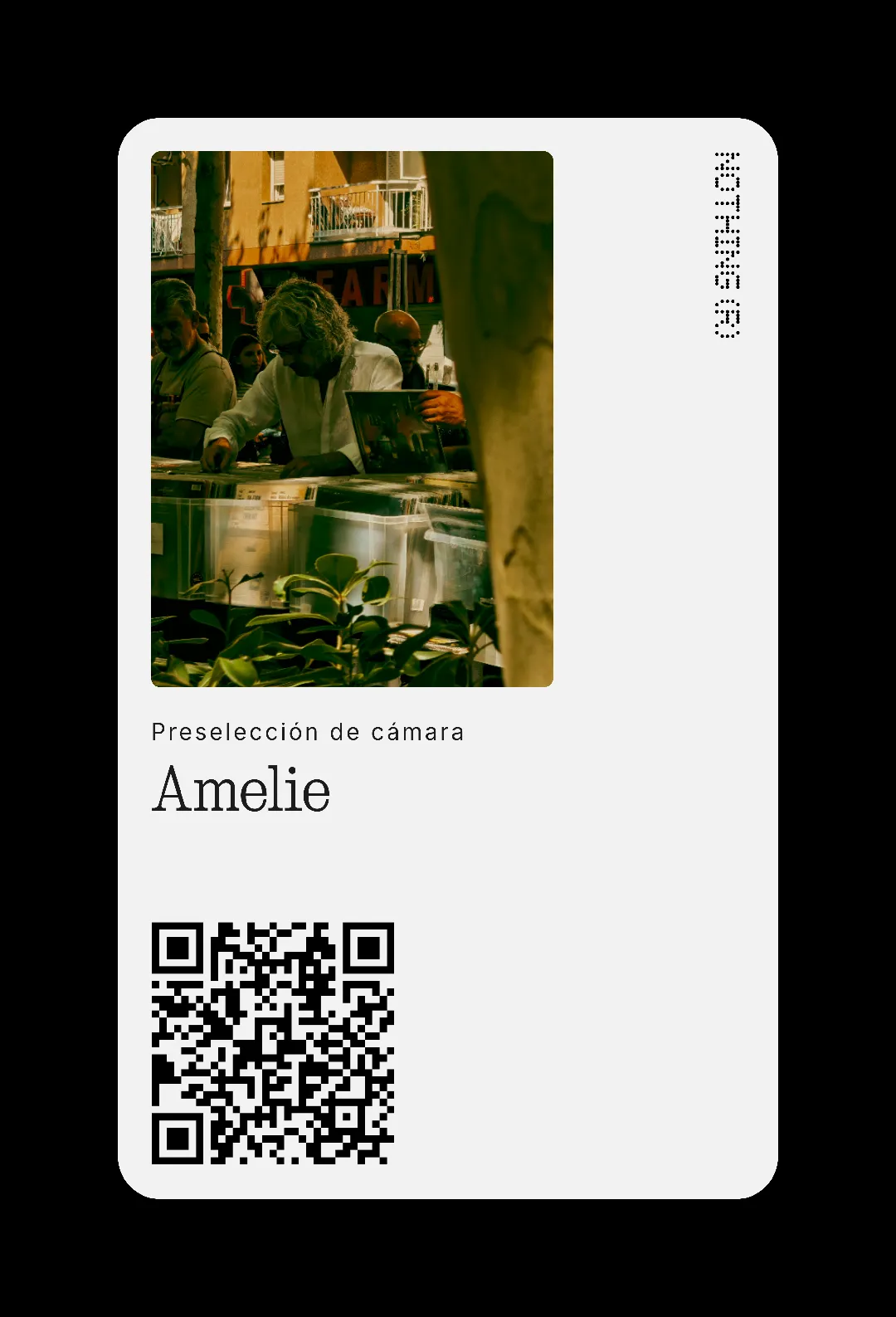
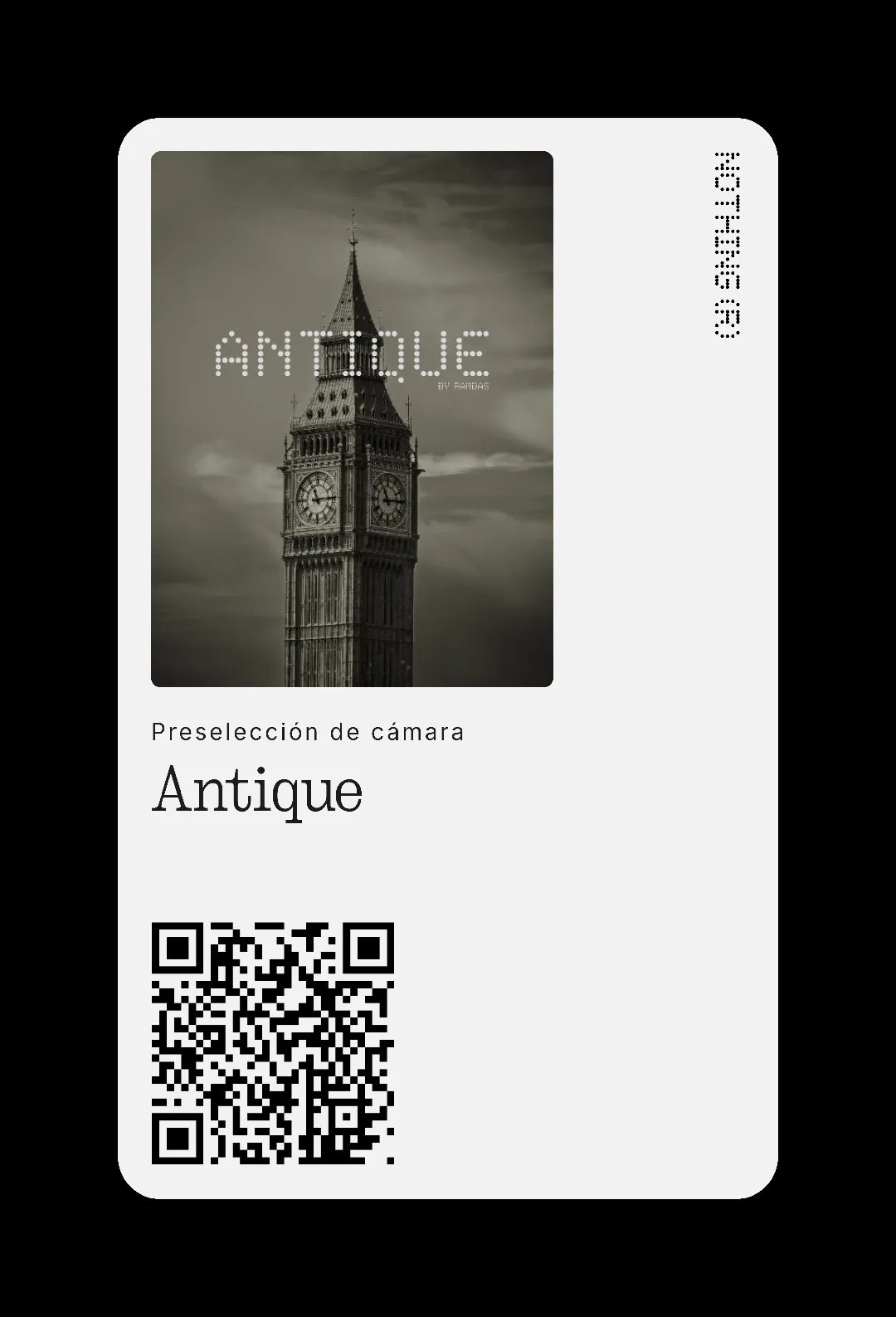
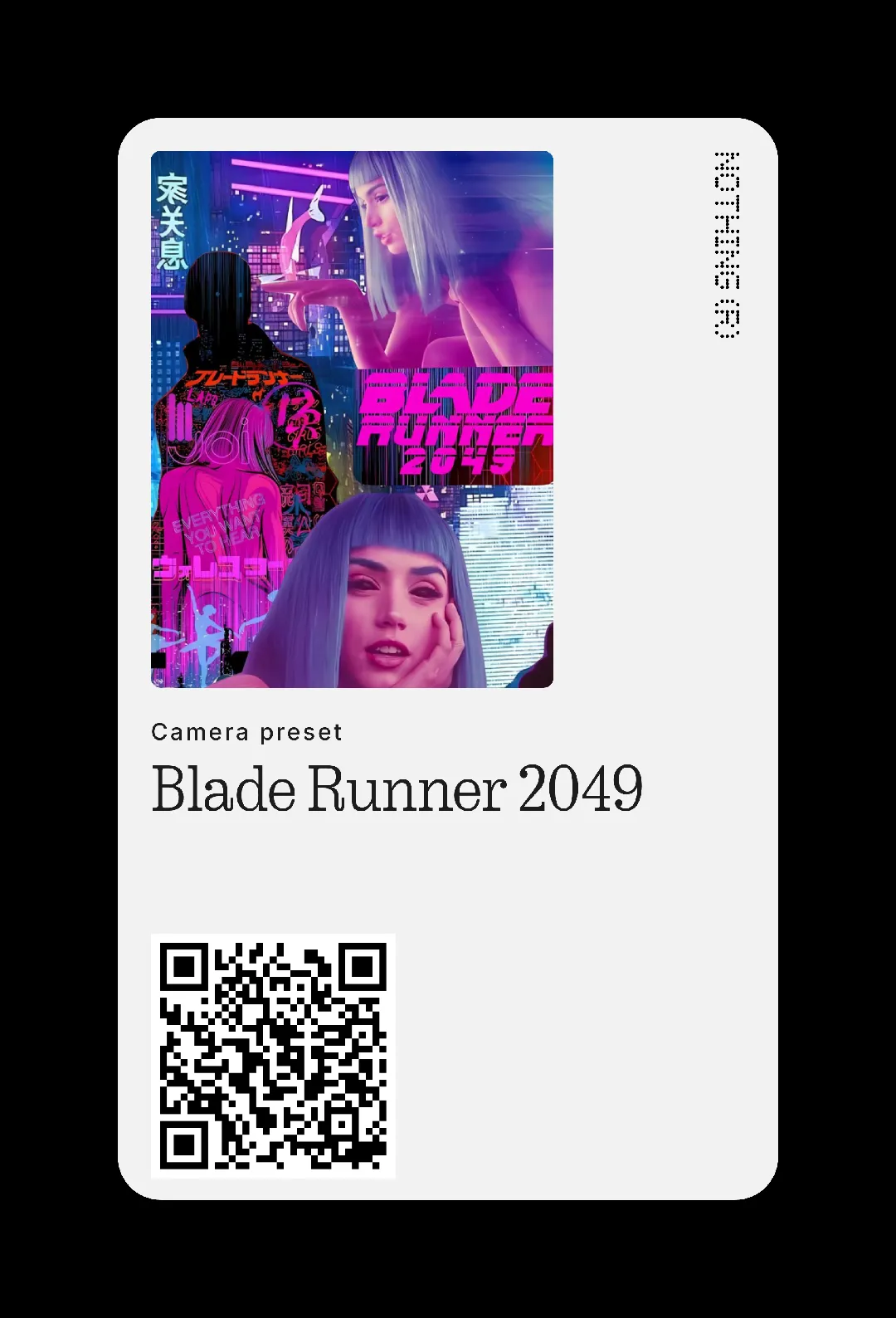
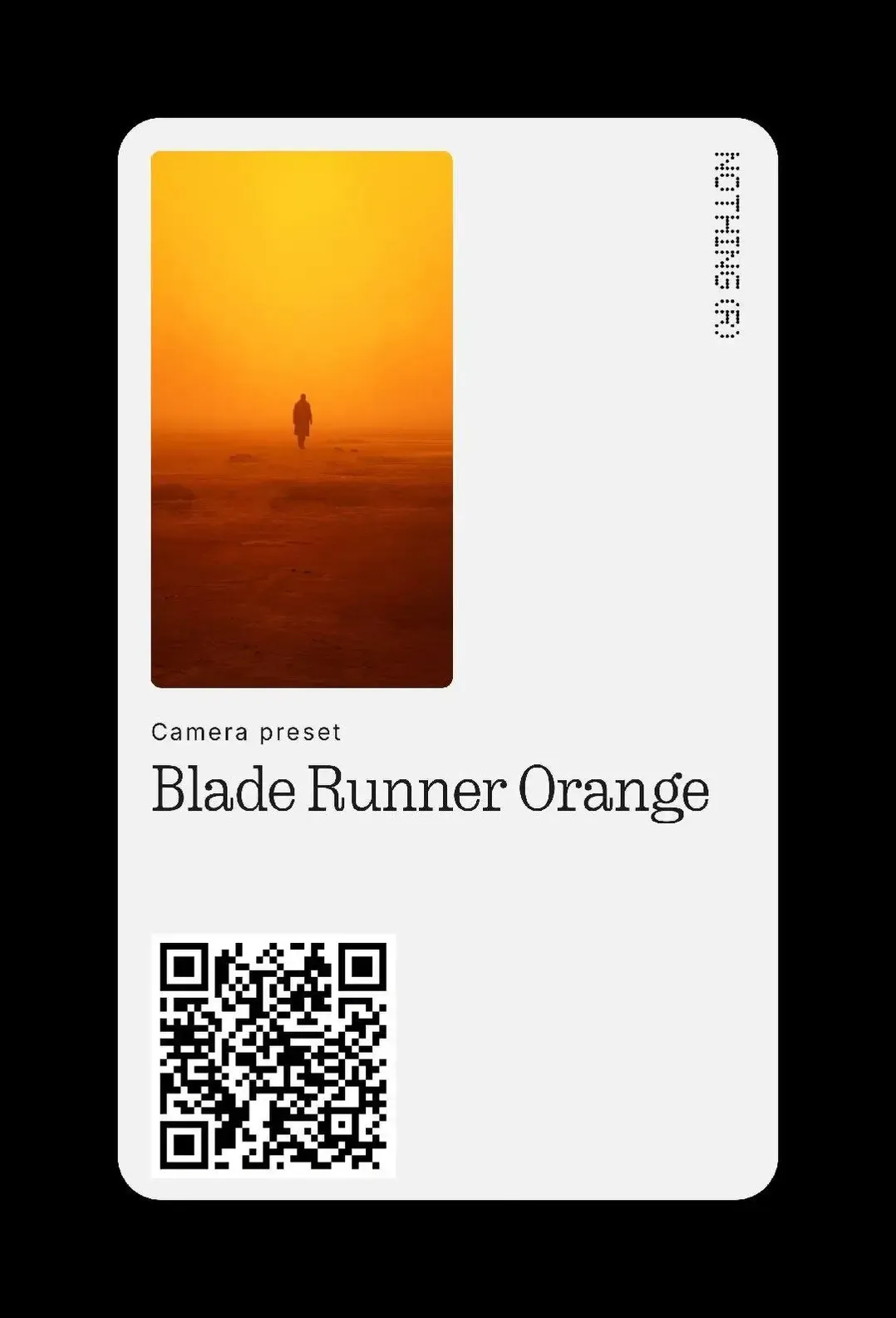
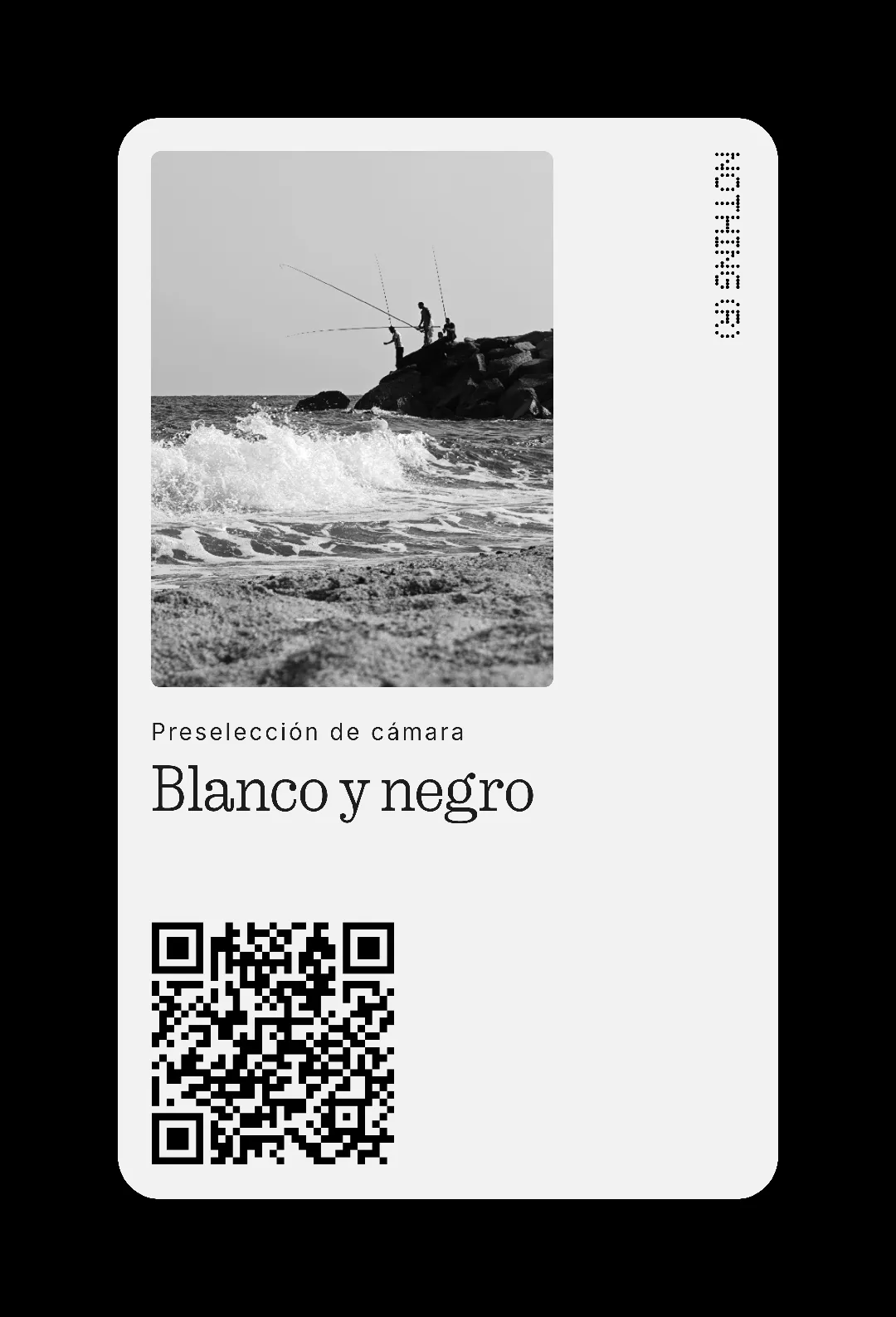
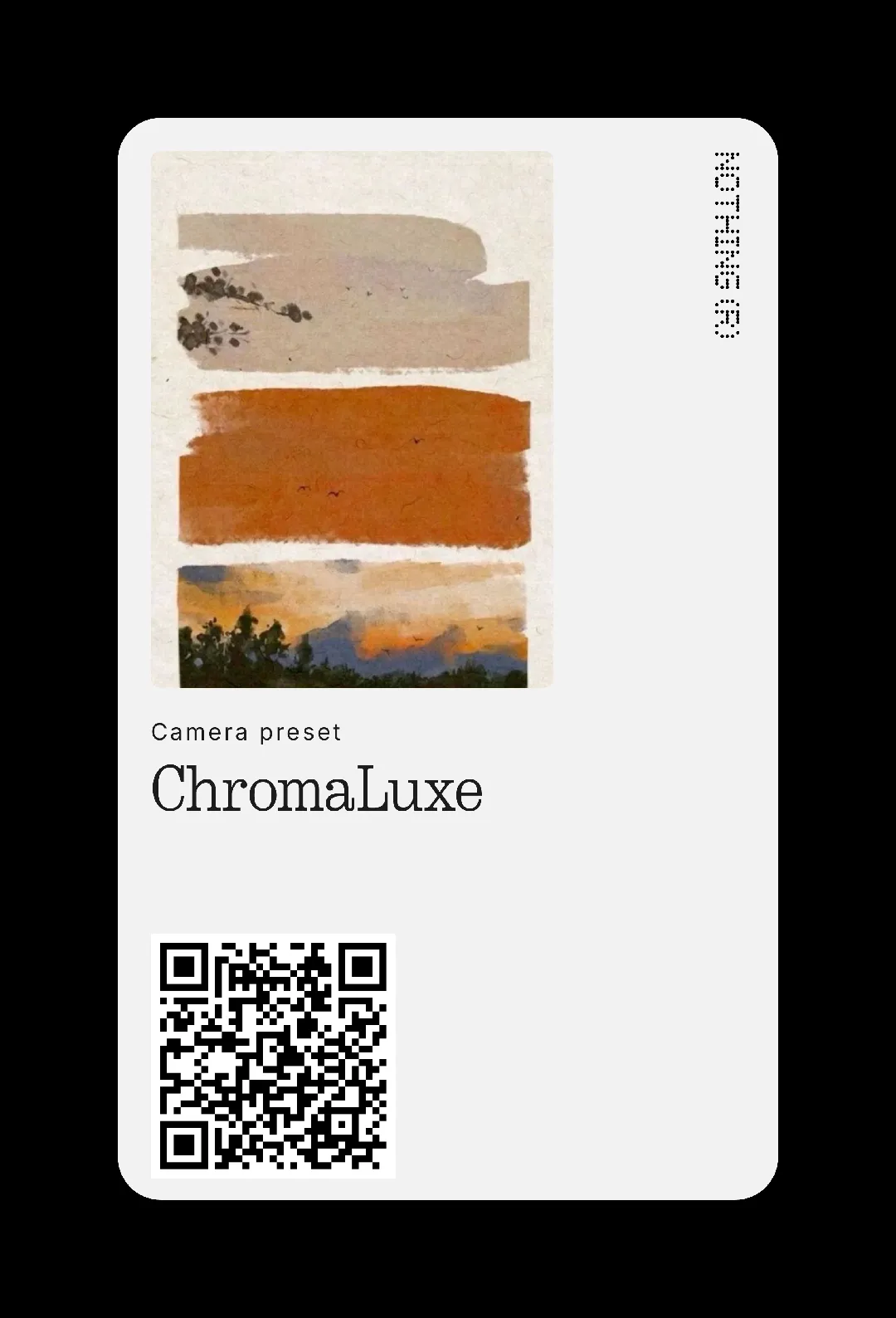
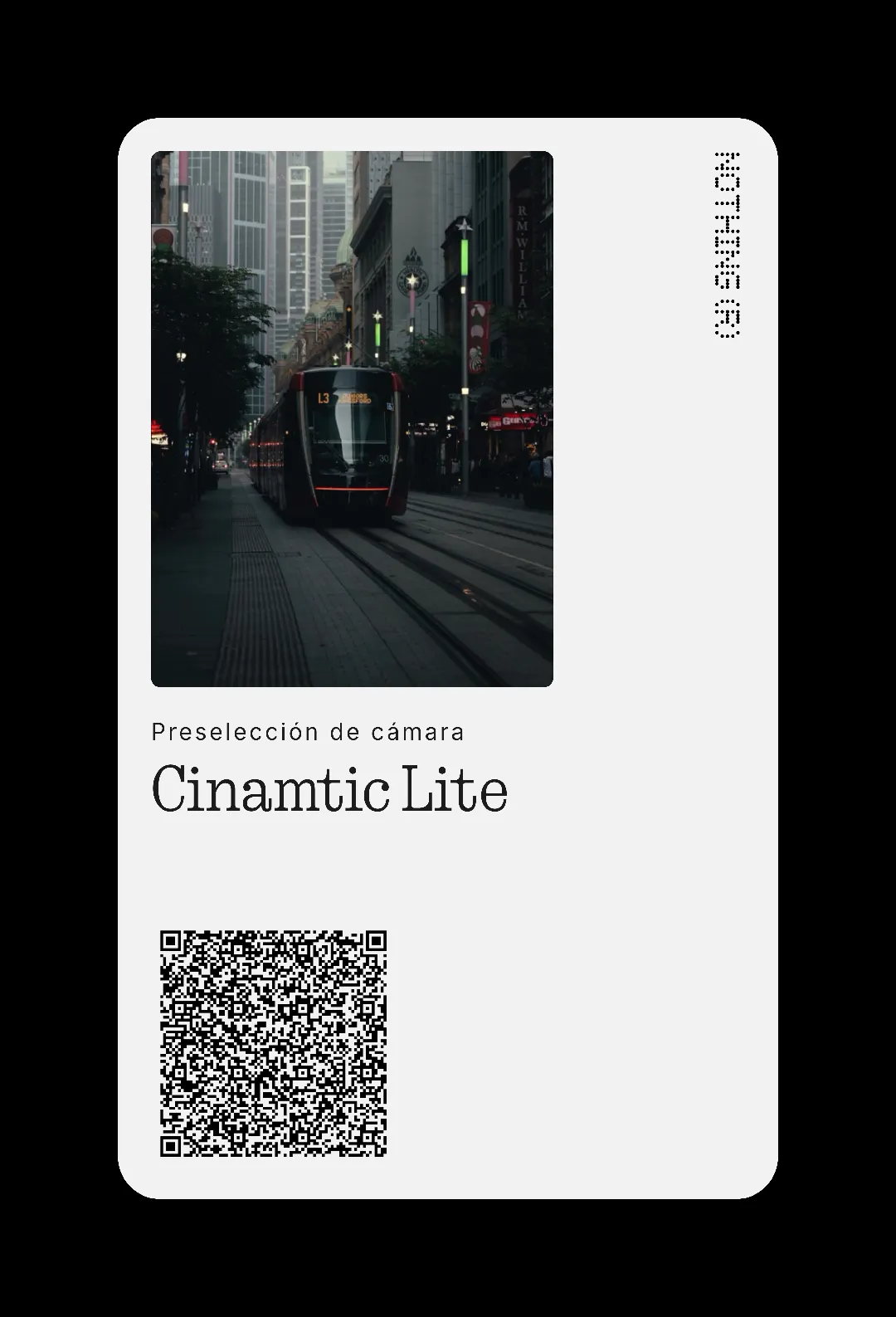
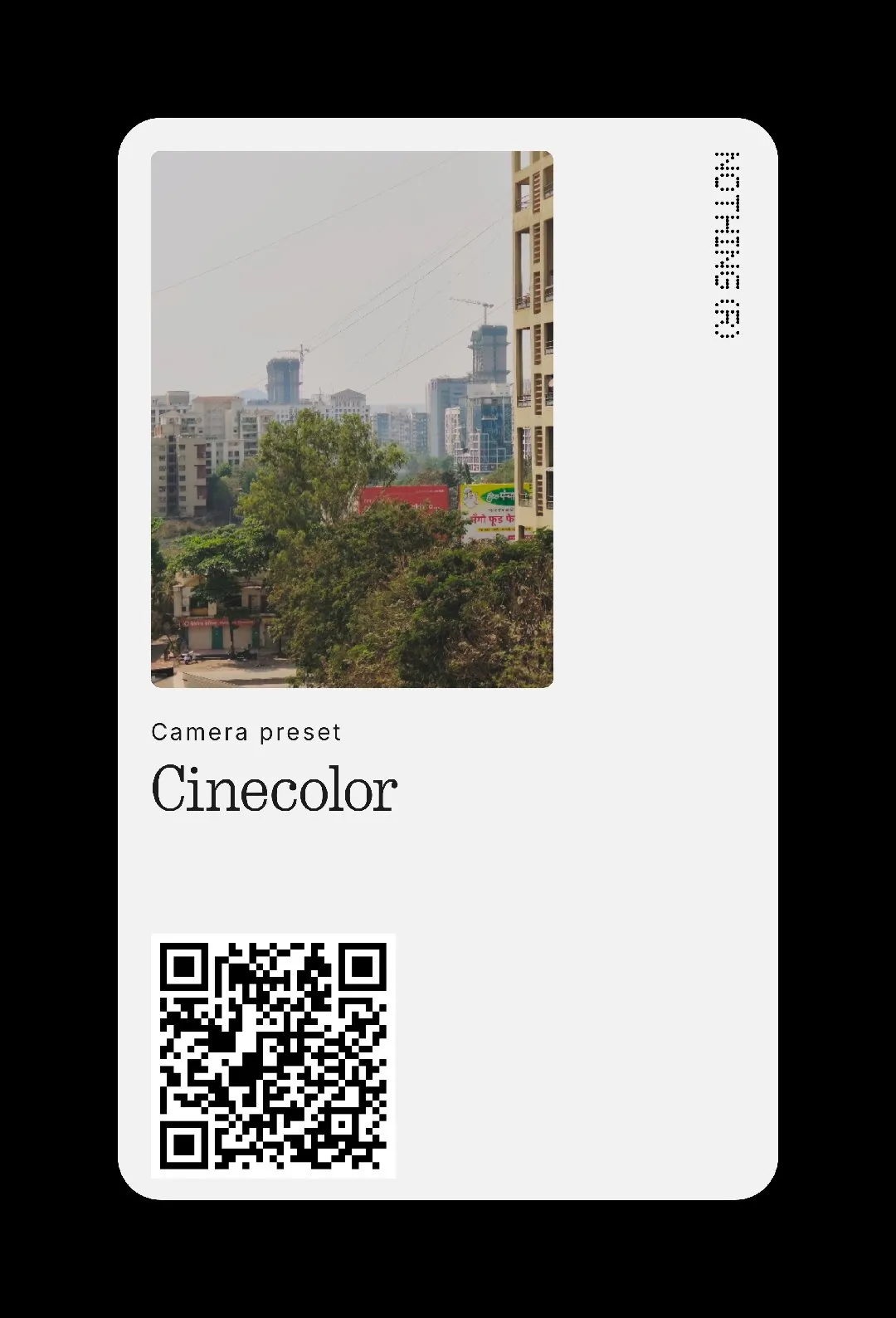
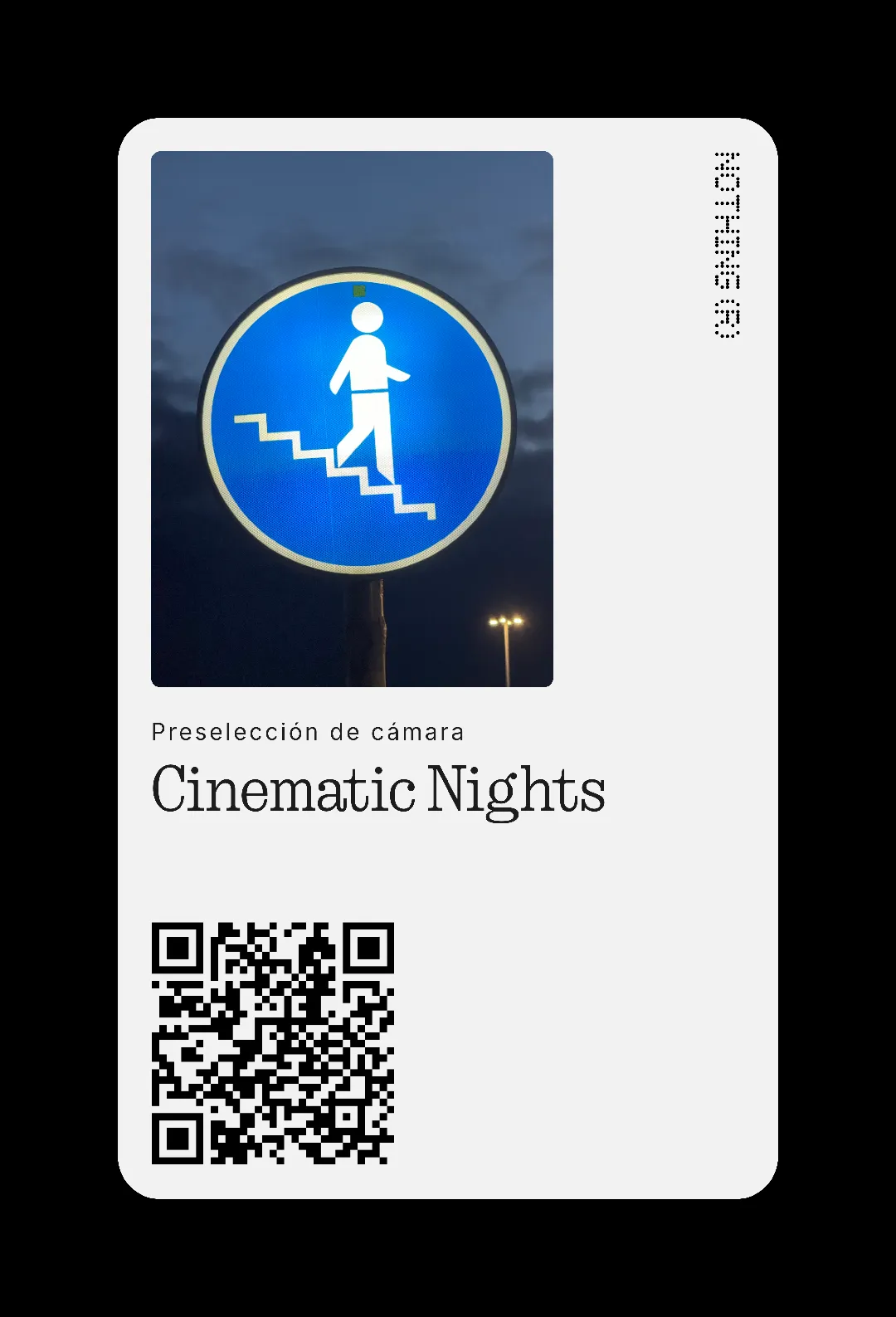
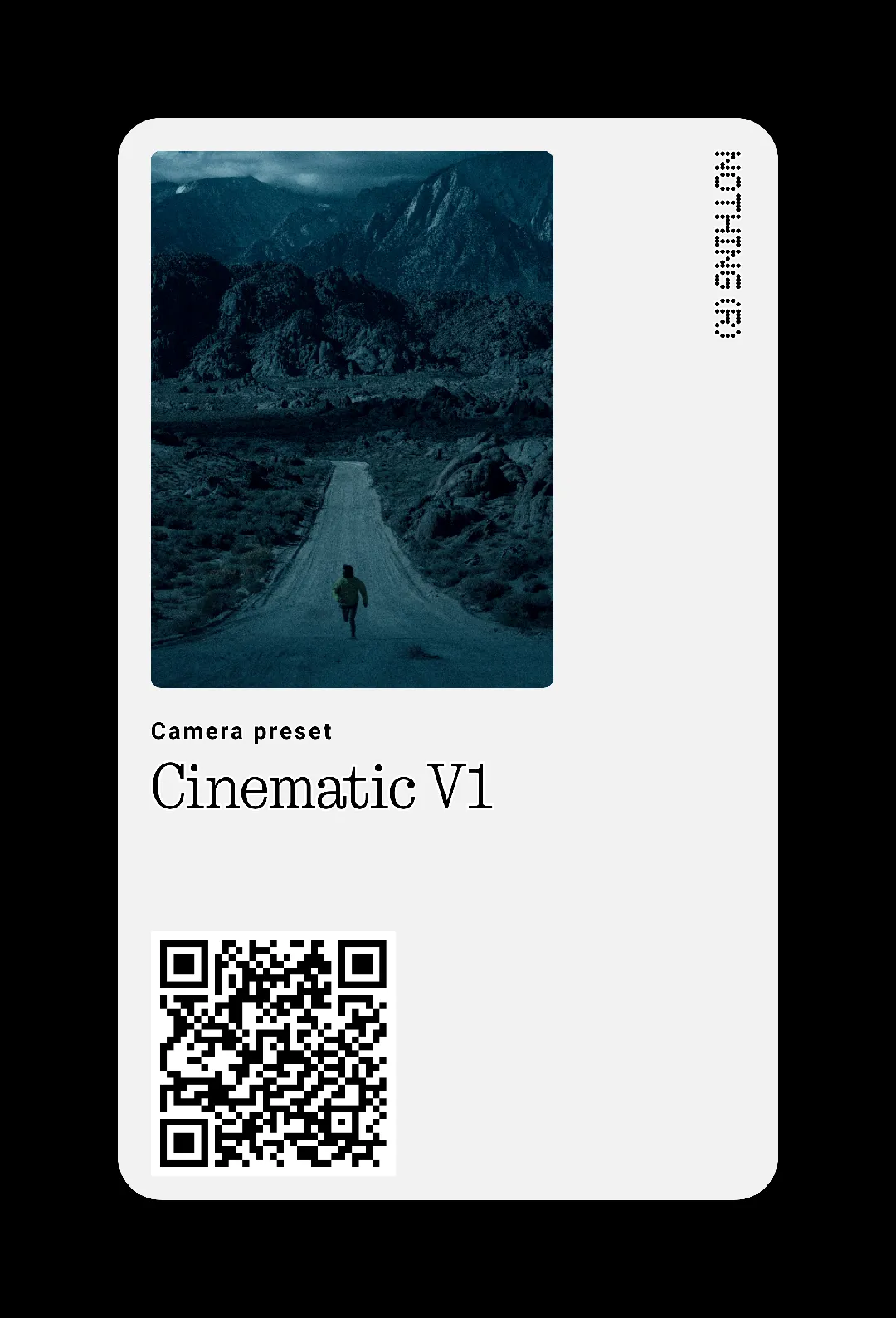
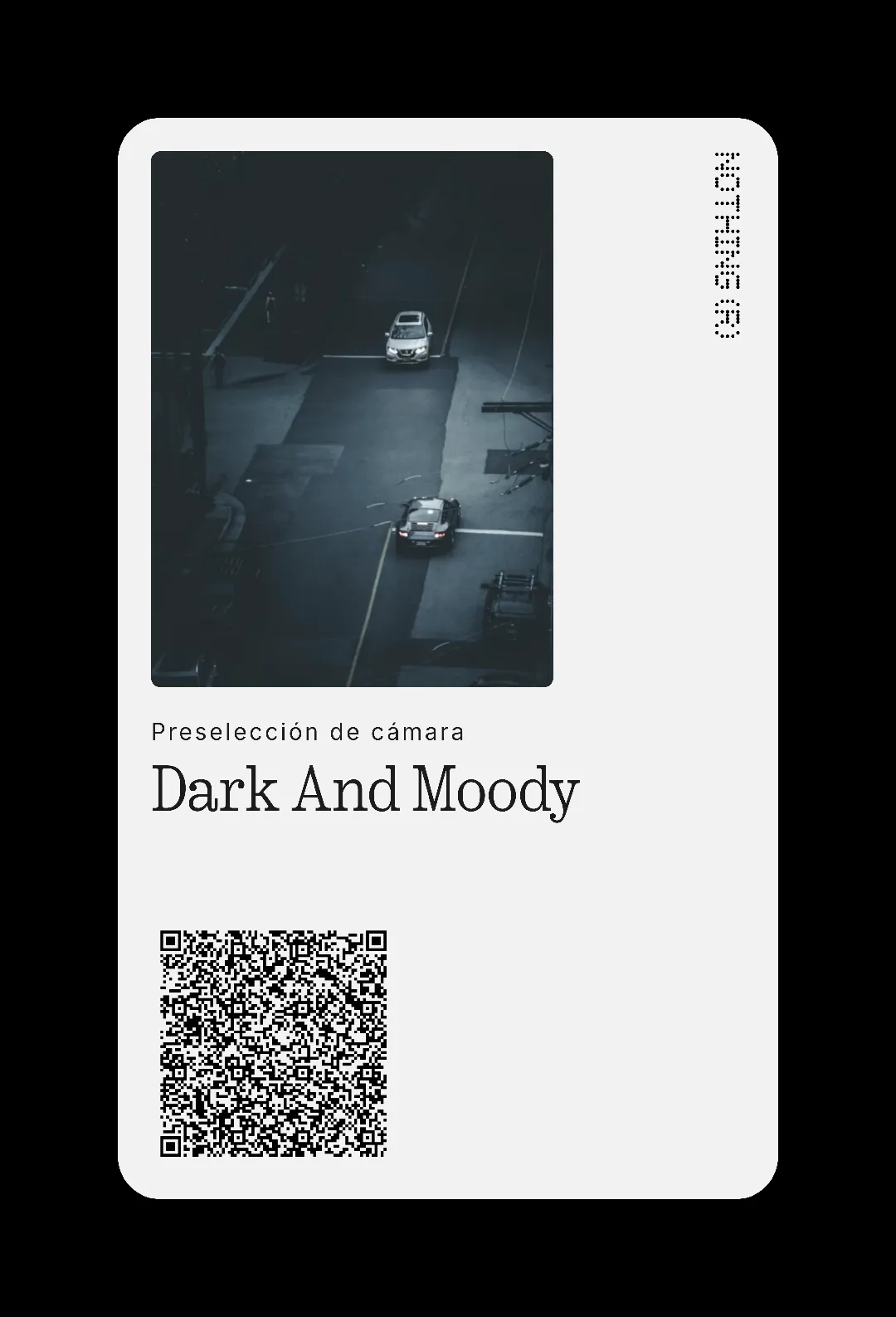
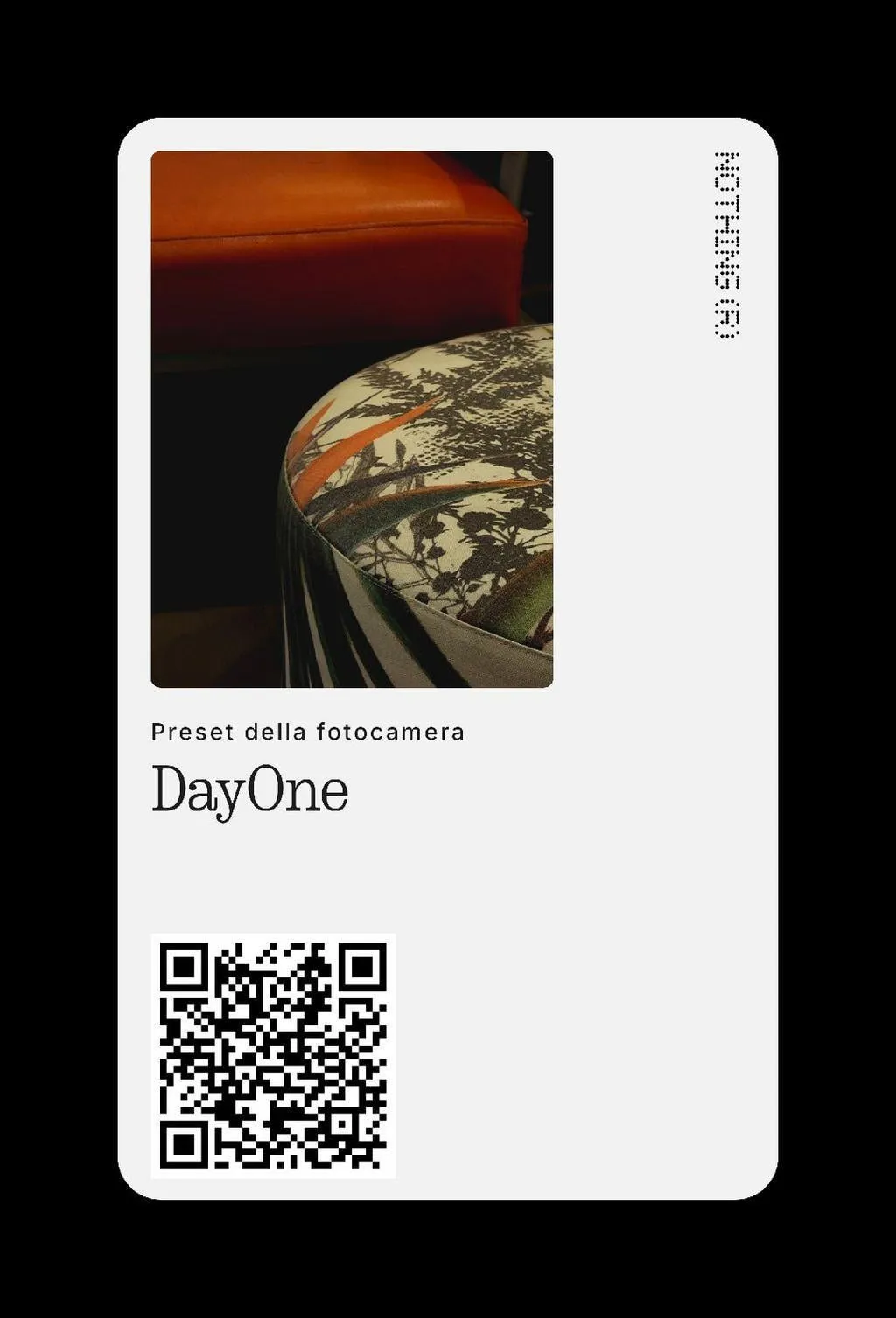
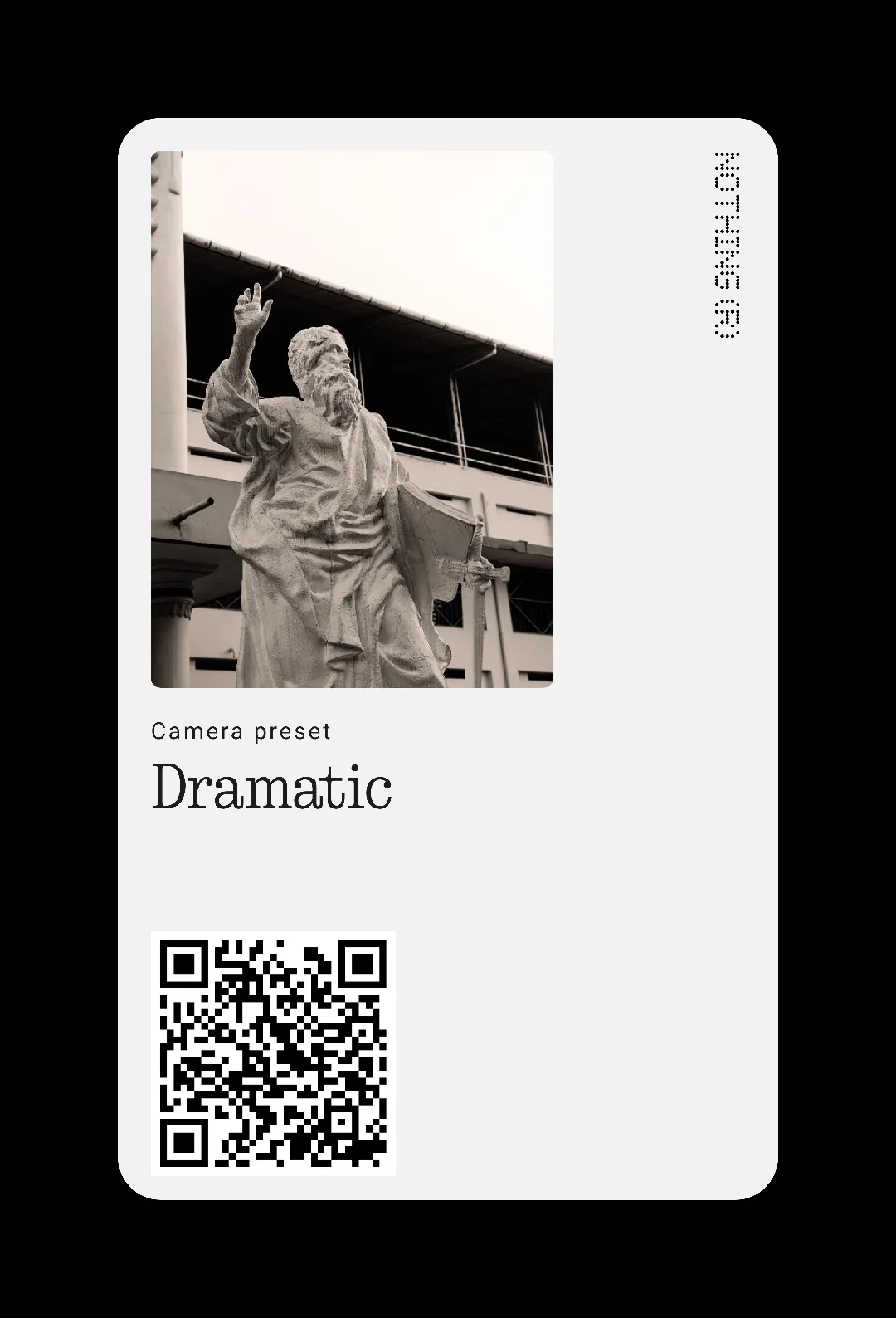
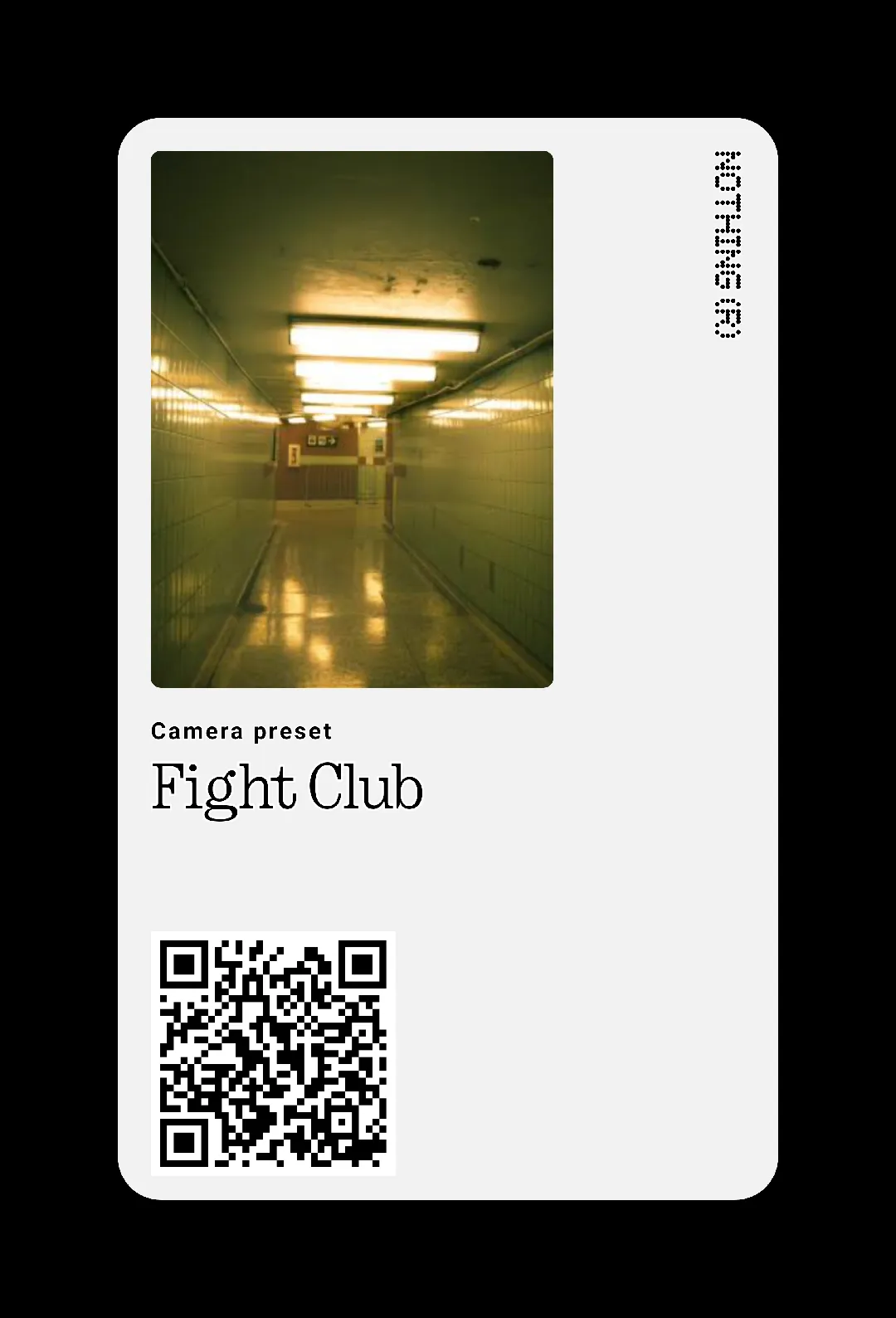
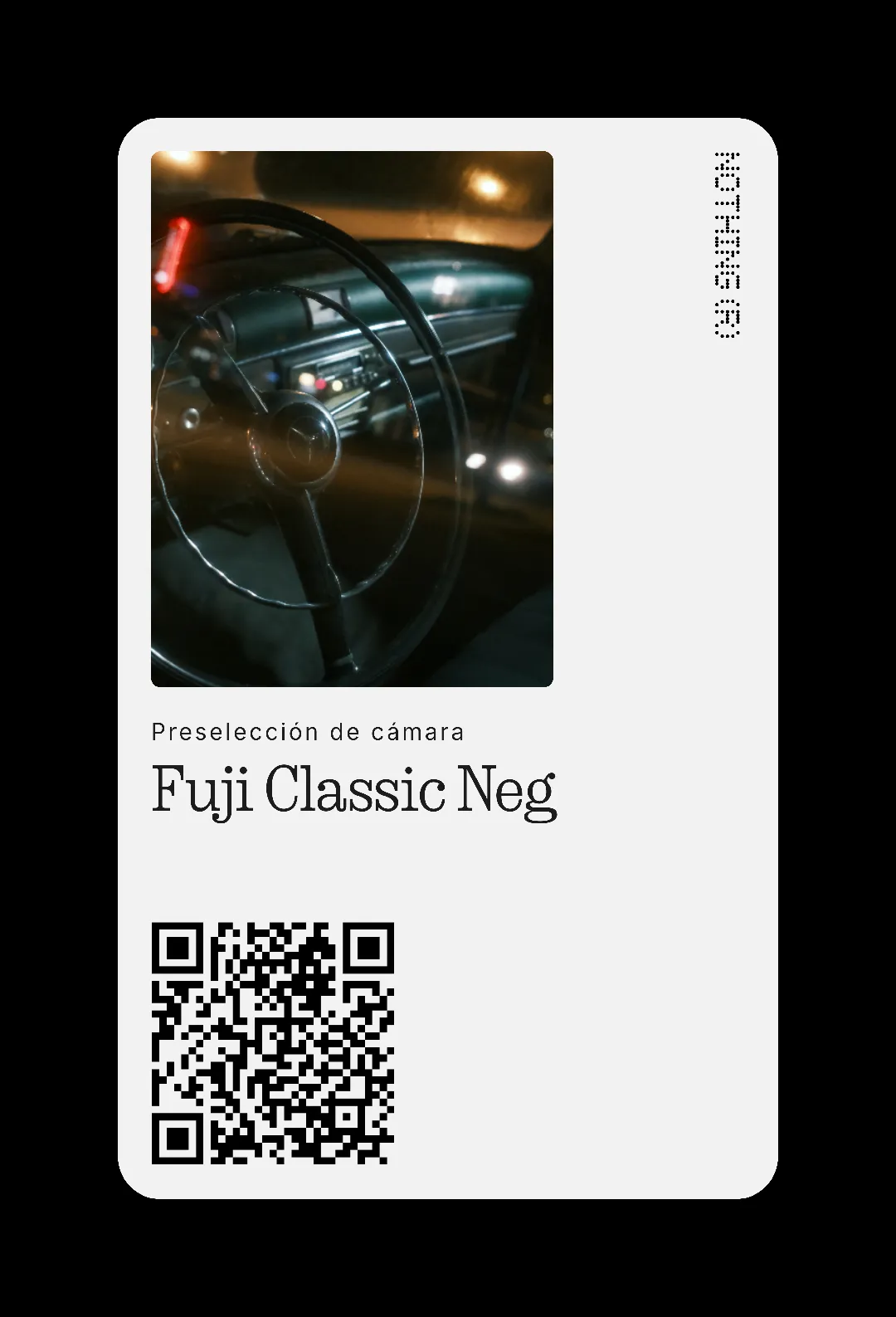
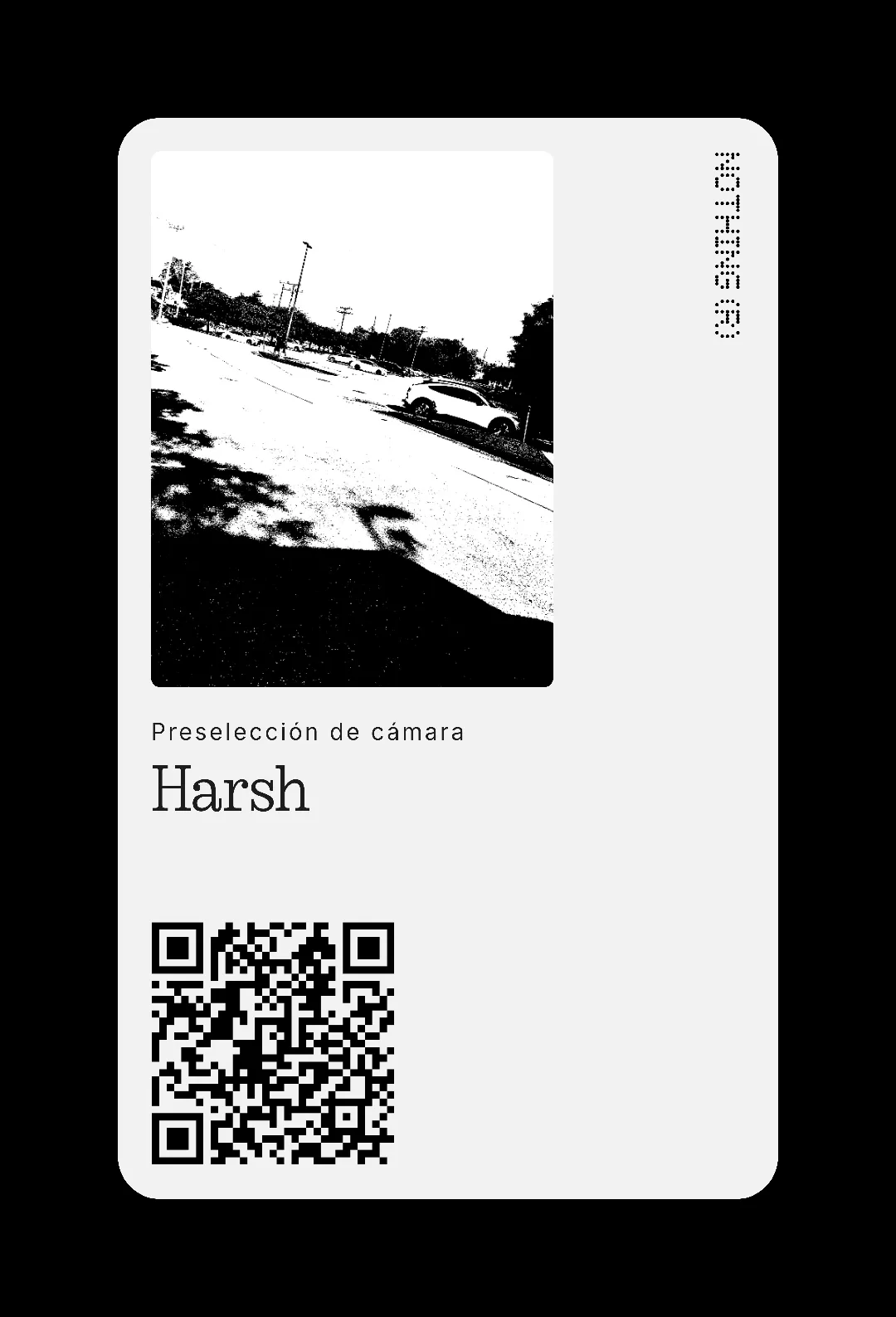
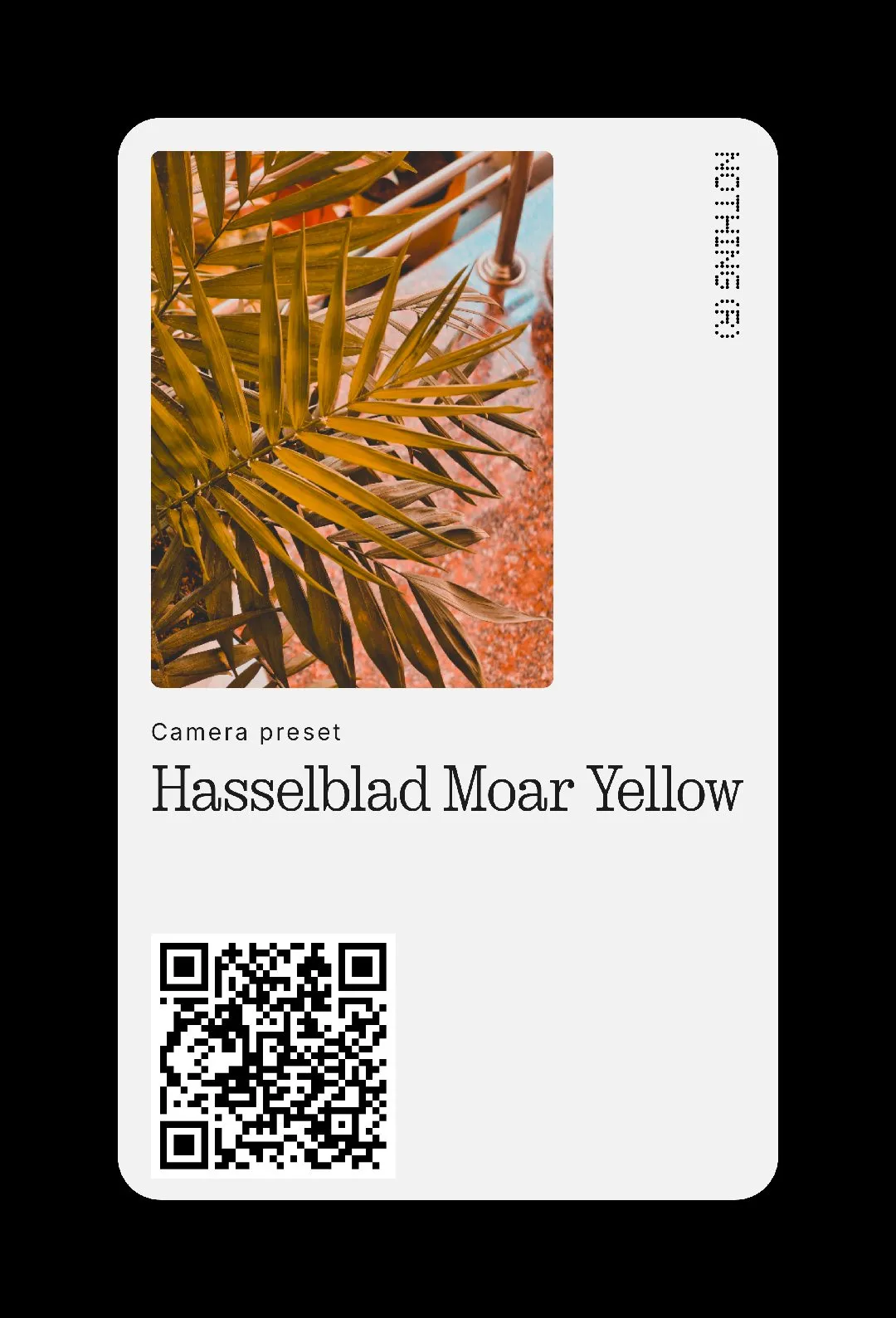
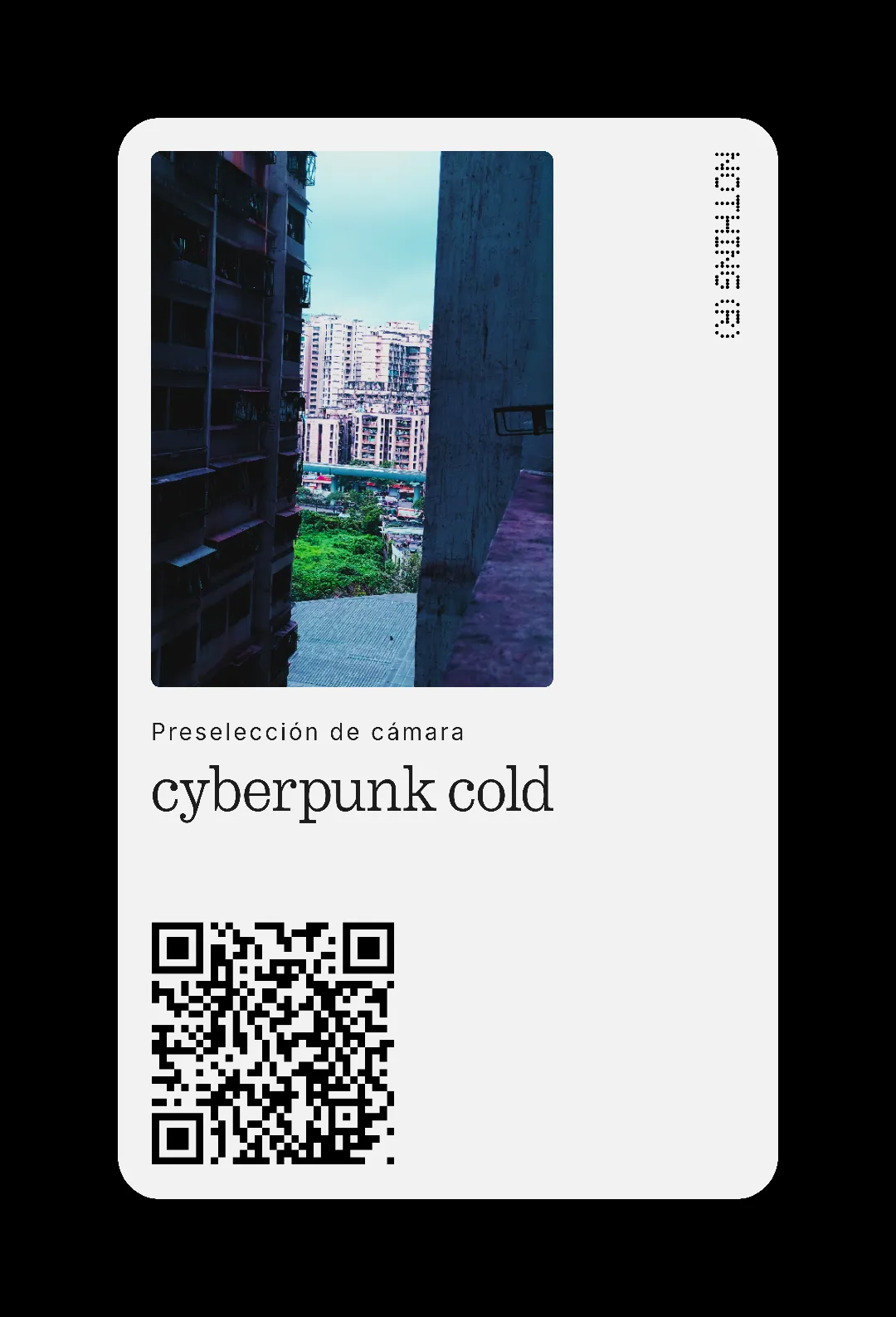
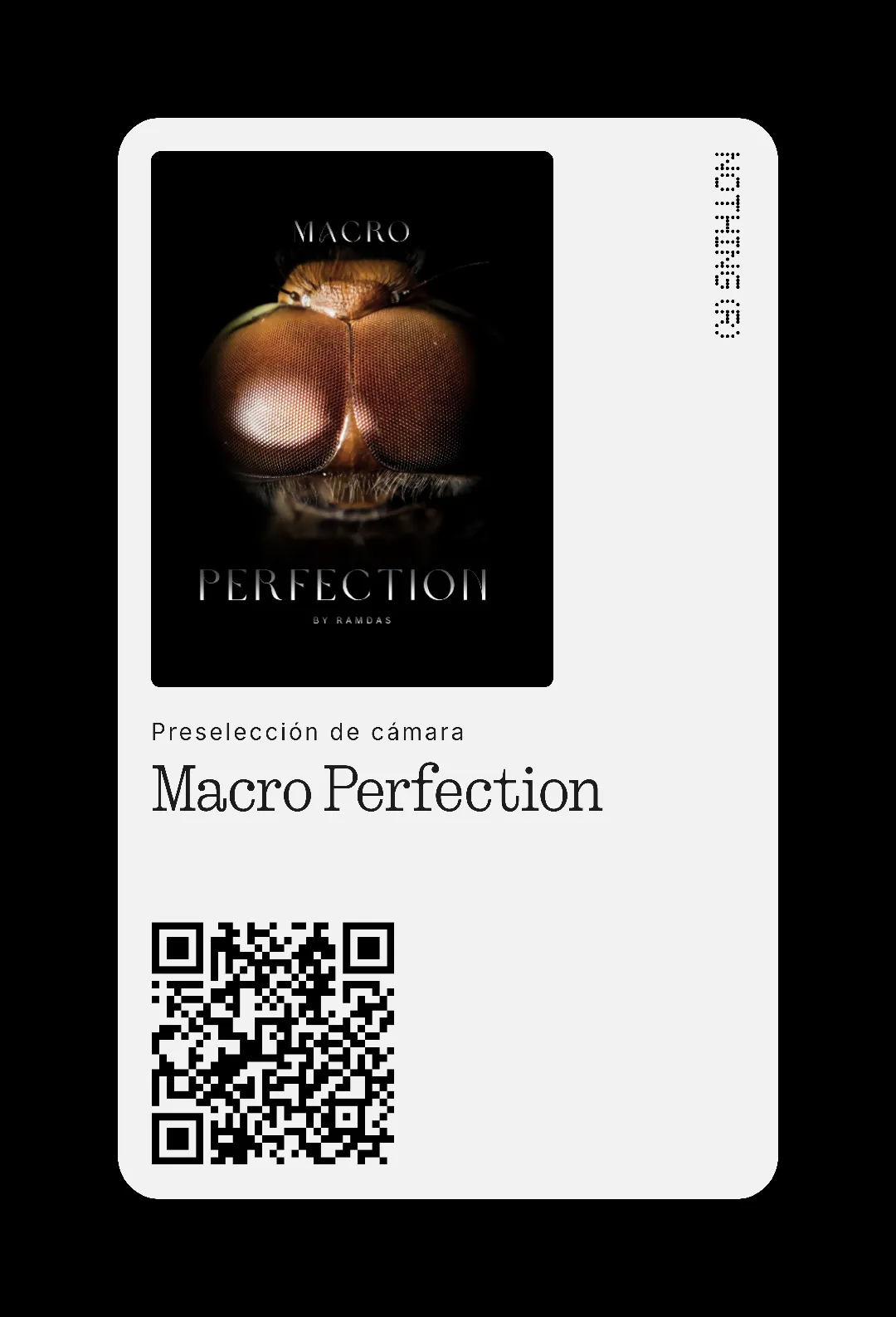
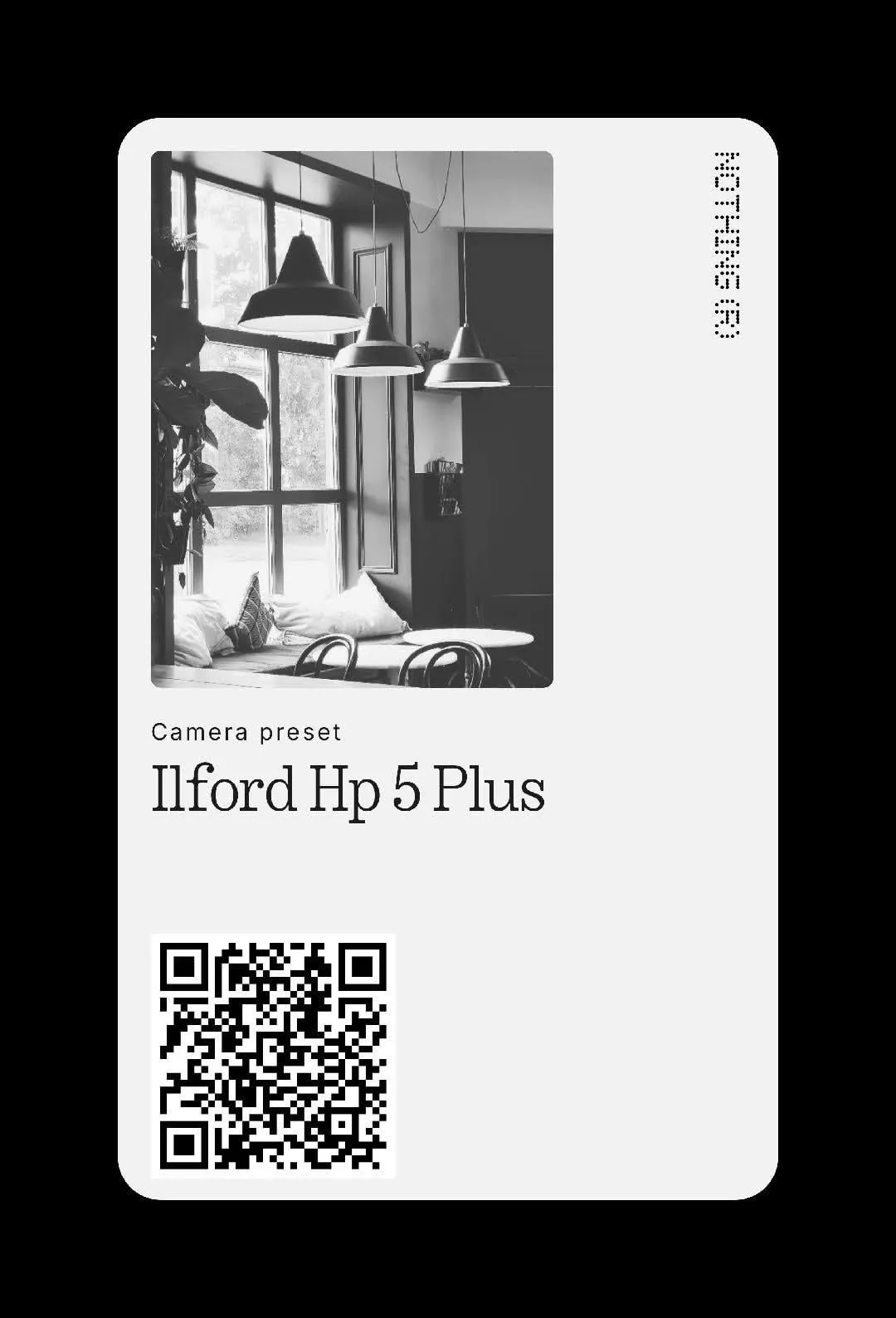
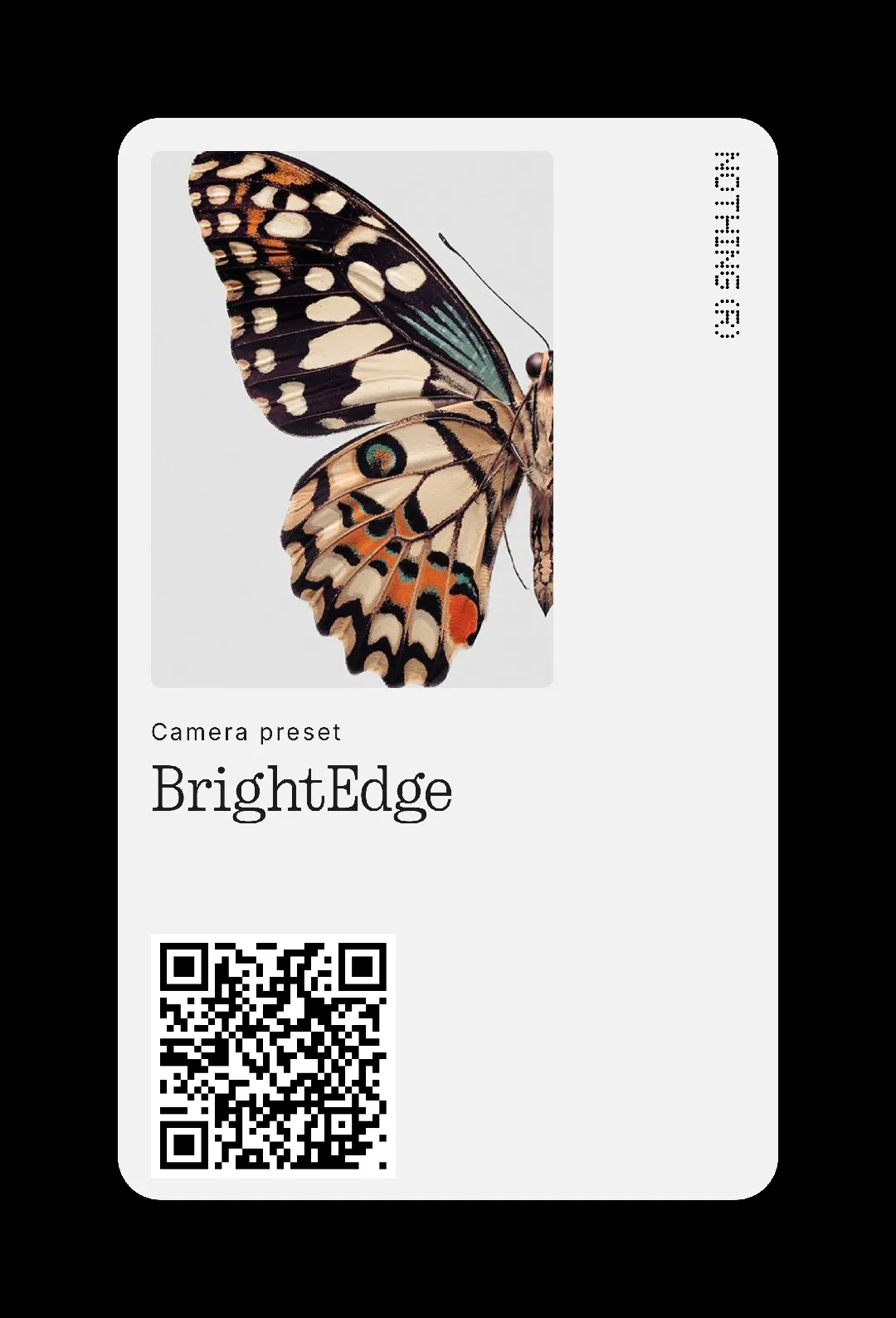
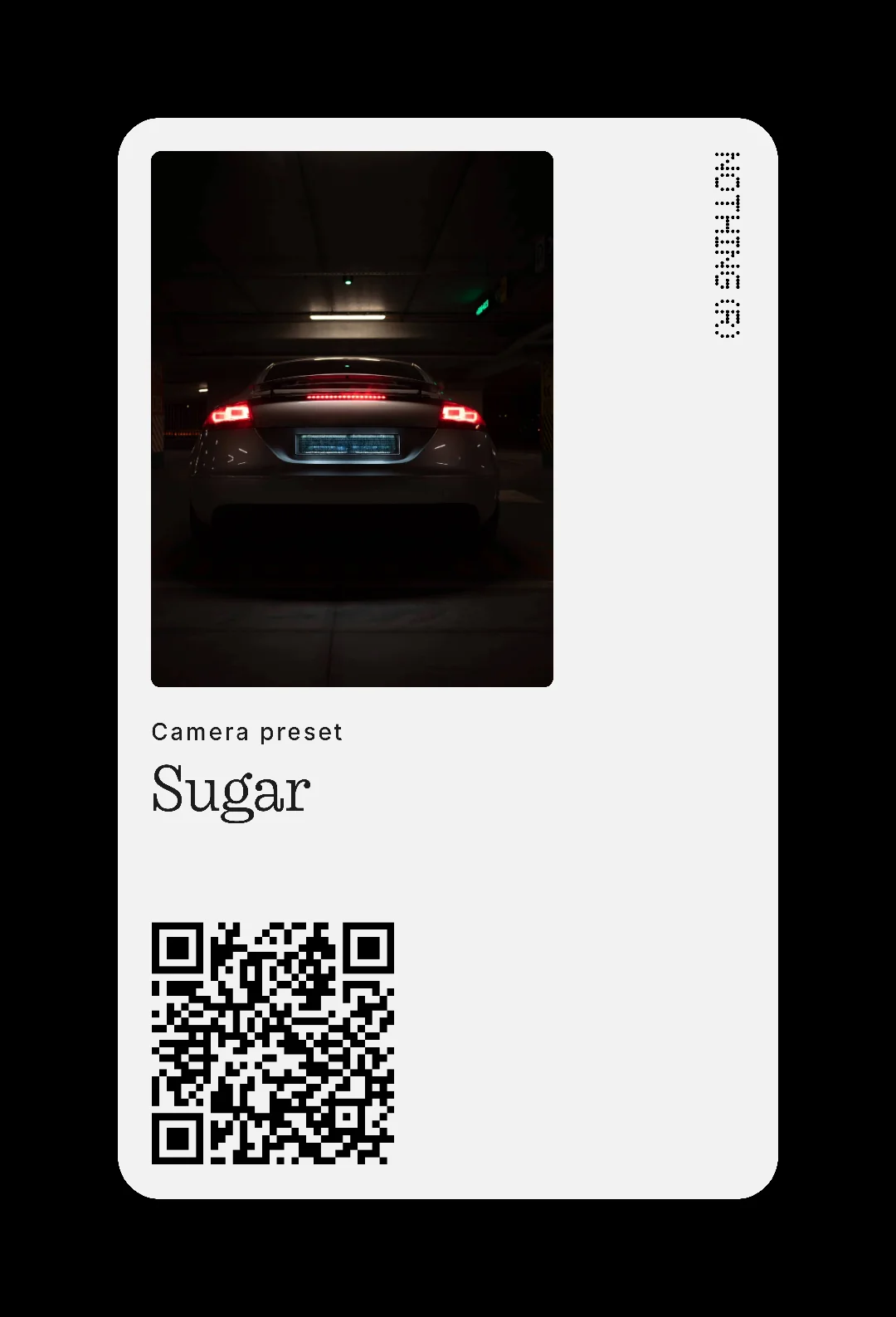
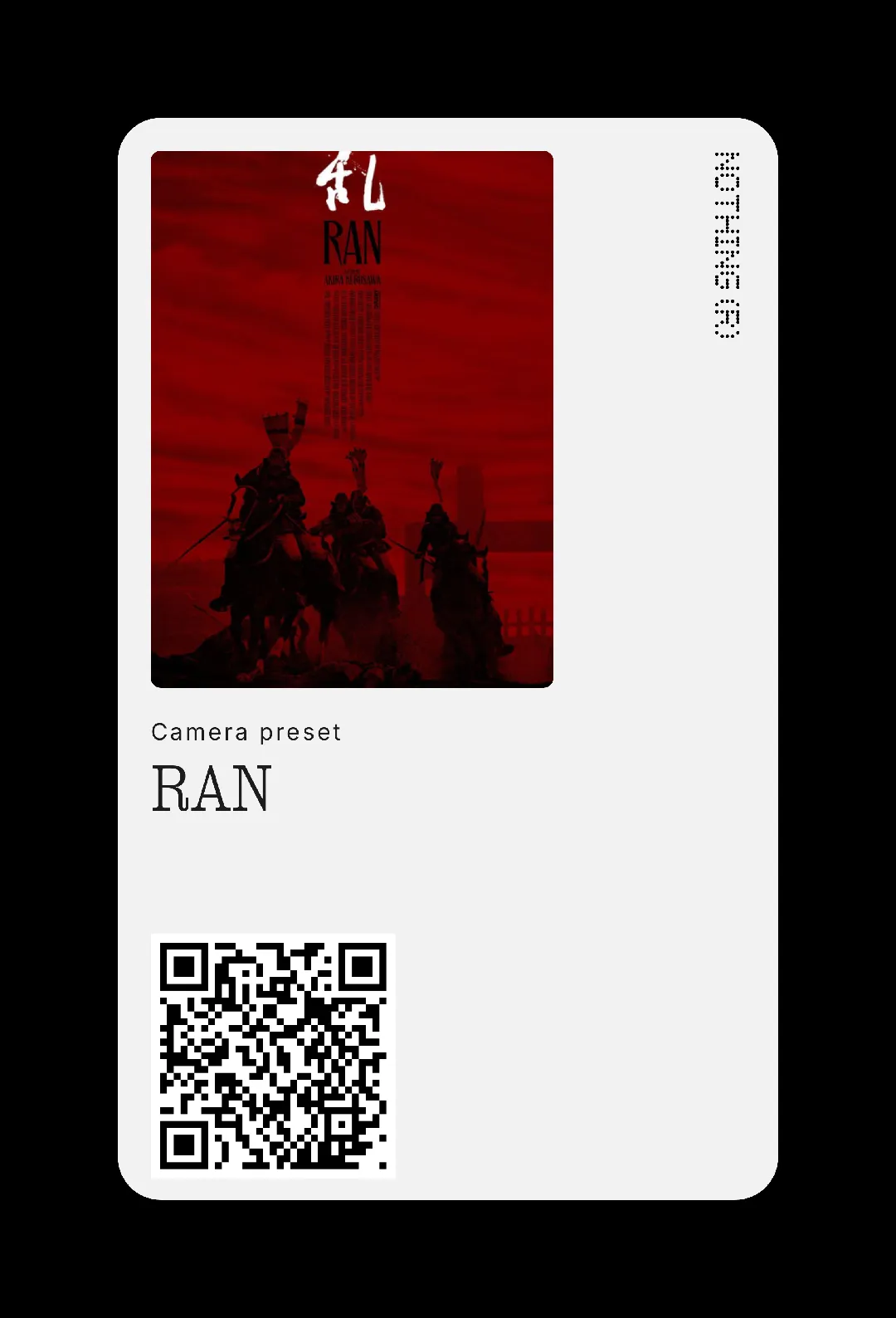
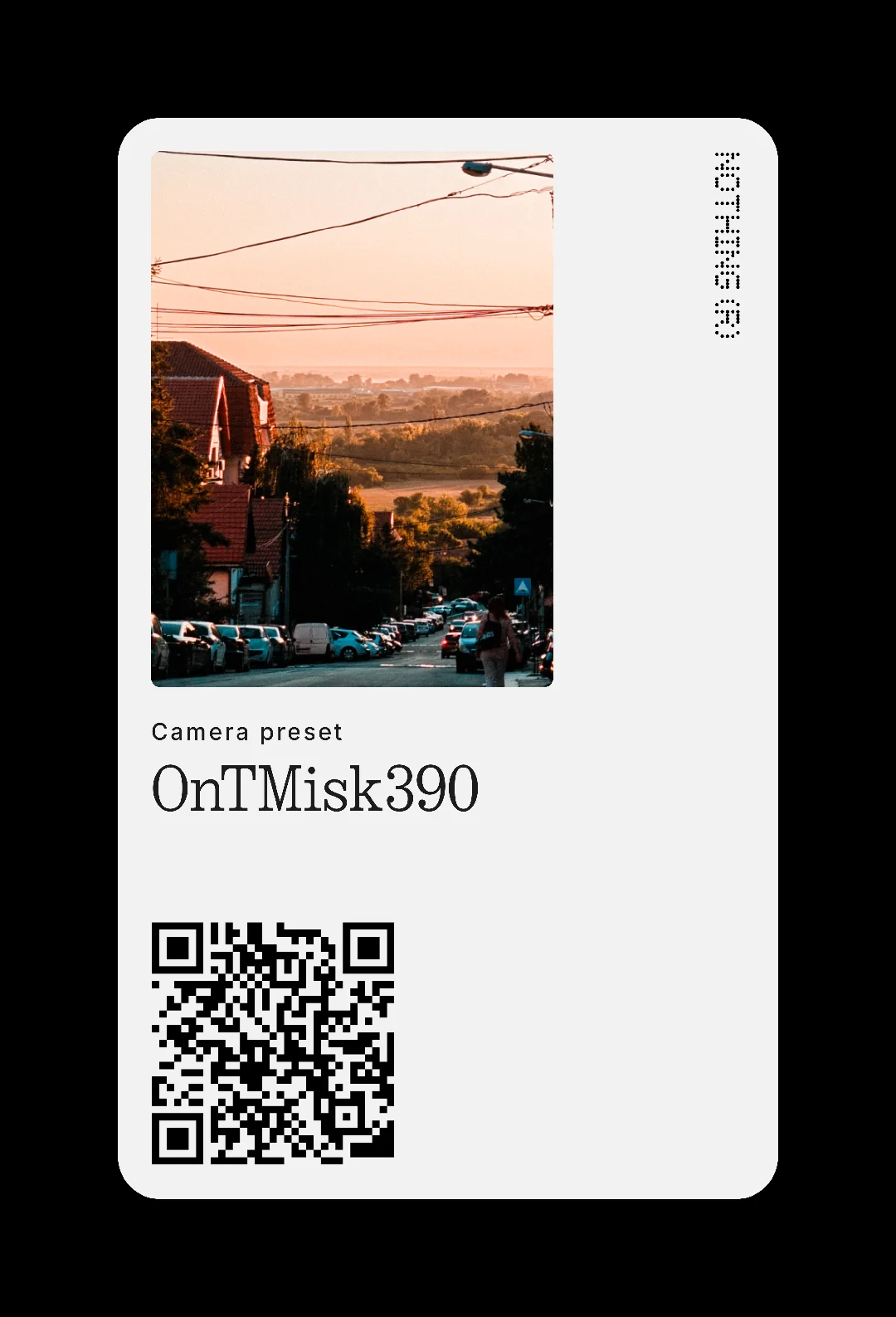
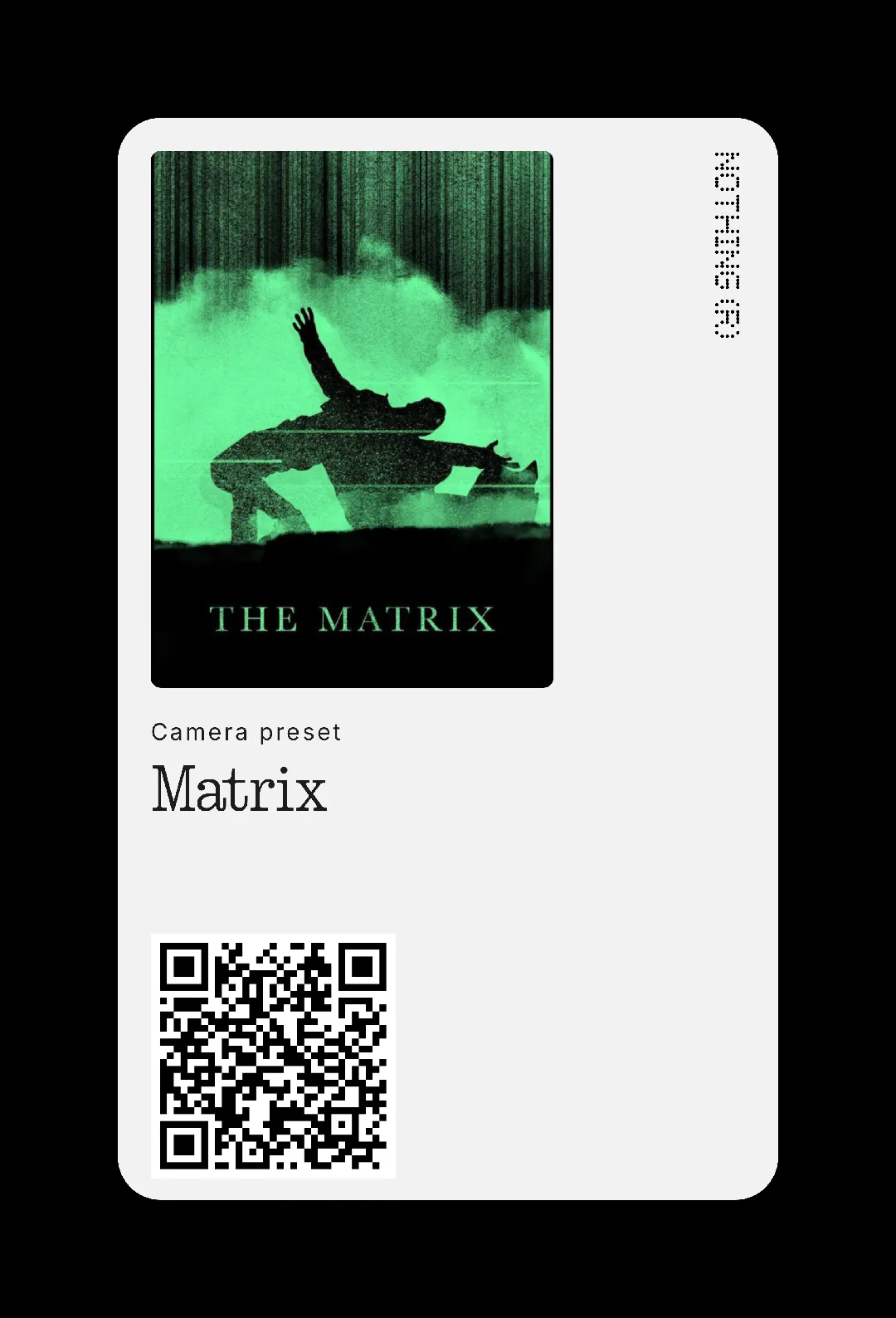
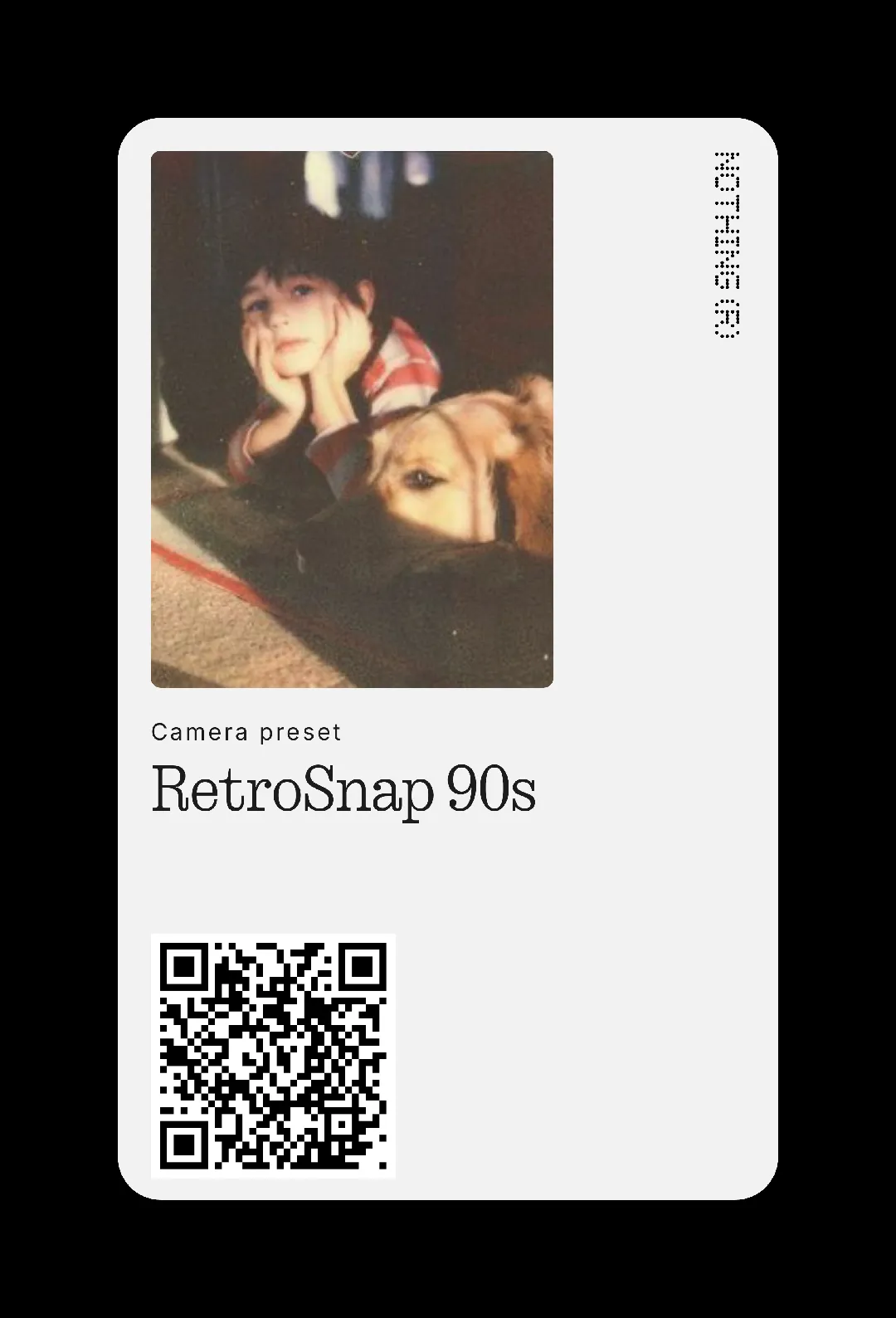
The camera of Nothing Phone It's a powerful tool, but its true potential is unleashed when you add a personal touch. camera presets They are the easiest way to achieve it. This time, I've assembled the largest collection of presets available, with a total of 64 options (Last updated on 05/09/2025) so you can find the perfect style for your photos.
I've delved into forums and social media to select the best presets created by the community. Nothing you see below was created by NothingTec; my only goal is to group and make available to you the incredible work of preset creators so you have it at hand.

What are presets and why use them?
A preset is a predefined configuration that automatically applies adjustments to your photo, such as exposure, contrast, or color temperature. They are a simple function that can make a big difference. They are only available in the models of the series Nothing (3) and in the Nothing Phone (2).
The benefit is twofold: they save you time and help you maintain a consistent style across all your images. Instead of manually adjusting every parameter for each shot, you simply choose your favorite preset and the camera does the rest. It's the ideal way to get the most out of your Nothing camera without any hassle.

The largest collection of presets for your Nothing Phone
Below you'll find the complete list of over 60 presets, ready to download and use. Before you begin, please note that the only limitation is that you can have a maximum of 20 presets installed on your camera at the same time To add more, you'll have to delete the ones you already have.
ADVERTISING
All the presets on this list have been tested and are working correctly. Therefore, I've discarded a few I encountered because they caused the camera app to crash unexpectedly when I tried to use them. Sometimes, when "redeeming" the QR codes, a message appears stating that the preset isn't fully compatible. I don't see any incompatibility with these presets; this issue has already been reported to Nothing.
I want to thank all the creators for sharing their work with the community. I will update this list to add more presets as they are created. Feel free to save this article and revisit it in the future to find new creations.
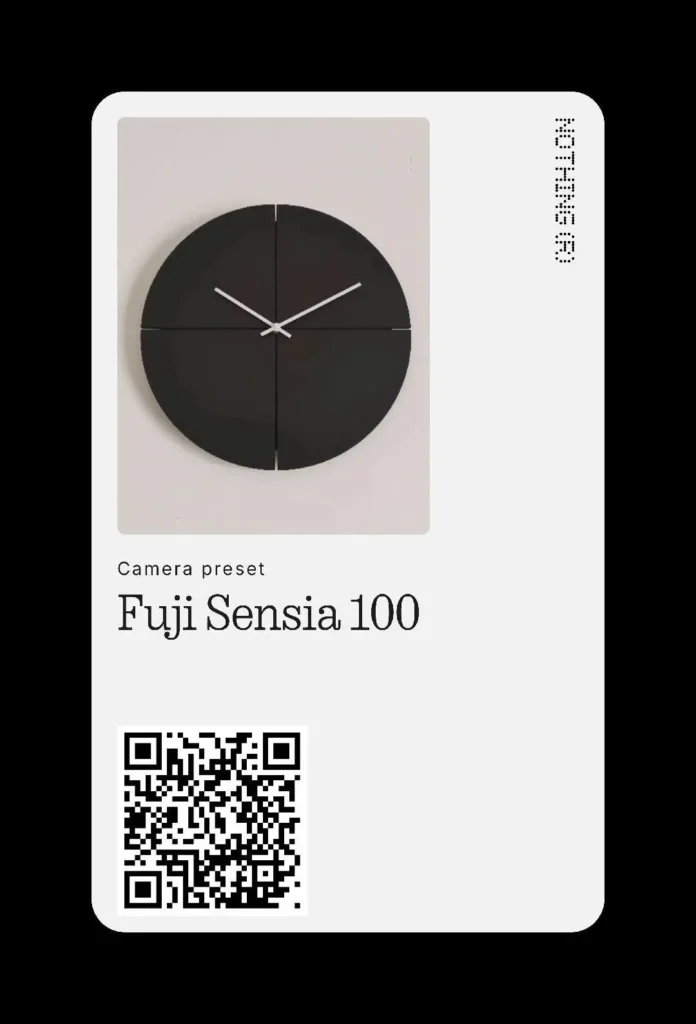
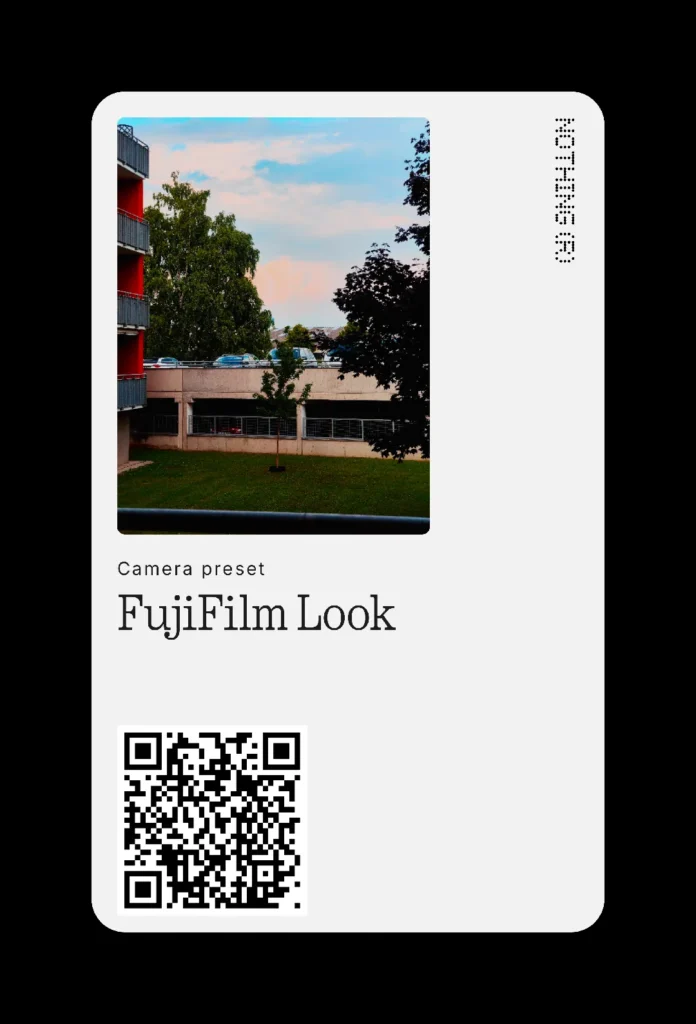
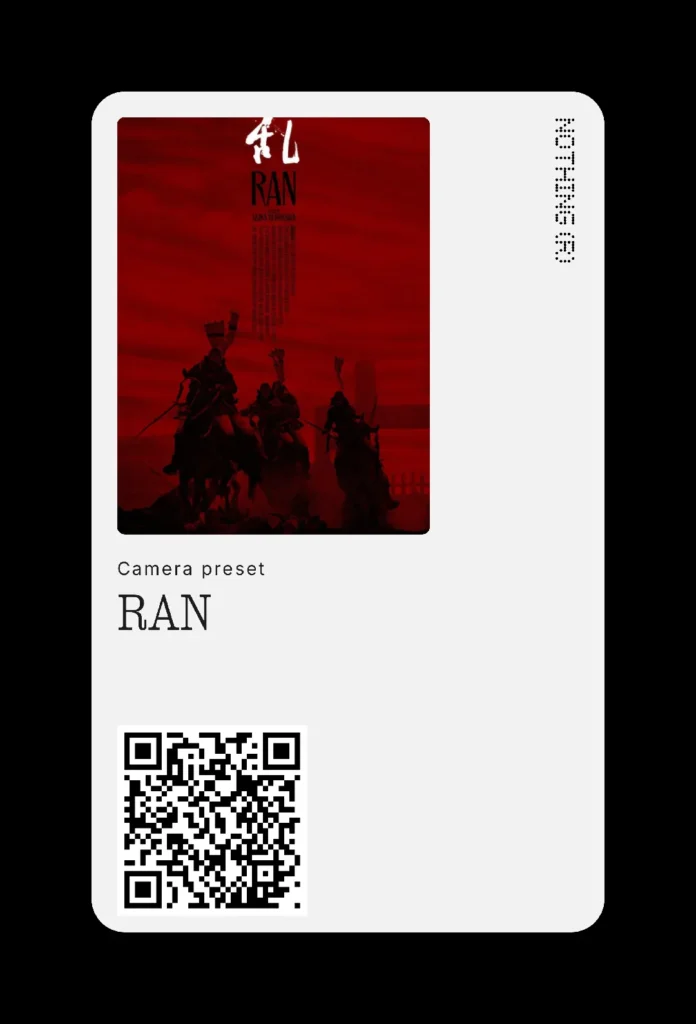
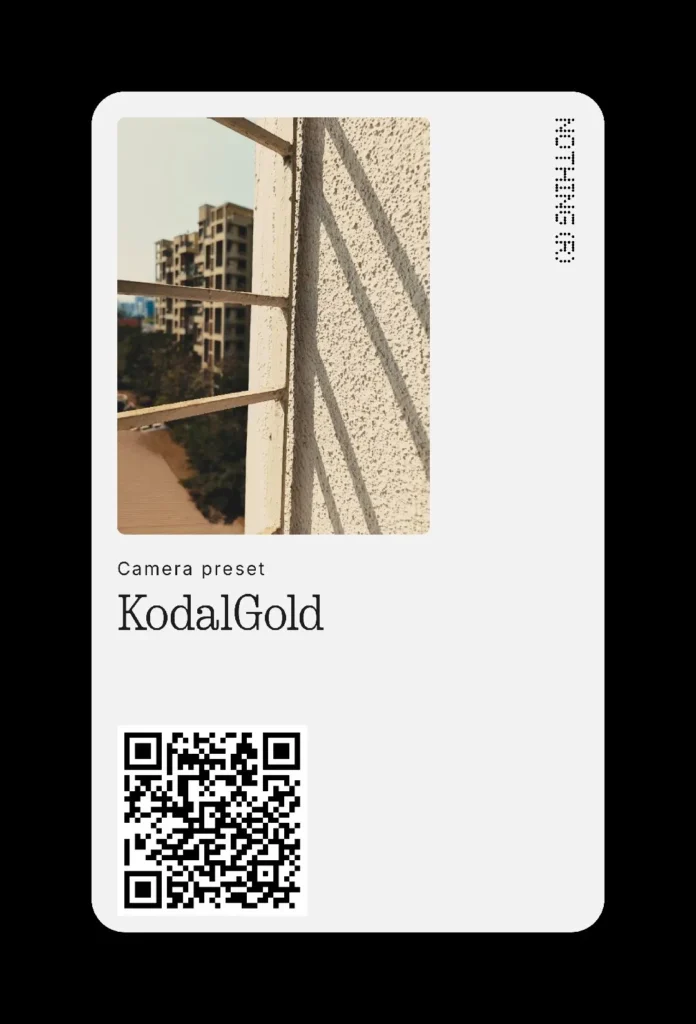
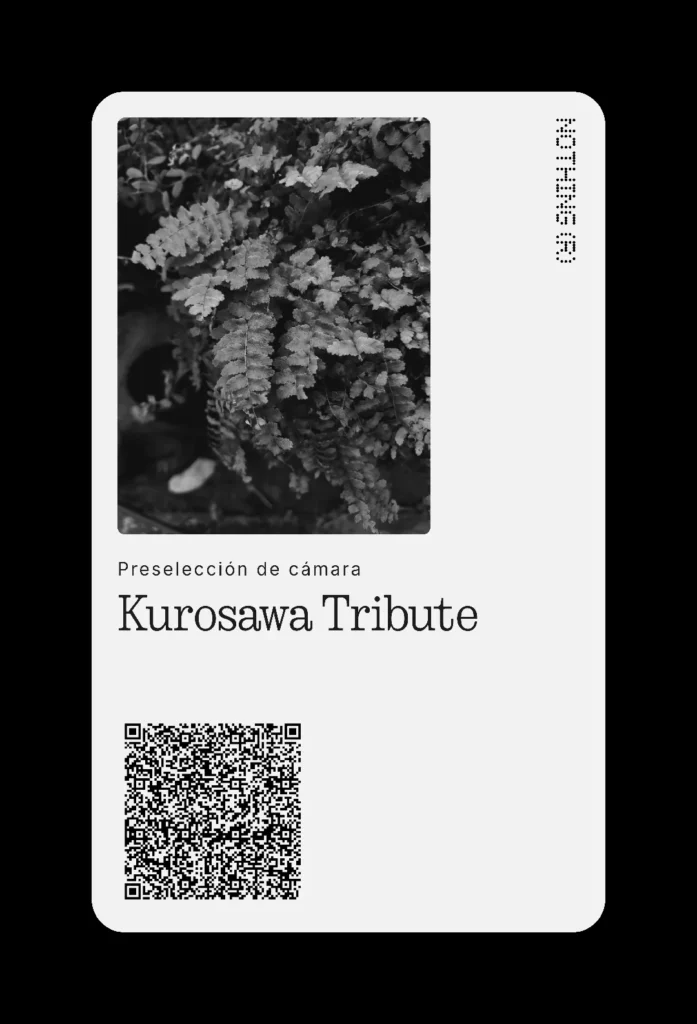
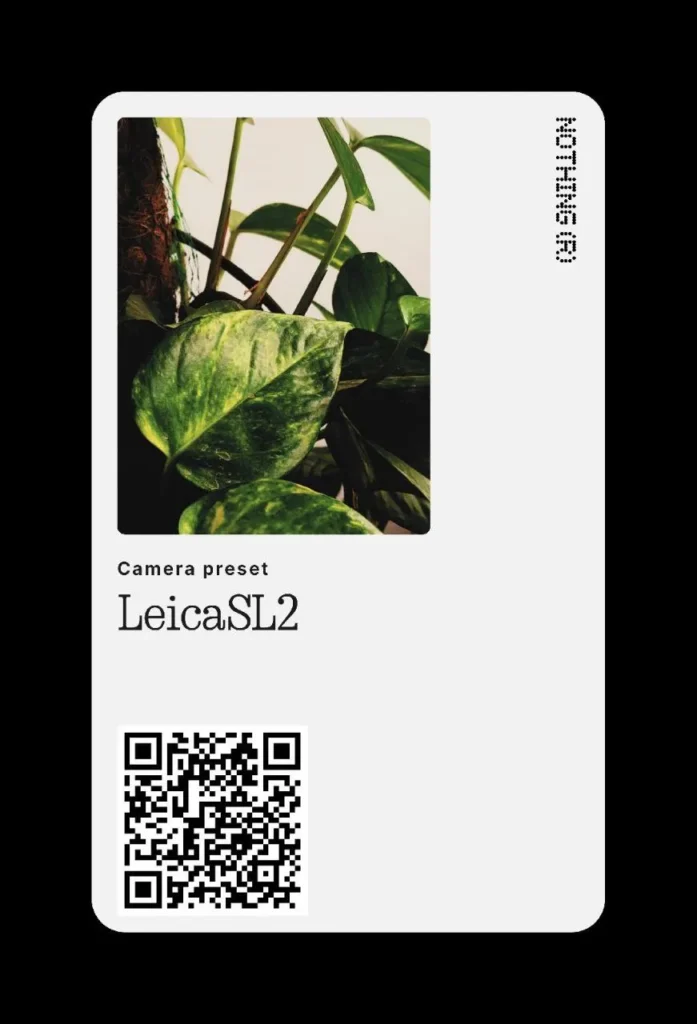
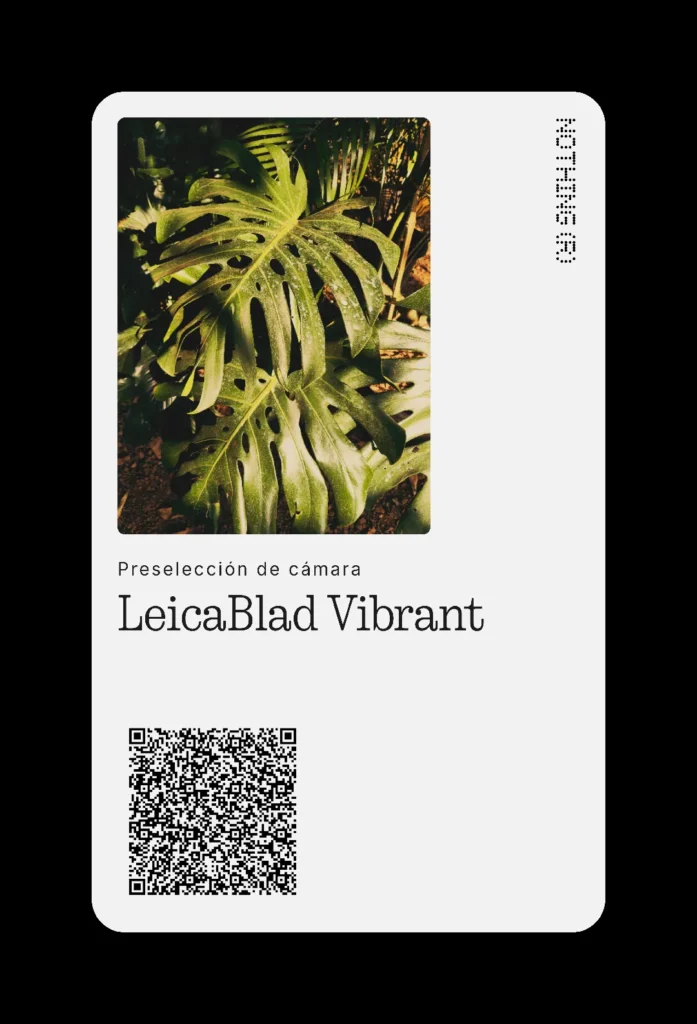
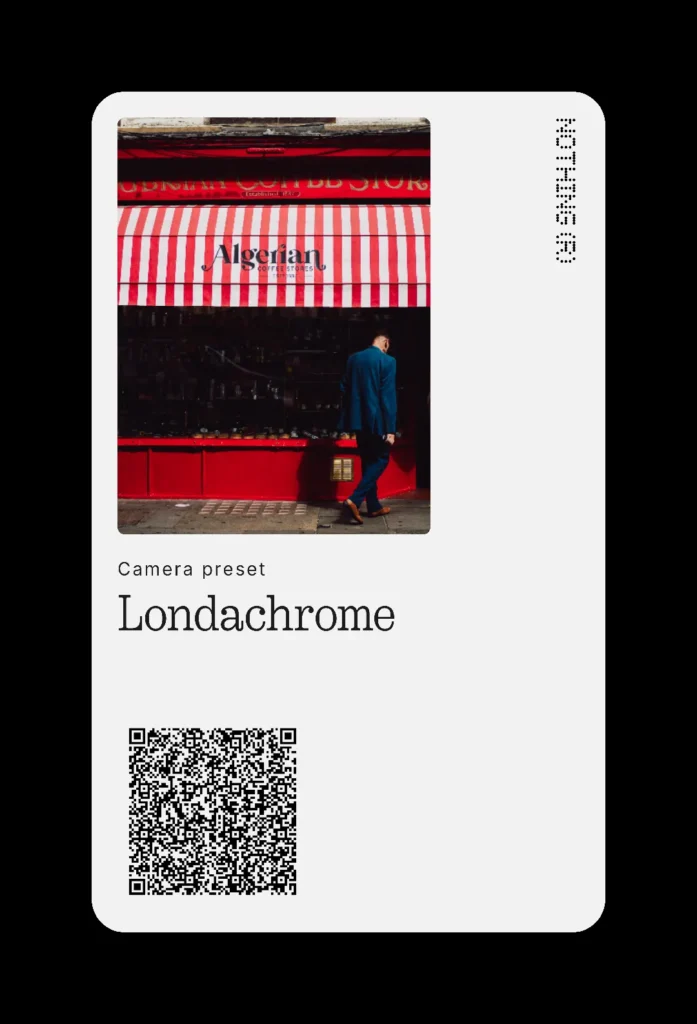
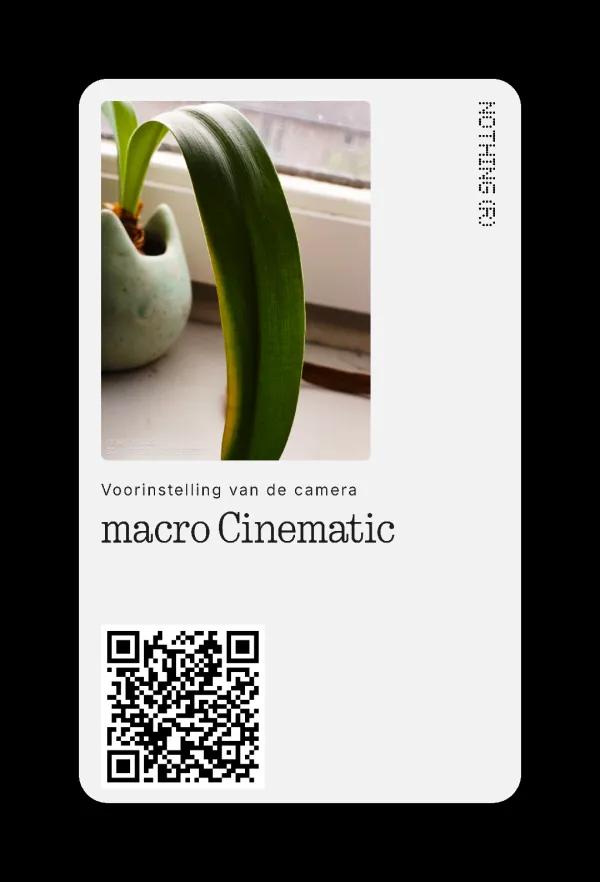
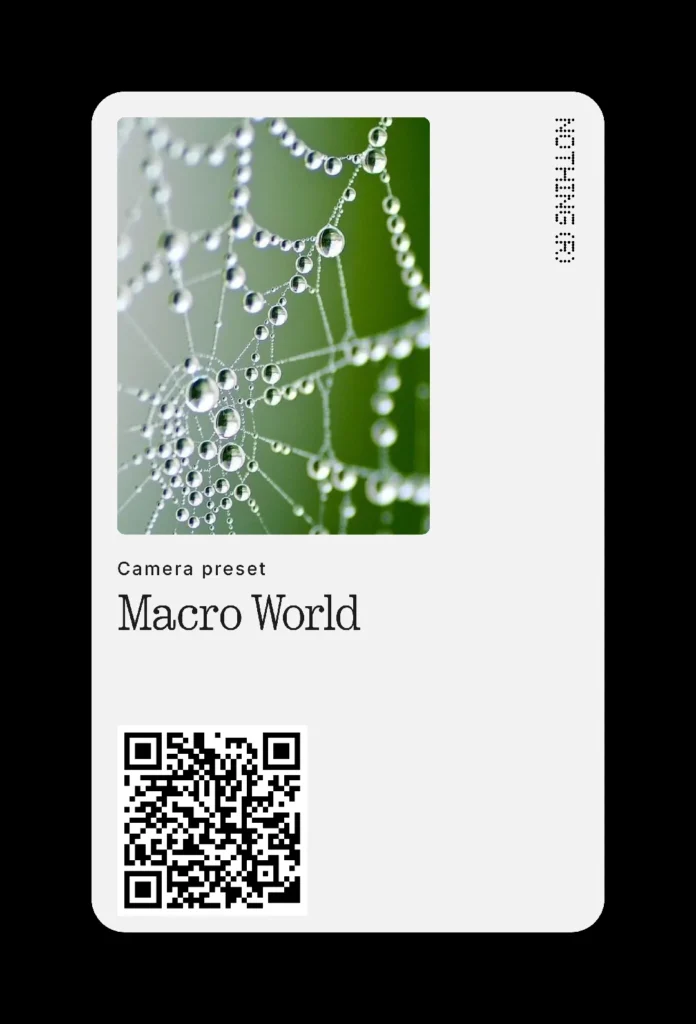
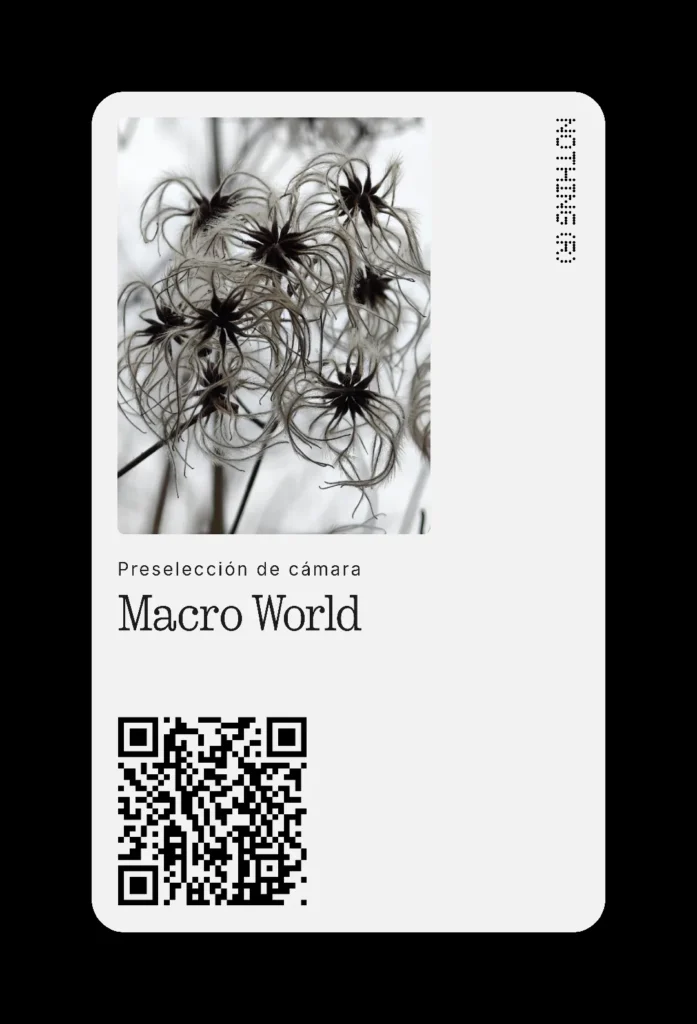
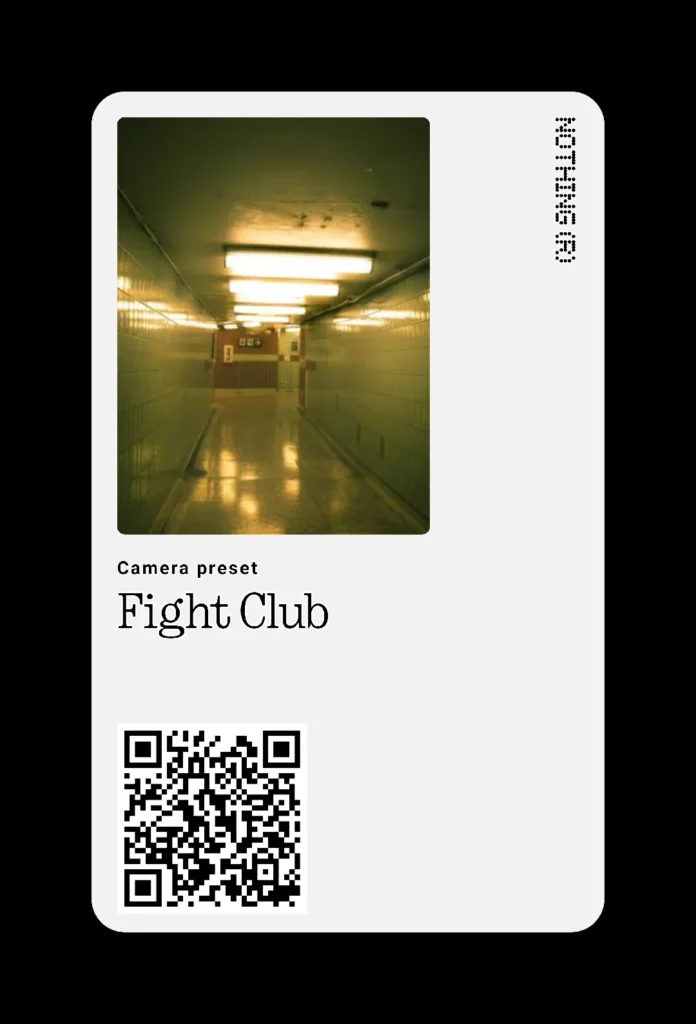
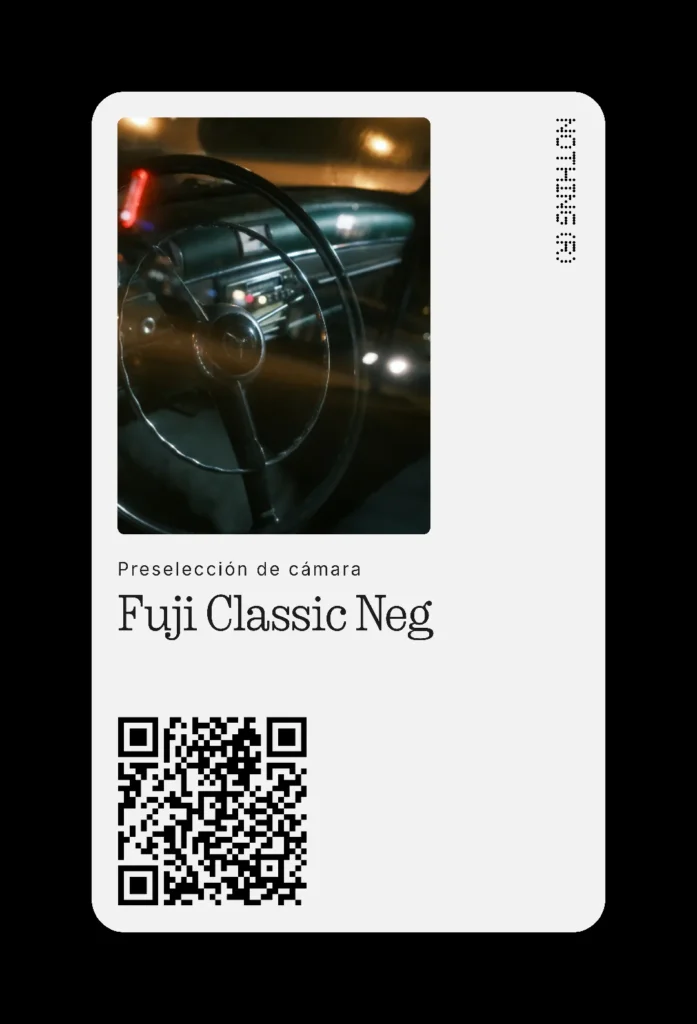
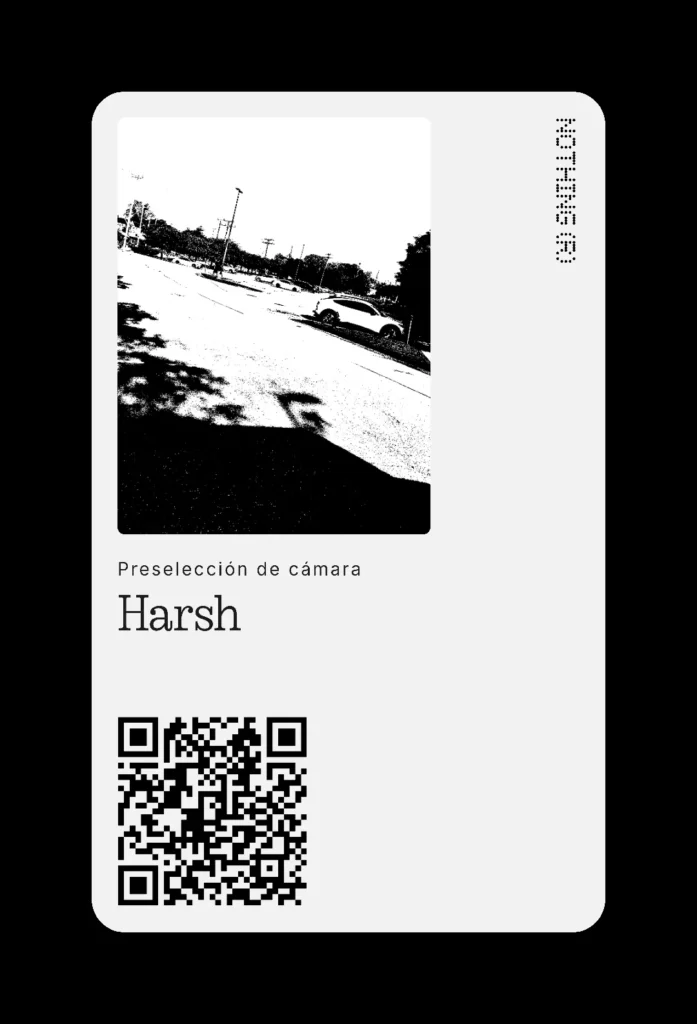
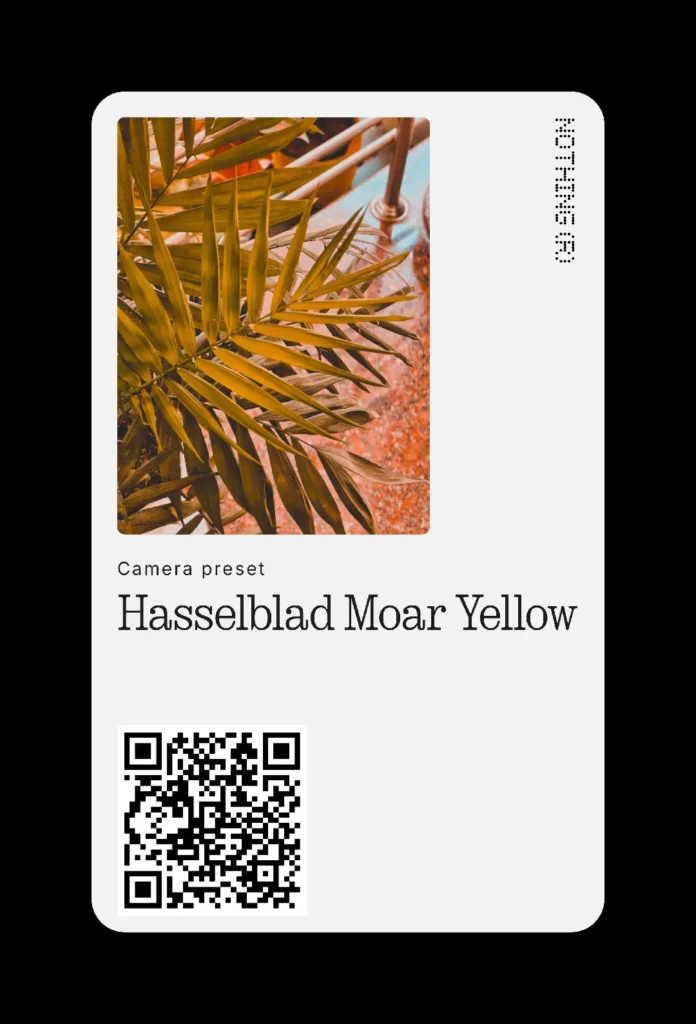
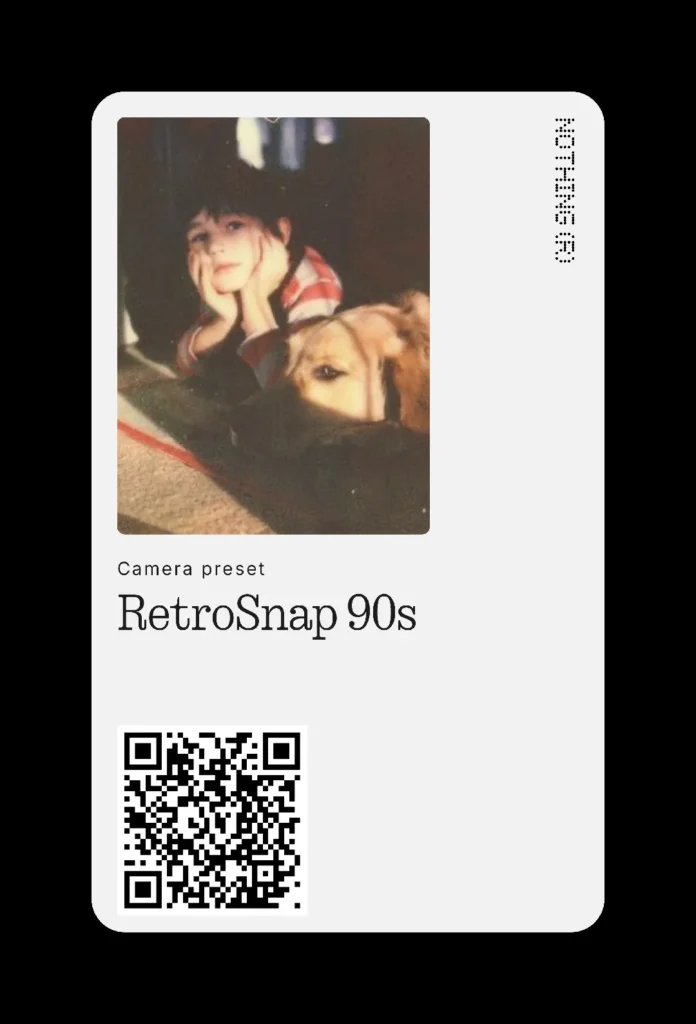
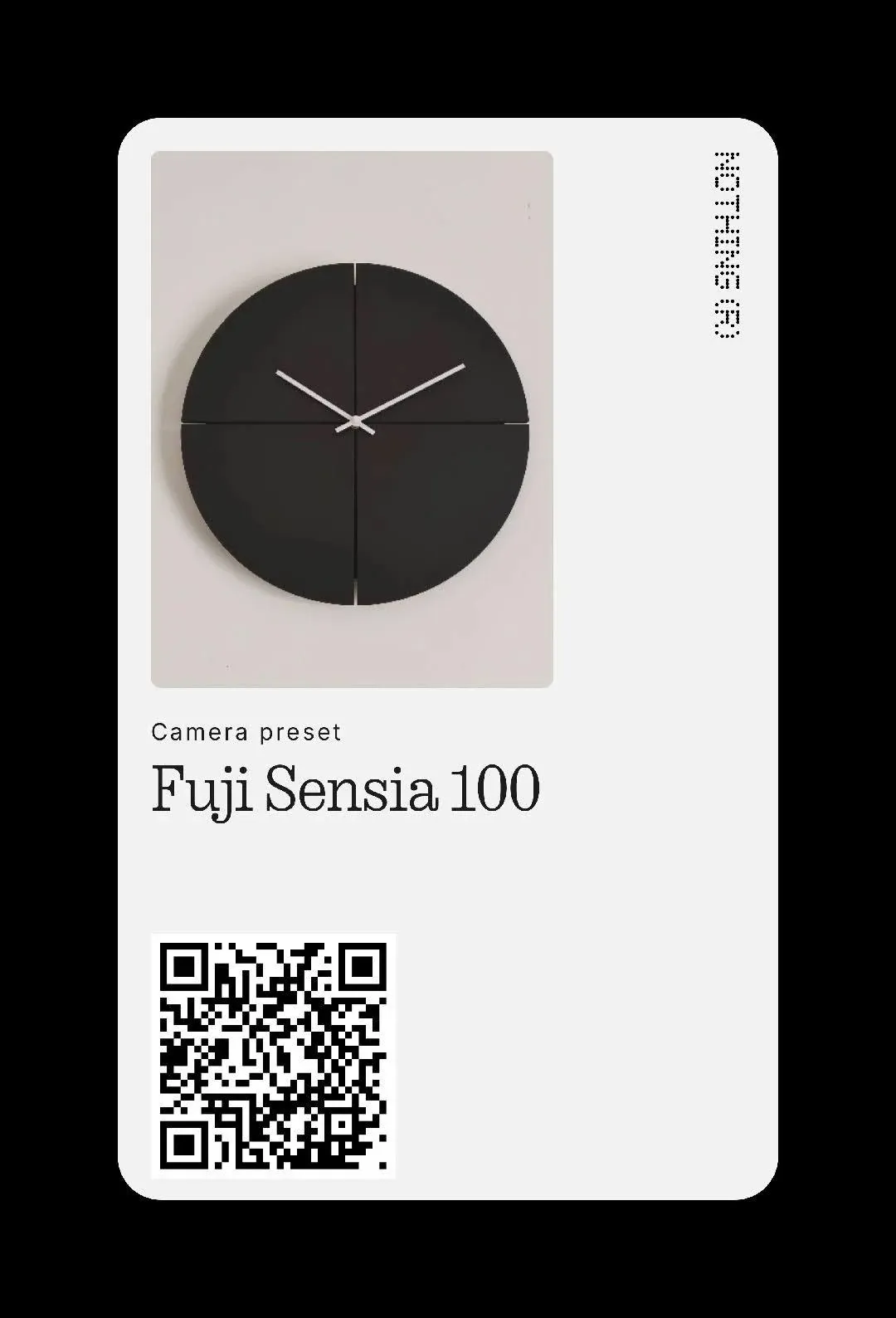
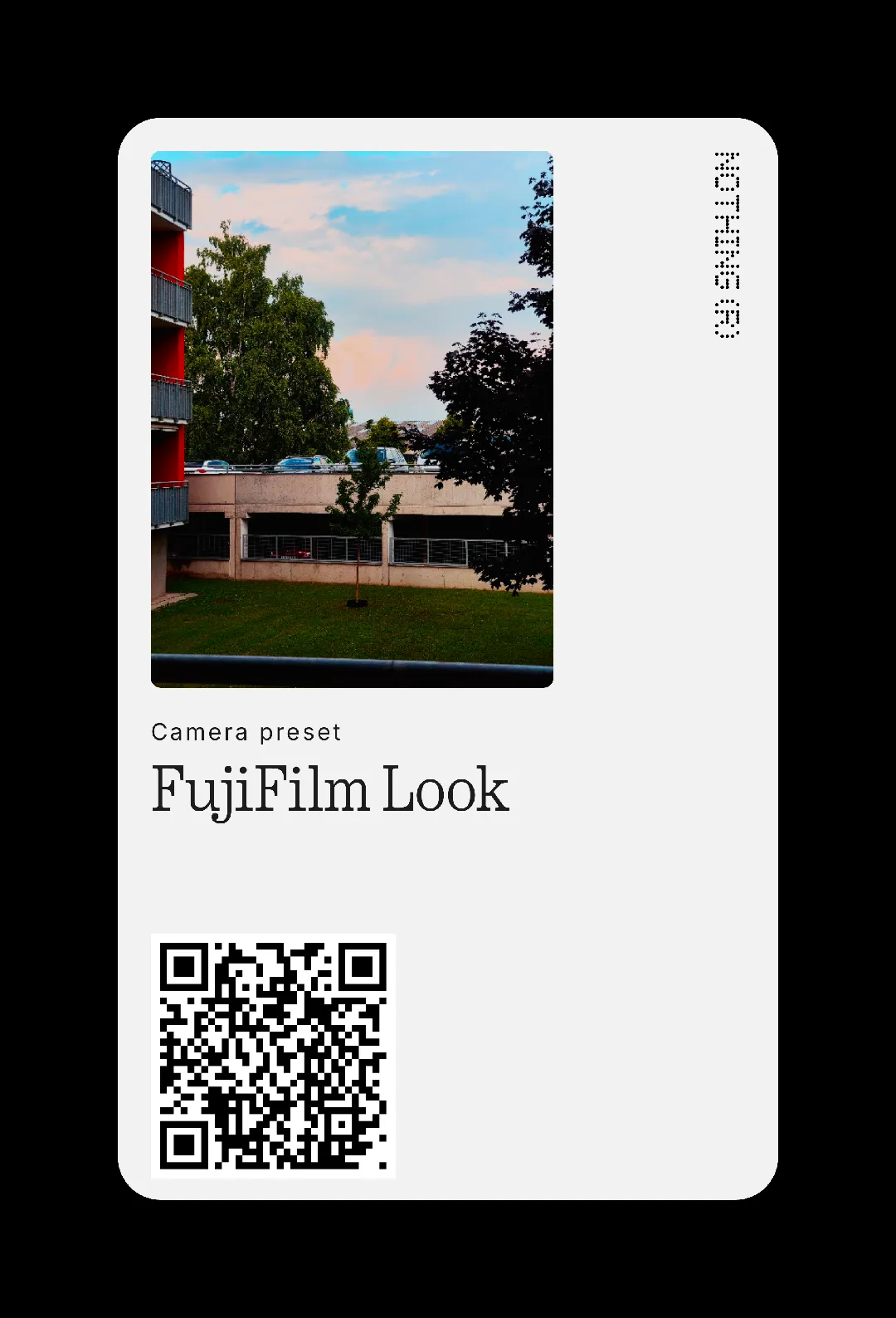
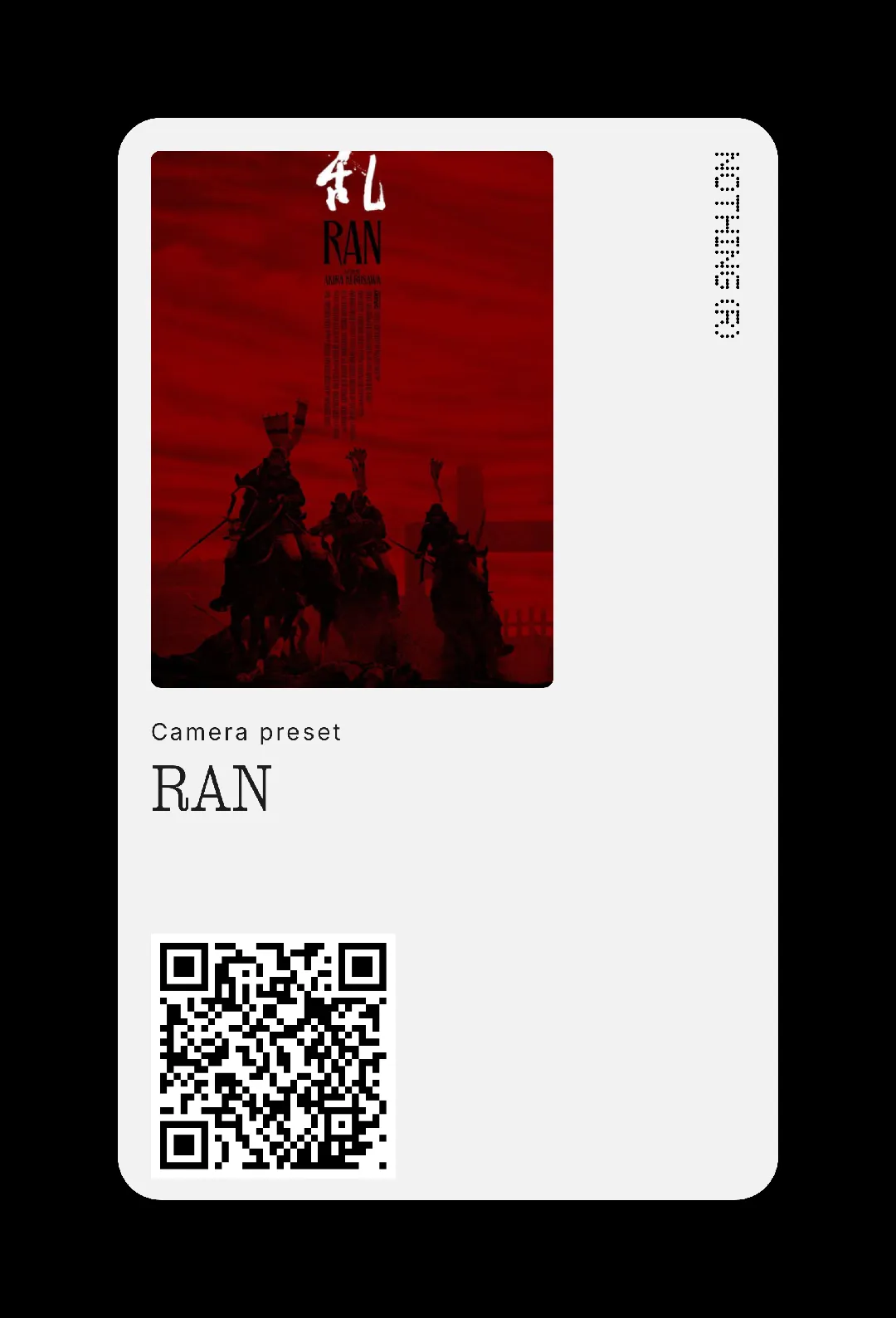
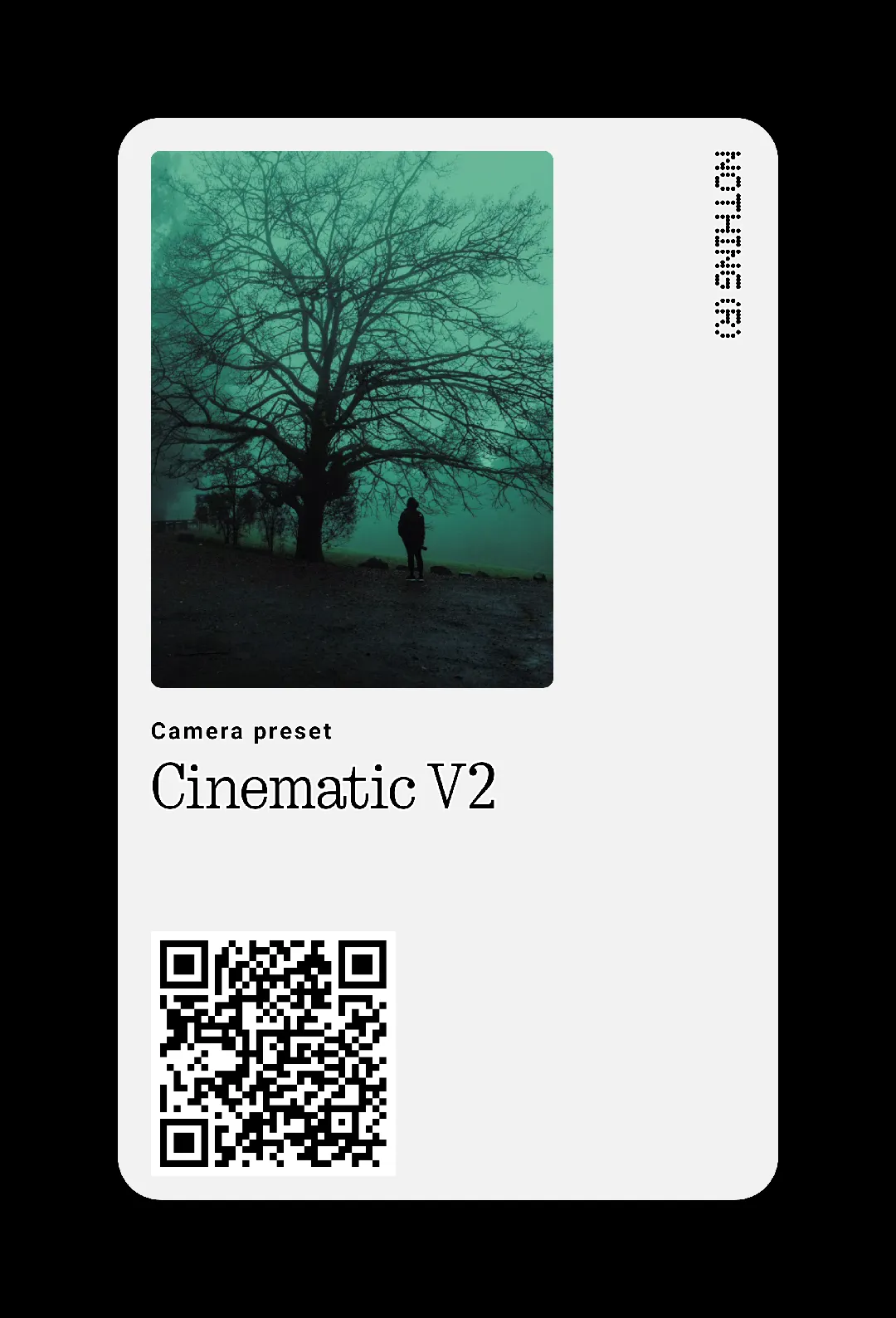
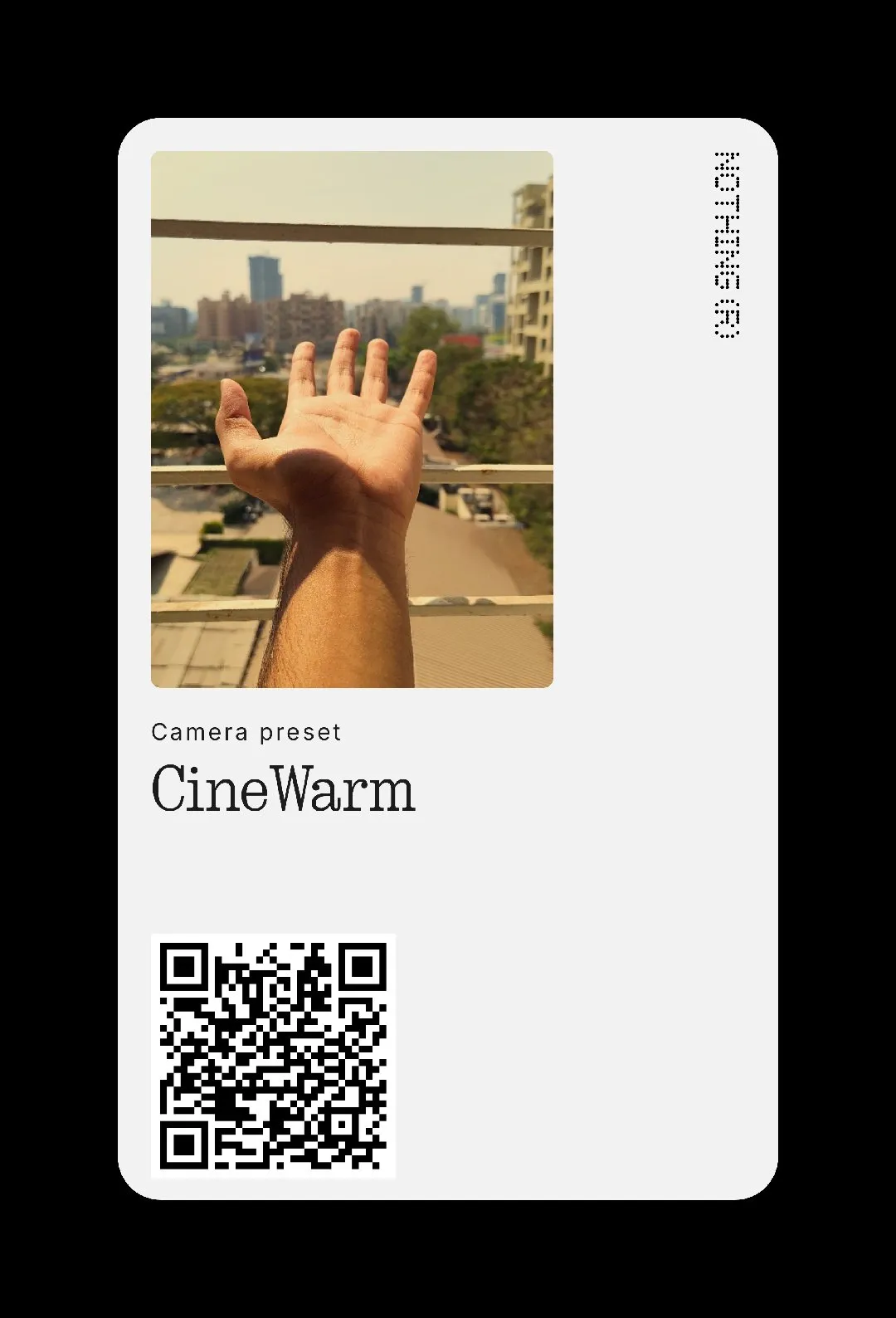
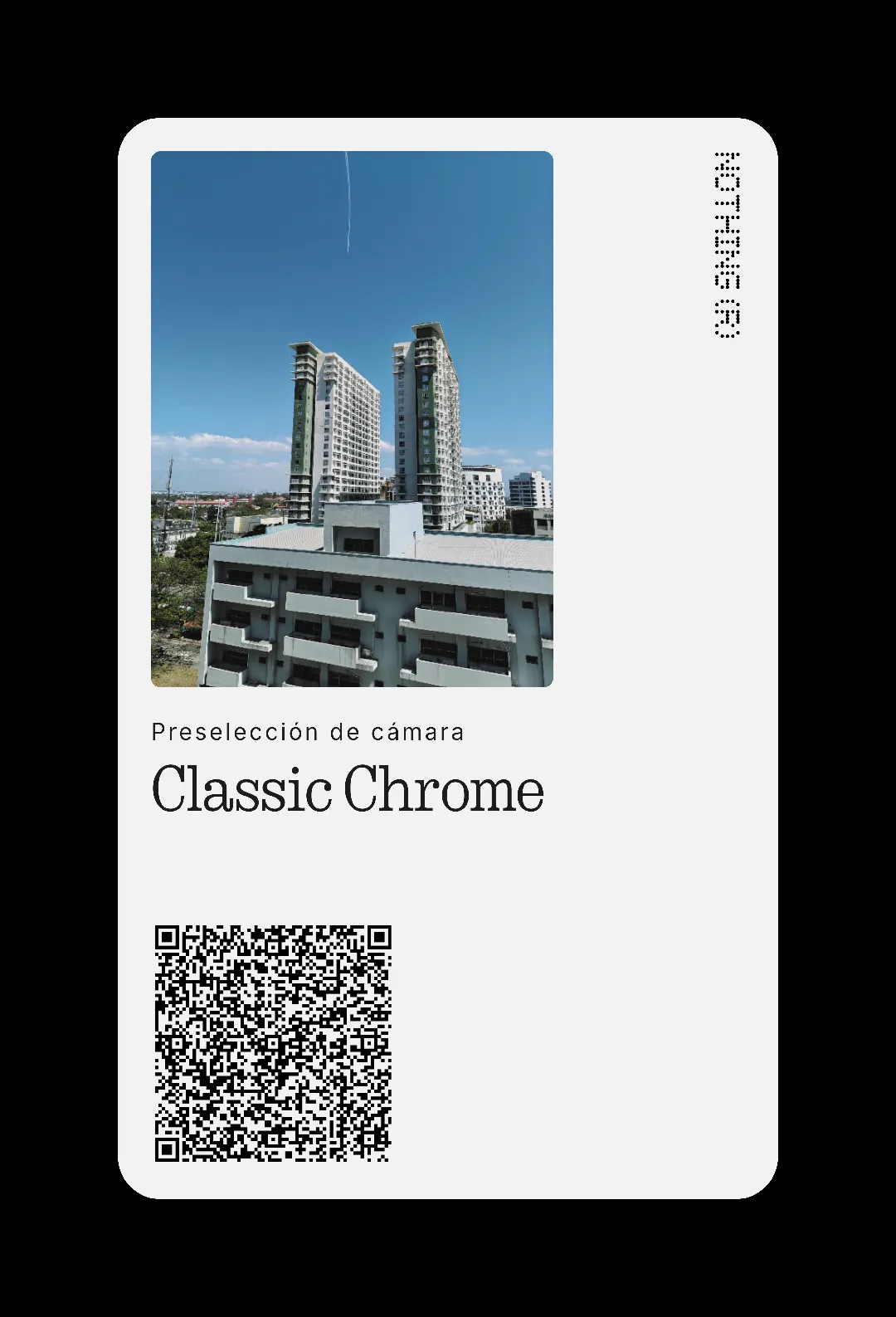
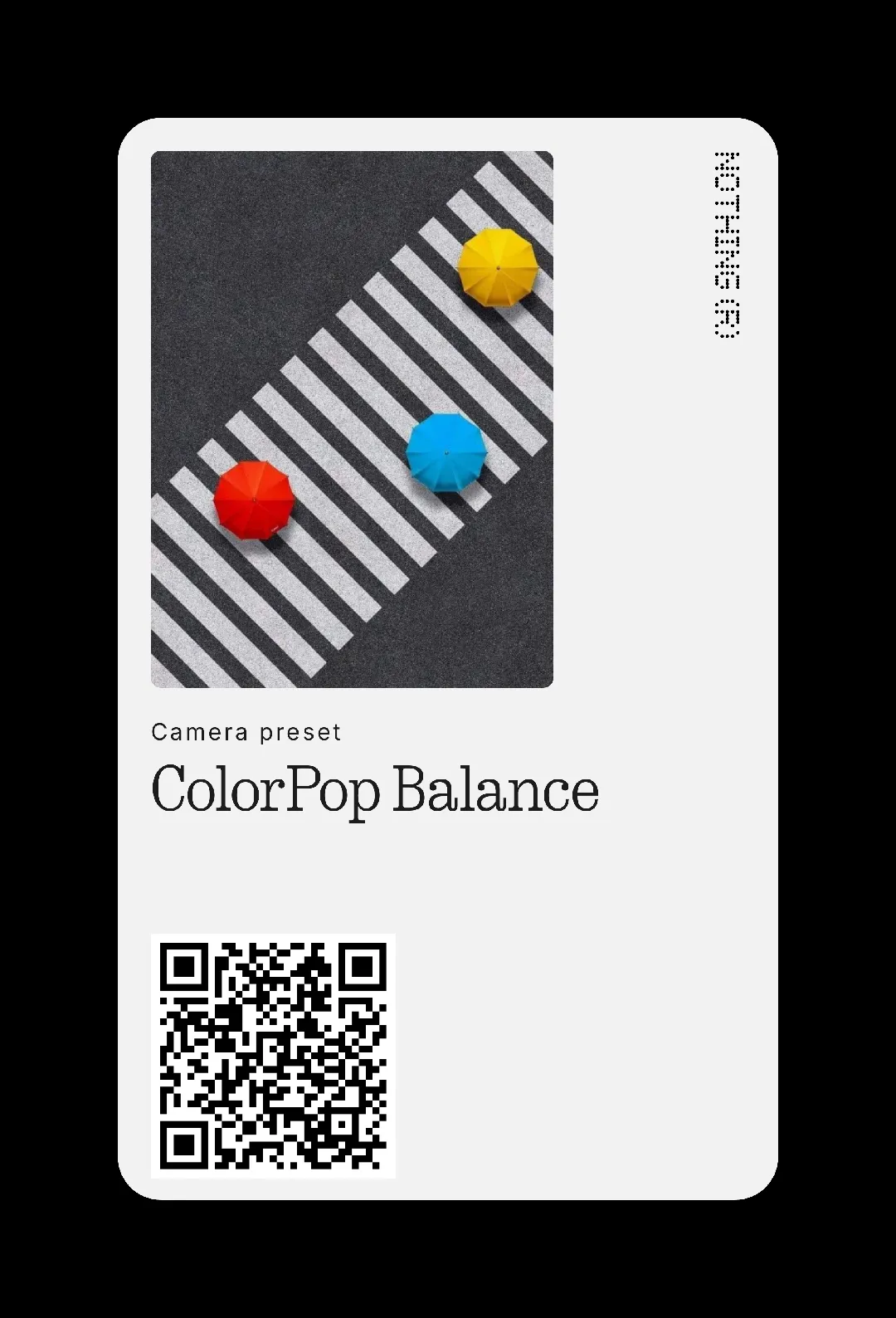



ruudhesp
Hi! Unfortunately, there are some incompatibilities depending on the Nothing mobile you use.
If you get a message telling you this when you include the QR code, go look at the preset details. If it says "Filter: original" or the name of another filter, it means it hasn't been recognized correctly.
Solution? Search on Google: "preset name" preset nothing and try other QR codes to see if you have any luck, it worked for me.
Saim
good