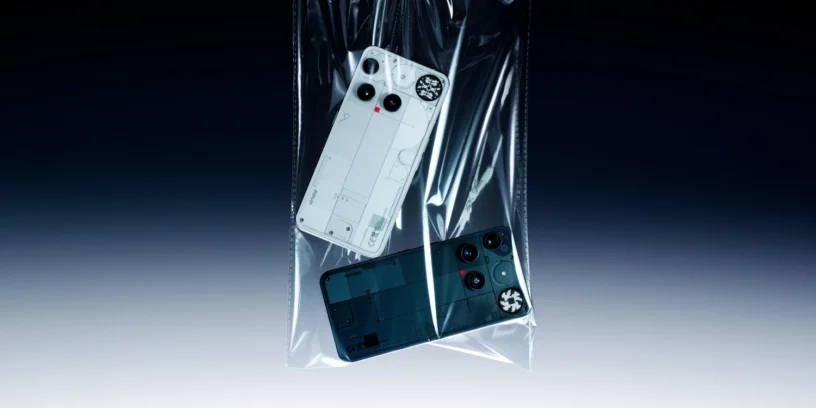


Nothing continues to demonstrate its commitment to its users, not only with the launch of uniquely designed devices, but also with the constant optimization of its software. The latest update for the Nothing Phone (3), with the version Nothing OS V3.5-250911-2112, This is a clear example of this approach. Beyond being a simple bug fix, this update It focuses on improving two of the most important pillars of any smartphone: the camera and the overall stability of the system.
Camera news
- 🎚️ More precise exposure adjustmentThe manual control of the exposure slider is now smoother and more accurate, allowing for more precise adjustment of the light.
- 🎨 More natural colors: A bug that caused an unwanted tint in certain scenes has been fixed, resulting in more natural and balanced colors in photographs.
- 🔍 Zoom in for greater clarityThe zoom algorithm AI SuperRes It has been improved to increase the clarity of the text.
- 👾 Noise reductionAction mode now features less noise, resulting in cleaner, clearer images.
- ⚙️ Clarity in third-party appsThe camera quality in third-party applications has been optimized.
- 🎥 Video improvementsThe videos recorded now show better contrast and appear less blurry, with more vibrant colors.

General improvements and bug fixes
- 💡 Optimized Glyph MatrixThe display of the Glyph Toys in multi-user mode.
- 🗣️ Contact problem solved: Fixed a bug that duplicated contact avatars when adding a new rule to Essential Notifications.
- 📳 Haptic issues resolved: Vibration errors when previewing Generative mode for notifications have been resolved.
- 📖 Title alignmentThe alignment of titles in the "About phone" section has been improved for the Arabic language.
- 🎧 Bluetooth recording UIThe user interface for recording Bluetooth devices has been updated.
- 🔋 Battery consumptionBattery consumption has been optimized in certain usage scenarios.
- 🌡️ Reduction of heatThe phone runs cooler in certain situations, which improves the user experience.
- 🛜 Improved connectivityWi-Fi connectivity and network stability have been optimized.
- ⚙️ Stability and performance: The overall stability of the system has been improved and performance optimized.
How to update and important notes
As is typical for this type of launch, the deployment of firmware It's being rolled out gradually, so it might take a little while to appear on your device. To check if it's available, simply go to Settings, then to System and look for the option of System update.
Nothing also warns that, during the update process, the device may temporarily heat up and consume more battery. However, they assure users that this is a temporary situation and that normal phone behavior will quickly return once the process is complete.
If you experience any errors or problems after updating, you can send your feedback to the company through the option of Comments which is found in the menu of Settings > System.



Leave a Reply