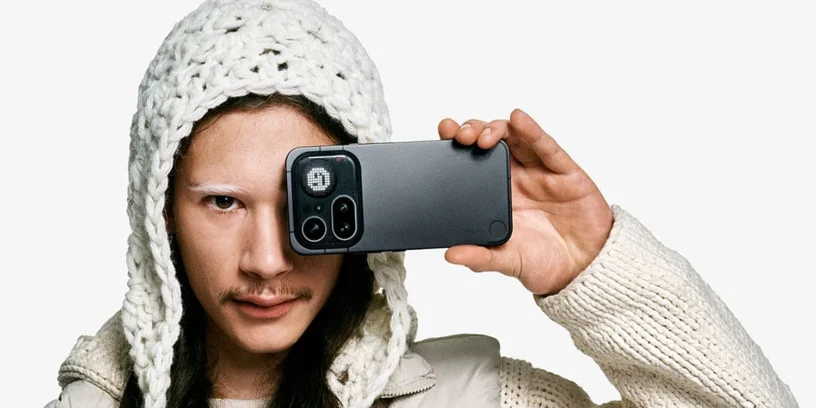


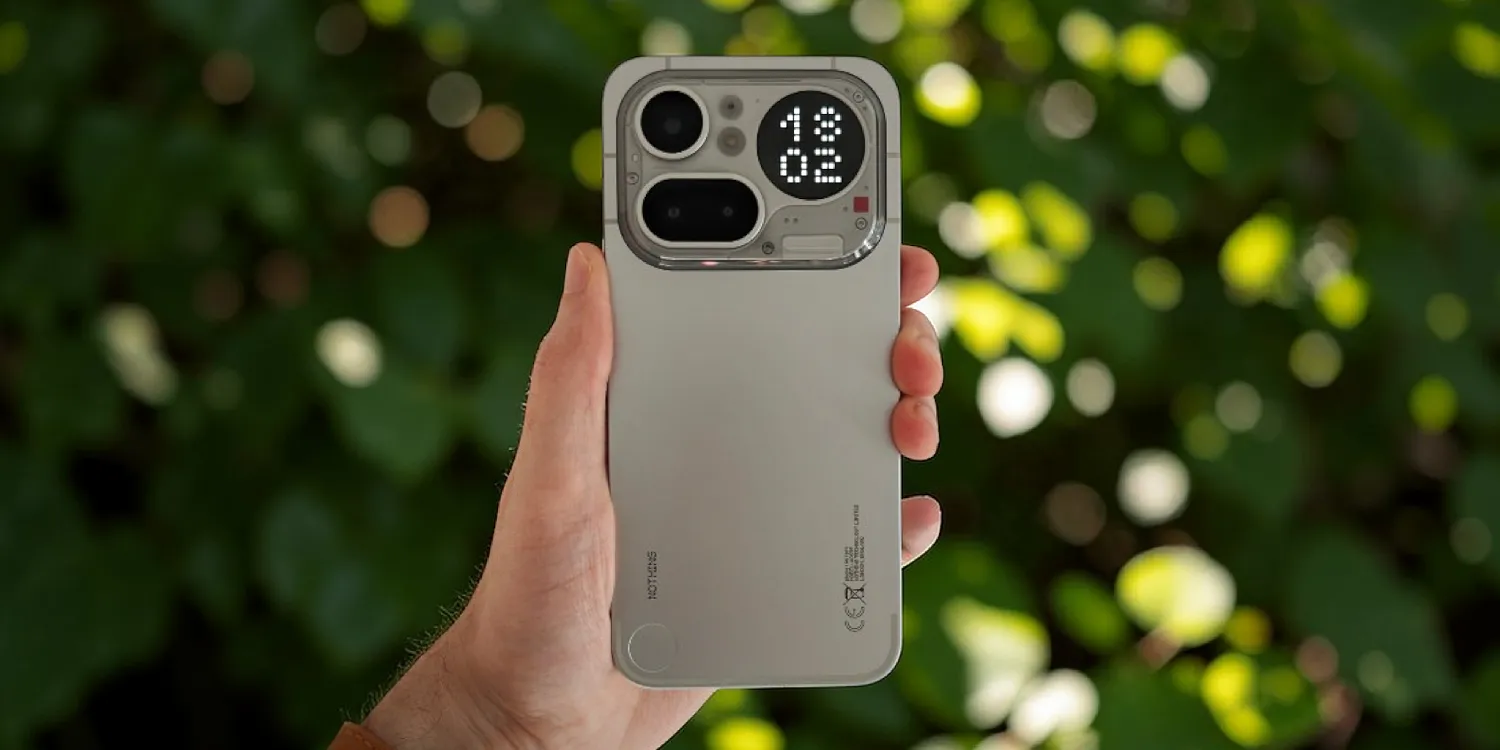
Nothing has released a new version of its customization layer to get the most out of the hardware of the Nothing Phone (4a) Pro. Receive the update Nothing OS B4.1-260323-1635, This is not a minor patch, but an ambitious deployment to refine user interaction and polish visual details that make a difference in daily use.
Most notable new features of version
On this occasion, the most noteworthy aspect is the evolution of the interface Glyph, which now features generative ringtones and much smarter notification management. Also gaining prominence are... Live Updates, This allows users to follow real-time processes like Google Maps from the lock screen or the rear LEDs. Furthermore, the camera receives a significant boost with new cinematic presets and optimized HDR processing that promises more natural and detailed photos in any lighting condition.
ADVERTISING
Glyph improvements and interface
- 💬 The Essential Notifications settings interface has been redesigned with a cleaner look and descriptions for easier use.
- 🫧 Notifications you frequently interact with can be suggested to be set as Essential Notifications.
- 🔔 The generative ringtone is now available, offering more unique Glyph sounds and patterns for calls and notifications.
- 💡 Call progress and charging can now be displayed on the Glyph Matrix by shaking the phone.
- 🧘♀️ Breathing Break widgets are now available, offering guided exercises through the Glyph Matrix.
- 📡 Live Updates now work in various scenes, such as the lock screen and notification panel, tracking the real-time progress of apps like Google Maps.
- 🎧 The status bar now displays the dedicated Nothing headphones icon when they are connected.
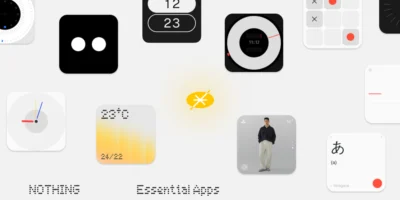
- 🪀 Essential Apps now features a recommendations section in the widget drawer for quick access to Nothing Playground.
Visual changes and photography
- ⏲️ Introducing the clock design for the Phone (3a) Community Edition lock screen, co-created with Jad Zock.
- 🪄 Lock screen customization now supports depth effect (Beta) and adjustable clock sizes.
- 🎴 Password page updated with a background blur effect.
- 📶 Dual network signals are now integrated into a single icon in the status bar for a cleaner look.
- 🛝 Playground Sync: Import Playground presets directly to the camera app with a single tap.
- 🎨 New preset: Added 'Amber' adjustment for portraits, with subtle amber tones and fine grain.
- 🔋 Energy saving recording: The screen automatically dims during video recording when idle to save battery.
- 🌈 Image quality: Improved exposure, color accuracy and HDR processing.
- 🛡️ Update to the March 2026 security patch.
System stability and performance
It is important to note that, during the installation process and the first few hours of use, it is completely normal for the terminal to consumes more battery than usual or feels hotter than usual. This is because the system is optimizing all applications under the new firmware; once these internal processes are complete, performance and temperature will return to normal.



Leave a Reply