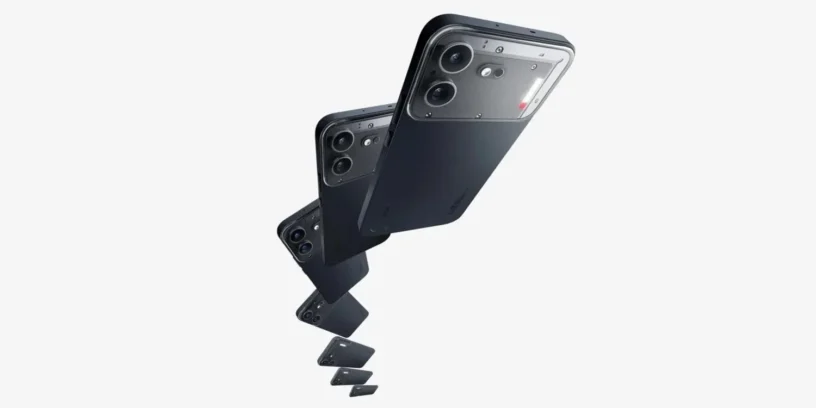
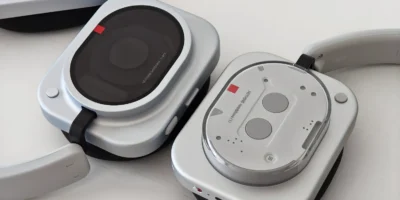
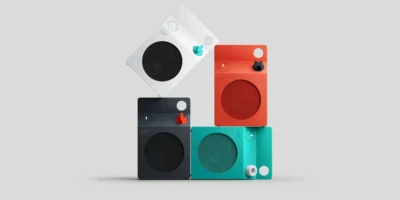
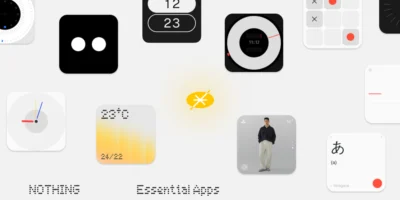
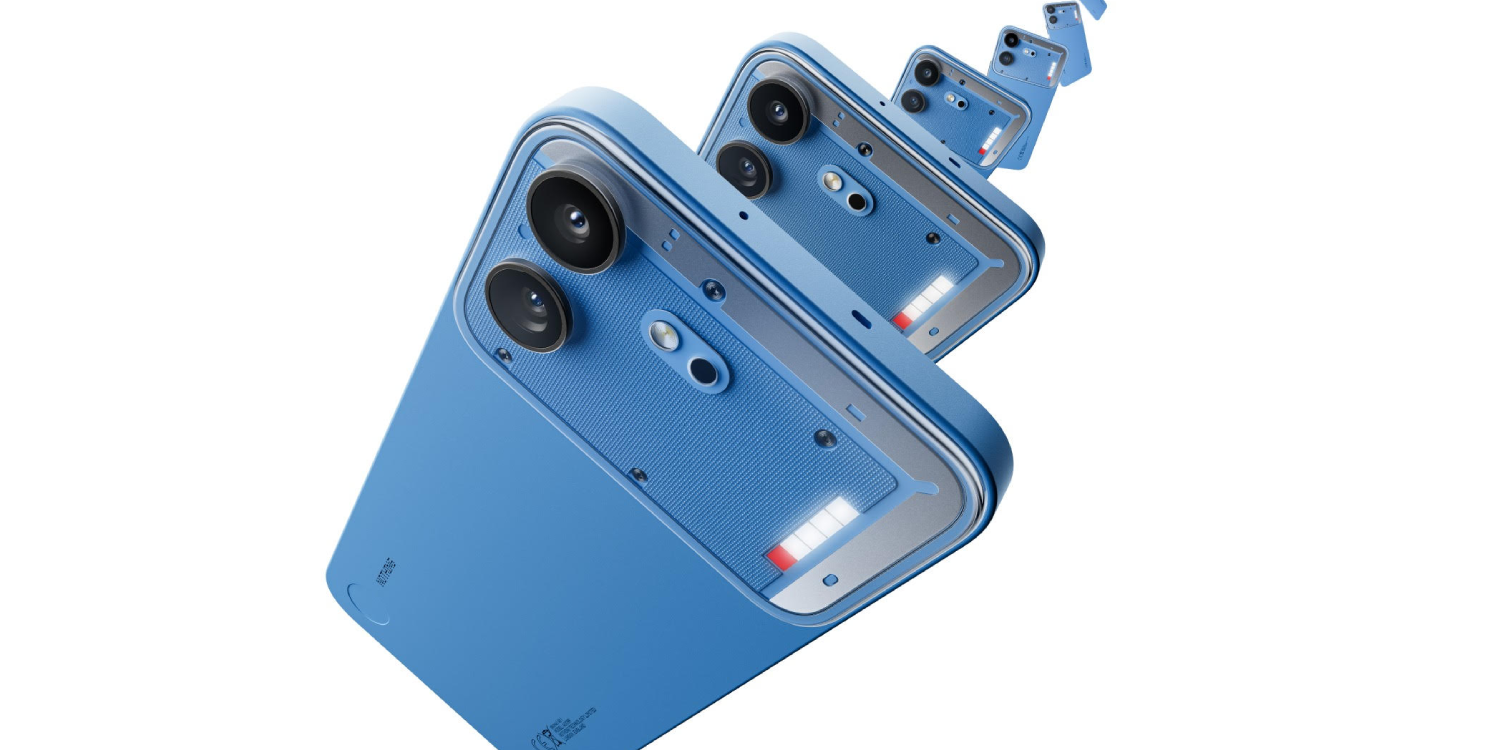
Nothing is preparing for the launch of its new device with the rollout of its first software update for the Nothing Phone (4b), under the numbering Nothing OS B4.1-260703-1843. This initial package is not just a simple maintenance patch, but rather the device's calling card, designed to activate the brand's full suite of smart tools, revamp the multimedia capabilities, and refine the interface before its market launch. Users will be able to enjoy all these new features directly at the phone's official launch on July 17th.
Most notable new features of version
The big draw of this release update is the debut of Essential Voice, The new advanced, AI-powered, real-time transcription and translation tool is accessible directly from the keyboard or via the Essential Key. Furthermore, the multimedia section undergoes a massive transformation with the arrival of the Dual-view Video mode to record with the rear and front cameras simultaneously, the Action mode for fast-moving scenes and new creative filters. Aesthetically, the system debuts the Soundscapes ambient audio widgets and a dynamic transition for the lock screen clocks.
New features
- 🎶 It incorporates the new Soundscapes widgets, which offer curated ambient audio to help you focus, relax, or sleep.
- 🕰️ Adds a dynamic transition option for certain lock screen clocks, allowing smooth animations when turning the screen on or off.
- 📶 Integrate dual network signals into a single icon in the status bar for a cleaner, more minimalist design.
ADVERTISING
Essential Voice (Advanced AI Features)
- 🎙️ Cleans up voice transcripts by filtering out interjections, filler words and repetitions, intelligently managing autocorrections while speaking.
- 🔡 Translate on the fly by detecting the user's intent and inserting the translated text directly into the writing field.
- 🗃️ Allows you to store personal phrases or recurring data (such as emails) to automatically insert them using voice commands.
- 📑 Automatically formats text, transforming speech into structured lists, steps, or bullet points when it detects that structure in the discourse.
- ⌨️ Allows you to quickly switch between translation and transcription by holding down the keyboard icon.
Camera improvements
- 🎨 Introduces new exclusive presets, including the 'Cricket' preset and the RCB watermark.
- 🪩 Add the new 'Disco' and 'DV' filters to give your photos and videos a retro and casual style.
- 📹 It incorporates Dual-view Video mode, which allows you to record footage simultaneously with the front and rear cameras.
- 🏃 Experience the new Action mode to capture fast-moving scenes with greater stability and detail.
- 🪄 It applies an improved touch-up for the eye area, along with an optimization in blemish removal and skin smoothing.
- 🌈 Optimizes overall image quality, improving sharpness and color accuracy.
General improvements and bug fixes
- 🎚️ Refine the volume slider to allow for continuous and much more precise adjustment by dragging it.
- ⛔ The Do Not Disturb (DND) tile in Quick Settings now supports being instantly turned on or off with a single tap.
- ⚙️ Reinforces the overall stability of the entire system.
- 🛡️ Update your device with the June 2026 security patch.
ADVERTISING
System stability and performance
Remember that the phone may consume more battery and get warm is completely normal during the installation process due to file optimization tasks that the operating system performs in the background. Once the cycle is complete, the temperature and power consumption will return to normal levels.



Leave a Reply