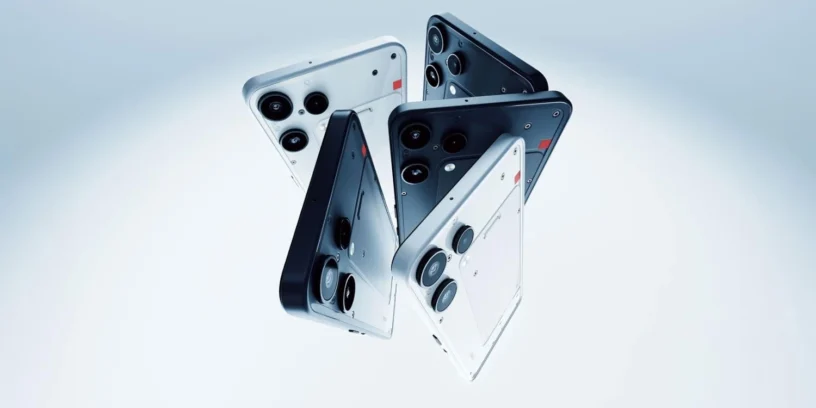

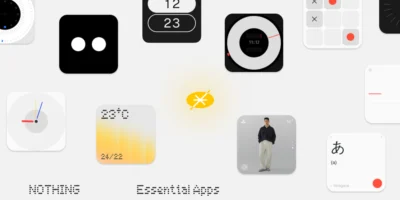
Nothing begins the rollout of a new version of its operating system for the Nothing Phone (3a) Lite, reaching the update Nothing OS B4.1-260702-1815. This update focuses on expanding the visual customization options for the interface and fixing minor graphical glitches to ensure much more consistent daily performance. The brand maintains its support for this entry-level device, aiming to keep the aesthetic experience aligned with the standards of its most recent releases.

Most notable new features of version
This update features the addition of depth effect (in Beta phase) for the lock screen, a feature that now works with Atmosphere series wallpapers and allows you to adjust clock sizes and alignments. In addition, the status bar adds a distinctive touch by displaying the specific Nothing headphone icon when the user connects them. Visually and in terms of performance, the development team has refined the launcher animations and fixed minor display errors in the interface.
ADVERTISING
New features
- 🪄 Lock screen customization now supports depth effect (Beta), along with adjustable sizes and alignments for the clock.
- 🎴 The depth effect (Beta) already shows compatibility with Atmosphere wallpapers.
- 🎧 The status bar adds the dedicated Nothing headphone icon when establishing a connection.
General improvements and bug fixes
- 🌌 Improves Launcher animations for a smoother and more fluid user experience.
- 🔐 Add a specific security reminder for the face unlock method.
- 📱 Corrects some minor display errors in various sections to achieve greater visual consistency.
- ⚙️ It strengthens the overall stability and responsiveness of the entire system.
- 🛡️ Update your device with the July 2026 security patch.
ADVERTISING
System stability and performance
Remember that the phone may consume more battery and get warm during the installation process. It is completely normal due to the file optimization tasks that the operating system performs in the background. Once the cycle is completely finished, the temperature and energy consumption will return to their normal levels.




dipen panpaliya
nice