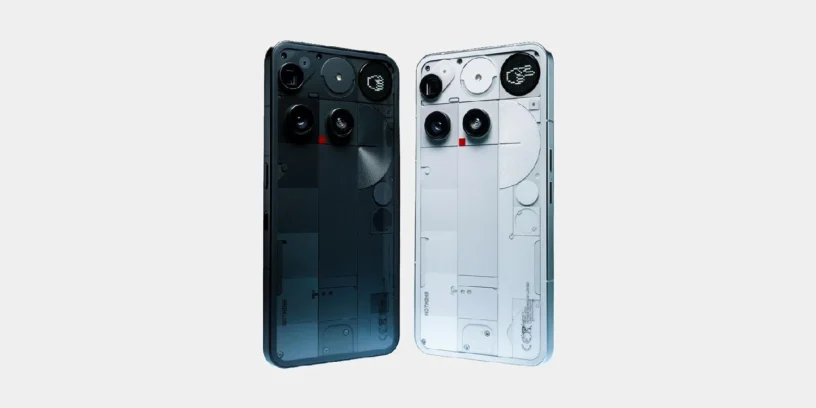
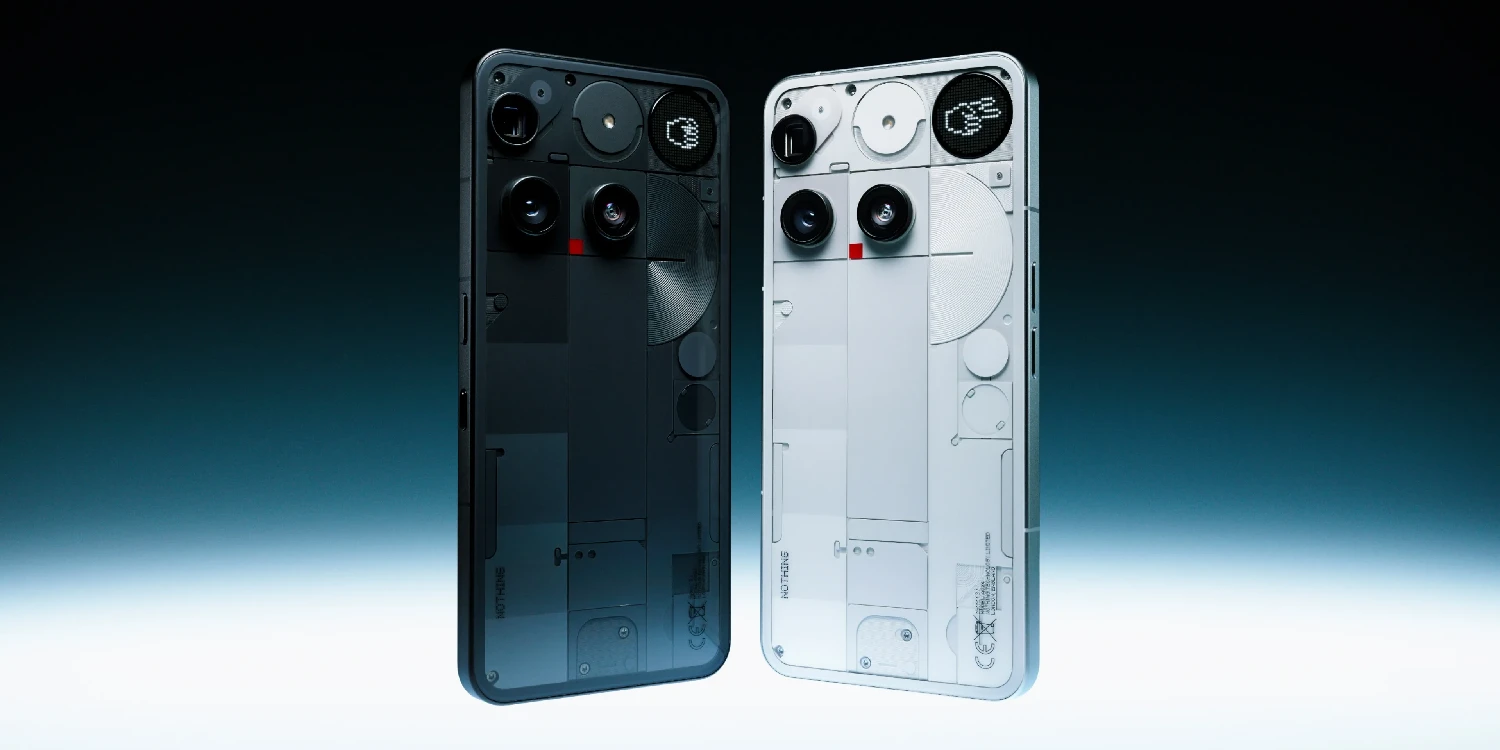
Nothing begins the rollout of a new version of its operating system for the Nothing Phone (3), reaching the update Nothing OS B4.1-260814-1733. This release focuses on expanding the customization capabilities of its artificial intelligence suite, incorporating advanced editing tools into the gallery, and fine-tuning the stability of wireless connections.

Most notable new features of version
This software package is notable for the arrival of AI Eraser to image editing in the gallery, allowing you to remove unwanted objects, pedestrians, or reflections with a single tap. Likewise, the Essential Voice tool receives important adjustments: it now lets you set custom gestures on the Essential Key, facilitates quick switching between translation and transcription, and adds compatibility with the Super Mic on the Nothing Ear (3). On the visual and performance front, the volume slider animation at minimum levels has been smoothed out, and Bluetooth reliability during calls has been reinforced.
ADVERTISING
Improvements to Essential Voice
- 🔡 This feature lets you customize whether a long press or double-click on the Essential Key activates translation or transcription while typing. Configure it in Settings > Intelligence Toolkit > Essential Voice > Customize Essential Key.
- ⌨️ Add a quick access to toggle between translation and transcription by pressing and holding the keyboard icon.
- 🎧 Allows you to activate Essential Voice using the Nothing Ear's Super Mic (3) while using the keyboard.
- 🎙️ Optimizes the overall performance of Essential Voice to deliver smoother playback.
General improvements and bug fixes
- ✨ Image editing in the gallery adds the AI Eraser function to instantly remove unwanted objects, passersby, or reflections.
- 🎚️ Optimizes the volume slider animation effect at its minimum level for a smoother feel.
- 🔗 Improves the reliability of the Bluetooth connection during phone calls.
- ⚙️ Reinforces the overall stability of the entire system.
- 🛡️ Update your device with the August 2026 security patch.
ADVERTISING
System stability and performance
Remember that the phone may consume more battery and get warm is completely normal during the installation process due to file optimization tasks that the operating system performs in the background. Once the cycle is complete, the temperature and power consumption will return to normal levels.



Leave a Reply