I've been using the beta version of Nothing OS 5.0 as my main system in the Nothing Phone (3). During this time, I've taken the opportunity to explore every corner of the interface, test each new setting, and see how it performs in daily use. After thoroughly tinkering with the update, I've compiled a list of the 50 most significant new features and improvements that will transform the user experience.
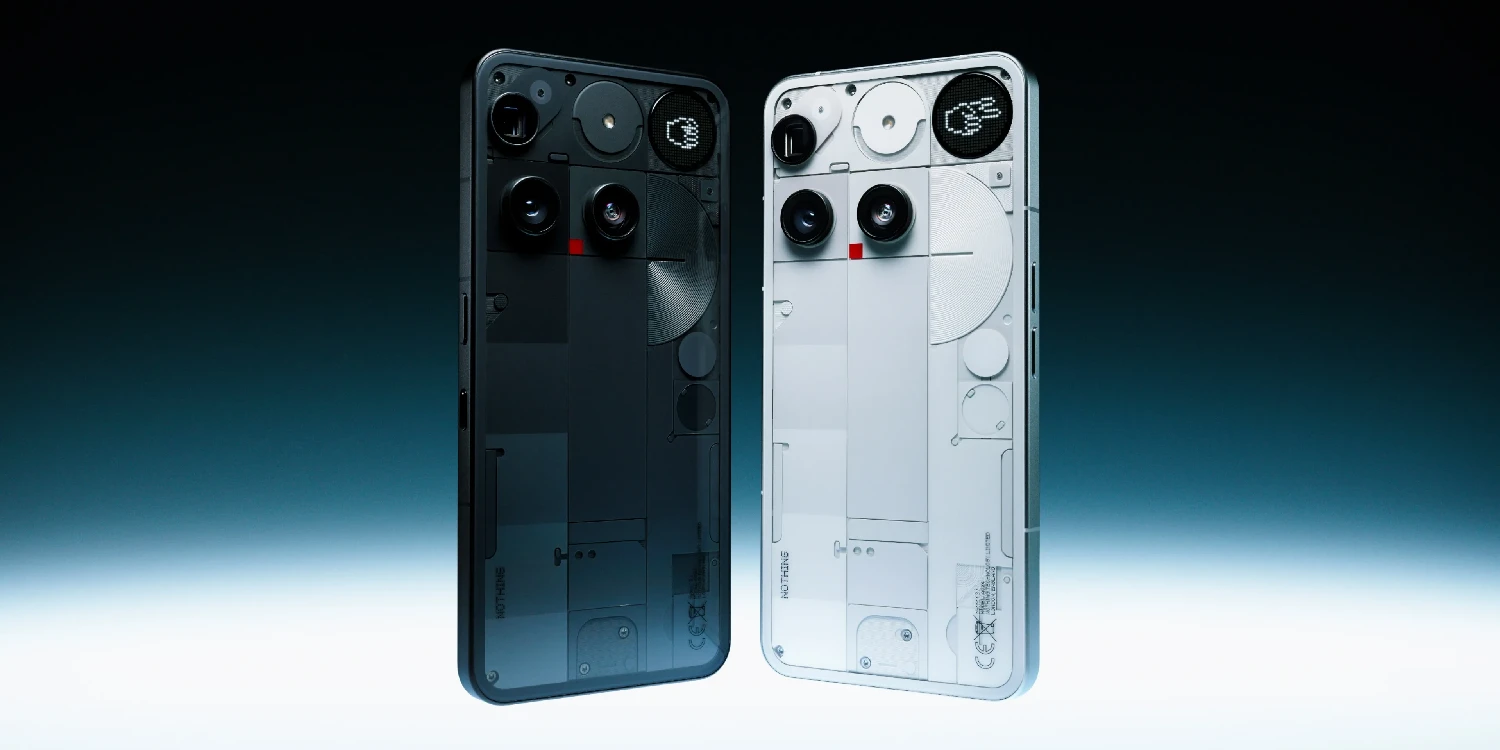
Furthermore, beyond the numerical change in the version number, one of the main reasons for this update is not only to add flashy features, but also to bring order to the system. Until now, the brand's software development showed a slight inconsistency: certain features or very specific settings were available on a particular model, but absent from the rest of the range without a clear technical reason.
Without further ado, here are the 50 new features and improvements I've compiled:
Lock screen and customization
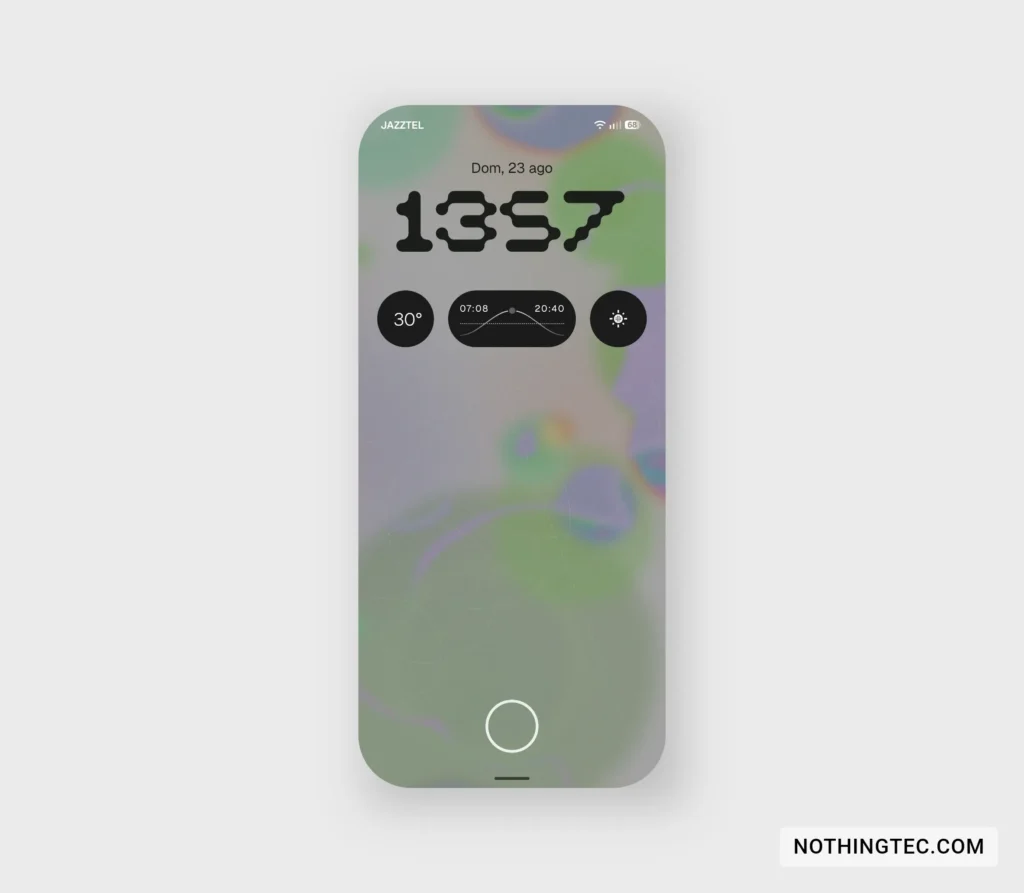
1) New "Gooey" watch.
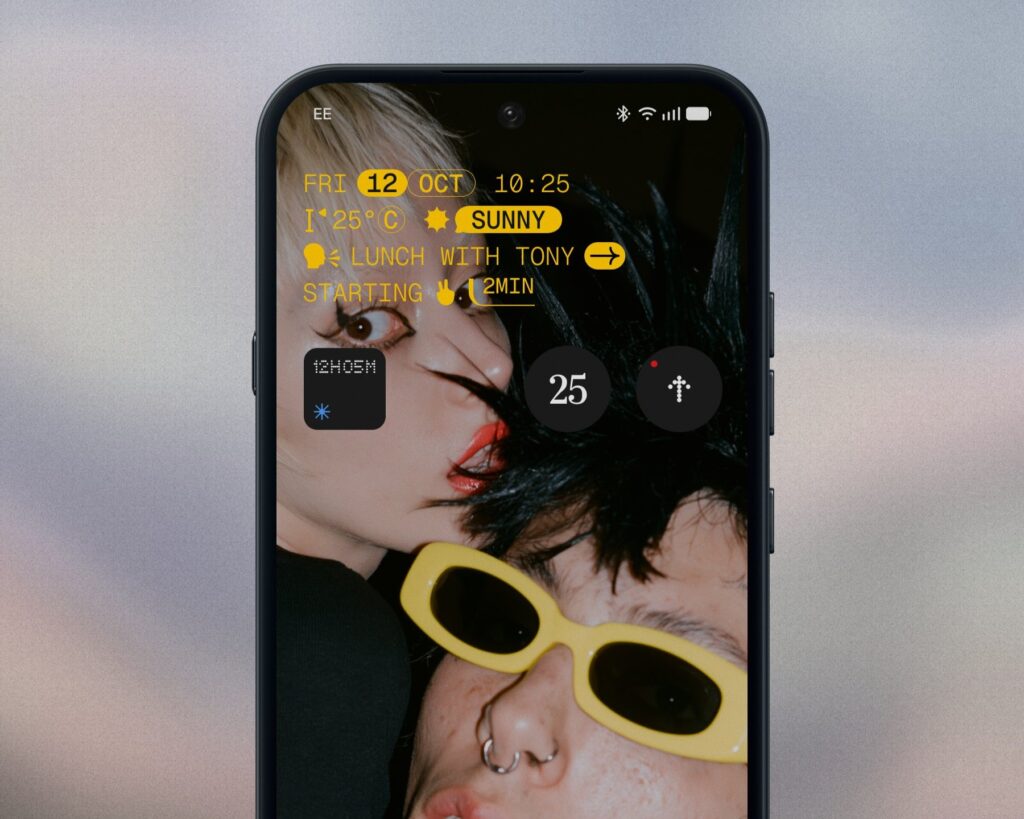
2) "Micrographics" option instead of the conventional clock, showing date, time, weather and upcoming meetings without unlocking the mobile phone. Announced, not available in the beta.
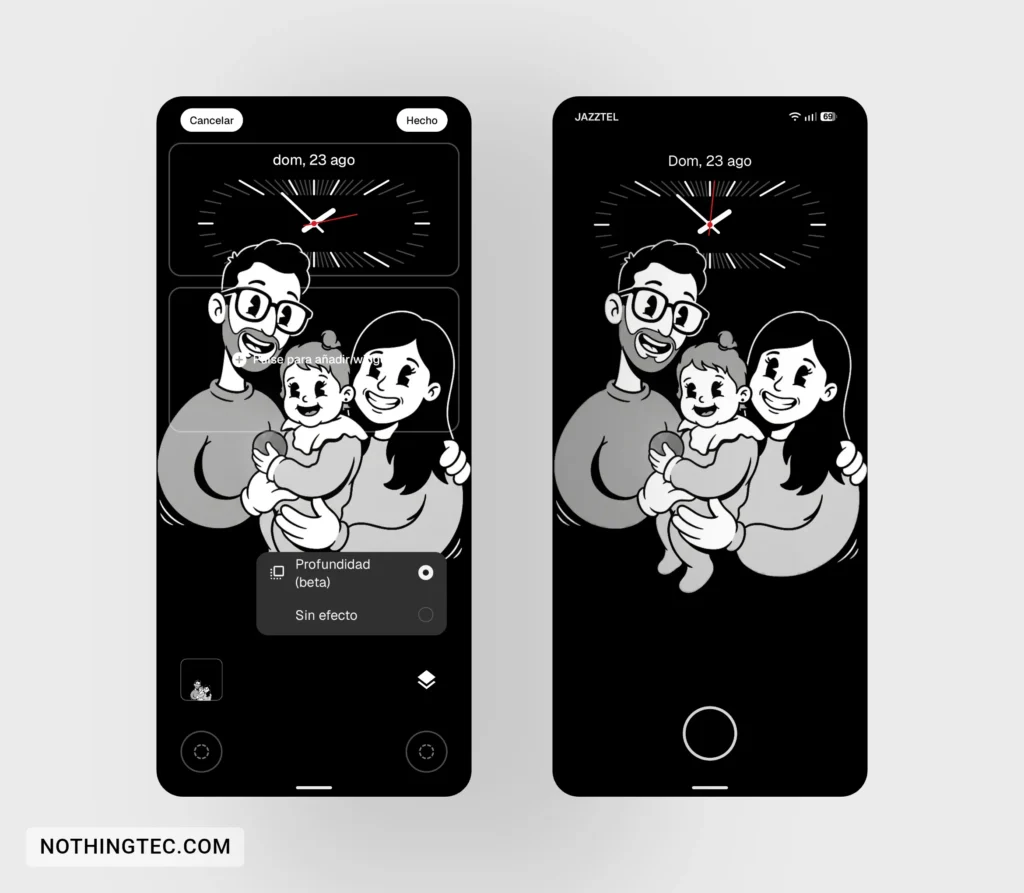
3) Improved depth effect on the lock screen.
4) Option to choose from a range of colors selected based on your background to apply to the lock screen clock.
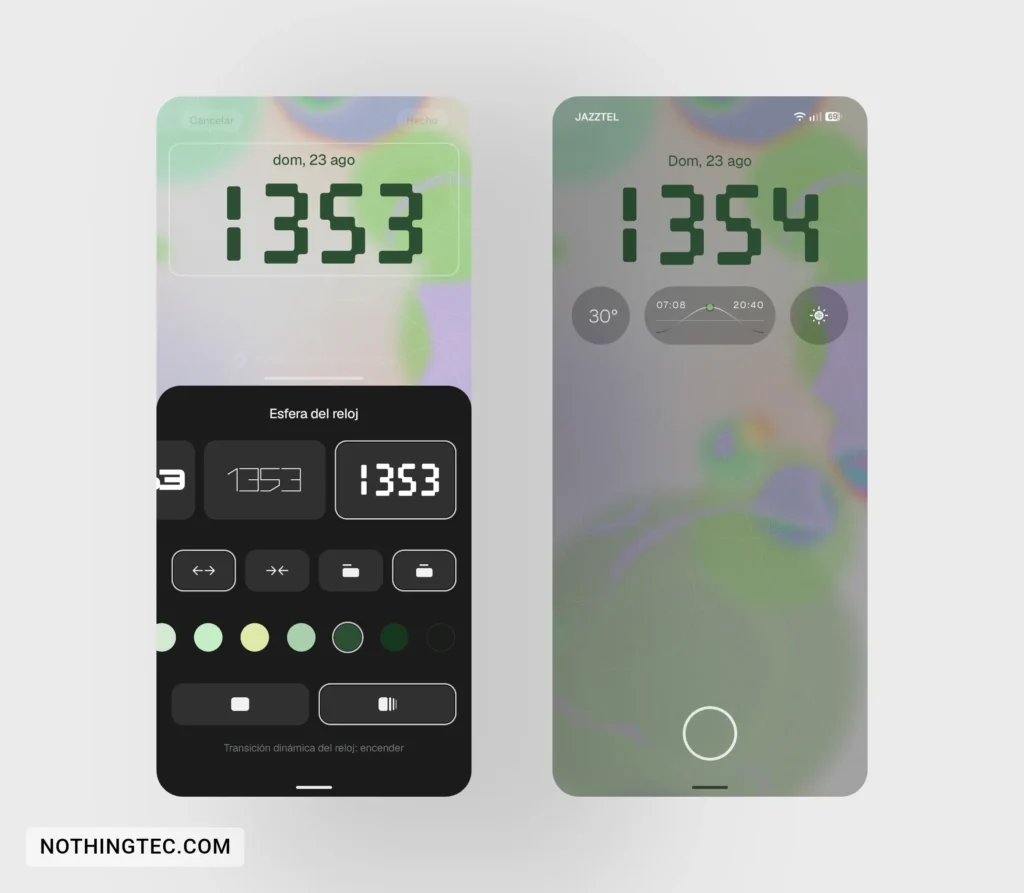
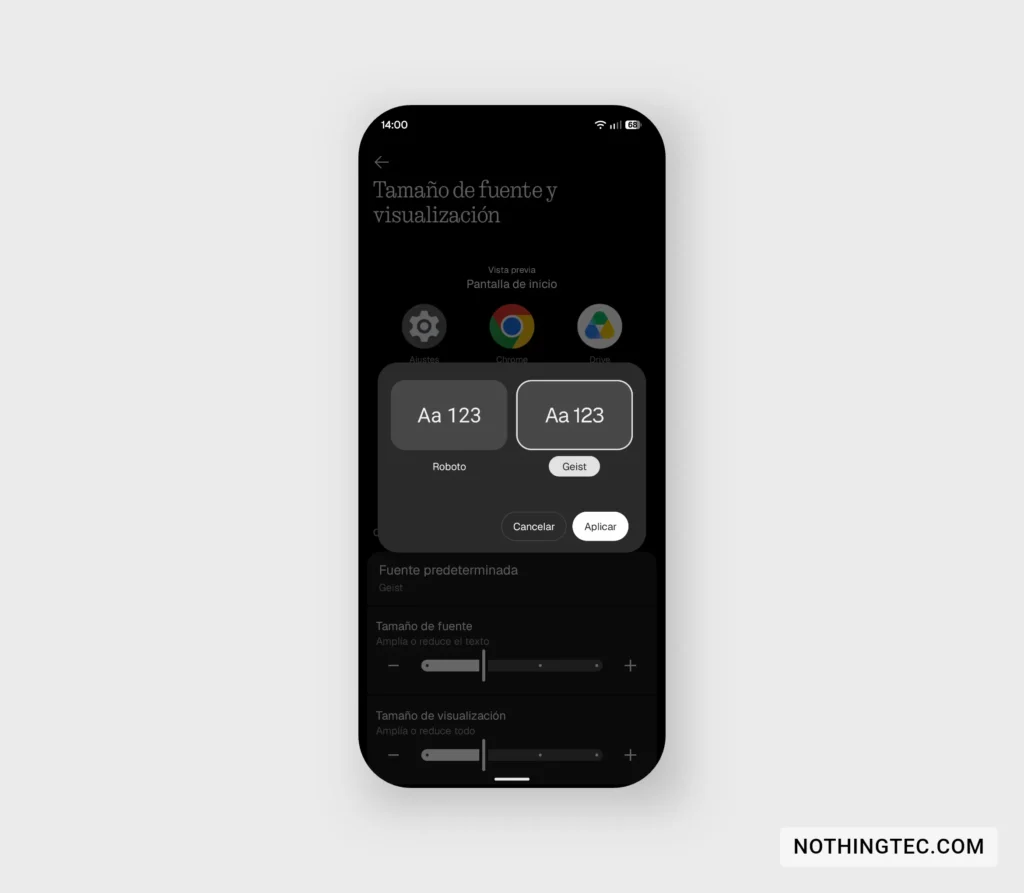
5) New font "Geist".
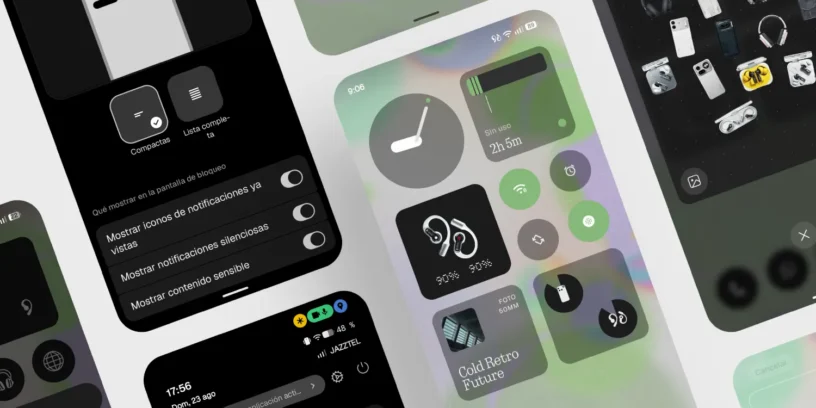
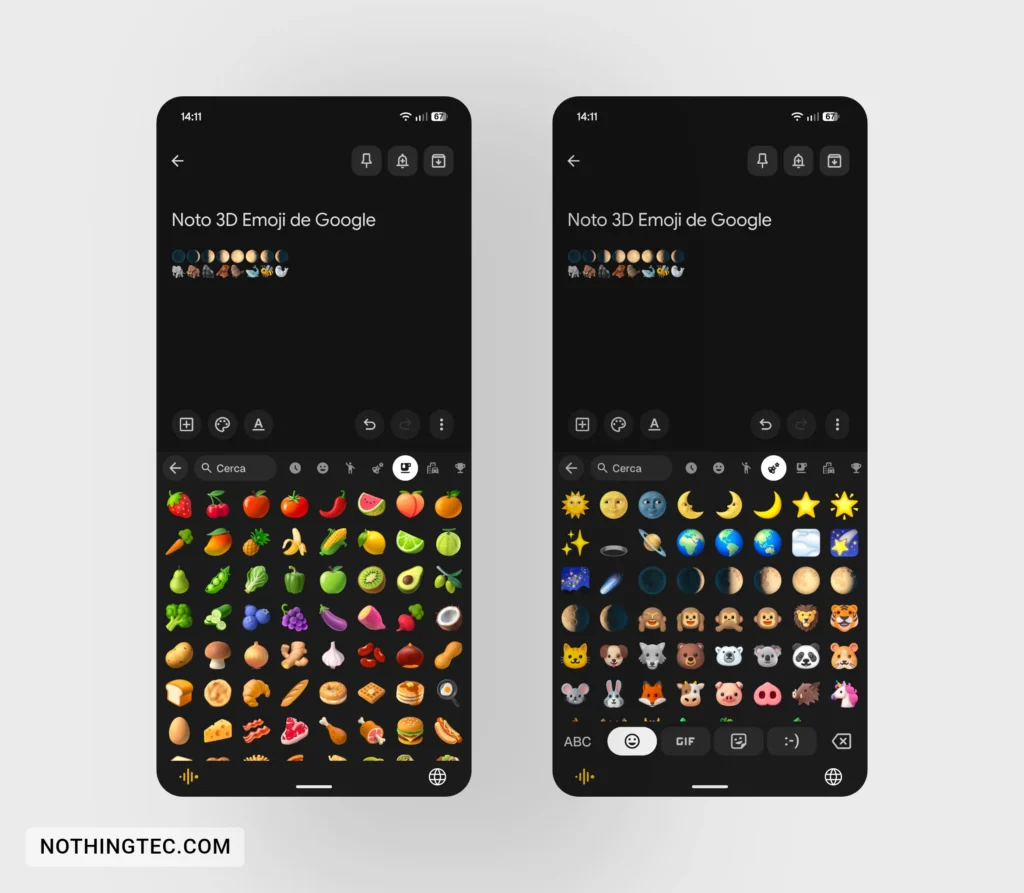
6) New 3D emojis from Google.
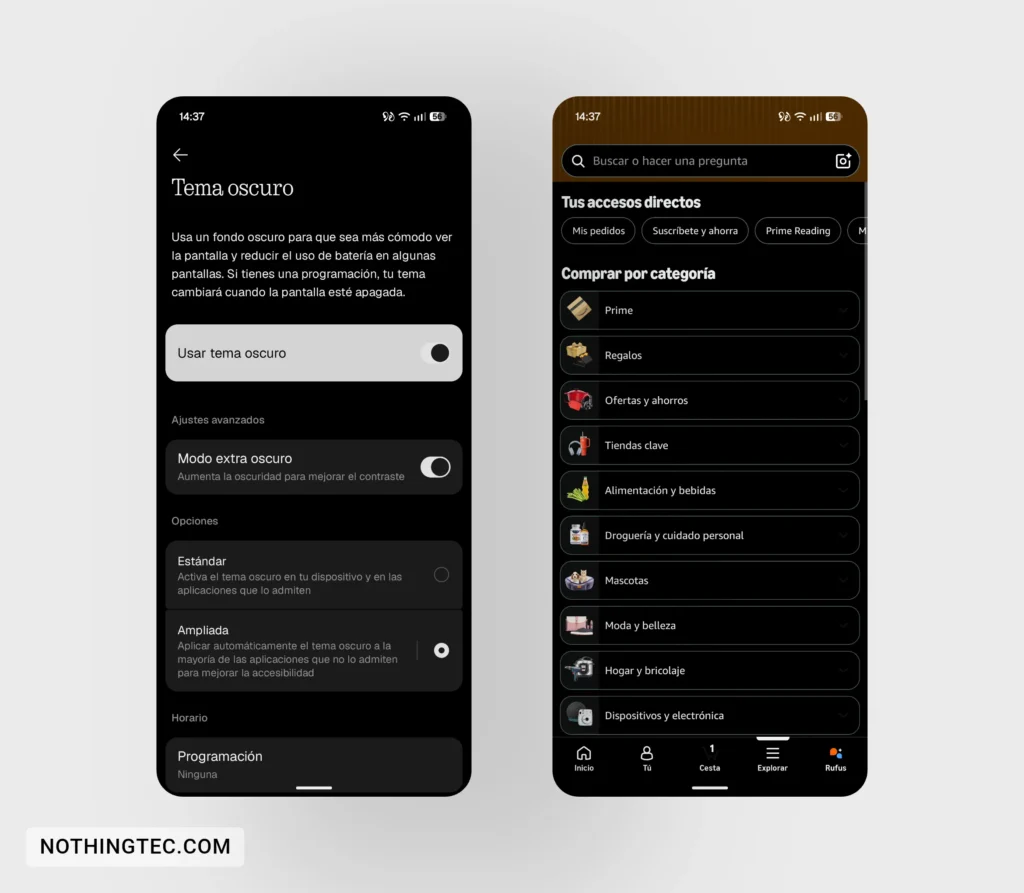
7) Dark theme extended to more apps.
Interface, system and quick settings
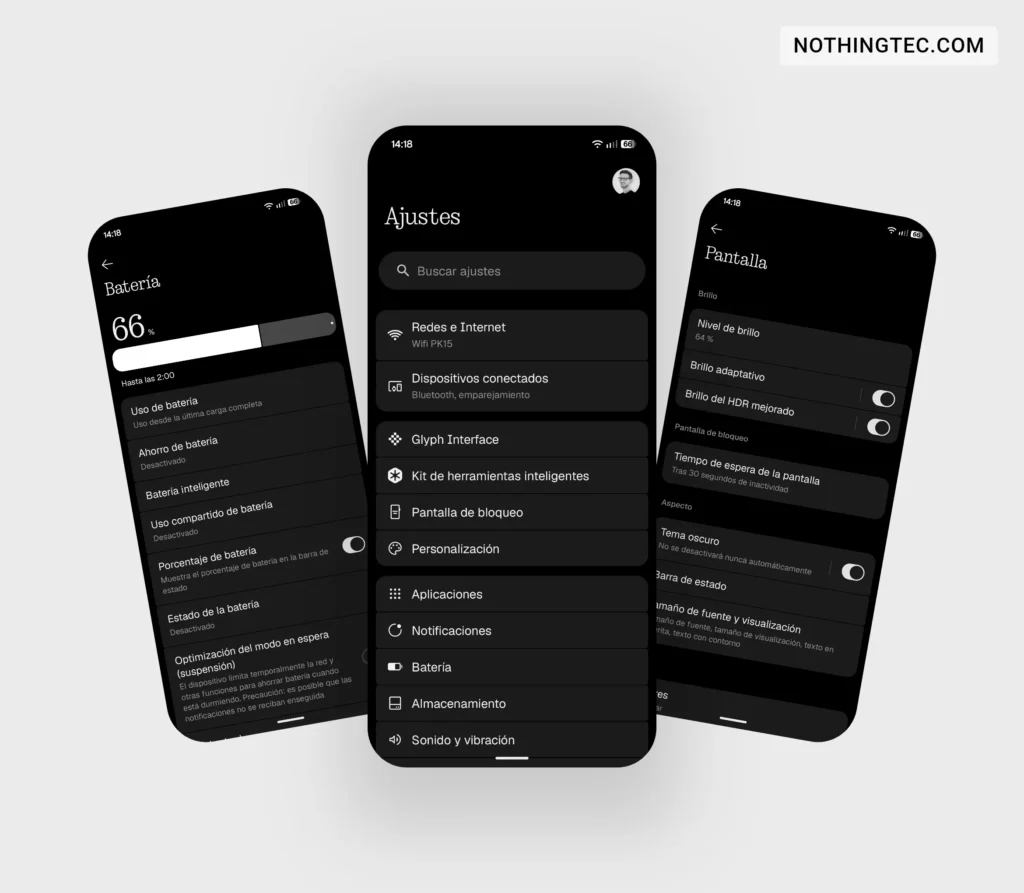
8) Slight visual redesign of the settings menu with new icons and switches and a narrower bottom navigation bar, achieving the same size (in length) as the charging port.
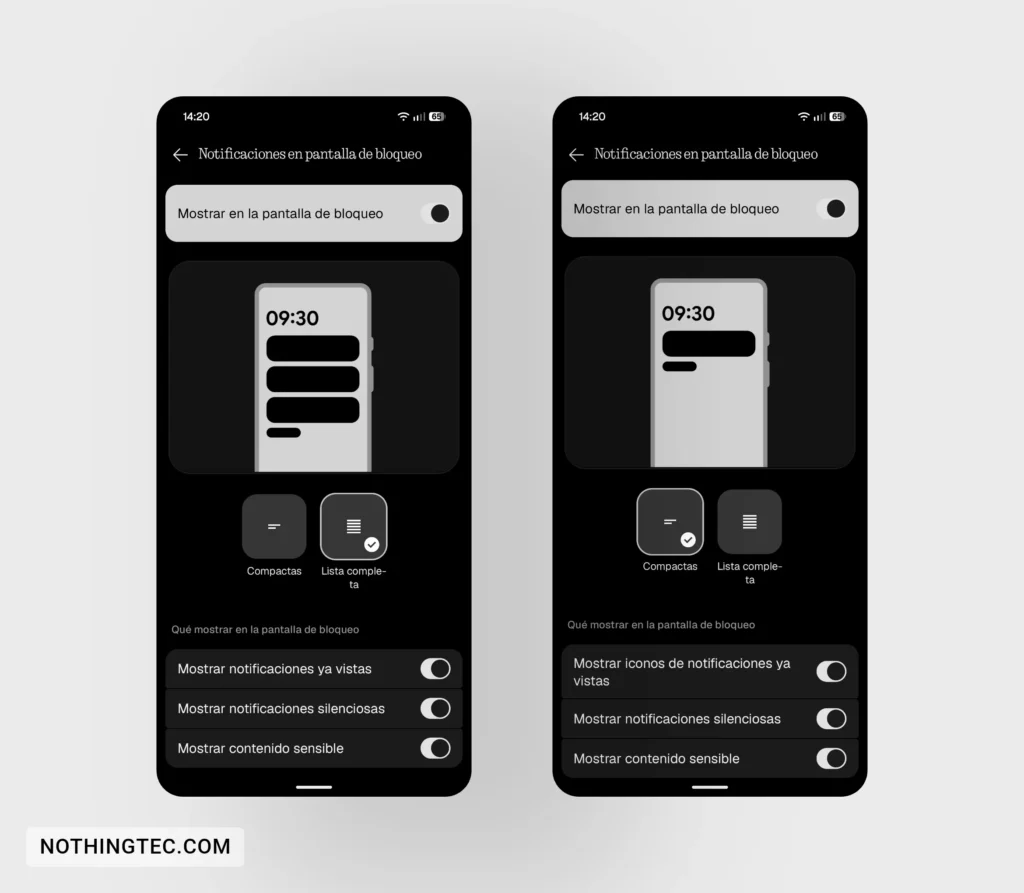
9) Redesigned the privacy options screen for notifications on the lock screen.
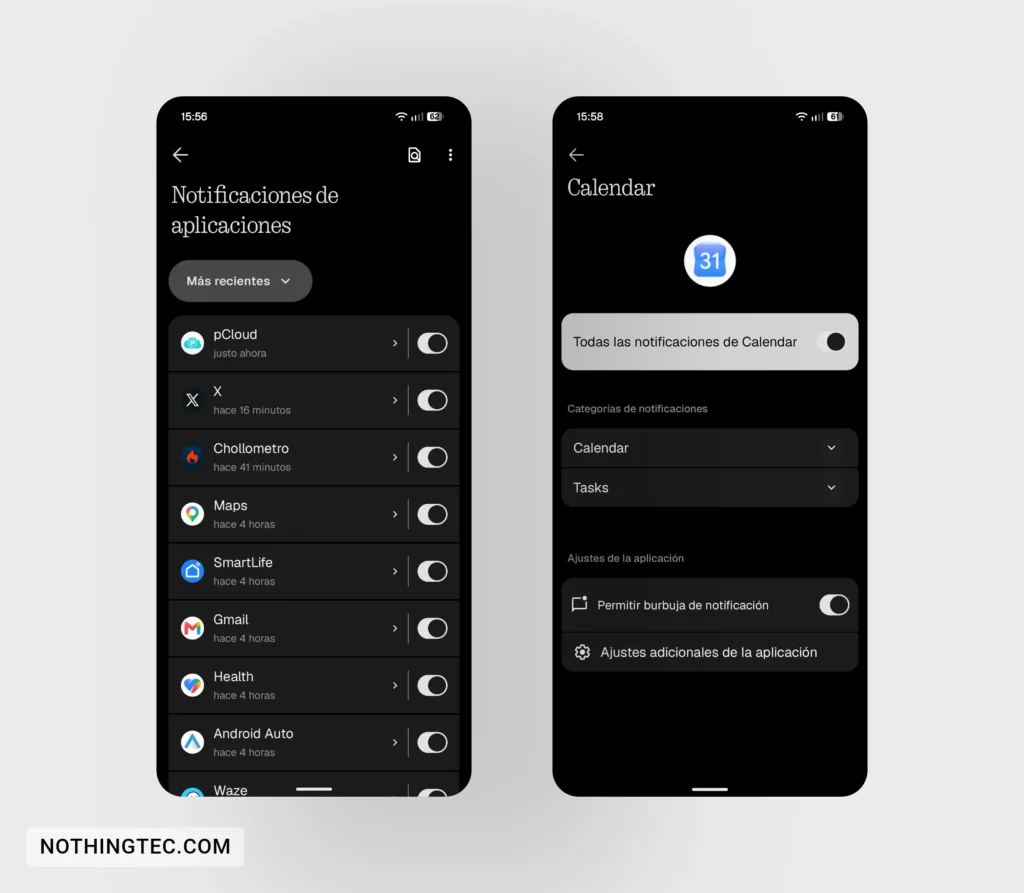
10) Slight redesign of the "App notifications" screen. .
11) Option to split notifications and quick settings by swiping down (left or right of the screen).
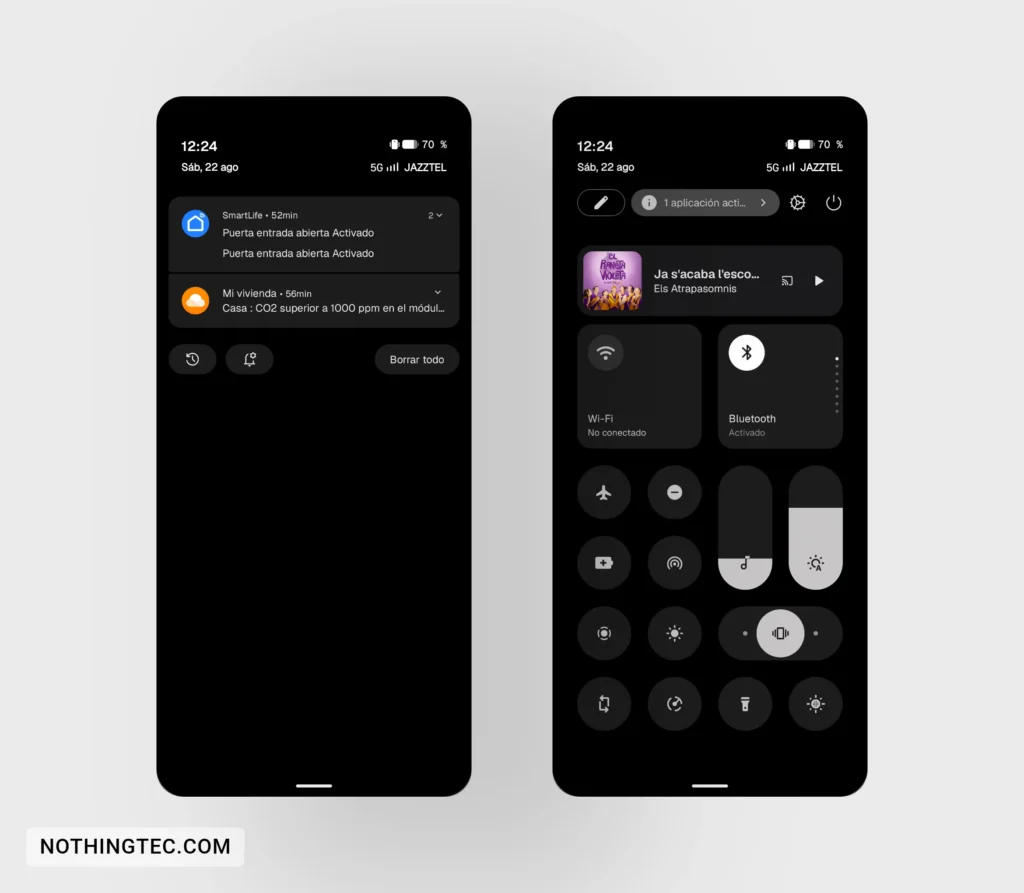
12) If you select the split style, we have a new design for the quick settings with one-swipe access to two bars (volume and brightness).
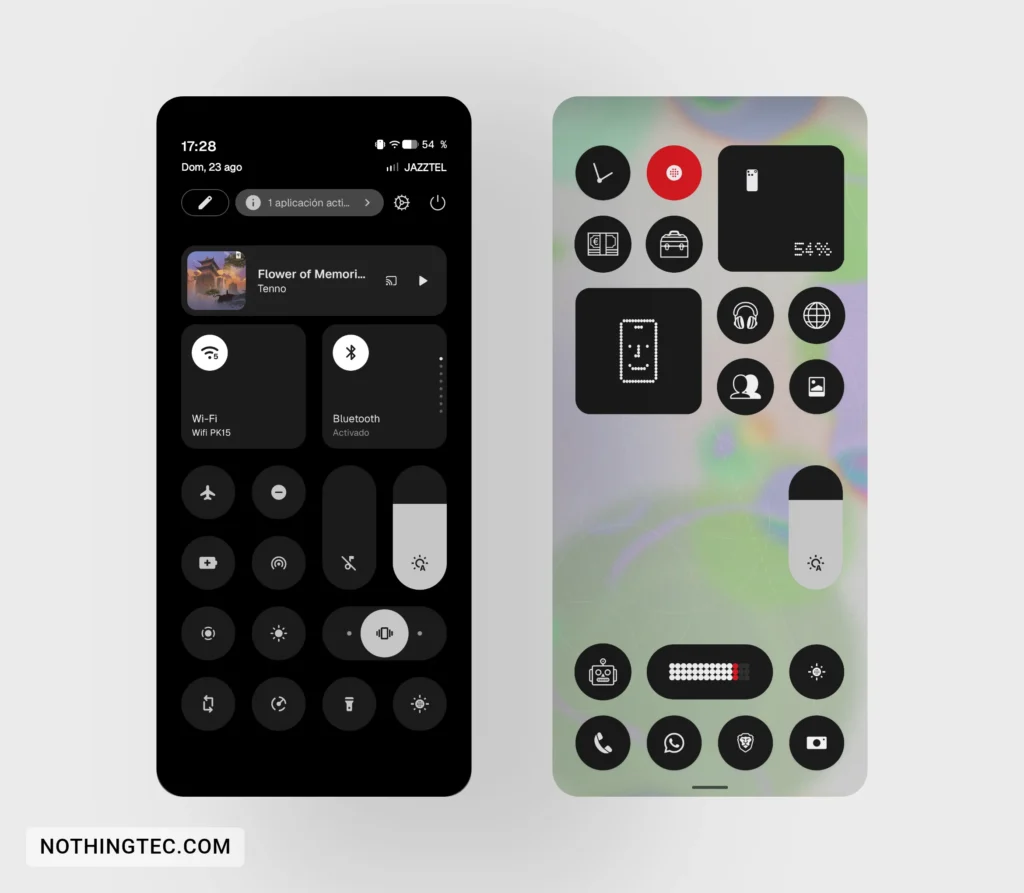
13) New design of the switches for widgets that occupy two cells in the quick settings.
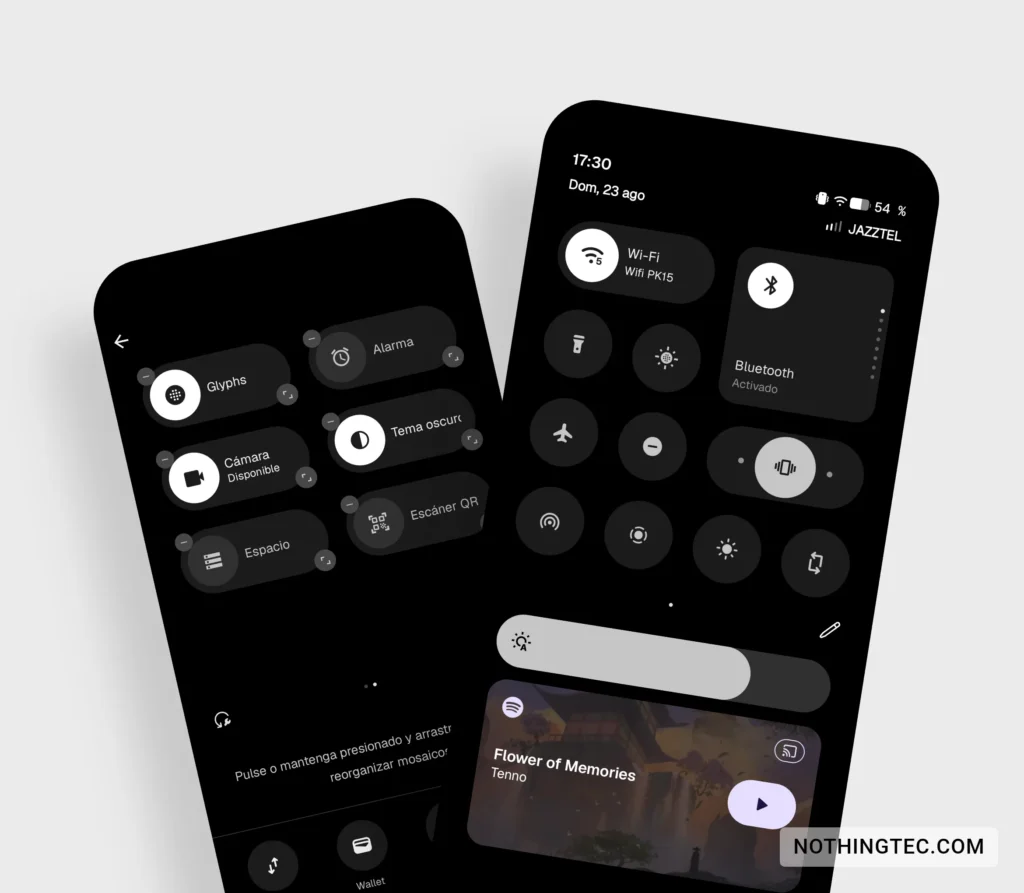
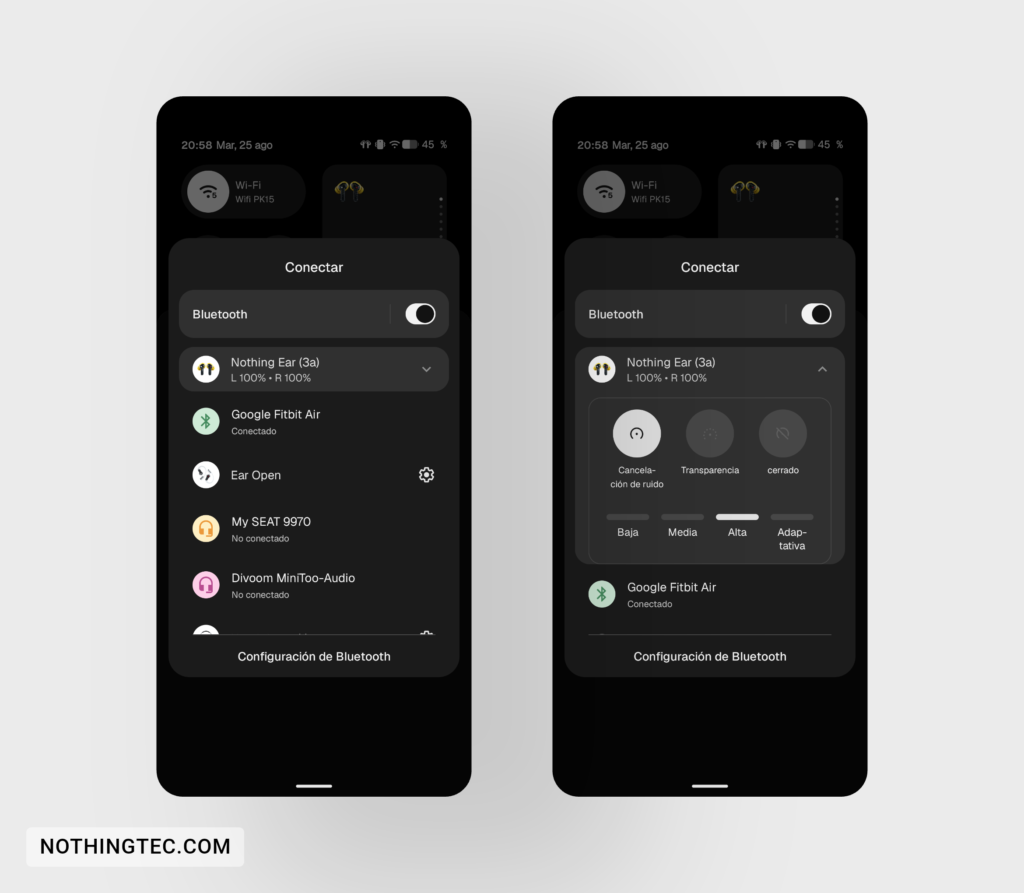
14) Instant on/off by tapping the Bluetooth switch in quick settings. A dropdown menu has been added to the Bluetooth screen to access various settings without having to open the Nothing X app.
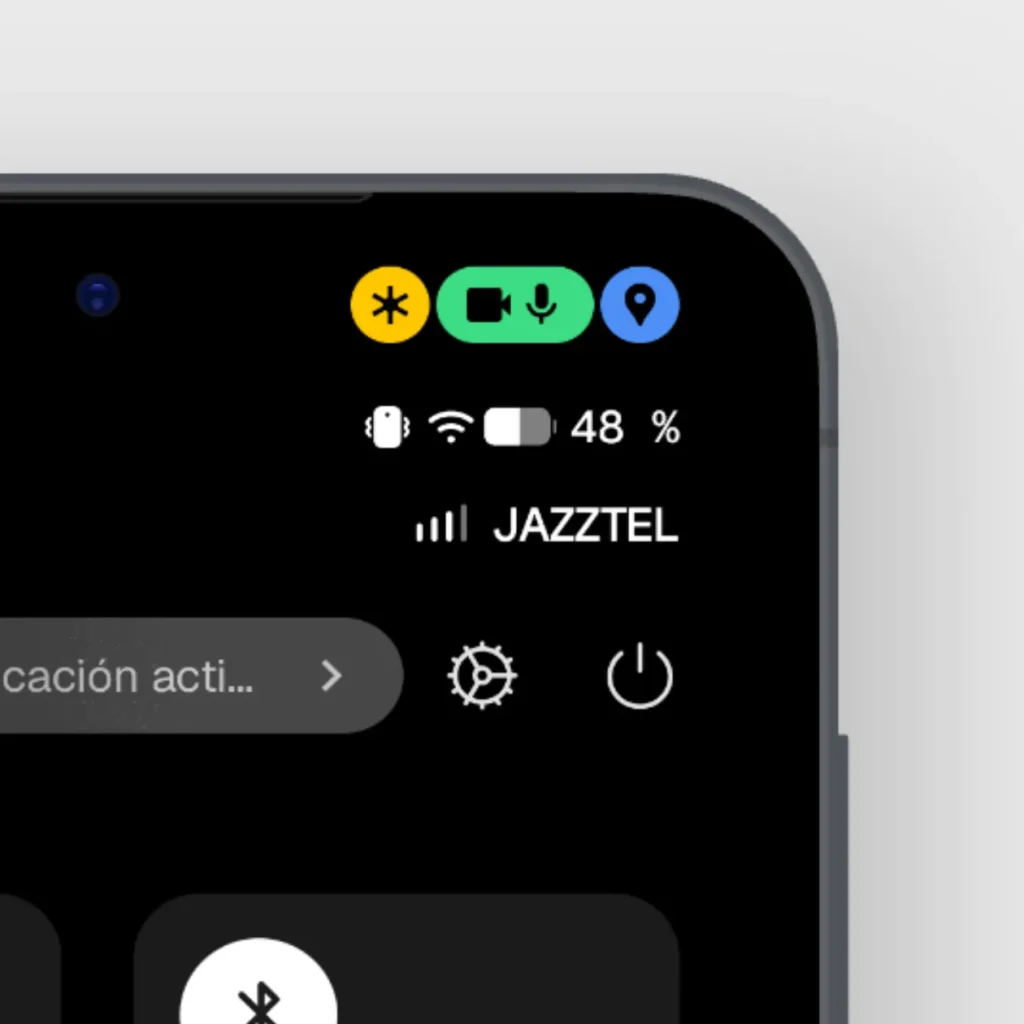
15) New icons in the status bar.
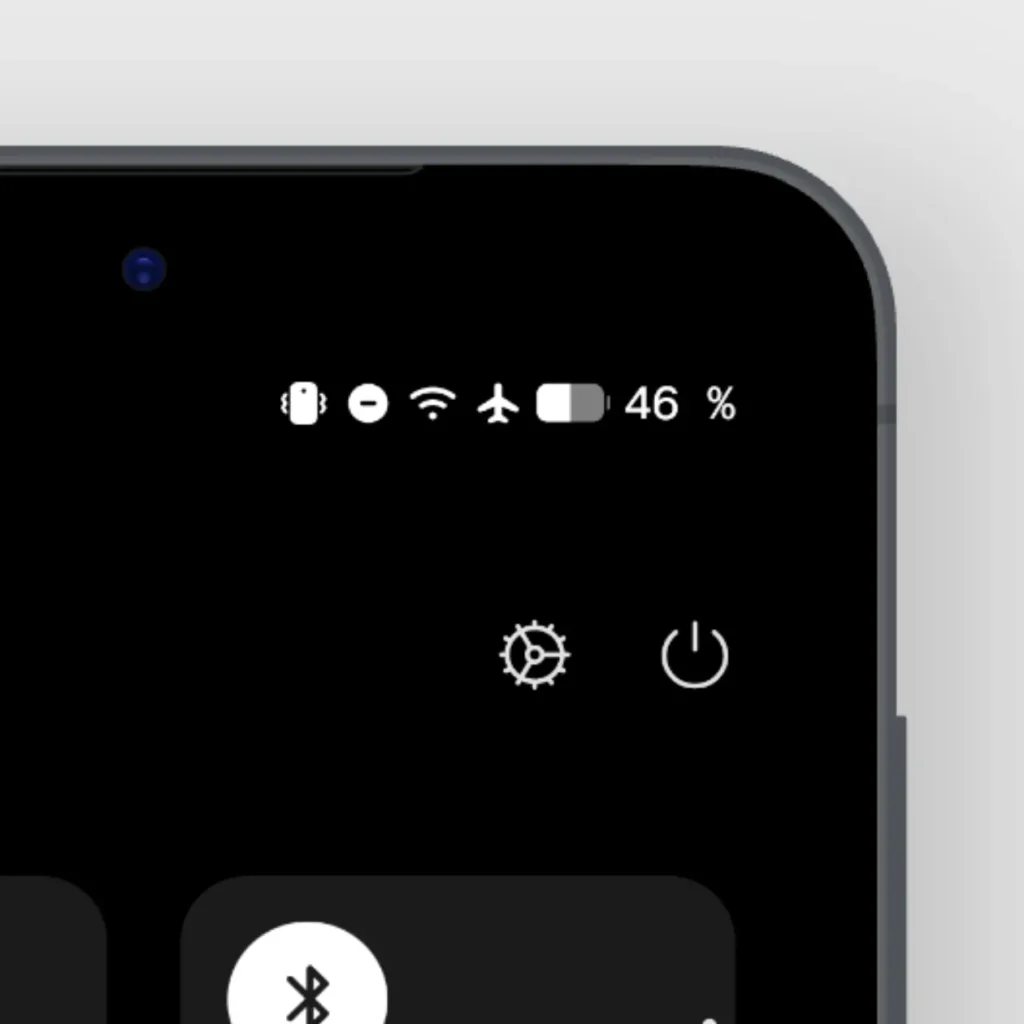
16) New privacy indicators when the camera, microphone and shared location are activated.
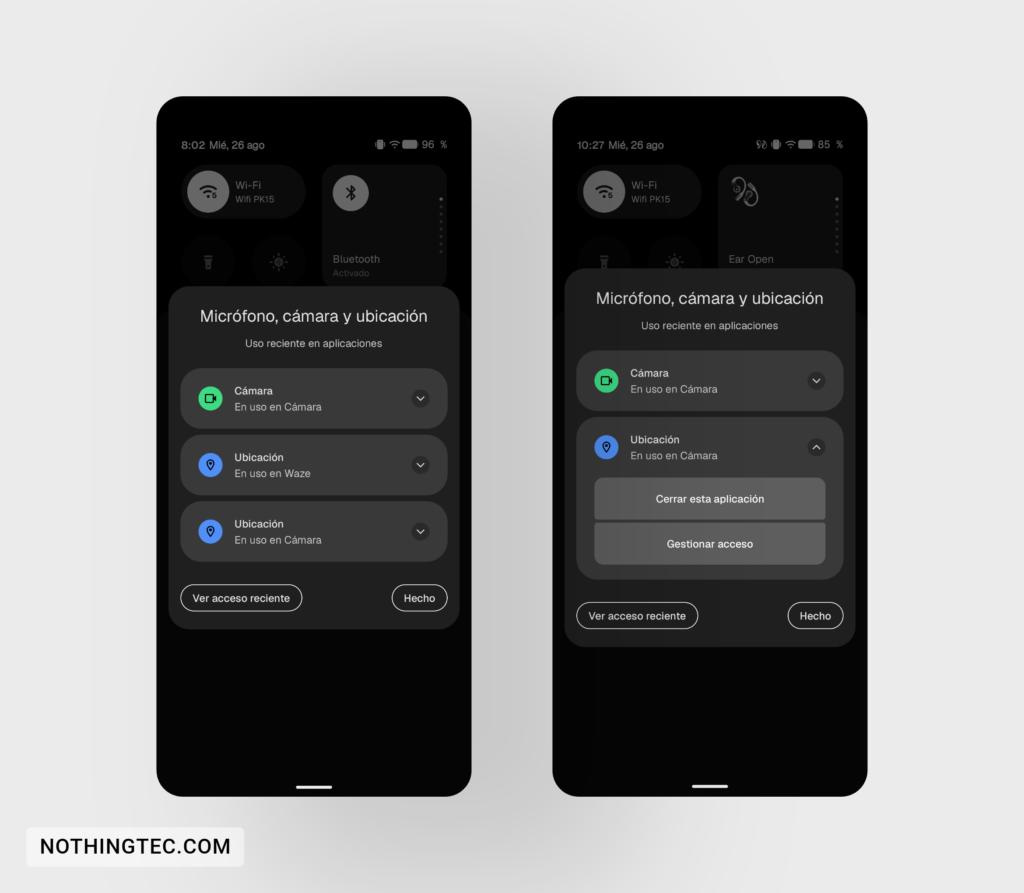
17) Slight redistribution of some options on the "Settings" screen.
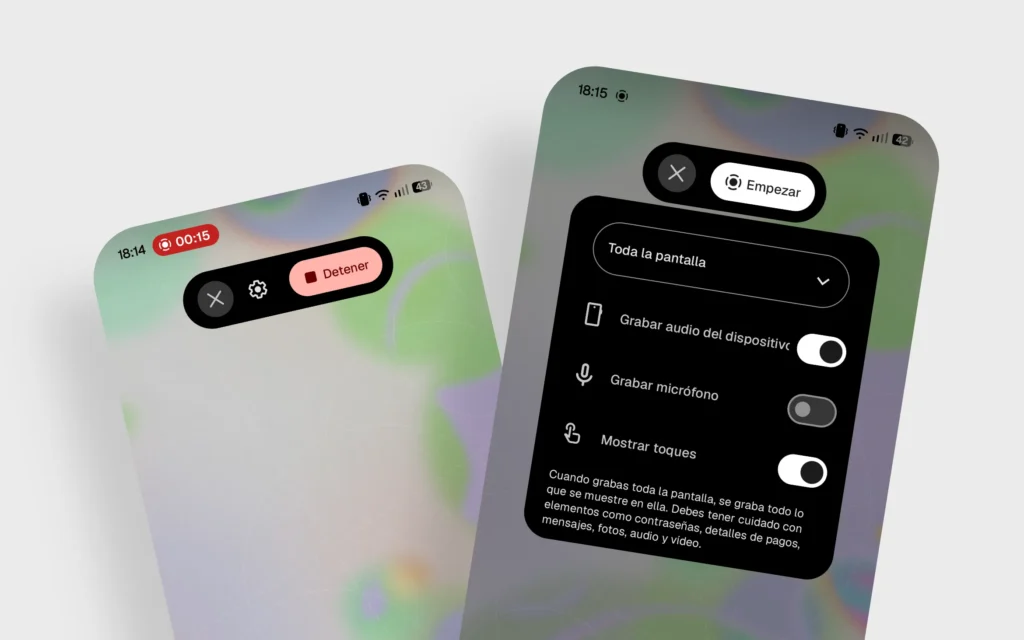
18) New floating interface to control your screen recording.
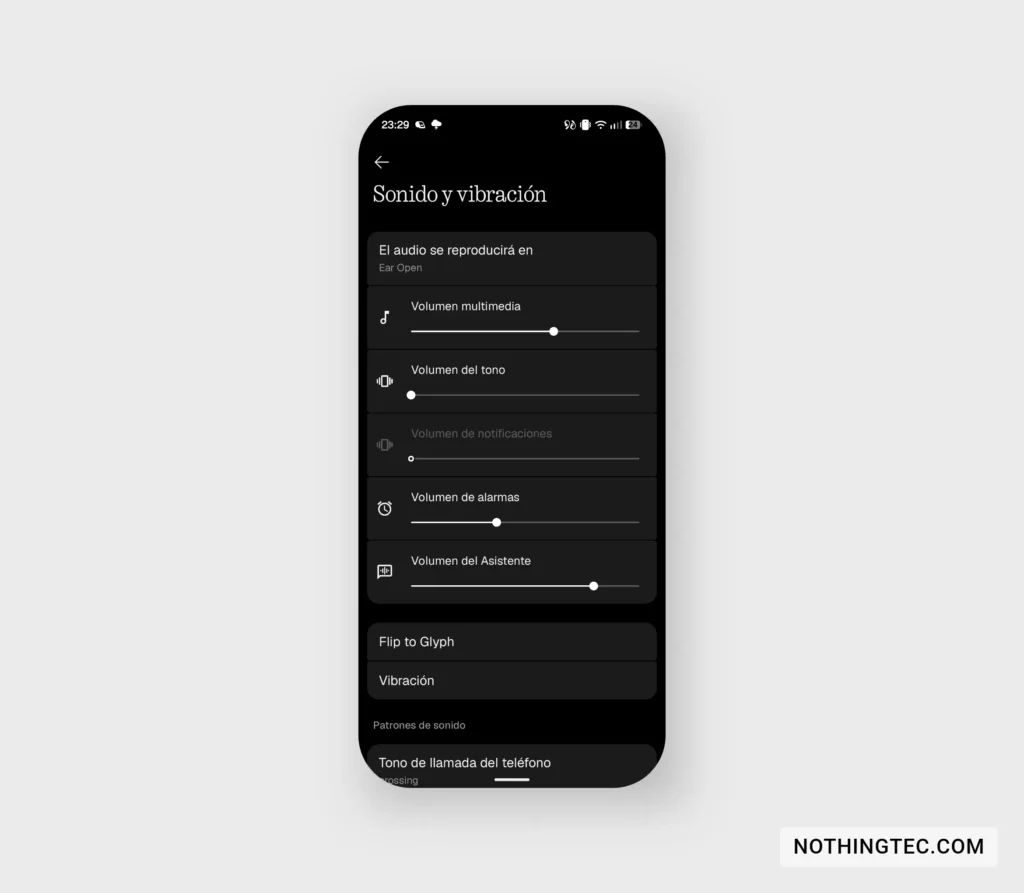
19) Independent adjustment of the Assistant volume.
Home screen, widgets and Glyph ecosystem
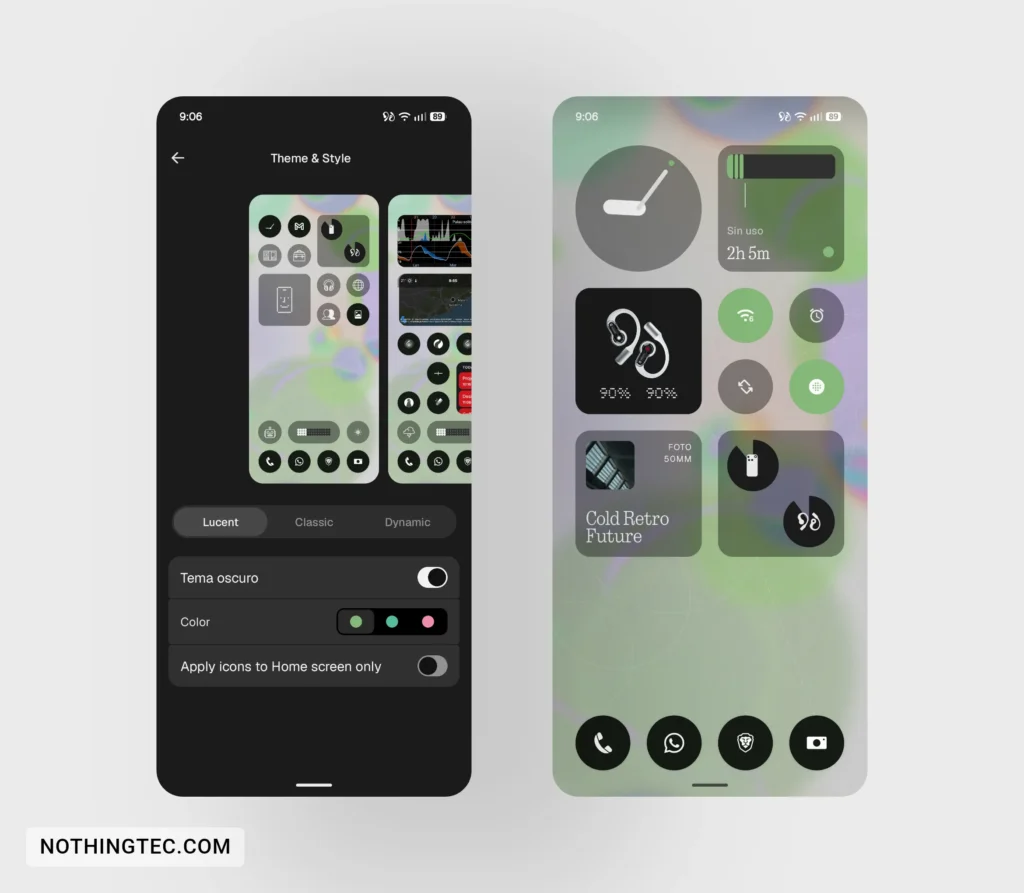
20) New "Lucent" style for the home screen. Adds transparencies and customizes widget colors based on the wallpaper color.
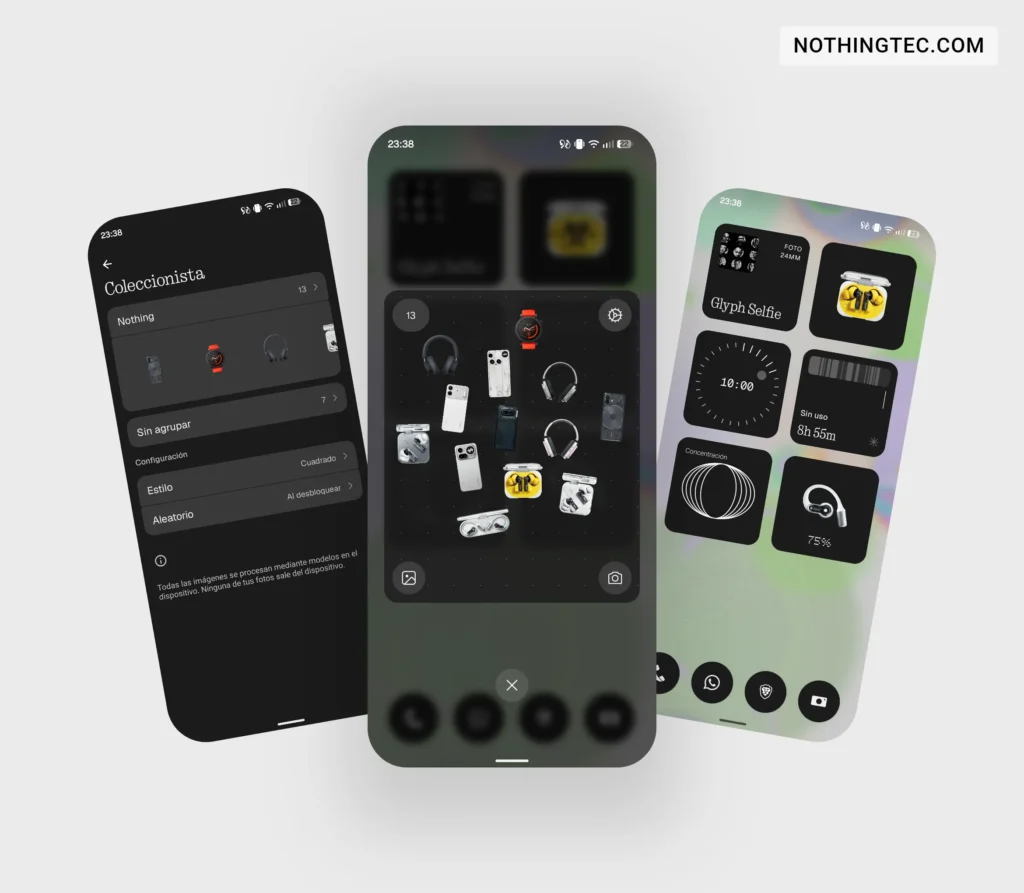
21) New widget «Collector».
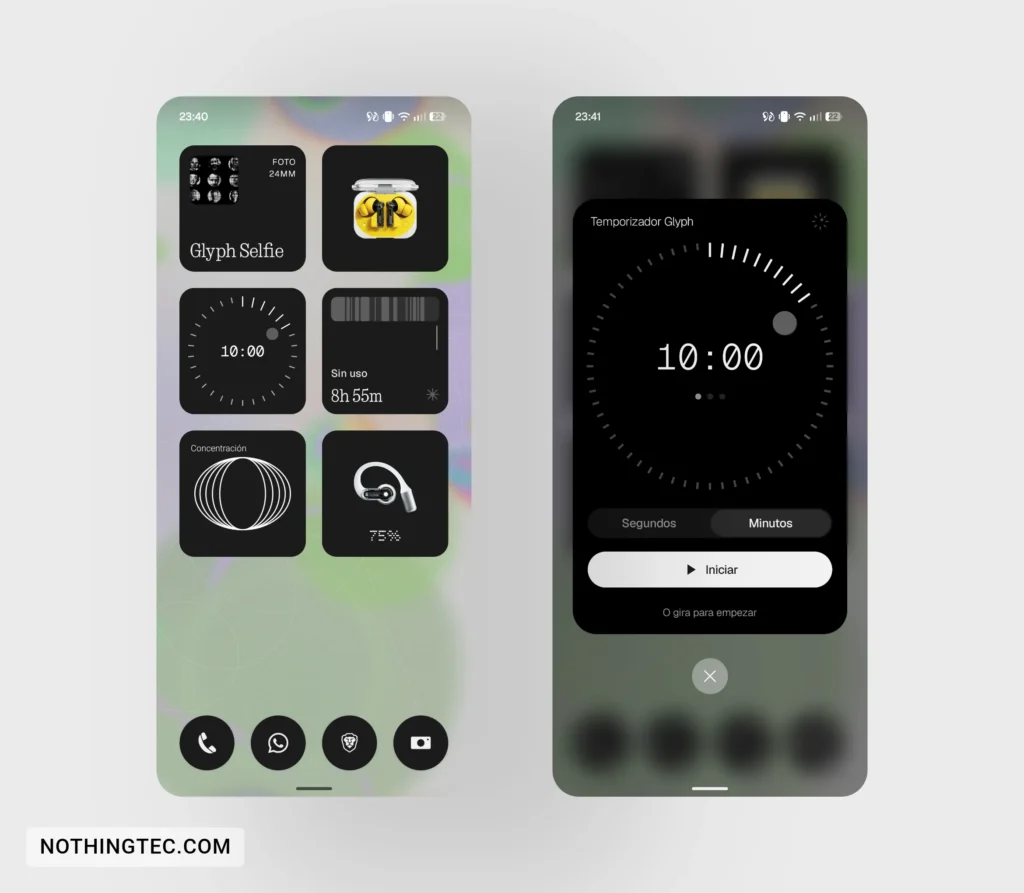
22) New widget «Glyph Timer».
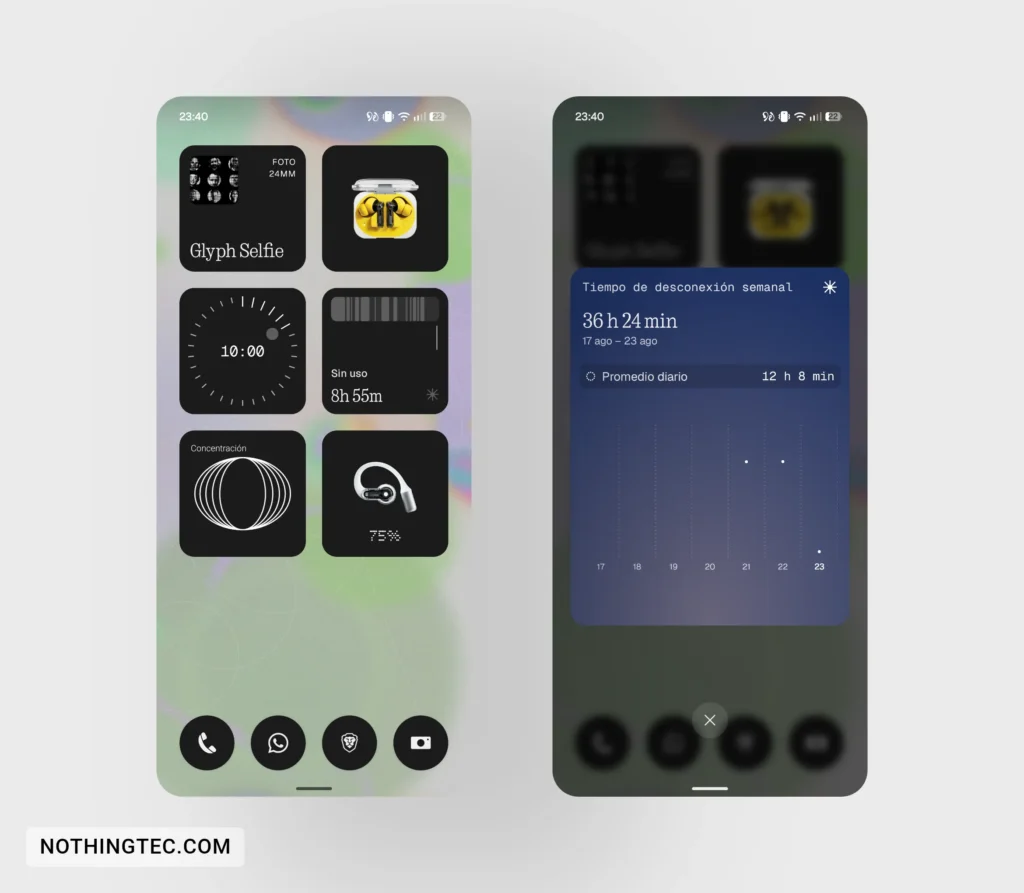
23) New widget "Time Out".
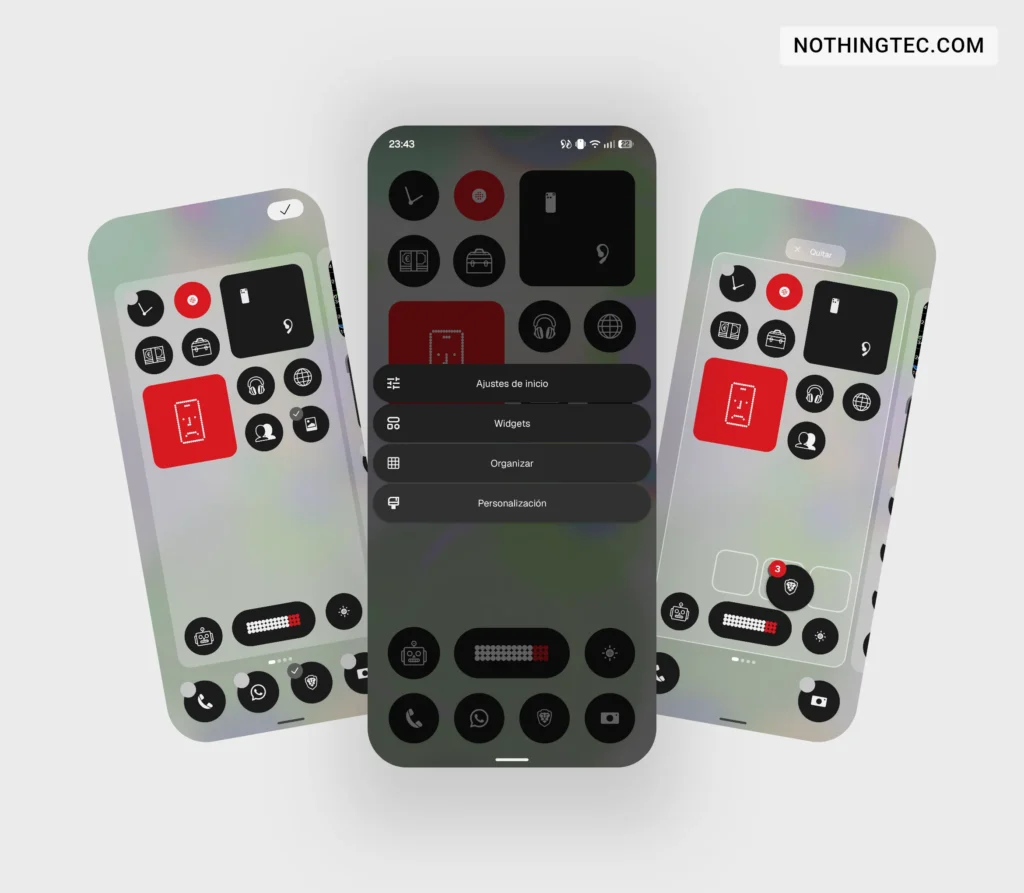
24) New "Organize" option on the home screen, allows you to move multiple apps at once.
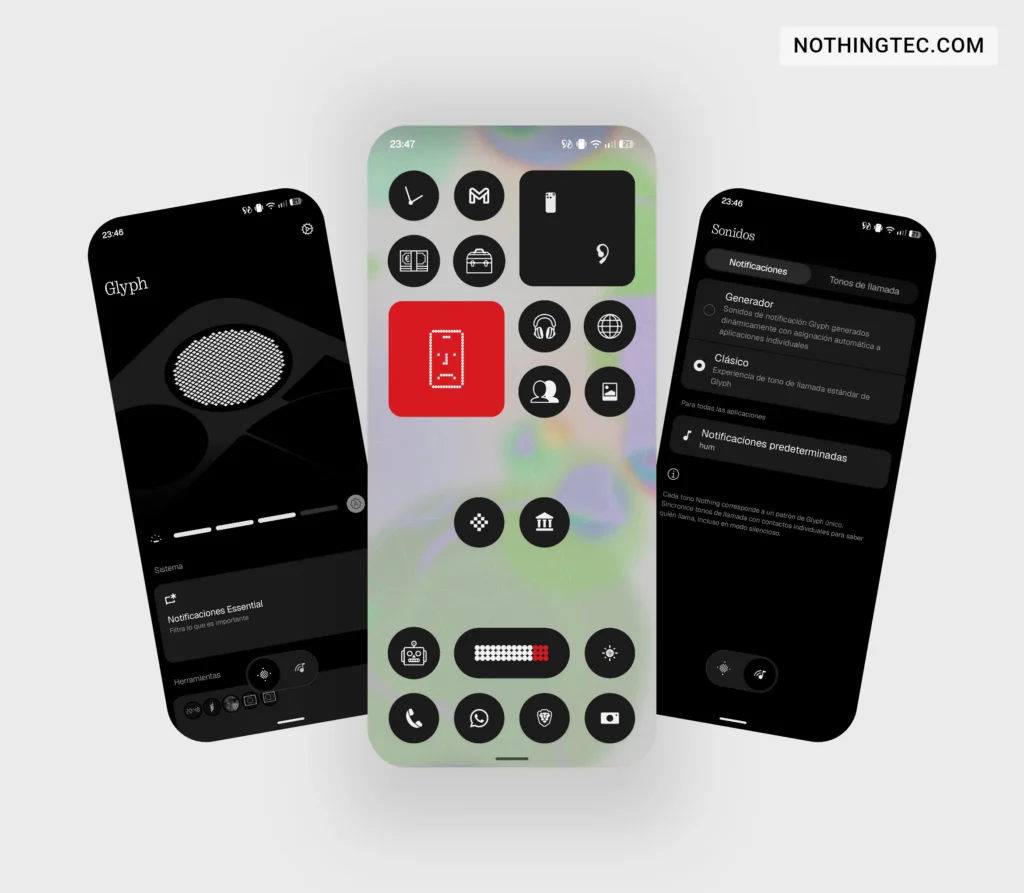
25) Standalone app for the Glyph interface.
Camera and Gallery
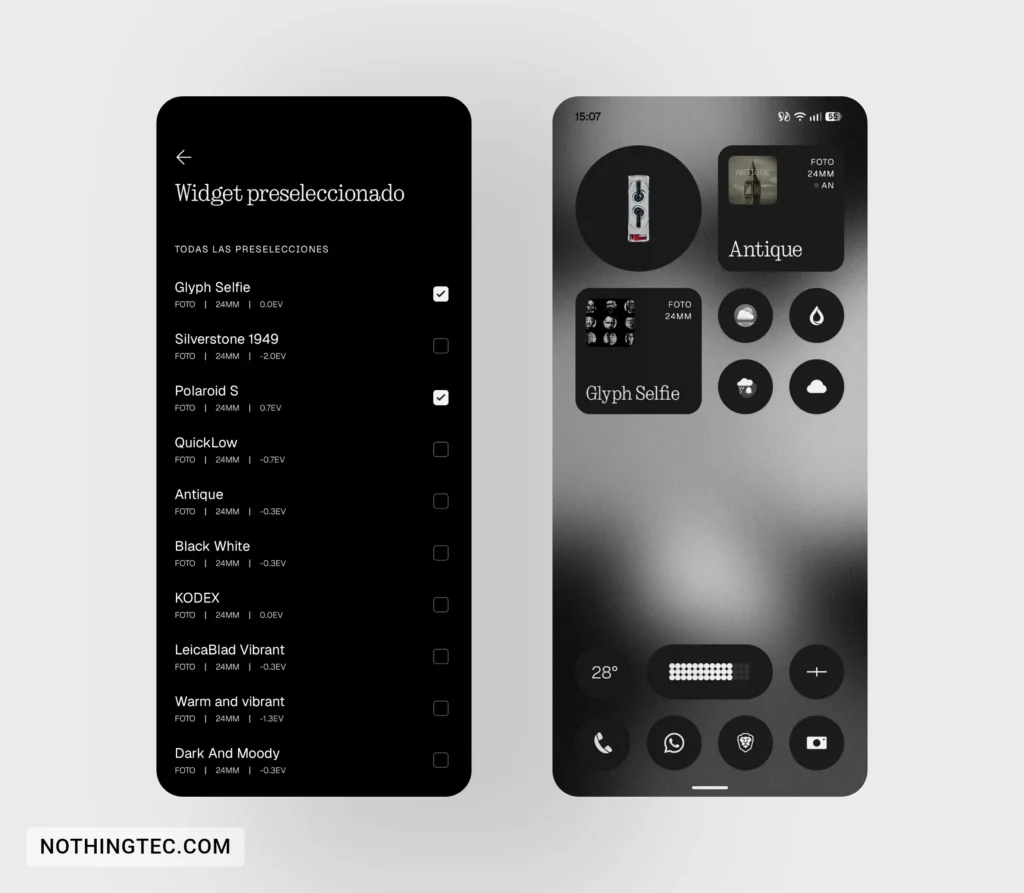
26) Camera presets widget updated
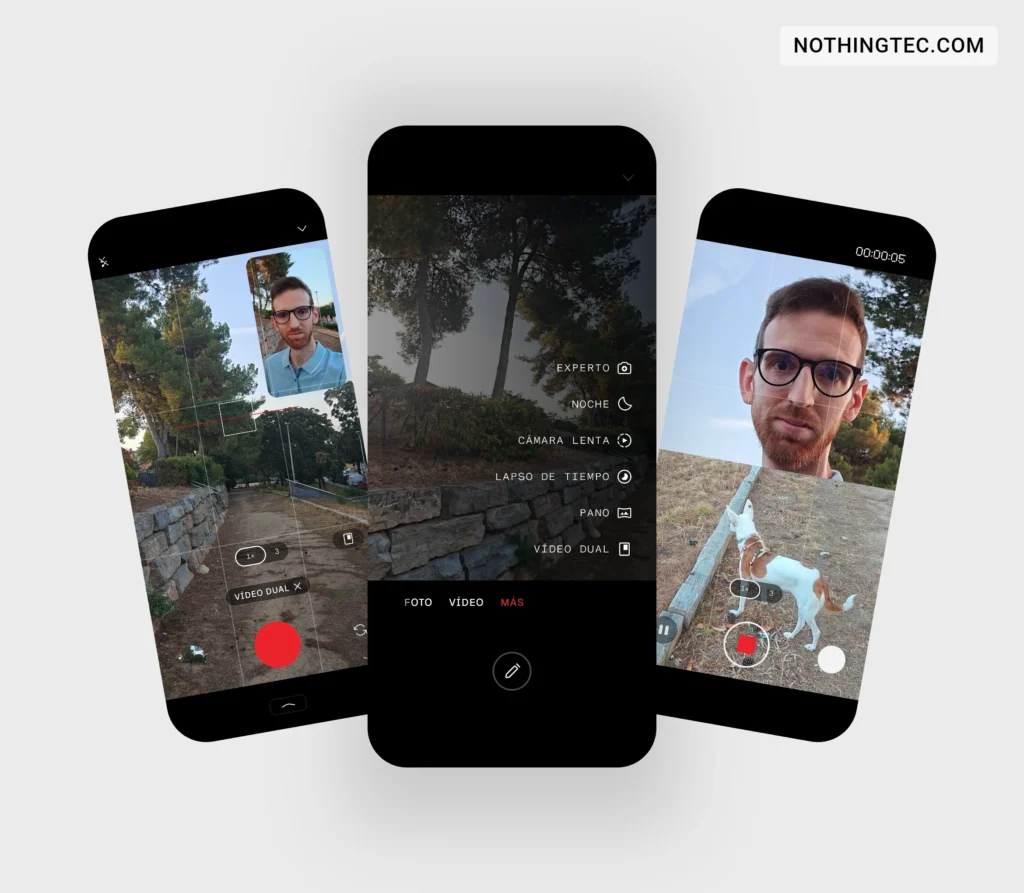
27) Dual video: use of front and rear camera at the same time, as we saw in the Phone (4b).
28) New customization settings for photos: contrast, saturation, warmth, tint, grain, etc.
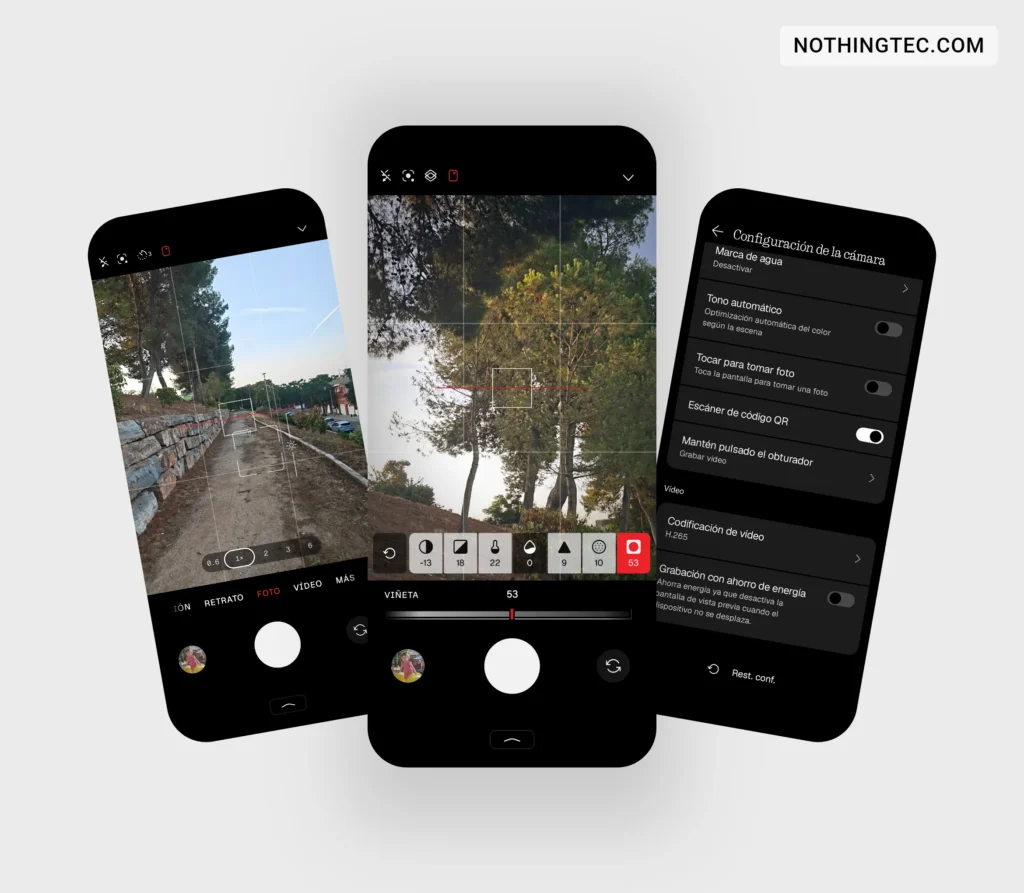
29) New indicator in the camera interface when touching the screen while focusing and raising or lowering the brightness.
30) New indicator in the camera interface when showing the faces it is detecting.
ADVERTISING
31) Option to activate or deactivate power saving on the camera when recording without moving.
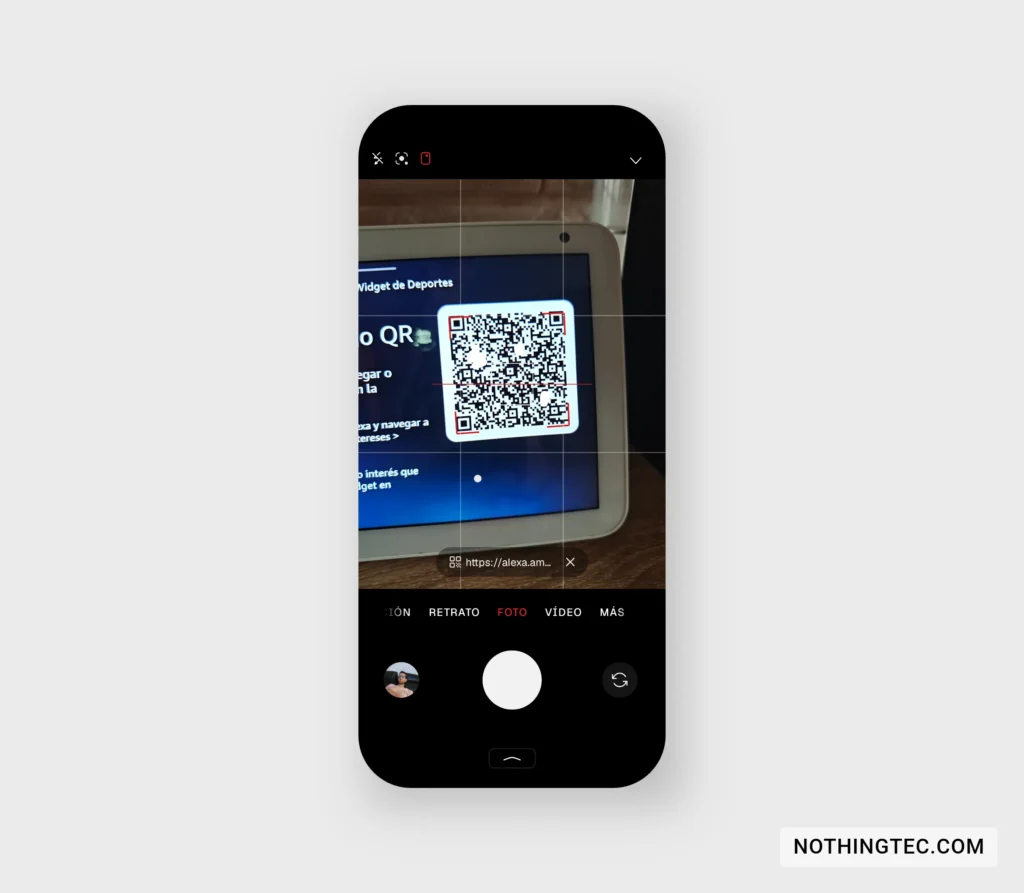
32) New way to access QR links when viewed through the camera. The link remains fixed at the bottom.
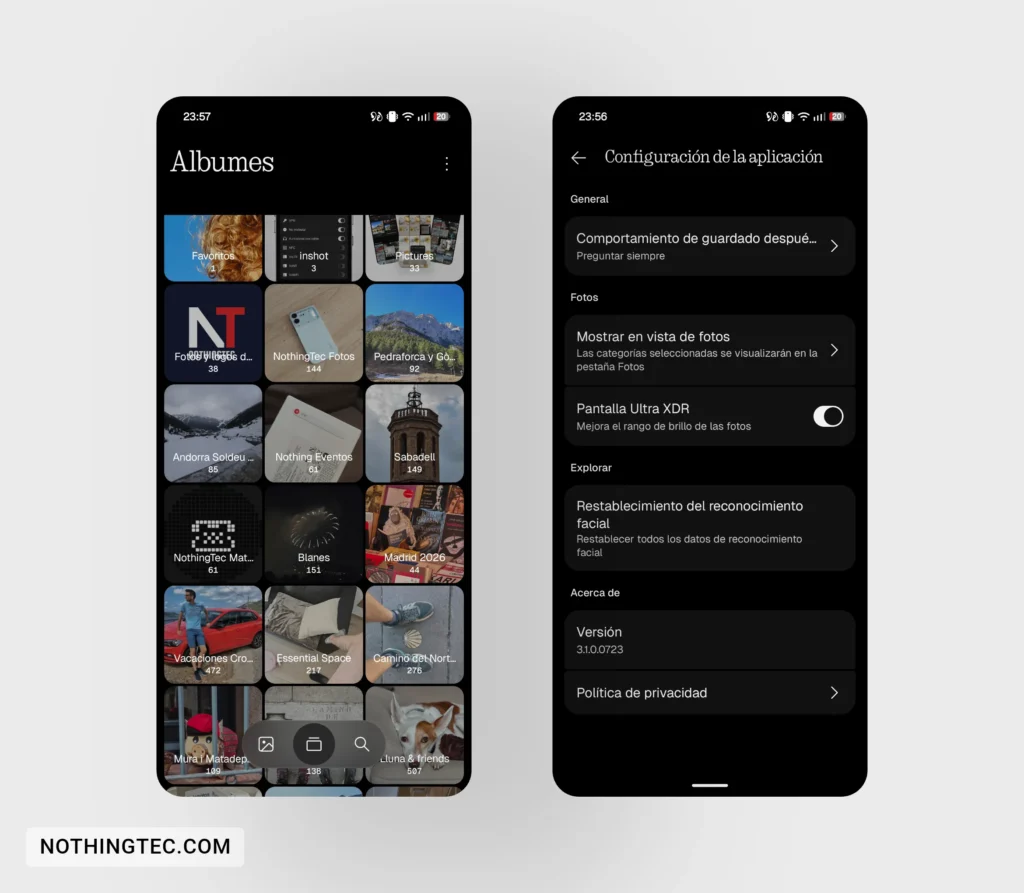
33) Redesign of the Gallery app.
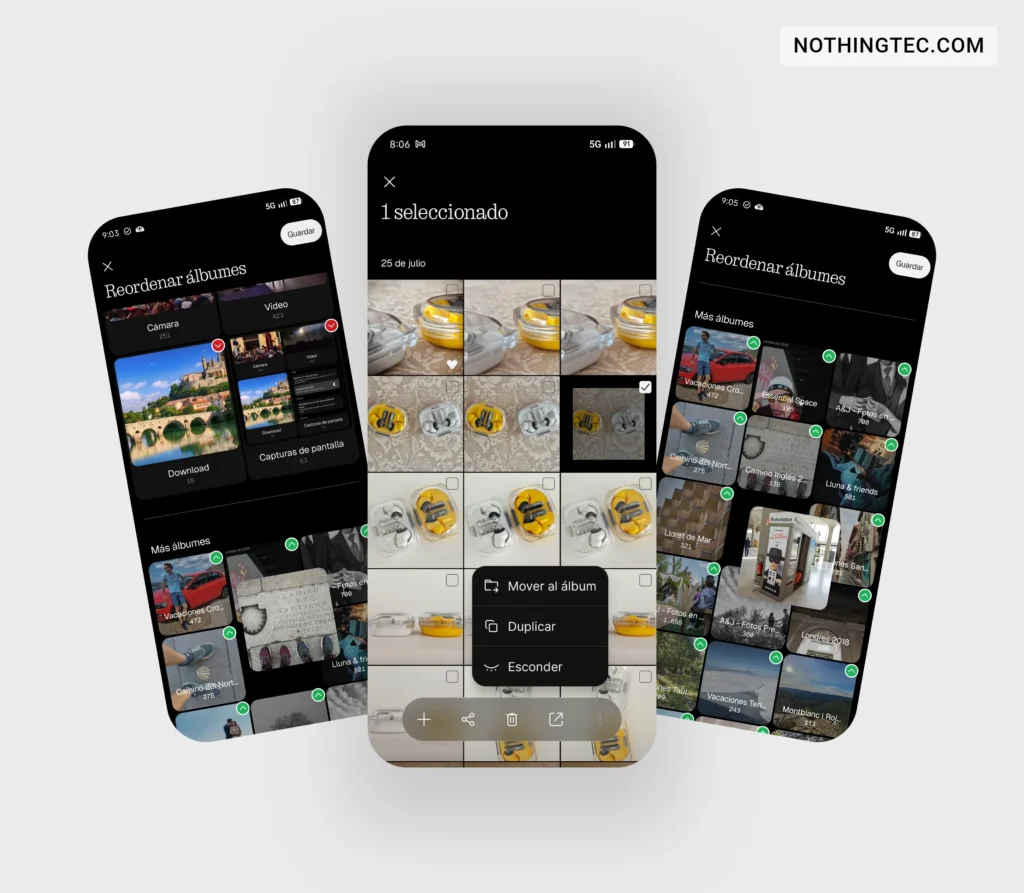
34) New option to reorder albums in the Gallery app.
35) Option to activate or deactivate Ultra XDR in the Gallery app.
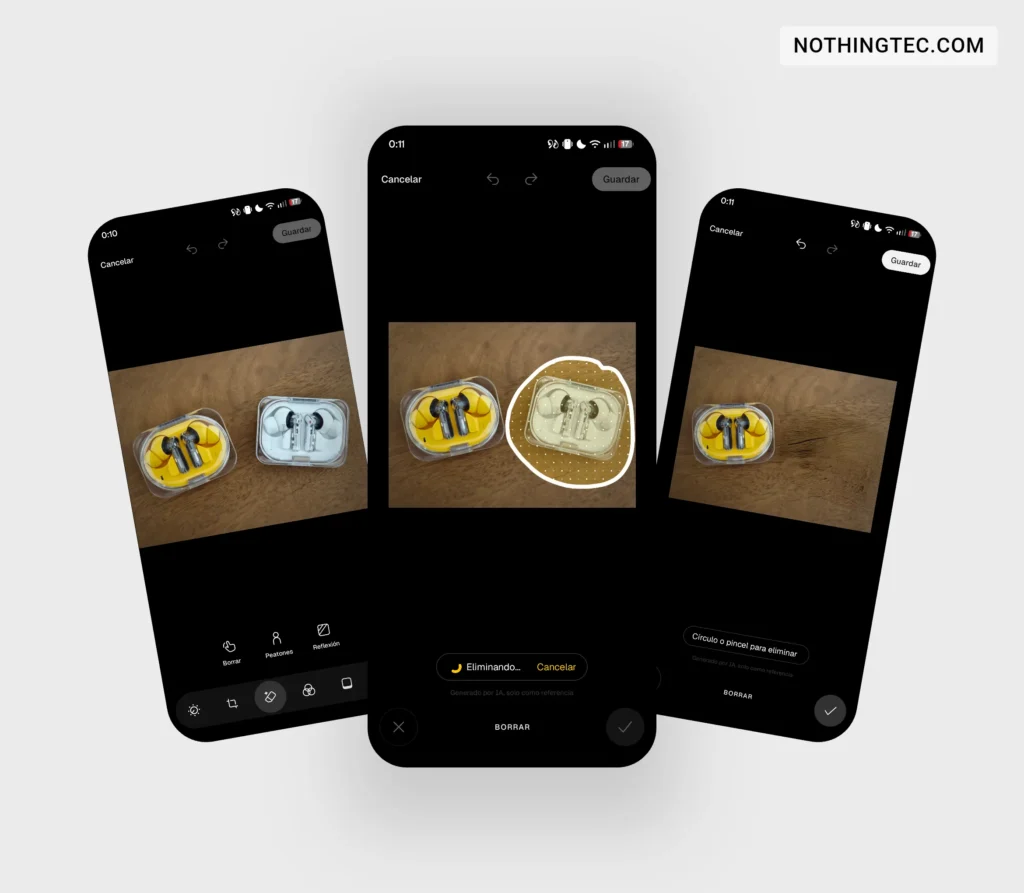
36) New function to delete objects, people and reflections in the Gallery app, as we already saw in Series (4a).
Performance, animations, and system foundation
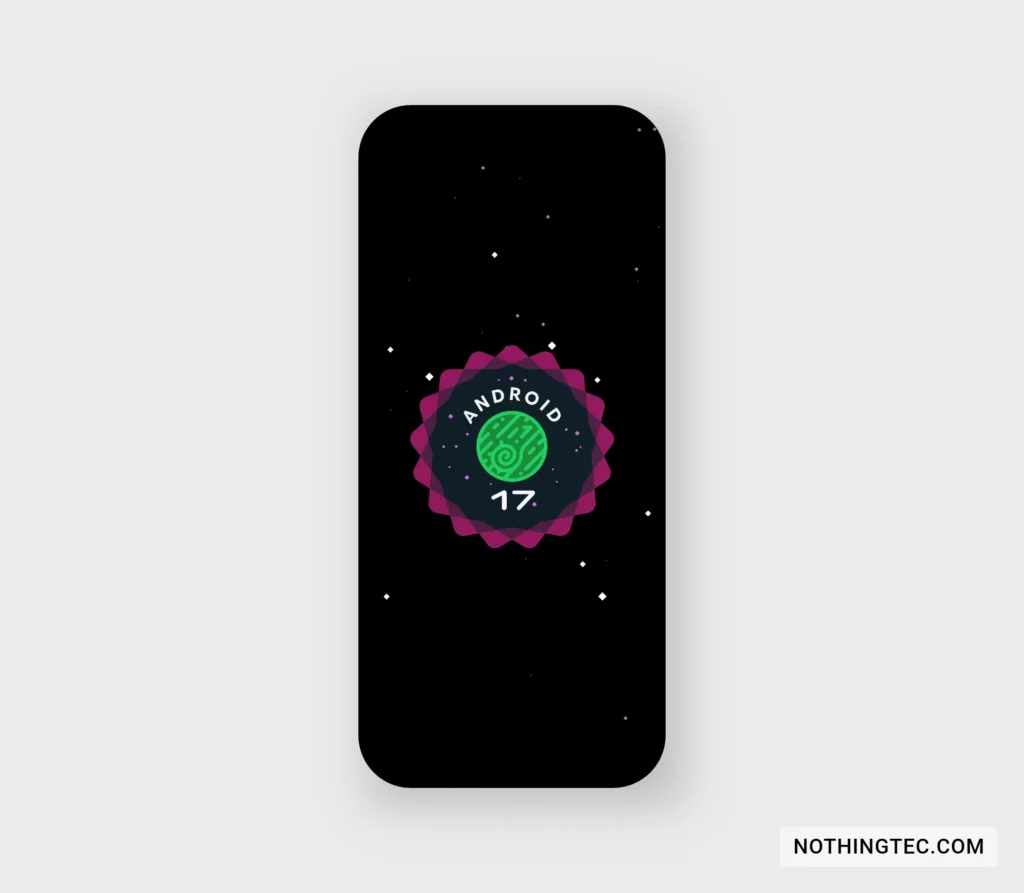
37) Update to Android version 17.
38) Substantially faster animations when waking up or locking the screen or when opening or moving between multiple apps.
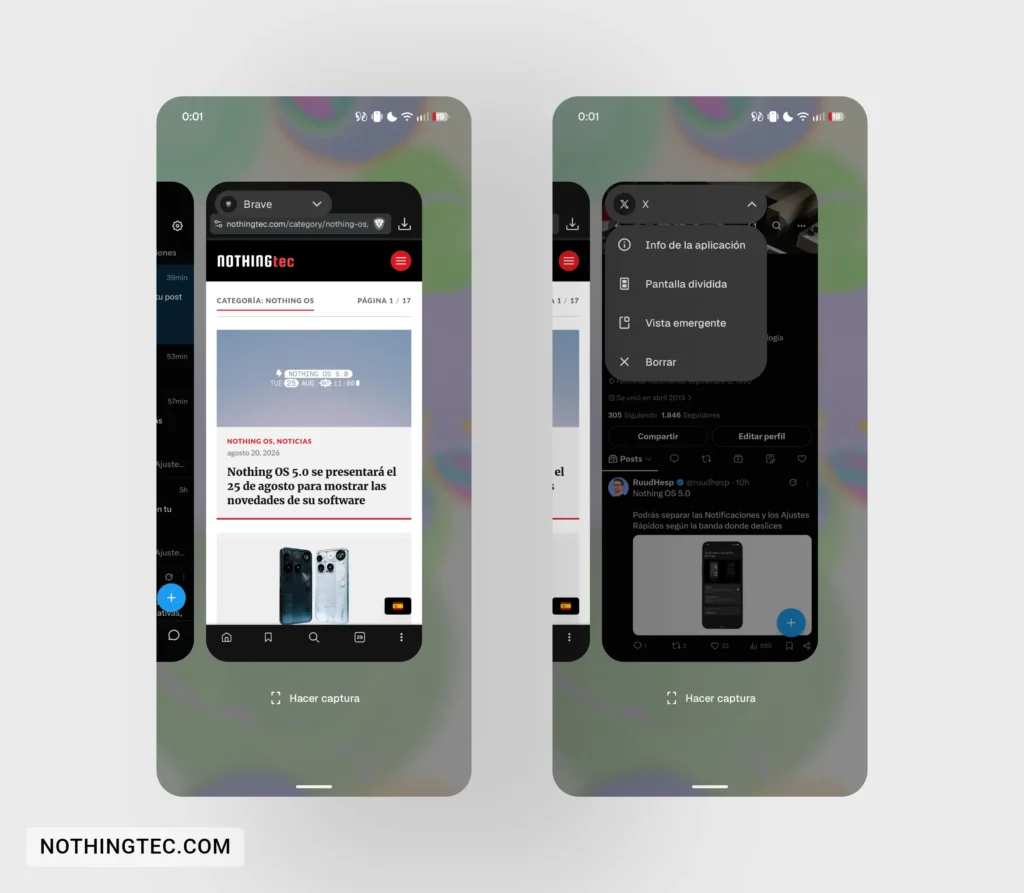
39) Slight redesign in the preview of apps in the background.
40) New animations in the status bar icons when activating vibration mode, Wi-Fi or airplane mode.
41) Greater device intelligence to have the apps you use most ready.
42) Nighttime memory optimization.
43) More animations in case you change direction mid-gesture, to make it faster and smoother.
44) Less consumption of background applications.
ADVERTISING
Essential
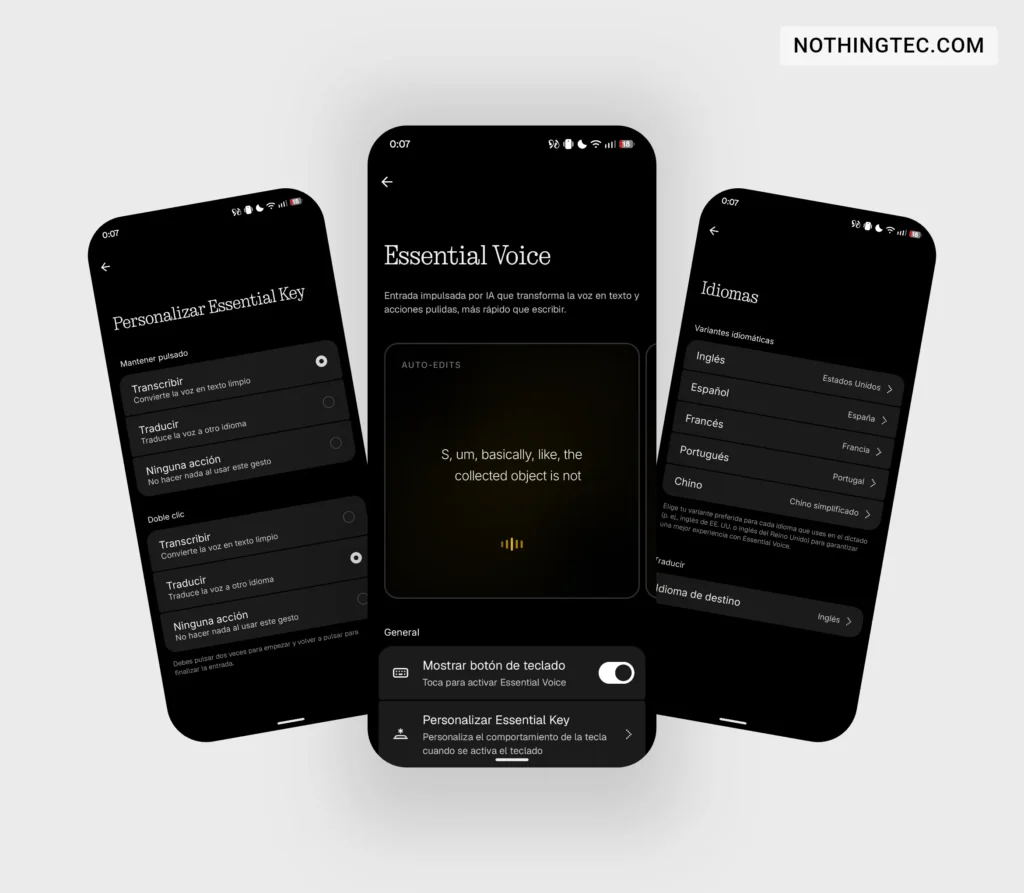
45) Essential Voice with faster and more accurate transcriptions.
46) Essential Voice offers Super Mic support for Ear (3).
47) Essential Voice adds two types of tapping, one for transcribing and one for translating.
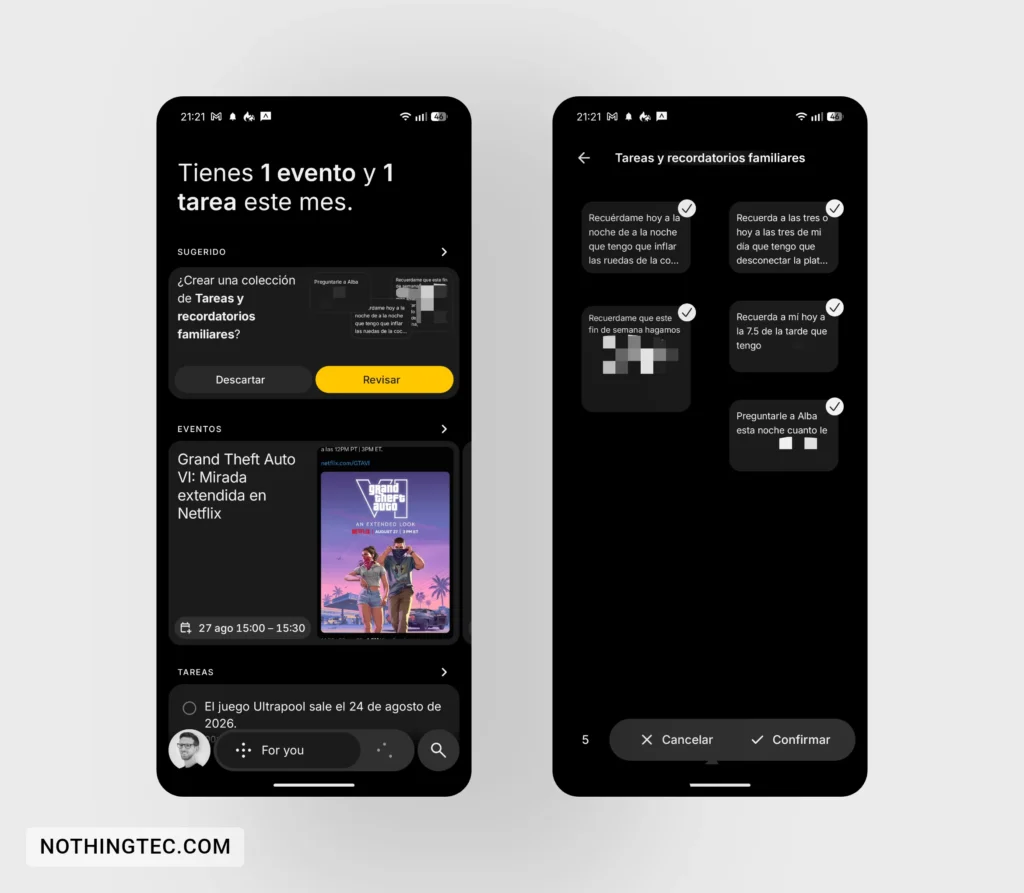
48) Essential Space recommends content for a new or existing collection or suggests creating one based on your content.
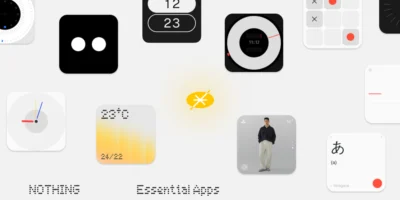
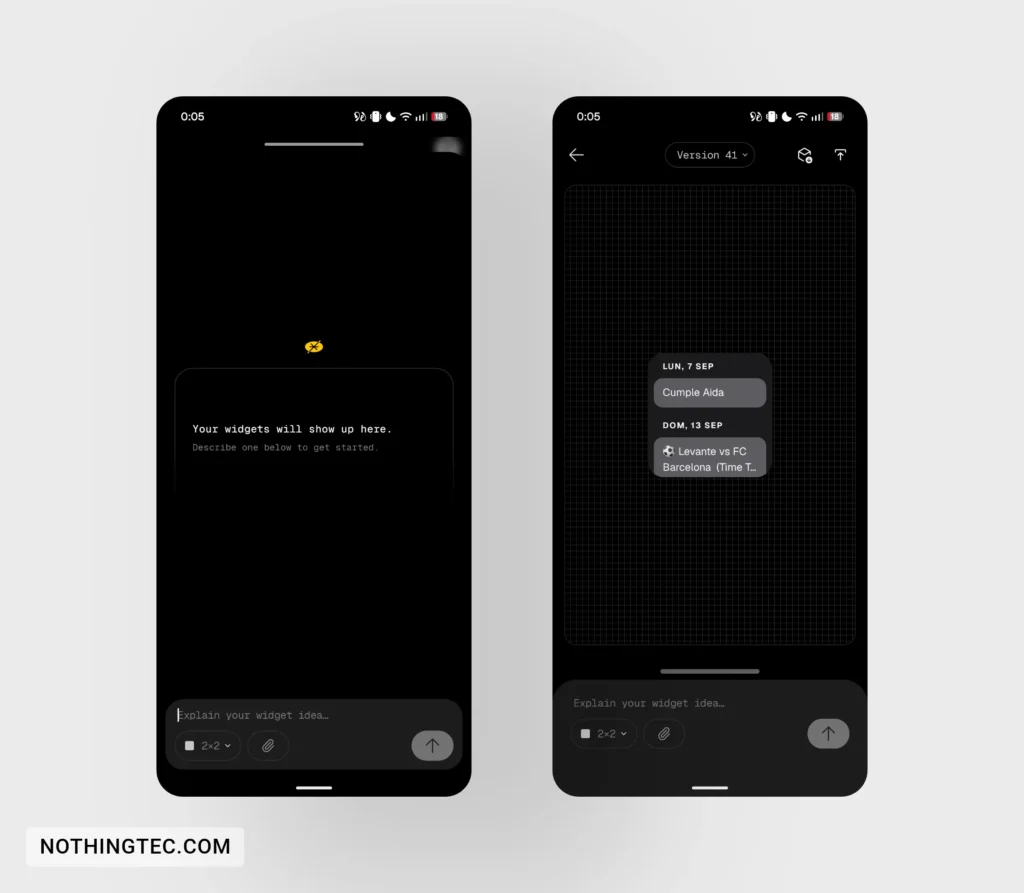
49) You can create "Essential Apps" directly from your phone.
Connectivity and tools
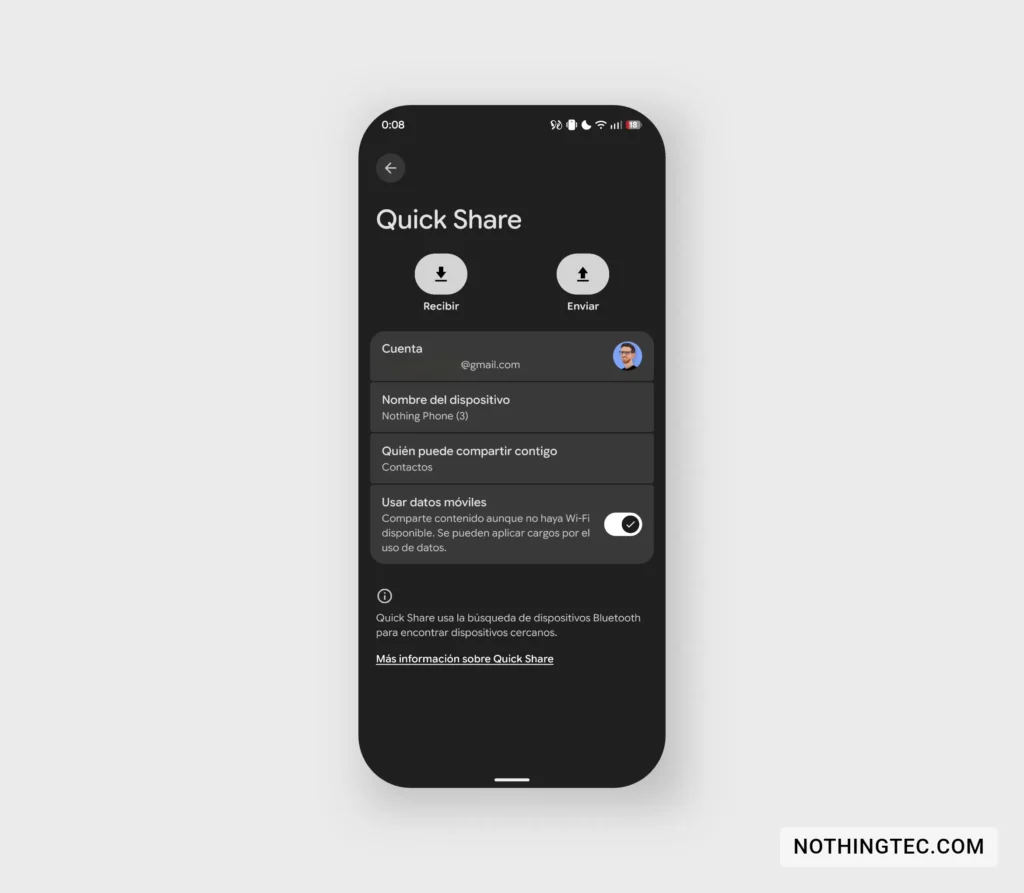
50) Quick Share also works on iOS and generates QR codes to share content.
What do you think of the improvements included in Nothing OS 5.0? Is there one you particularly like? Leave your opinion in the comments! Remember you can follow me on X so you don't miss any Nothing updates.



Praveen Kudari
cmf 2 pro nothing phone update date
ruudhesp
Info: https://nothingtec.com/en/2026/08/26/como-acceder-beta-nothing-os-5-0-dispositivos/