
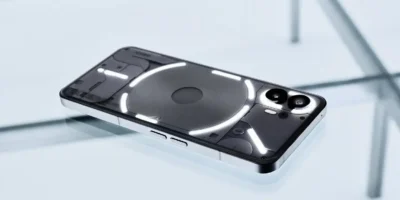
Although Nothing isn't officially releasing Nothing OS 5.0 for the Nothing Phone (2), the community continues to find ways to give this device a second life. The developer known as nothingextended has released a version of its custom firmware based on Nothing OS 5.0 and Android 17, with which users of this phone can try out the new features of a more recent version of the system.
But there's one particularly interesting detail: in addition to incorporating the new software features, this ROM fixes a long-standing issue with the font in headings across several languages that has plagued Nothing devices. This fix demonstrates that the community can also contribute solutions to aspects that Nothing itself has yet to address.
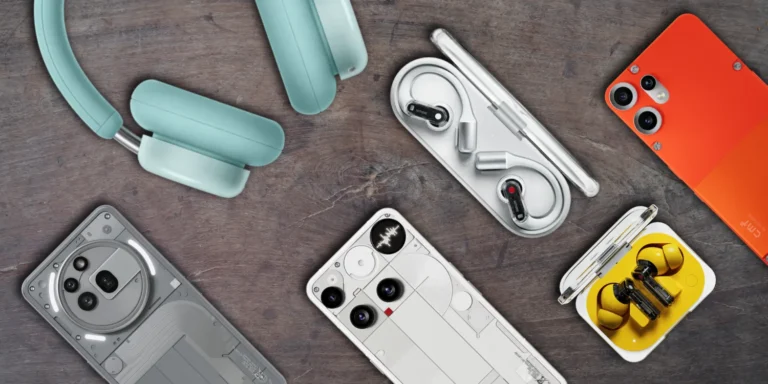
Nothing OS 5.0 arrives on the Nothing Phone (2) via a custom ROM
The latest version of NothingExtended for the Phone (2) is R1.0.1, released on October 18, 2026. It is based on Nothing OS 5.0 and Android 17, and includes the September 2026 security patch.
That said, it’s worth keeping in mind that this is not an official Nothing update, but rather community-developed firmware that is not affiliated with or endorsed by Nothing Technology Limited. As a result, you can’t install it through your phone’s settings like any other system update.
The project is designed for the Nothing Phone (2) from any region and based on Nothing OS 4.1. The package includes the necessary components to install the system and comes with root access via KernelSU Next, which may be of interest to those who want to have greater control over the device.
ADVERTISING
The NType82 font is also coming to more languages
One of the most striking new features in this version concerns the typography of Nothing. With this update, the titles in Settings, the launcher, the system interface, the system update section, and the NothingExtended applications now use the NType82 font in Russian, Ukrainian, Belarusian, Bulgarian, and Macedonian.
Until now, this typographic treatment was only available in languages that use the Latin alphabet, leaving out other languages that use different alphabets. NothingExtended expands that compatibility, ensuring that headings maintain the Nothing visual identity in these languages.
Bugs are also fixed and the interface is improved
The update isn't limited to typographical changes. It also fixes a problem that prevented NFC from being activated in some cases: when trying to turn it on, the switch would turn off again, and payment apps would continue to request that the feature be activated.
In addition, the behavior when switching to or from the Translucent theme style has been improved. Previously, this change could restart the system interface without any warning. Now, a dialog box appears allowing you to either restart the system immediately or apply the change on the next restart.
What you should consider before installing it
Before you rush into installing NothingExtended, there are a few important things to keep in mind. First, That’s why it’s essential to make a full backup before getting started. Therefore, it is essential to make a complete backup before starting.
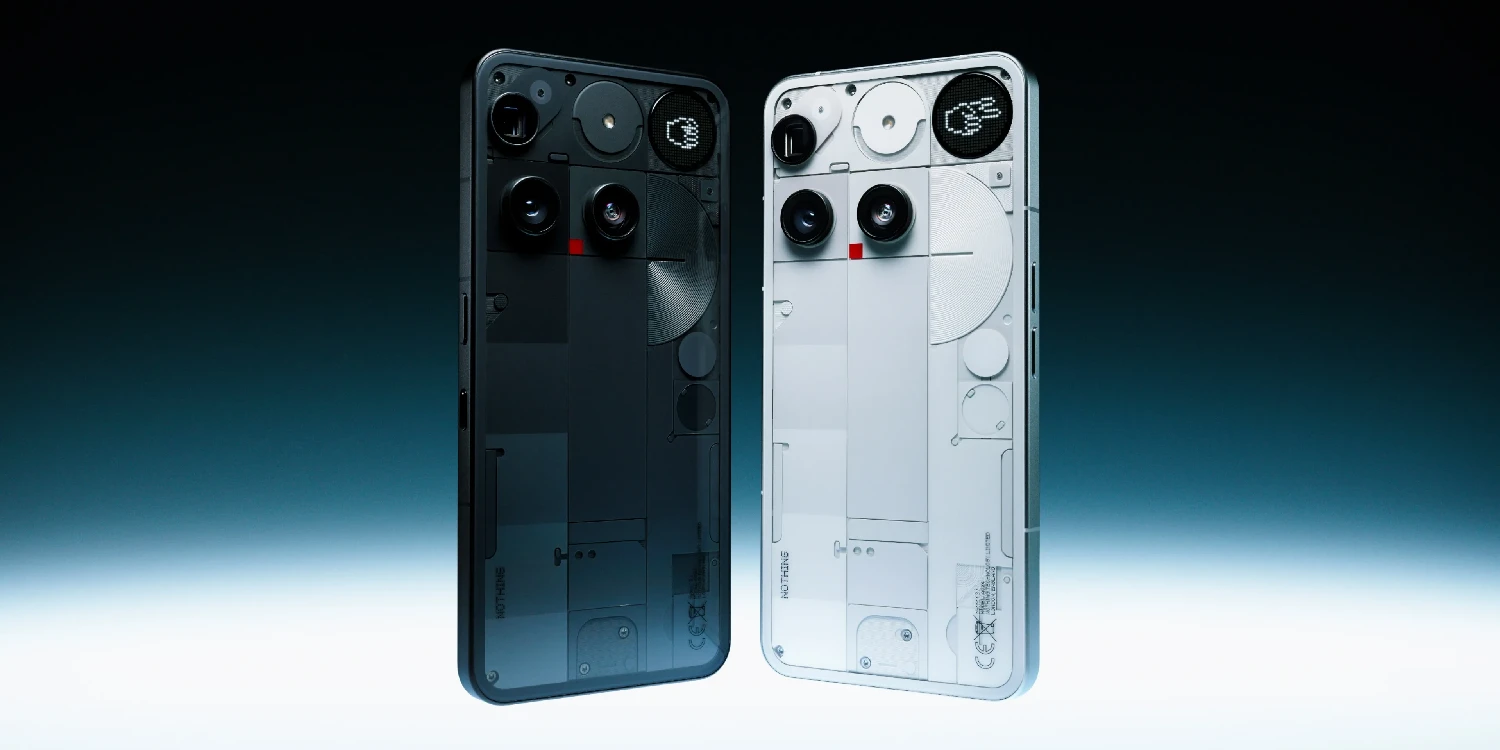
There are also some known limitations. Features that rely on the Phone (3) hardware, such as Glyph Matrix and Flip to Record, are disabled. Essential Space and Essential Recorder are also unavailable, as the Phone (2) does not have an Essential Key. Additionally, Play Integrity checks at the device level fail with the bootloader unlocked, and VoLTE and Wi-Fi Calling are not verified with all carriers.
ADVERTISING
Finally, in some units the proximity sensor may not turn off the screen during calls, an issue that the developer says it is still investigating.
Installation is performed via fastboot from a Windows, macOS, or Linux computer. An over-the-air (OTA) update is also available for those already using NothingExtended, allowing for an upgrade without repeating the initial installation process.
In any case, it's important to remember that this is an independent project and installing it involves assuming its potential risks. The developer himself recommends not relocking the bootloader while NothingExtended is installed, as the phone will not boot with that configuration.
📱 NothingExtended – Click here
NothingExtended is an interesting alternative for those who want to experiment with Android 17 on their Nothing Phone (2), especially because of the bug fixes it includes. However, before installing it, it's advisable to review all the limitations and consider whether it's worth upgrading to an unofficial firmware.



Leave a Reply