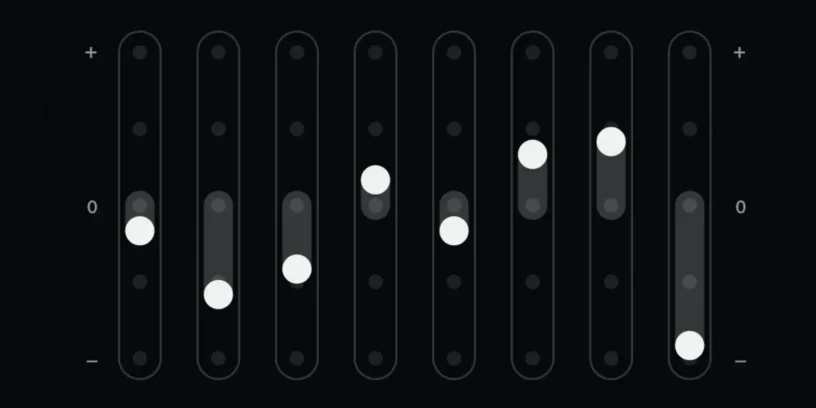


Nothing X It's the official Nothing app that lets users personalize and optimize their headphone experience. With a minimalist interface and advanced features, it offers equalization control, gesture customization, and firmware updates to improve the performance of Nothing headphones.
Specifications and features of Nothing X
- Compatibility: Nothing Ear headphones, Nothing Ear (1), Ear (2), Ear (Stick), CMF Neckband Pro, among others
- Custom equalization: preset settings and manual customization options
- Equalization according to your state: It automatically configures the equalizer after performing a sound test. (Only with some Nothing headphones)
- Noise cancellation control: ANC level adjustment and transparency mode
- Gesture customization: tap and swipe settings on headphones
- Updates: Nothing headphones software update to improve performance and fix bugs
- Headphone search: function to locate the headphones using sound


- Low latency: Game mode to reduce latency in games and videos
- Intuitive interface: Minimalist design and easy navigation
- iOS and Android compatibility: Available on the Google Play Store and App Store
Download Nothing X
- Google Play Store: Download here
- App Store: Download here


The Nothing X It's an essential app for Nothing headphone users, as it allows adjust the sound to each person's preferences, update firmware, and improve the user experience. Its clean and fluid design, along with useful features like headphone locator and low-latency mode, make it an essential tool for those looking for customization and total control about their Nothing devices.




Leave a Reply