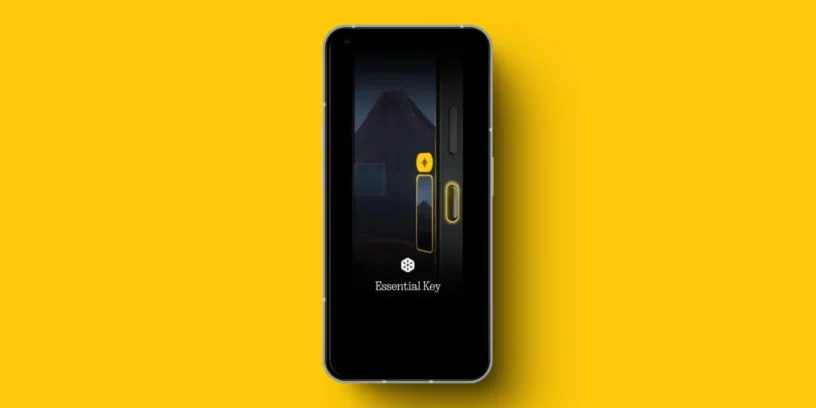



Essential Space It continues to evolve and today receives Two improvements designed to make it easier to share and preserve your ideas and memories. The platform, which until now already offered a minimalist space to capture thoughts and moments, is taking another step to become a more versatile tool.

Flip-to-Record now lets you share your recordings
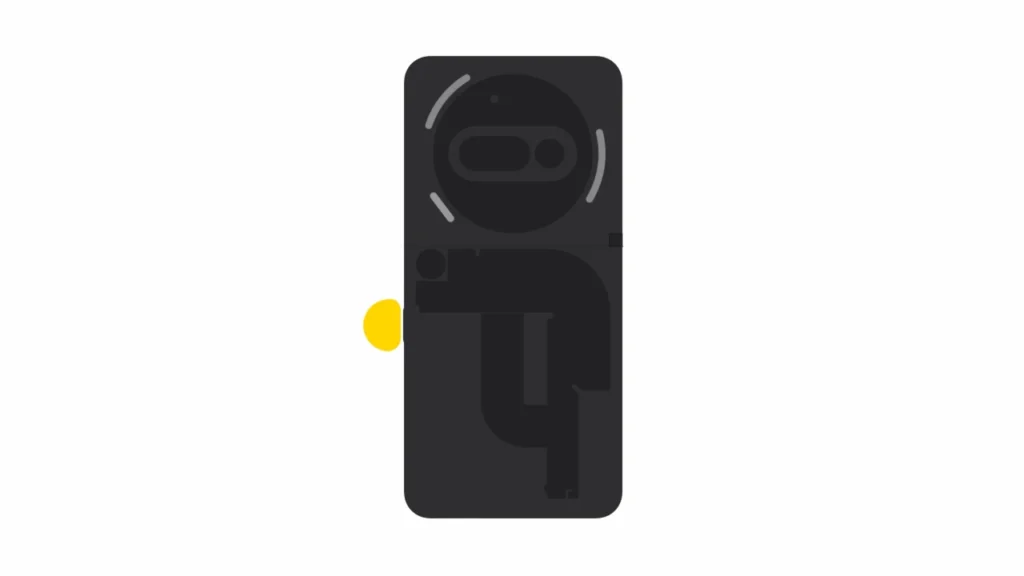
One of the most curious features of Essential Space is Flip-to-Record, which allows you to record audio simply by rotating the phone. Now, those recordings They no longer stay only on your deviceYou can share them directly or save them to listen to later. This makes it a more practical tool for sending quick voice messages, saving personal notes, or even recording creative ideas on the go.
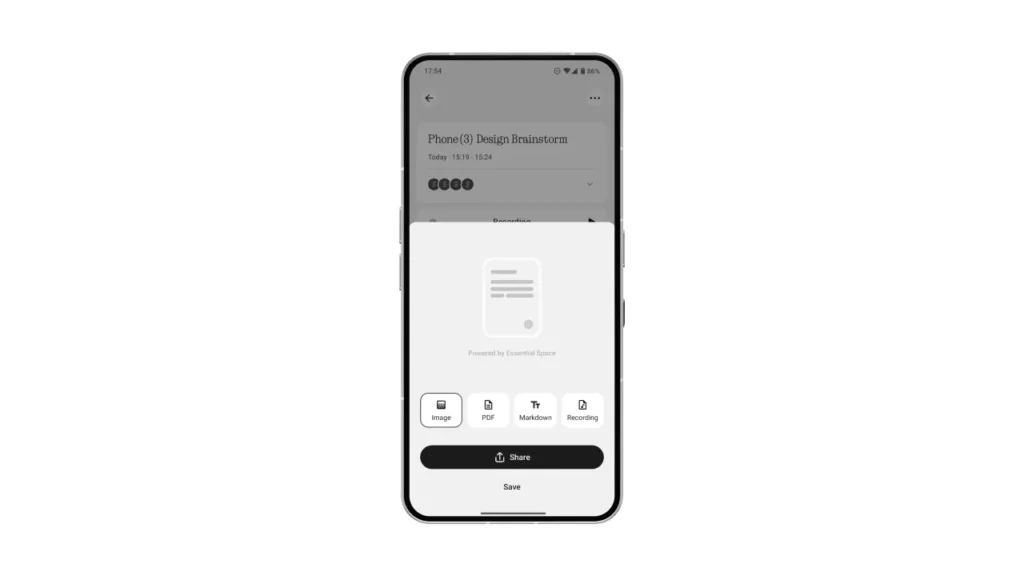
As promised, Flip-to-Record is now available in Essential Space for Phone (3a) and Phone (3a) Pro. You just have to turn the phone over and hold down the Essential Key To start recording: it's that simple. A new Glyph light pattern indicates in real time that recording is in progress, so you always know. Essential Space takes care of the rest: it recognizes different voices in meetings, transcribes conversations, and generates AI-powered summaries, complete with actionable tasks.
Your Memoirs, ready to export
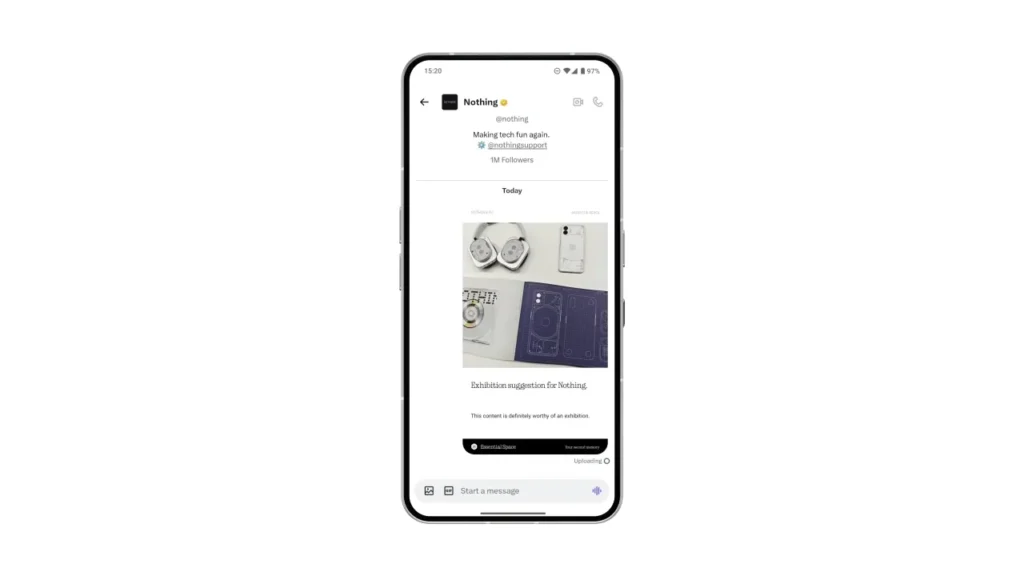
The other big news is that now You can export your Memories —the daily content you capture in Essential Space— in different formats: image, PDF or Markdown. All with a single tap, generating a file ready to share or archive. This is especially useful if you want to save an offline record, send it to someone else, or integrate it into other applications and workflows.
How to update
If you have the automatic update enabled, Simply connect your device to a Wi-Fi network to receive updates. Otherwise, you can go to the Essential Space listing on Google Play and update manually.




Leave a Reply