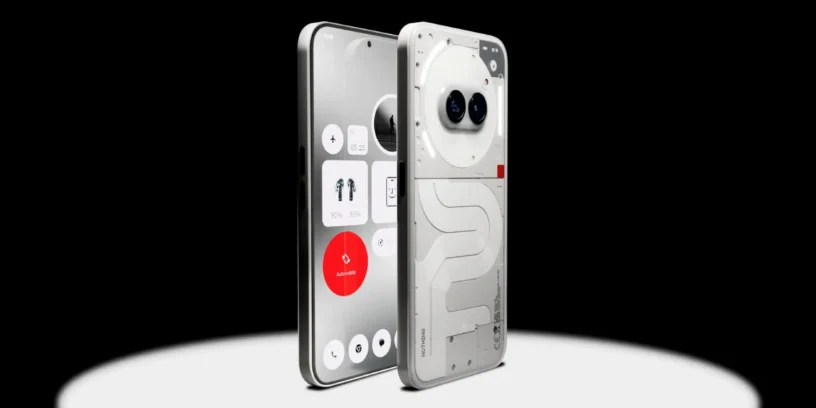



The company continues to refine its more affordable range with a new software update for the Nothing Phone (2a). This is version Nothing OS V3.2-250815-1642, which is already rolling out to users gradually. As always, it's worth remembering that these updates may take a few days to appear on all devices.
What's new in widgets
One of the areas that receives the most improvements in this update is the widgets. Now the Shared widgets support more sticker types, and so much pedometer app, such as screentime They can now be shared. Furthermore, location access notification in the weather widget It has been optimized to make it clearer and less intrusive.
Camera improvements
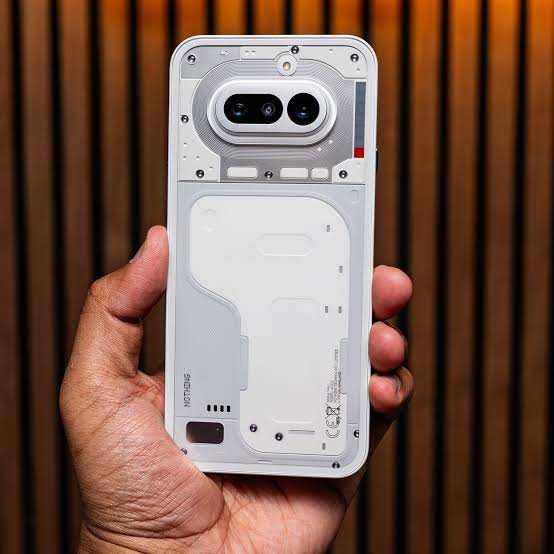
The camera is another area where Nothing has focused its efforts in this version. Improved overall stability of the camera app And, as an interesting new development, it has Added an option to choose the default gallery when previewing photos within the application settings.
General corrections and improvements
This patch also focuses on polishing details of the daily user experience:
- 📱 Shared widgets now support more sticker types.
- 🚶 Pedometer and Screentime can now be shared.
- ⛅ Location access notice in the optimized weather widget.
- 📷 Greater camera stability.
- ✅ Default gallery option in camera settings.
- 🛠️ Improved stability of the Pop-up View.
- 🔧 Fixes errors in tile display in Quick Settings.
- 🗃️ Fixed issue opening PDFs in cloned apps.
- 📊 VoNR icon optimization in the status bar.
- 🔋 Better battery usage when connecting watches to the device.
- 🔤 Fixes Inter font problems in apps like Instagram or Subito.
- ⚙️ Improved system stability and optimized performance.
- 🛡️ Update to the September security patch.

Important notes
Nothing reminds us that, after installing the update, the The device may heat up and consume more battery than usual for a short period of time, then returning to normal. They also recommend sending feedback from the device itself to Settings > System > Feedback to improve future versions.
The company is doing a good job keeping up to date Phone (2a). I would highlight the option to choose the default gallery in the camera, A practical detail that many users will appreciate, and the effort put into optimizing battery life and stability, something that always makes a difference in everyday use. Keep up the great work, Nothing!



Leave a Reply