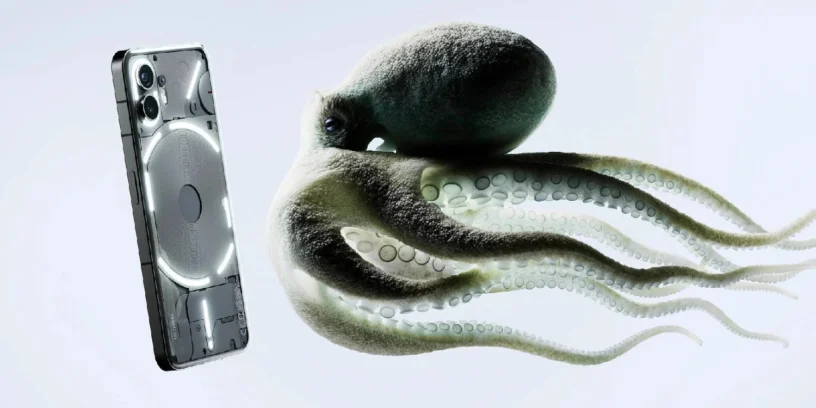



The wait is over for many users of Nothing Phone (2), especially for those passionate about photography. The new version Nothing OS V3.2-250828-1921 Its rollout has begun, and it brings with it one of the most anticipated and desired features: camera presets. This update not only improves performance and fixes bugs, but also offers new creative tools for users to capture unique photos.

What's new in the update
The changelog for this update focuses largely on new camera features, something users have been clamoring for.
- 📷 Camera Preset: The option is now available Presets in the camera app settings.
- 🎨 Preset «Stretch»: A new preset called “Stretch,” created in collaboration with photographer Jordan Hemingway, has been introduced. This mode features rich shadows and extended highlights for unique photographic results.
- ✅ Gallery: The default gallery options have been updated to preview photos directly in the camera app settings.
- 🚶 Widgets: The widgets of Pedometer and Screen time They now support the sharing option.
- 📱 Stickers: Shared widgets now support more sticker types.
General improvements and fixes
As usual, this update also includes a number of important fixes to improve the overall stability and smoothness of the system.
- 🔧 An error in the display of the quick settings icons has been corrected.
- 🗃️ The problem that prevented opening PDF files in cloned applications has been resolved.
- 📊 The icon display has been optimized VoNR in the status bar.
- ⛔ The problem that prevented blocking connected devices in the Wi-Fi zone has been fixed.
- 🔋 Battery usage has been optimized when the mobile phone is connected to watches.
- 🔤 Issues with the Inter font in apps like Instagram and Subito have been fixed.
- ⚙️ The overall stability of the system and the network connection have been improved.
- 🛡️ It has been updated to September security patch.
Important notes
It's crucial to remember that the device may temporarily warm up and consume more battery during installation. This is completely normal, and the phone will return to its usual state once the process is complete.
You can send your feedback through the app. Settings, in the menu System > Comments.



Leave a Reply