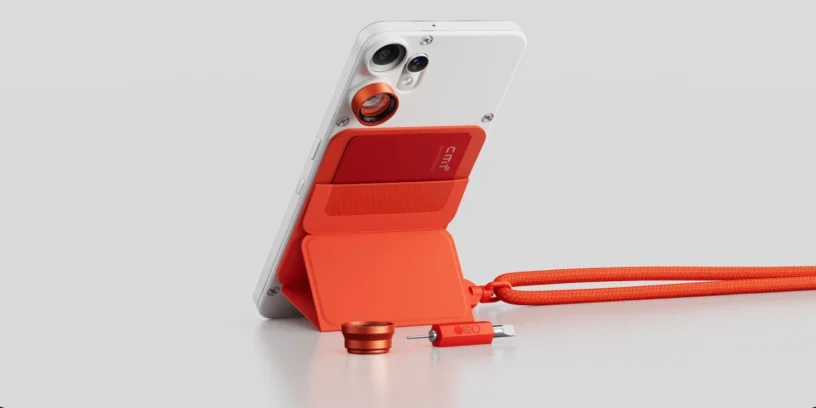



Nothing has begun rolling out a new version of its customization layer for the CMF Phone 2 Pro. This update is especially significant, as it marks the official leap to Nothing OS 4.0, based on the latest version of Google's operating system, Android 16. This move demonstrates the brand's commitment to keeping its devices, including those in the CMF line, at the forefront of software.
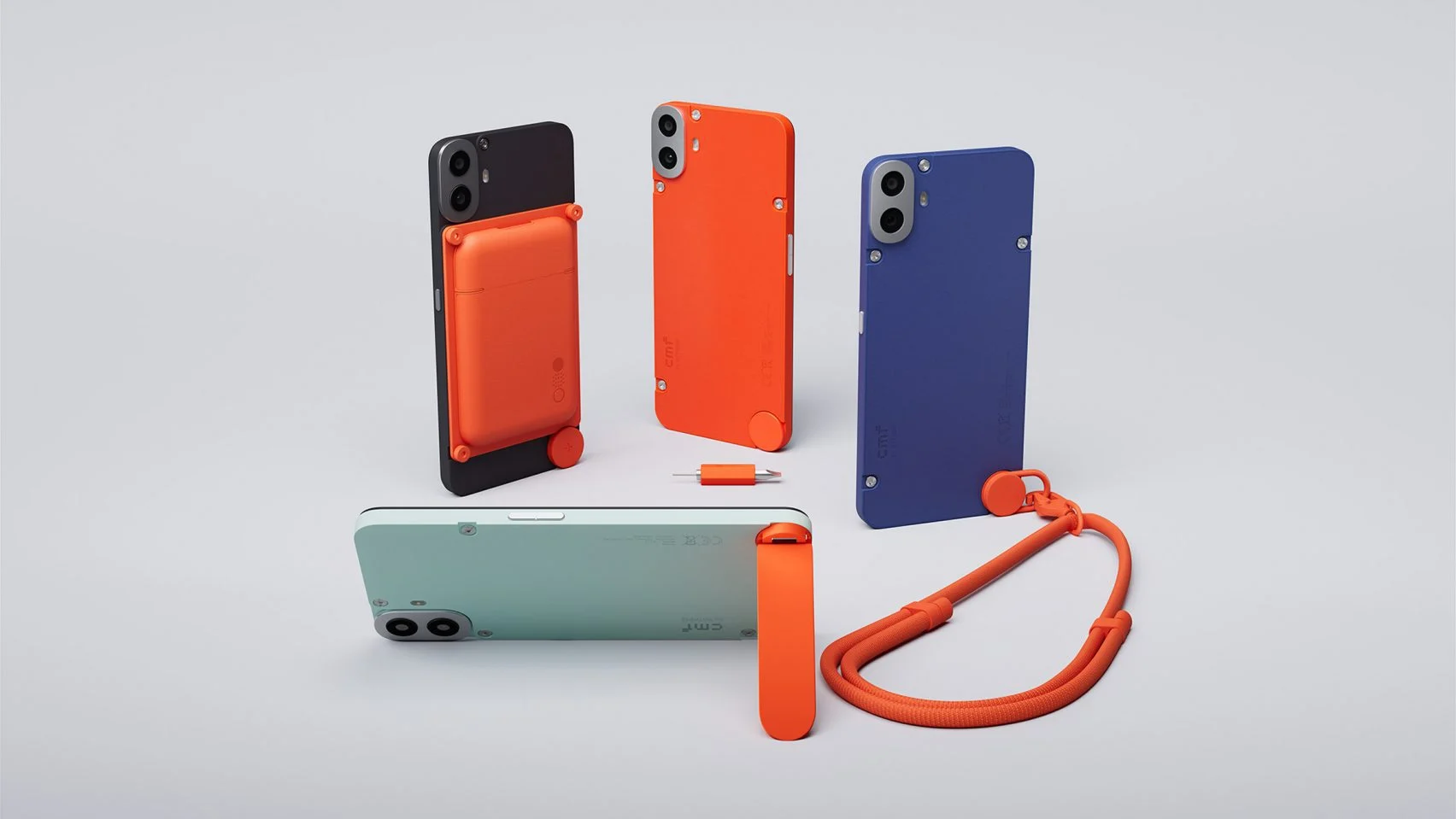
The highlights of this release are the deep integration of artificial intelligence and its openness to the community. It introduces the AI usage dashboard to improve privacy and the new Playground, A space where users can experiment with apps and settings created by the community itself. Visual customization also receives a significant boost with new app icons and an even deeper dark mode.
News and change log
This major update to Android 16 comes loaded with features that refine the user experience. Before installing it, my personal recommendation is that you perform a backup of your important files, as this is a major version upgrade. Here's a detailed breakdown of everything included in this new version:
New features
- 🤖 The AI usage panel has been added. When using Essential Space, it automatically tracks the use of large AI models for greater privacy transparency. Path: Settings > Intelligence Toolkit > AI Usage.
- 🕶️ You can now hide apps directly from your home screen and app drawer. Find hidden apps by going to: Home screen > App drawer > Hidden icons.
- 🔍 You can now manage the scope of your search in the app drawer to show results within a specific area.
- 📏 More size options were added for the Weather, Pedometer, and Screen Time widgets.
- ↔️ The 2×2 size is now supported by most Quick Settings tiles.
- 🟢 The pop-up view now supports two floating icons for easier switching.
- ⚡ The system update supports app optimization to improve startup speed. Path: Settings > Apps > App optimization.
- 🔔 It is now possible to set different ringtones for dual SIM cards.
ADVERTISING
Essential innovations
- 🛝 Introducing Playground (Alpha): a place to experience unique Community creations, including Essential Apps, Camera Presets, and EQ Profiles.
- 🪀 Essential Apps (Alpha) are now available for download. Enjoy AI-powered, community-created apps that combine creativity with efficiency.
Visual improvements
- 🌠 Nothing's app icons have been redesigned with a completely new and fresh look.
- 📶 Updated status bar icons with a more intuitive look.
- ⏱️ Two new clock faces were added to the lock screen under Personalization.
- 🌑 Extra Dark Mode is now available, providing a more immersive dark style. Path: Settings > Display > Dark theme > Extra Dark Mode.
Camera improvements
- 🎛️ Presets: Updated default list with new popular styles.
- 🎨 Filters: Added intensity adjustment and exclusive 'Stretch' styles.
- 🖼️ Watermarks: New Nothing brand watermarks and artistic frames have been introduced.
ADVERTISING
A necessary generational leap
The arrival of Android 16 on the CMF Phone 2 Pro isn't just a number change; it's a statement of intent. I especially like the focus on the AI usage dashboard, Since AI is ubiquitous these days, knowing what data is being processed and how is vital for our peace of mind. Furthermore, optimized app launch times are something users will appreciate on a daily basis, maintaining the brand's signature smooth experience.
Remember that, as is typical with Nothing, this firmware rollout is done in stages. If you haven't received the notification yet, it will arrive on your device in the coming days. The device may temporarily warm up and increase power consumption during the update, but it will quickly return to normal after the process is complete.



Leave a Reply