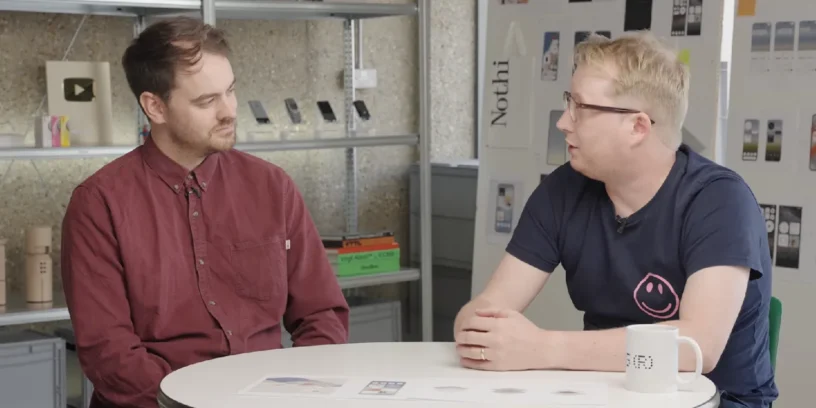
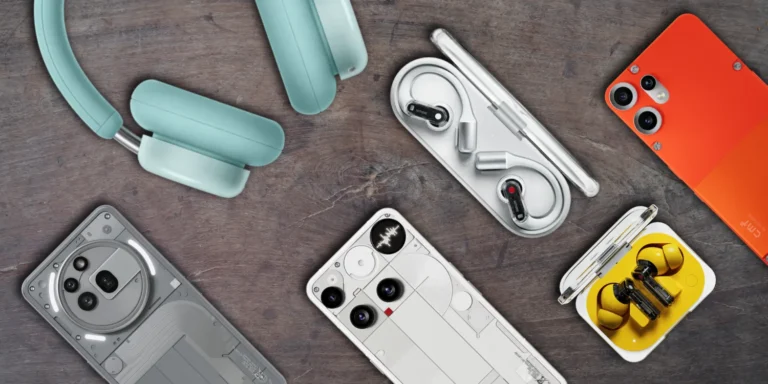
Let's be clear: creating different software these days is no easy feat. In a market where almost all customization layers end up looking alike, Nothing remains committed to forging its own path. This time, it was Dan, the firm's head of software after joining at the beginning of the year, who decided to get his hands dirty and chat directly with the community in the official forum to explain how they work internally.
Prioritize or die: the philosophy of discarding great ideas
Leading the software development for a brand like Nothing means dealing with hundreds of proposals every day. Good ideas are plentiful, but the most valuable resource for any development team is time. Dan explains that every feature that enters the system goes through a triple filter: raw telemetry data, direct user feedback, and a touch of intuition about what truly represents the brand.
Ultimately, the core idea behind everything remains the same as from day one: to avoid excess. At a time when phones seem designed to hijack our attention for hours, Nothing prefers to focus on a clean, distinctive interface designed so that users only use their phones when absolutely necessary.
Nothing OS 5.0: Less frills and more solving real problems
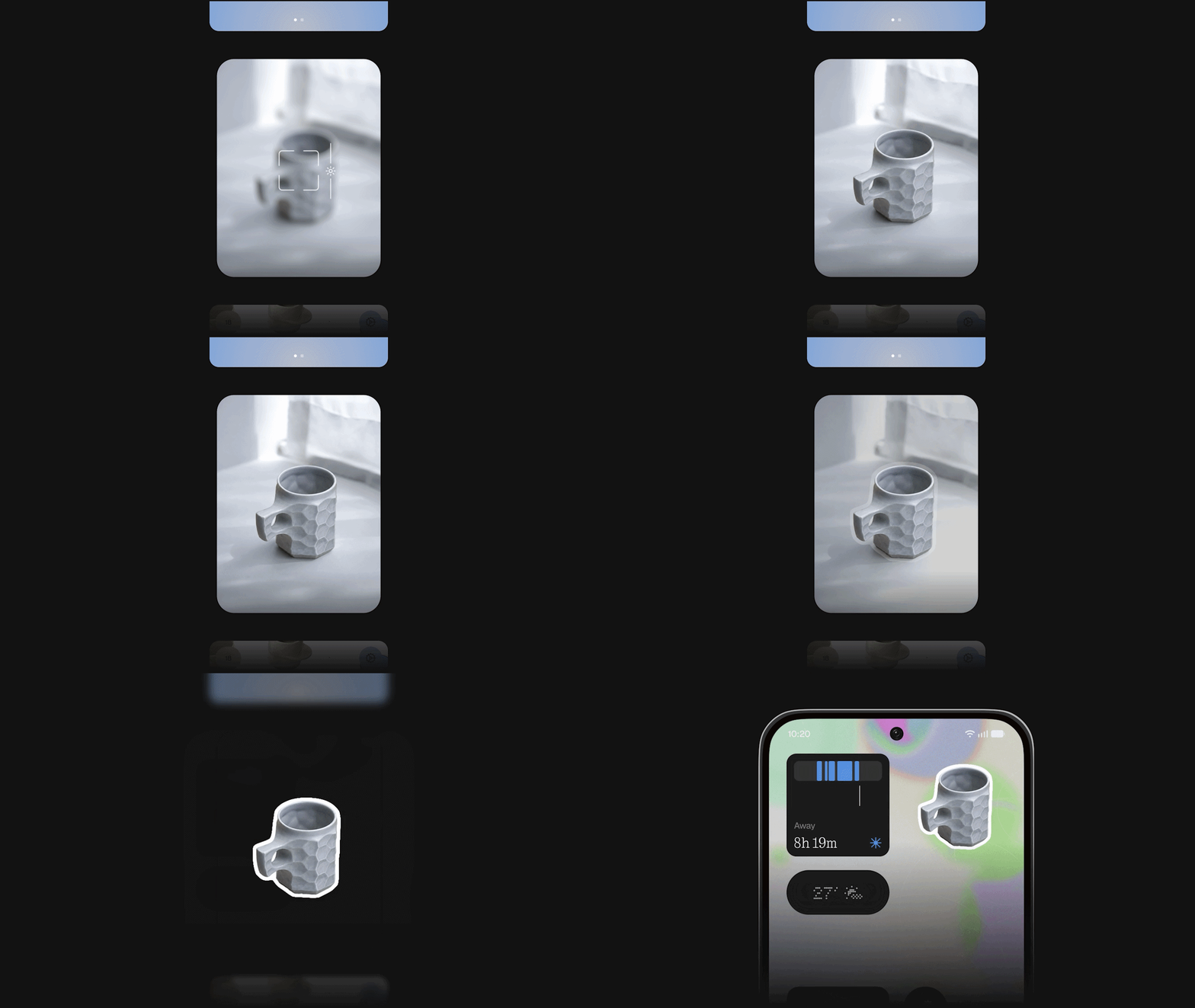
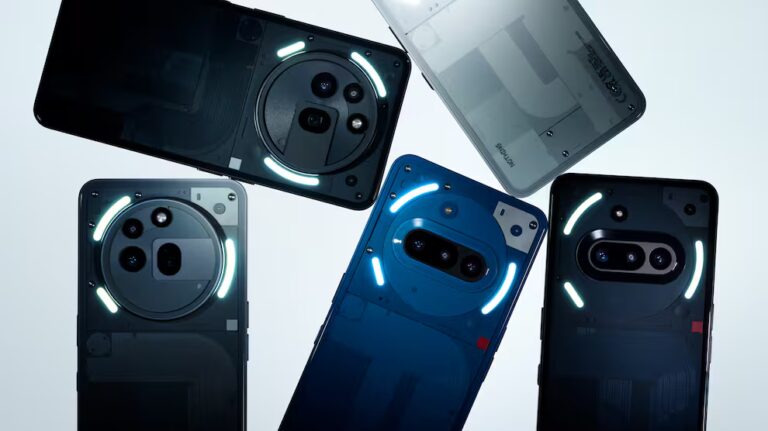
With the arrival of Nothing OS 5.0, the main objective wasn't to inflate the list of new features with showy additions, but rather to conduct a serious audit of what already existed. A good example of this is what happened with the Glyph interface and Essential Notifications. Internal data showed that many users struggled to configure this feature or simply abandoned it due to its lack of intuitiveness. Instead of giving up on it, the response was to create the dedicated Glyph app to simplify it completely.
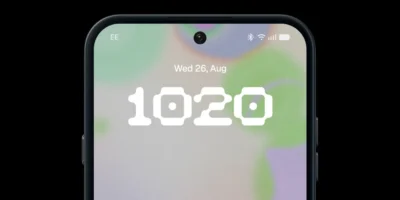
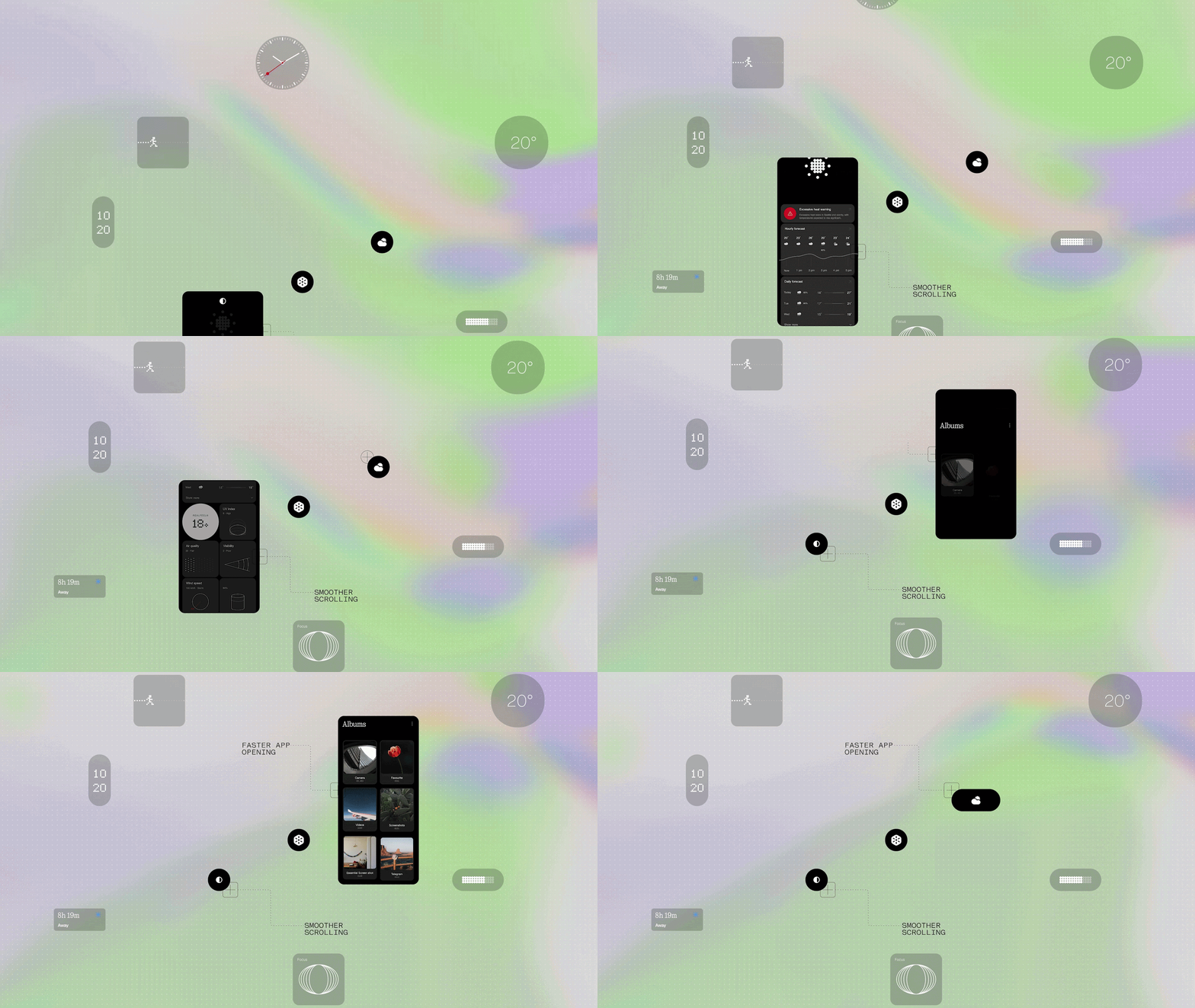
In addition to this usability overhaul, the system has received a visual refresh: smoother animations, performance tweaks, and new clocks for the lock screen. A standout feature is the "terminal" style watch face, designed for those who enjoy having technical information at a glance, alongside a more minimalist option for those seeking a clean and uncluttered look.
ADVERTISING
Why don't they create their own apps for Phone or Calculator?
It's one of the most frequent requests from die-hard fans: why doesn't Nothing release its own phone dialer or native calculator app instead of relying on Google's standard design? Dan's explanation is as pragmatic as it is compelling: a balance between cost and real value.
Developing a phone dialer from scratch isn't just about designing a pretty interface with dots and retro typography. It involves a labyrinth of regulatory certifications, agreements with carriers around the world, and constant maintenance after every Android update. Furthermore, Google's tool works flawlessly, offering spam protection and call filtering. Spending human and financial resources redoing something that already works well would mean taking time away from developing truly unique features. In Dan's own words: the phone might look prettier, but it wouldn't work any better.
What's coming: Nothing OS 5.1 and the foundations of version 6.0
As version 5.0 is gradually rolling out across compatible devices, sights are already set on what’s next. The upcoming update, Nothing OS 5.1, will be a more refined package, but it will bring one of the most requested features by the community: the ability to freely remap the Essential Key.
Meanwhile, development for Nothing OS 6.0 looking ahead to next year is already underway. The product team will head out into the field once again to conduct interviews, visit stores, and analyze how the relationship with our devices is evolving. It’s a roadmap that proves listening to the community remains at the heart of everything.



Leave a Reply